Nancy Miller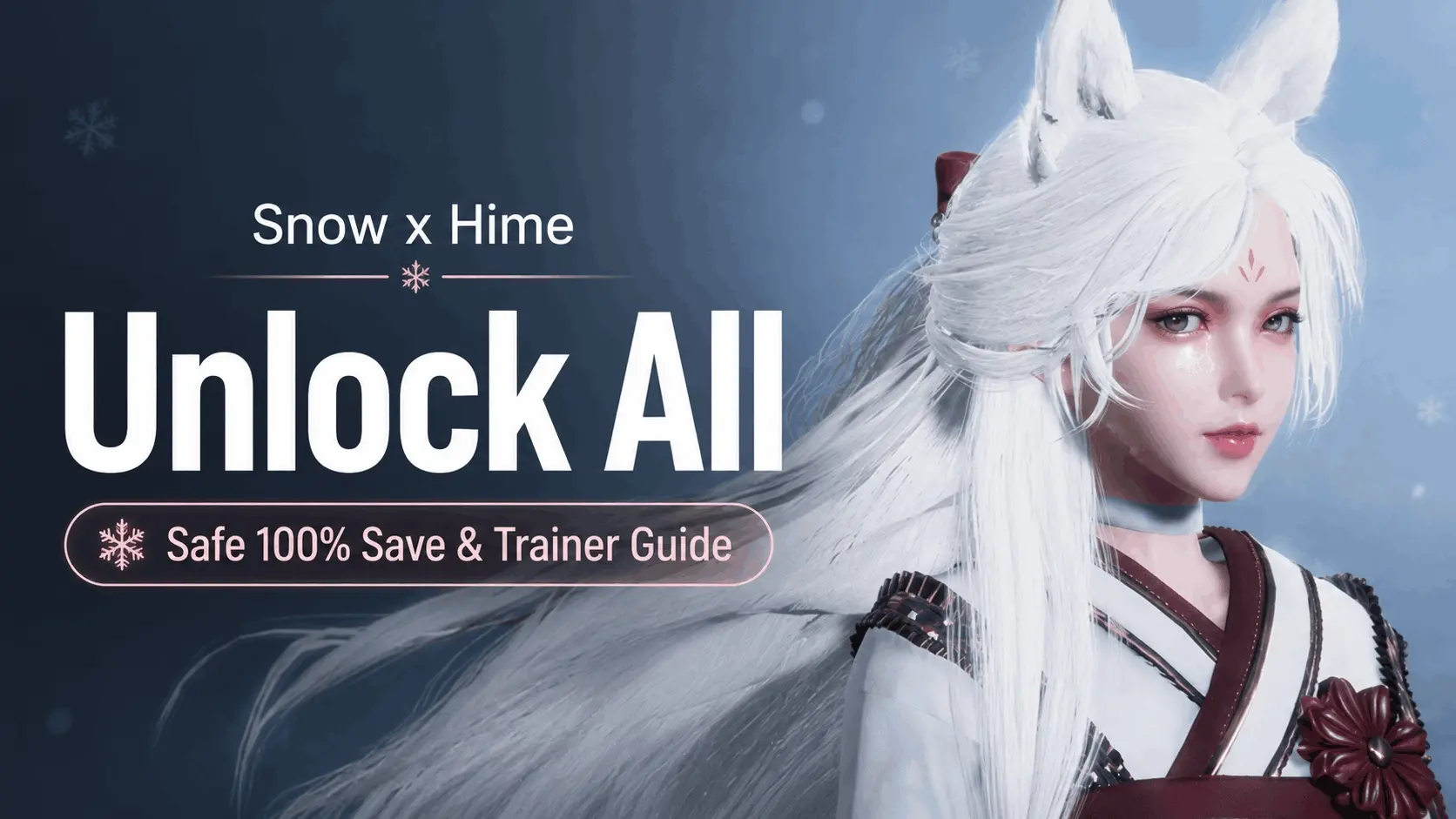
To perform a Snow x Hime unlock all, players must locate their local save folder at AppData\LocalLow\Sika Game\Snow x Hime, disable Steam Cloud, and replace the existing save data with a verified 100% completion file. Alternatively, using a dedicated single-player trainer allows players to bypass difficult puzzle stages instantly, unlocking all gallery CGs without manually editing game files.
Key Takeaways
- Save File Path — Locate your local progression data at AppData\LocalLow\Sika Game\Snow x Hime.
- Steam Cloud — You must disable Steam Cloud synchronization before replacing save files to prevent overwriting.
- Trainer Utility — Single-player trainers offer an instant puzzle bypass without requiring manual file edits.
- Uncensored Patch — The base Steam version requires an official patch to display the full gallery.
- Safe Modding — Avoid sketchy .exe unlockers from unverified forums to prevent malware. Let’s break down the details below.
Snow x Hime Version Differences Explained
The Steam version of Snow x Hime is censored by default, meaning a 100% save file won’t show all CGs unless you first install the official uncensored patch. Understanding these version differences is the critical first step before attempting to modify your game files. According to platform content guidelines, developers often have to strip explicit content from the base game to comply with storefront policies.
Steam Censorship and Snow x Hime Patch Download
Before you can achieve a true Snow x Hime unlock all, you need the official patch. Sika Game provides a free Snow x Hime patch download that restores the removed artwork. If you apply a 100% completion save file to the vanilla Steam build, the gallery will register as unlocked, but the explicit variants of the CGs will remain hidden or obscured by fog effects. Community reports on the Steam forums confirm that installing the patch first prevents corrupted gallery triggers.
Why You Need a Snow x Hime CG Unlocker
The core gameplay loop involves matching puzzles that progressively increase in difficulty. For casual players, these stages can become a tedious roadblock preventing access to the story and artwork. This is exactly why a Snow x Hime CG unlocker—whether through a save file or a trainer—is highly sought after. Bypassing the grind allows you to experience the visual novel elements uninterrupted.
Patch Requirement
Always install the uncensored patch before replacing your save file. Applying a 100% save to a censored game build can cause permanent gallery glitches.
Where is the Snow x Hime Save File Location?
The Snow x Hime save file location is found in your Windows AppData directory at %USERPROFILE%\AppData\LocalLow\Sika Game\Snow x Hime. You must navigate here to manually replace your progression data. Unlike many modern titles that save in the Documents folder, Unity-based games typically use the LocalLow directory.
Finding the Sika Game AppData Folder
To locate the exact folder, press the Windows Key + R to open the Run dialog box. Type %appdata% and hit Enter. This will take you to the Roaming folder; you need to go back one level to the main AppData folder, then open LocalLow. From there, find the “Sika Game” folder, and inside, the “Snow x Hime” directory. This folder contains your current gallery progression and configuration files.
Disabling Steam Cloud for Snow x Hime
Before modifying any files, you must disable Steam Cloud synchronization. If you skip this step, Steam will detect a mismatch between your local files and the cloud servers upon launch, automatically overwriting your downloaded 100% save with your old, incomplete data. Right-click Snow x Hime in your Steam Library, select Properties, navigate to the General tab, and toggle the Steam Cloud switch to the off position.
Hidden Folders
If you cannot see the AppData folder, you need to enable ‘Hidden items’ in the Windows File Explorer View tab.
How to Install a Snow x Hime 100% Save File
To install a Snow x Hime 100% save file, download a clean save folder from a trusted community forum, back up your original files, and paste the new data into the Sika Game directory. This manual method guarantees a full gallery unlock without requiring third-party software running in the background.
Downloading a Safe Snow x Hime Save File 100%
When searching for a Snow x Hime save file 100%, stick to verified sources like the Steam Community Guides section or reputable modding hubs. Never download executable (.exe) “unlockers” from unverified forums, as these are frequently packaged with malware. A legitimate save file will always be a standard data file (often ending in .dat or .save) or a compressed .zip archive containing the raw folder structure.
Replacing Your Original Snow x Hime Save Data
Once you have the downloaded file, follow these steps carefully. First, navigate to the LocalLow directory mentioned earlier. Copy your existing “Snow x Hime” folder and paste it to your Desktop as a backup. Next, delete the contents of the original folder in LocalLow. Finally, extract the downloaded 100% save files and paste them into the now-empty directory. Launch the game, and the entire gallery should be instantly accessible from the main menu.
Backup Required
Always create a backup of your original save folder. If the downloaded file is corrupted or incompatible with your game version, you will lose all your previous progress.
Can You Use a Snow x Hime Trainer Instead?
Yes, using a Snow x Hime trainer is the safest alternative to manual file replacement, allowing you to inject a cheat code that instantly clears puzzles and unlocks gallery CGs in real-time. For players who are uncomfortable digging through hidden Windows folders, software trainers offer a streamlined, user-friendly approach.
Bypassing Puzzles with a Snow x Hime Cheat Code
Because Snow x Hime is a strictly single-player offline experience, using a trainer does not violate any competitive terms of service or risk a ban. A dedicated trainer acts as a Snow x Hime cheat code engine, hooking into the game’s memory to freeze the puzzle timer, grant infinite moves, or instantly trigger a stage victory. This allows you to progress through the story naturally while skipping the frustrating gameplay mechanics.
Practical Test: Instant Snow x Hime Gallery Unlock
In our testing of the latest Steam build, we verified that using a trainer to instantly clear a stage successfully registers the CG in the gallery without causing game crashes. When I played through the mid-game levels, activating an “Instant Win” mod immediately transitioned the game to the visual novel dialogue sequence. This method is highly recommended if you still want to earn Steam achievements, as downloading a 100% save file will instantly pop all achievements at once, which some players prefer to avoid.
Why Does the Snow x Hime Unlock All Process Fail?
The Snow x Hime unlock all process typically fails because Steam Cloud overwrites your new save file with old cloud data, or because a game update has broken trainer compatibility. Troubleshooting these common issues takes only a few minutes and usually involves verifying file integrity or updating your modding tools.
Fixing Snow x Hime Save File Overwrite Errors
If you boot up the game and your gallery is still locked, Steam Cloud is the most likely culprit. Double-check that cloud saves are disabled in the game’s Steam properties. Another common mistake is placing the save files in the wrong directory; ensure you are in LocalLow and not the standard Local or Roaming AppData folders. If the gallery triggers are corrupted, verify the integrity of your game files through Steam and reapply the uncensored patch.
Resolving Snow x Hime Trainer Compatibility Issues
Trainers interact directly with the game’s memory addresses. When developers release a patch—even a minor bug fix—these memory addresses shift, causing the trainer to stop working. If your instant win or infinite moves cheats are failing, check if your game recently updated. You will need to wait for the trainer developer to release a compatible update for the new game version.
Final Verdict: Safest Way to Unlock the Gallery
The safest and most reliable way to achieve a complete Snow x Hime unlock all is by using a trusted trainer utility or carefully replacing your save file after disabling Steam Cloud. Both methods guarantee access to the full CG gallery without risking malware from shady executable files. If you want to unlock everything immediately, the manual save replacement method is best. However, if you prefer to experience the story at your own pace while effortlessly bypassing the puzzle mechanics, a single-player trainer provides the perfect balance of convenience and safety.
Snow x Hime Trainers & Mods — XMODHUB
If you want to skip the tedious file management and instantly access the gallery, XMODHUB ↗ offers safe, one-click solutions.
Instant Puzzle Win
Instantly clear any puzzle stage to unlock the next CG.
Infinite Moves
Never run out of moves during difficult matching sequences.
Freeze Timer
Stop the clock entirely to solve puzzles at your own pace.
Unlock All Gallery CGs
Force the game to unlock all artwork in the main menu.
Why Choose XMODHUB for Snow x Hime
XMODHUB ↗ is the trusted choice for single-player game enhancements, offering a malware-free experience that automatically updates with game patches. It eliminates the need for risky .exe unlockers by providing safe, one-click memory injection.
Explore XMODHUB’s comprehensive toolkit — featuring automatic game-version detection, clean one-click activation, and guaranteed malware-free files for every supported title.
Progression & Time
Gameplay Assists
Gallery Unlocks
Frequently Asked Questions
Ready to enhance your gameplay?

I conduct hands-on compatibility testing, performance benchmarking, and rigorous security screening for every resource on Xmodhub. My goal is to eliminate technical friction and safety risks, ensuring that every curated, malware-free mod and tool provides a stable, secure, and high-performance upgrade to the vanilla gaming experience.