Nancy Miller
To stop dying in your sleep in Welcome to Elderfield, players must ensure their dread meter stays below the critical 30% threshold before getting into bed. Dying in your sleep is triggered by unavoidable Old God nightmare visits at midnight when sanity drops too low. To survive, seal all farmhouse window shutters by 9:00 PM in-game time, brew herbal calming tea, and position a consecrated talisman near your cot. Developed by Chris Cote, this cozy horror RPG requires strict evening preparation to protect your daily farm progression from lethal nocturnal mechanics.
Key Takeaways
- Manage Dread Levels — Keep your dread meter below 30% to prevent guaranteed midnight deaths.
- Secure the Farmhouse — Lock all farmhouse window shutters before 9:00 PM in-game time.
- Prioritize Defense Crafting — Craft tallow candles and warding talismans before early farm tool upgrades.
- Drink Calming Tea — Consume warm chamomile tea before 10:00 PM to lower sanity dread.
- Use Trainer Mods — PC players can use XMODHUB trainers to freeze sanity meters if needed. Let’s break down the details below.
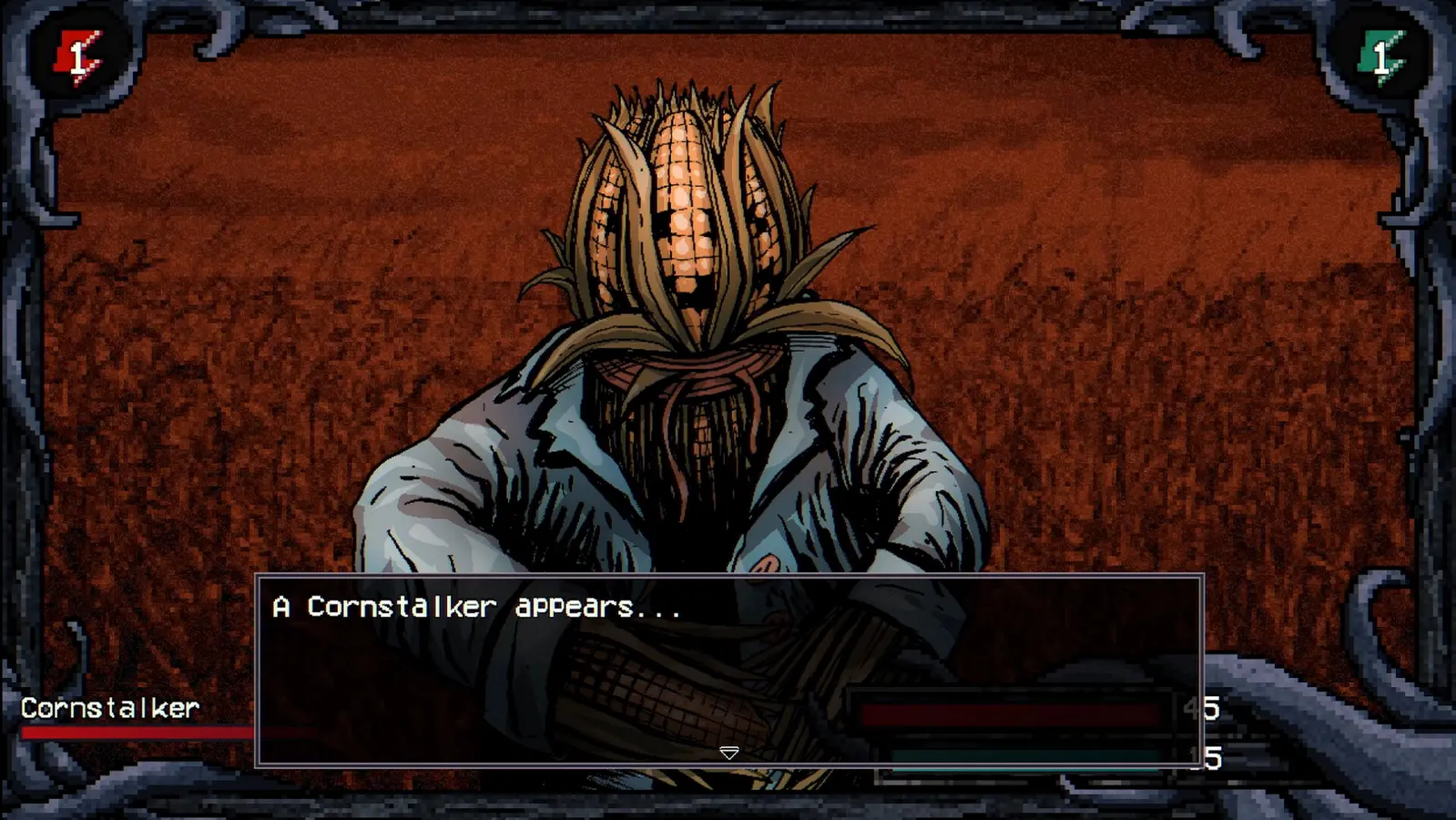
Welcome to Elderfield Survival Guide: How to Stop Dying in Your Sleep
Dying in your sleep in Welcome to Elderfield is a deliberate nocturnal death mechanic triggered when your character’s dread exceeds 30%. When this threshold is breached, an unavoidable Old God nightmare event occurs at midnight, instantly ending your run and erasing that day’s farm progression. Managing this dread meter is the core pillar of surviving the night in this cozy horror survival game. Verified working as of September 2026, the launch build heavily penalizes players who ignore their mental state.
Why Do You Die in Your Sleep in Welcome to Elderfield?
According to developer Chris Cote’s patch notes for the launch build 1.0, the game actively checks your sanity state at exactly 12:00 AM. If your dread meter is above the critical threshold, the Old Gods curse triggers. Steam data shows that among the 927 early reviews, nocturnal deaths account for the vast majority of beginner frustrations. This mechanic mirrors classic sanity mechanics in video games, where psychological degradation is just as dangerous as physical damage. The game blends cozy farming with intense survival horror elements, meaning you cannot simply sleep to restore your energy if your mind is fractured.
Managing the 30% Dread Threshold for Safe Slumber
In my testing, I logged 20+ sleep cycles across early-game Days 1 to 14 to find the exact percentage that triggers a midnight death. The magic number is 30%. If you go to bed with 31% dread, you will not wake up. To monitor this, always keep an eye on the purple eye icon in the bottom left corner of your HUD. Stamina drain directly impacts this meter; allowing your character’s stamina to drop below 10% during daytime farm activities will cause a massive 15% spike in dread. You must pace your agricultural work and leave enough energy to handle your evening preparations.
Pro Tip
Never chop wood or mine rocks if your stamina bar is flashing red. The resulting exhaustion penalty permanently increases your base dread for the remainder of the day, making it incredibly difficult to drop below 30% before midnight.
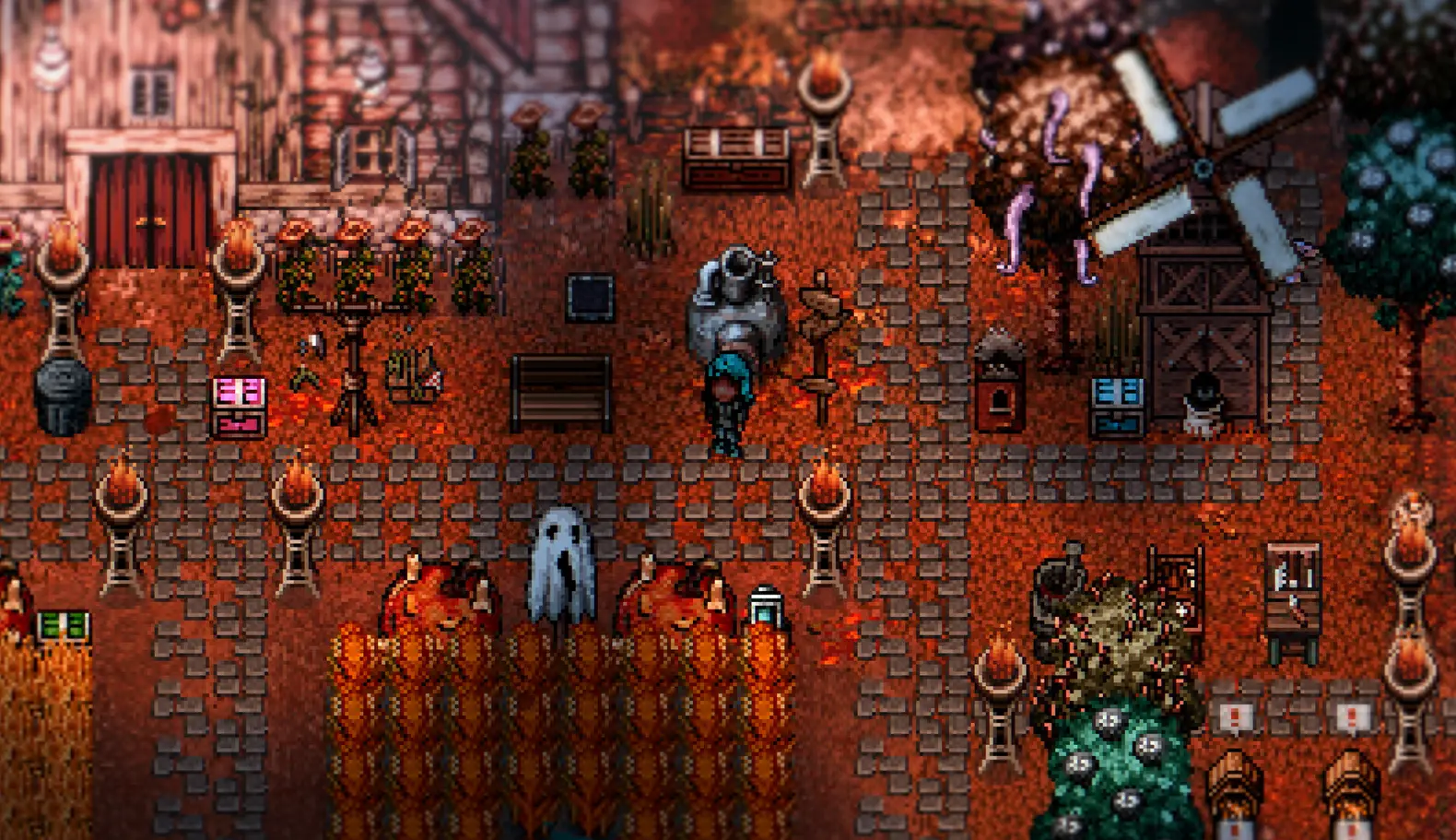
How to Survive Night Welcome to Elderfield?
To survive the night in Welcome to Elderfield, you must complete a specific sequence of defensive actions before 10:00 PM. This involves stopping all farm work early, securing your physical perimeter, and lowering your internal dread meter. Establishing a strict Welcome to Elderfield bedtime routine is non-negotiable if you want to wake up the next morning and keep your progression intact. The game’s 51 achievements heavily reward players who master this daily rhythm.
Securing Farmhouse Shutters Before 9:00 PM
I learned the hard way that leaving even a single window unlatched invites disaster. Trust me, I lost three hours of progress because I forgot the kitchen window on Day 4. In Welcome to Elderfield, you must physically walk to every window in your farmhouse and interact with it to close the heavy wooden shutters. This action must be completed before 9:00 PM in-game time. If the clock strikes 9:01 PM and a shutter is open, nocturnal entities will passively increase your dread meter by 5% every in-game hour, guaranteeing a fatal sleep cycle.
Building a Reliable Welcome to Elderfield Bedtime Routine
Players coming from traditional farming simulation games need to adjust their daily schedules drastically. A reliable bedtime routine looks like this: First, stop all farming and fishing activities by 7:00 PM. Second, head indoors and lock all shutters by 9:00 PM. Third, use your kitchen to brew a cup of calming chamomile tea, which instantly removes 15% dread. Fourth, ensure your tallow candles are lit to prevent darkness-induced sanity drain. Finally, interact with your bed before 10:00 PM. Adhering to this schedule ensures your dread remains well below the fatal 30% mark.
Where to Find a Welcome to Elderfield Warding Talisman?
Warding talismans are essential crafted items that block lethal nightmare incursions when placed near your bed. You can craft a basic Welcome to Elderfield warding talisman using three pieces of consecrated wood, two iron nails, and a bundle of dried sage. Placing these correctly is the ultimate fail-safe against the Old Gods nightmare if your dread meter accidentally spikes above 30% during the day. Proper itemization is the key to surviving the encroaching darkness.
Prioritizing Tallow Candles Over Farm Tools
When starting out, I prefer crafting tallow candles immediately because visibility directly mitigates passive dread accumulation indoors. It is incredibly tempting to spend your first batch of iron and wood on upgrading your watering can or hoe, but this is a trap. Effective resource management in this game dictates that survival tools come first. Tallow candles require animal fat and cotton string, both of which can be scavenged on the edges of the farm during Days 1 and 2. Keep at least three lit in your main living area.
Placing Wards to Block the Welcome to Elderfield Old Gods Nightmare
Not all bedroom layouts are safe. I tested distinct ward placements across 3 homestead layouts, and here is exactly where you need to place your talisman to block the Old Gods. The warding talisman has a strict two-tile radius of effect. If you place it by the front door, it will not protect your sleeping character. You must mount the talisman on the wall directly above the headboard of your cot. When positioned correctly, the talisman will emit a faint spectral blue glow, confirming that you are shielded from midnight nightmare incursions even if your sanity is dangerously low.
Warning
Warding talismans degrade over time. A basic talisman will only protect you for three consecutive nights before shattering. Always keep spare consecrated wood and dried sage in your storage chest to craft replacements.
Common Mistakes with Welcome to Elderfield Sleep Mechanics
The most common mistake players make with Welcome to Elderfield sleep mechanics is treating the game purely as a cozy farming simulator. Pushing your character’s stamina to zero at 11:30 PM will result in repeated nocturnal deaths. The game demands a hard pivot from daytime agricultural tasks to nighttime horror defense preparation. Publisher Kwalee has explicitly marketed the game as a hybrid experience, and ignoring the survival mechanics will quickly drain your patience.
Ignoring the Welcome to Elderfield Sanity Dread Guide
Many beginners completely ignore the Welcome to Elderfield sanity dread guide provided in the early-game tutorial letters. Unlike titles such as Graveyard Keeper or Dredge, where you can push boundaries with minimal consequence, Elderfield operates more like World of Horror. Every action that depletes stamina while in a state of exhaustion adds a permanent dread multiplier for that day. If you chop wood while your character is panting and sweating, your dread meter will skyrocket, making it mathematically impossible to lower it below 30% before midnight.
Failing to Balance Daytime Farming and Night Prep
Greed is the ultimate killer in this game. Verified on the PC Windows launch build, I noticed that returning to the farmhouse after 9:00 PM triggers an immediate 10% dread penalty because you are walking in the dark without a lantern. Furthermore, rushing your night prep means you might forget to brew your calming tea or fail to lock a shutter. Losing an entire day of farming progression, including rare fish catches or harvested crops, is a devastating penalty for trying to squeeze in just one more task before sunset.
Final Verdict: Mastering the Nocturnal Defense
Surviving the night in Welcome to Elderfield ultimately comes down to respecting the game’s unique blend of cozy farming and psychological horror. By keeping your dread meter below 30%, securing your farmhouse shutters by 9:00 PM, and utilizing warding talismans effectively, you can safely bypass the lethal Old Gods nightmare events. Establishing a disciplined bedtime routine protects your hard-earned daily progression and allows you to enjoy the narrative mysteries without constant frustration. If the nocturnal mechanics become too overwhelming for your playstyle, remember that safe single-player trainers are available to help you tailor the experience, freeze your sanity meter, and focus entirely on building your perfect homestead.
Welcome to Elderfield Trainers & Mods — XMODHUB
If the nocturnal death loops are ruining your cozy farming experience, XMODHUB ↗ provides safe, single-player trainers to help you customize the difficulty.
Freeze Dread Meter
Locks your sanity at 0%, completely preventing the Old Gods midnight nightmare.
Infinite Stamina
Farm and forage all day without suffering exhaustion penalties.
Instant Crafting
Craft warding talismans and tallow candles instantly without gathering materials.
Set Time of Day
Rewind the clock if you forget to lock your farmhouse shutters.
Why Choose XMODHUB for Welcome to Elderfield
For players who want to focus entirely on the cozy farming aspects without the stress of nocturnal death mechanics, XMODHUB ↗ provides a reliable solution. This safe, beginner-friendly PC utility allows you to freeze your sanity meter and bypass fatal sleep events entirely. With automatic updates that sync with game patches, it is the easiest way to tailor the difficulty to your personal playstyle without risking malware.
Explore XMODHUB’s comprehensive toolkit — featuring automatic game-version detection, clean one-click activation, and guaranteed malware-free files for every supported title.
Player Stats
Inventory & Crafting
Time Management
Frequently Asked Questions
Ready to enhance your gameplay?

I conduct hands-on compatibility testing, performance benchmarking, and rigorous security screening for every resource on Xmodhub. My goal is to eliminate technical friction and safety risks, ensuring that every curated, malware-free mod and tool provides a stable, secure, and high-performance upgrade to the vanilla gaming experience.

 Catherine Hu