Catherine Hu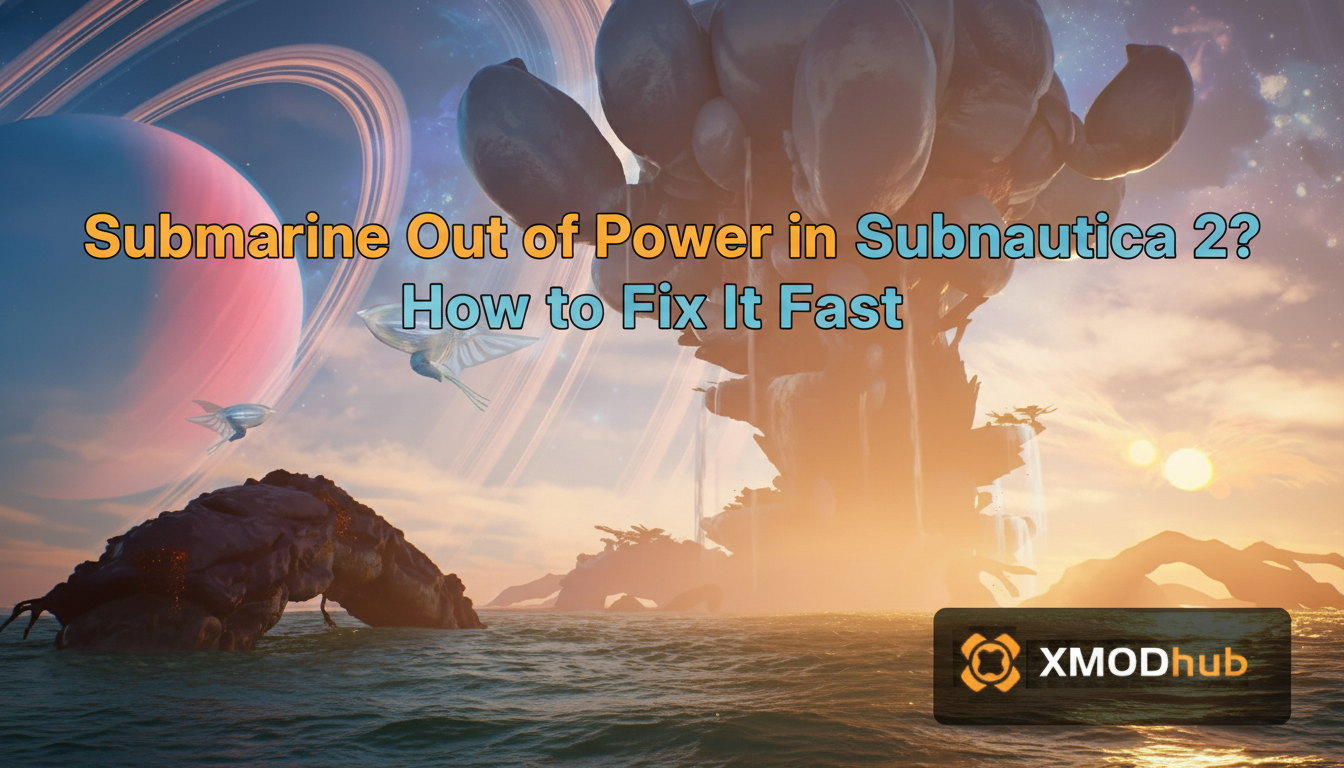
To execute the submarine out of power Subnautica 2 fix, first press F3 to open the native developer console. Type the command spawn powercell to instantly recharge your vehicle. If the battery drain was caused by the Unreal Engine 5 memory leak bug, add -d3d11 to your Steam launch options.
Editor’s Note
This guide was thoroughly tested against the Subnautica 2 launch week build. Modifying engine parameters or utilizing the developer console carries minor risks of physics glitches. Always back up your save directory before attempting deep file fixes.
Picture this: You are 800 meters deep in the newly introduced Abyssal Trench in Subnautica 2. The active sonar pings a massive Void Leviathan moving aggressively toward your location. You slam the engine throttle to maximum flank speed, and suddenly, total darkness. The submarine goes completely dead. The oxygen production halts, the floodlights die, and all you can hear is the terrifying roar of the deep ocean.
Losing your primary vehicle to an empty battery is the most soul-crushing experience in survival gaming. Even worse is when the power loss triggers an engine crash during a frantic battery swap. As a veteran diver with over a thousand hours logged in the franchise, I know exactly how frustrating this is. Let us stop the panic and fix this disaster right now.
The UE5 Power Drain Glitch Explained
Subnautica 2 is built on Unreal Engine 5, which brings stunning volumetric lighting but also a few brutal launch week bugs. Sometimes, running out of power is not your fault at all. There is a known logic loop glitch where activating the sonar module and the active defense shield simultaneously causes the engine to miscalculate energy consumption, draining 100 percent of your power cells in mere seconds.
Technical Fix: Stopping Crashes When Power Dies
When the submarine power drops to absolute zero, the game’s dynamic lighting shuts off instantly. This sudden shift in UE5 global illumination can cause a massive shader compilation spike, leading to a hard desktop crash. If your game crashes every time the submarine dies, you need to apply these technical fixes immediately:
-d3d11.In-Game Fix: Console Commands to the Rescue
If your game is stable but you are stranded in the dark with no spare batteries, you can forcefully recover your vehicle using the built-in developer backend.
Subnautica 2 natively supports console commands, though they disable achievements. Press the F3 key, uncheck the Disable Console box, and then press the Tilde (~) key to open the text input field. Simply type the command spawn powercell 2 and hit Enter. Two fully charged power cells will instantly drop into your inventory, allowing you to power up the engine and escape the Leviathan.
For a massive breakdown of every vehicle upgrade, material, and survival command, check out our highly requested Subnautica 2 Cheats & Console Commands: Full List and How to Enable guide.
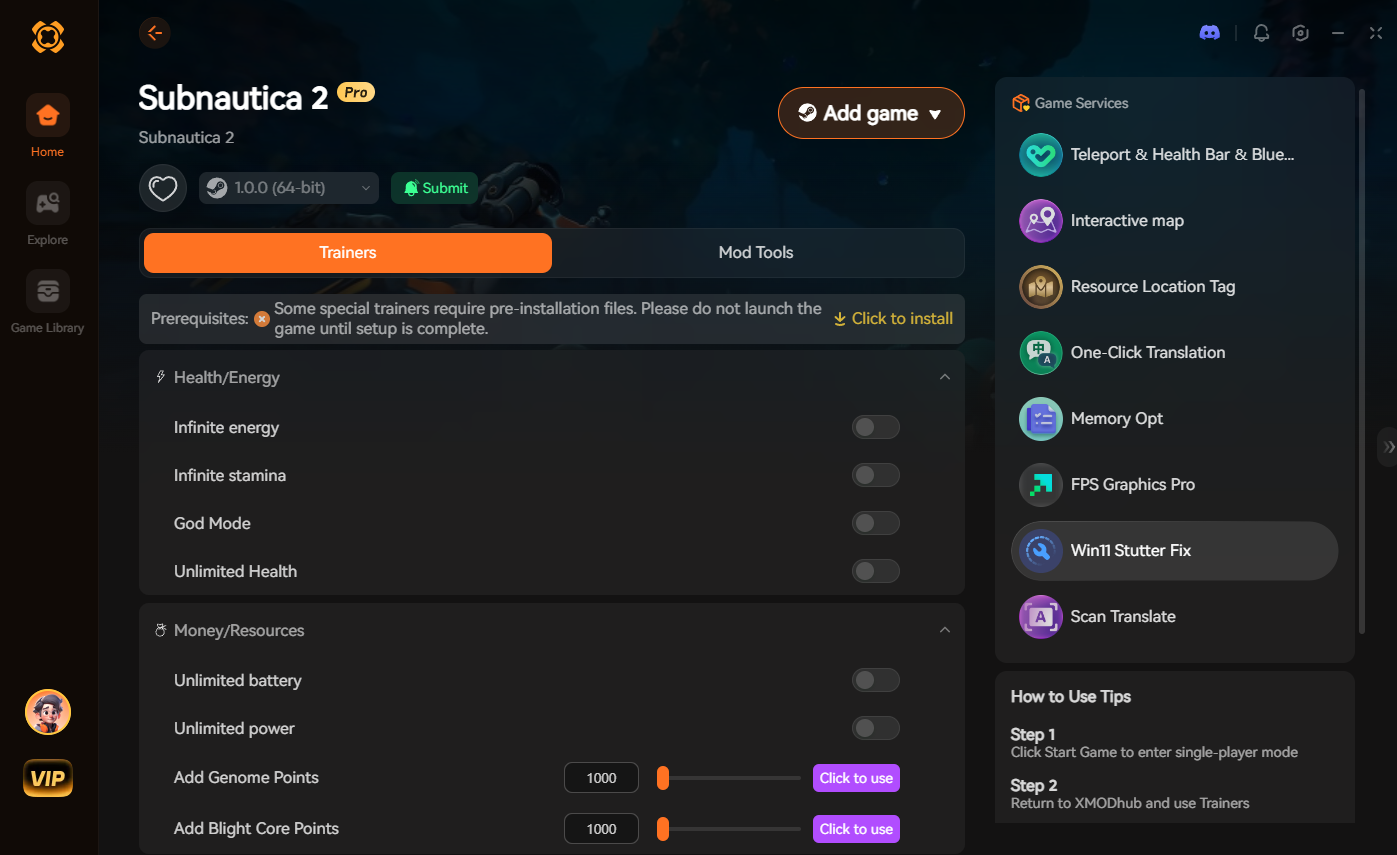
The Ultimate Time Saver: XMODhub
Let us be brutally honest: digging through hidden AppData folders to fix crashes or manually typing out case-sensitive console commands while a sea monster is biting your hull completely shatters your immersion. Grinding for copper and acid mushrooms just to craft basic batteries for a massive submarine feels like a second job.
If your primary goal is to enjoy the base-building and deep-sea exploration without the punishing consequences of an unfair battery drain, you need a dedicated modification tool. This is exactly where XMODhub becomes your ultimate time management asset.
Instead of fighting the engine, XMODhub injects safely into Subnautica 2, allowing you to completely bypass the power management system before you even dive into the danger zone.
How to Get Started:

Troubleshooting: Submarine UI Bugs
If you replaced the power cells but the submarine dashboard still says zero percent power, you have encountered the UI desync bug. To fix this without restarting, simply remove all power cells from the engine room, exit the submarine entirely, swim at least twenty meters away, and then return. This forces the Unreal Engine 5 chunk to reload the vehicle’s physics and battery logic.
Frequently Asked Questions (FAQ)
A: No, the physics engine in Subnautica 2 does not allow smaller vehicles to tow a massive, dead submarine. If your main vessel is out of power, you must manually bring fresh power cells to the engine room or use a trainer to restore the energy instantly.
A: Yes, opening the native developer console and inputting any item spawn command will instantly flag your save file and permanently disable Steam achievements for that run. Using a secure memory trainer like XMODhub is the safest way to bypass this detection.
A: Beyond the known UE5 memory leak bug, leaving the active sonar, silent running mode, and shield generators turned on simultaneously will drain your power cells exponentially faster than normal engine propulsion. Always power down modules when not actively evading predators.
Schlussfolgerung
Surviving the terrifying, pitch-black oceans of Subnautica 2 is an incredible achievement, but losing your primary vehicle to a minor mistake or an engine stutter is completely unnecessary. Whether you choose to apply the technical DX11 fixes, use developer commands to spawn emergency batteries, or utilize a dedicated trainer, you have the power to save your playthrough.
However, for a flawless, risk-free experience where you dictate the rules of survival, a dedicated modification tool is always the smarter choice. XMODhub supports over 5,000+ single-player PC games—including massive deep-space and survival hits like Der Planet Crafter, No Man’s Sky, und Breathedge. Take back your gaming time and play exactly how you want.

Ich bin ein leidenschaftlicher Gamer und Autor bei XMODhub, der sich der Aufgabe verschrieben hat, euch die neuesten Gaming-News, Tipps und Einblicke zu geben.
Verbinden Sie sich mit mir:
LinkedIn-Profil