Catherine Hu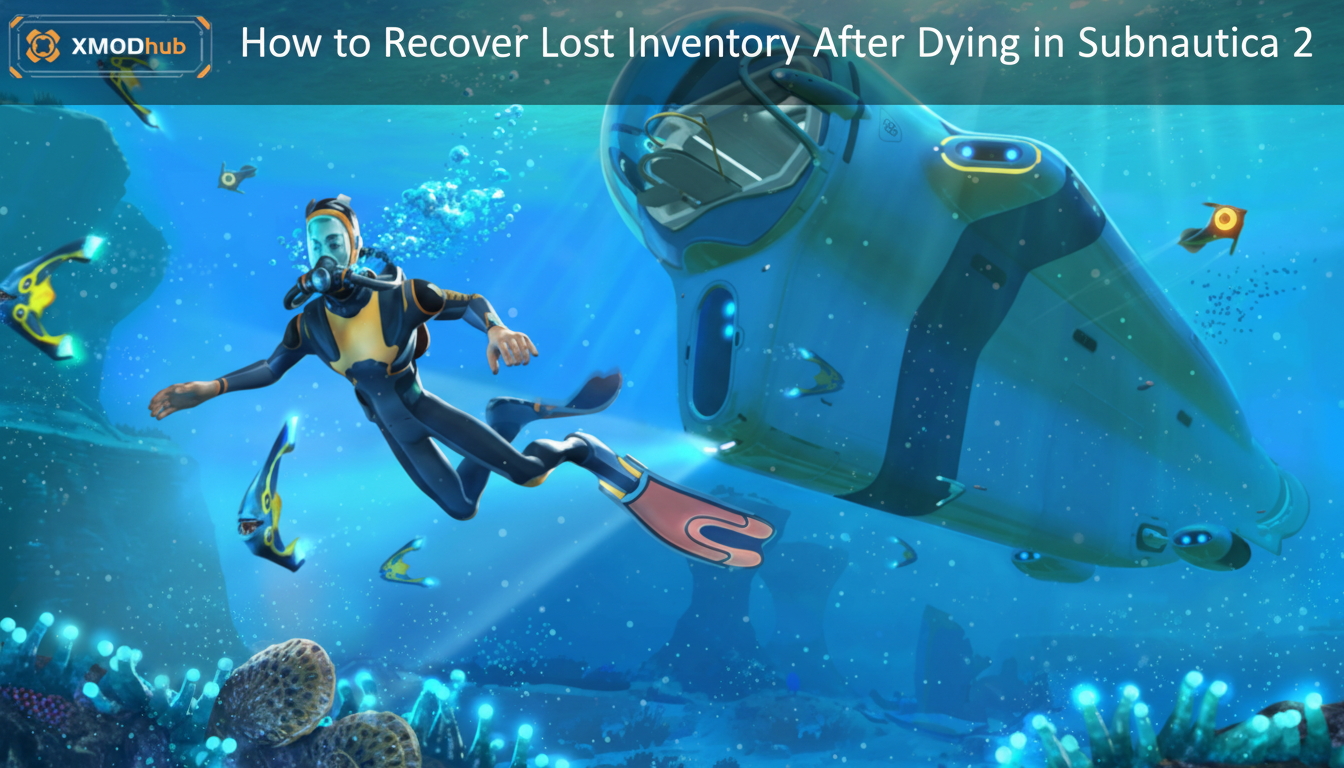
To safely recover lost inventory in Subnautica 2, immediately press Alt+F4 to prevent a hard autosave. If the game already saved, navigate to %USERPROFILE%\AppData\Local\Subnautica2\Saved\SaveGames\. Delete the corrupted save, then rename your most recent .bak backup file to .sav to restore your full inventory state prior to death.
Editor’s Note
This guide was verified against the Subnautica 2 launch week build. Modifying Unreal Engine 5 save directories carries inherent risks. Always create a manual backup of your entire SaveGames folder before attempting file rollbacks or console injections to prevent permanent progression loss.
We have all been there.
You just spent two real-world hours meticulously navigating the pitch-black depths of the new Abyssal Trench. Your inventory is packed to the brim with rare crystalline sulfur, advanced wiring kits, and crucial blueprints. Suddenly, the terrifying roar of a Void Leviathan echoes through the water. Your Seamoth shatters, your screen fades to black, and you wake up back in your base—with completely empty pockets.
Losing hours of gathering progress to a sudden ambush or a suffocating miscalculation is incredibly demoralizing. Single-player games are meant to be an escape, not a second job. If you are desperately searching for how to recover lost inventory Subnautica 2, you are in the right place. As a veteran diver who has logged hundreds of hours in the depths, I am going to walk you through the exact technical steps to get your hard-earned loot back.
How the Death Mechanics Work in Subnautica 2
When your oxygen hits zero or your health is depleted, Subnautica 2 registers a “death event.” The Unreal Engine 5 backend instantly drops all items you collected after you last left a secure base or vehicle. These items are scattered across the sea floor at the exact coordinates of your death.
While the game theoretically leaves a temporary waypoint, physics bugs frequently cause dropped items to clip through the seabed geometry, making them impossible to retrieve legitimately.
Method 1: The Save File Rollback (UE5 Fix)
If returning to your death location yielded nothing but empty sand, your best technical option is rolling back the game’s hidden backup files. Subnautica 2 creates automated .bak files during major transitions.
%USERPROFILE%\AppData\Local\Subnautica2\Saved\SaveGames\, and press Enter.slot0000.sav (your current state with no inventory) and a slot0000.bak (the backup). Move the .sav file to your desktop, and rename the .bak file to .sav.Method 2: Developer Console Spawning
If your backup file is also overwritten, you can forcefully recover your lost inventory by utilizing the game’s built-in developer console. Subnautica 2 allows you to bypass the grind if you know the exact string IDs.
To do this, press the Tilde (~) key during gameplay to open the command line. You can then use the item [name] [amount] command to instantly recreate your lost loot.
If you cannot remember the exact names of the complex materials you lost, you will need our comprehensive reference guide. Check out our Subnautica 2 Item IDs List & Console Spawn Codes (Complete Guide 2026) to find the exact UE5 blueprint strings for every rare material, vehicle upgrade, and tool in the game.
The Ultimate Fix: Never Lose Inventory Again with XMODhub
Let’s be brutally honest: digging through hidden AppData folders or manually typing out case-sensitive console commands like item titanium_ingot 15 every time you die is tedious. It completely shatters your immersion.
If your primary goal is to enjoy the base-building and exploration without the punishing consequences of an unfair Leviathan attack, you need a dedicated modification tool. This is where XMODhub becomes your ultimate time management asset.
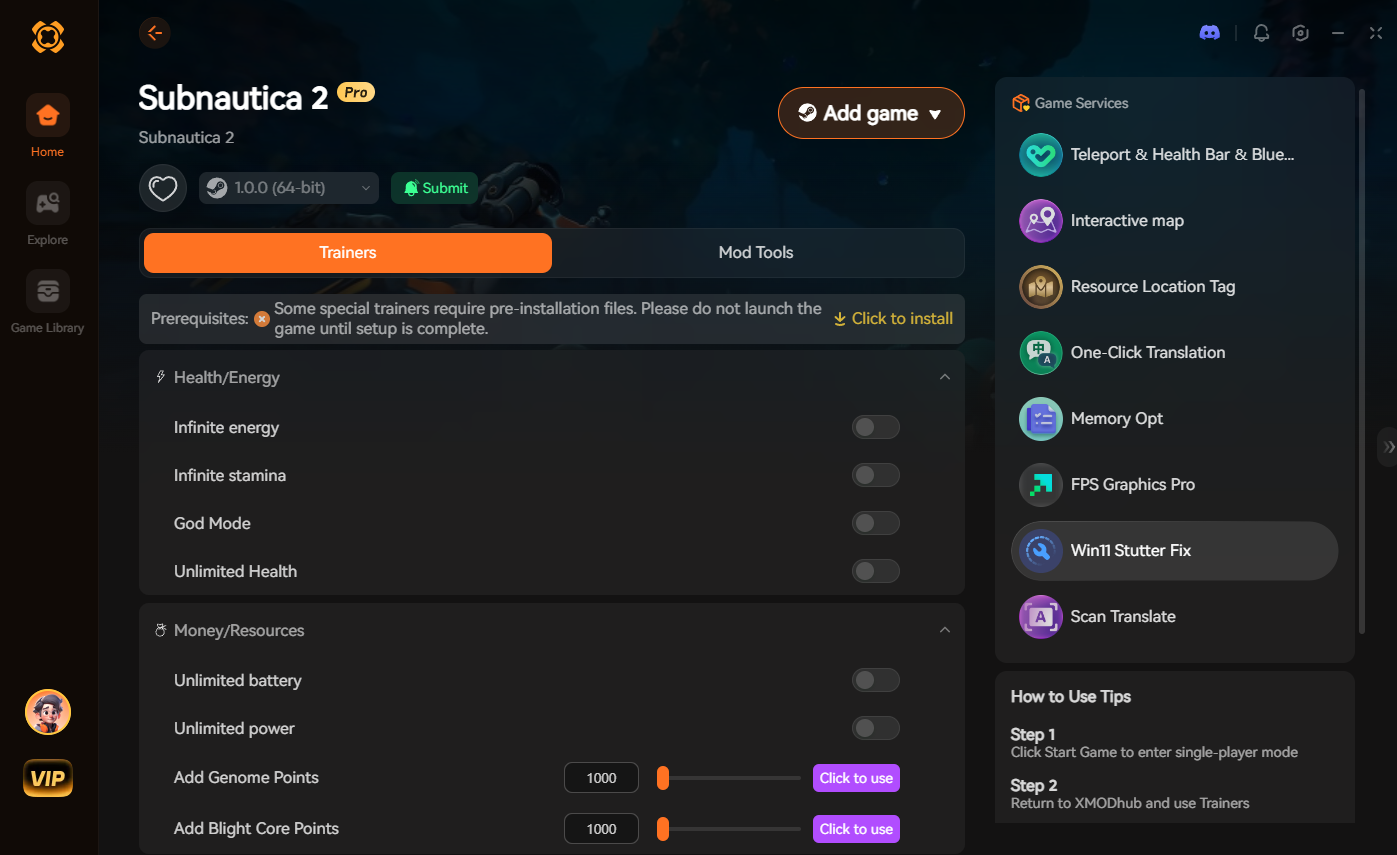
Instead of fighting the engine, XMODhub injects safely into Subnautica 2, allowing you to toggle a “Keep Inventory on Death” script or activate “Infinite Oxygen” before you even dive into the danger zone.
How to Get Started:

Troubleshooting: Fixing Stutters That Cause Unfair Deaths
Many players lose their inventory not because of bad gameplay, but because of severe frame drops during high-speed vehicle travel. Because Subnautica 2 streams high-fidelity UE5 assets dynamically, shader compilation stutters can freeze your screen right as a predator lunges.
To fix this and prevent future unfair deaths:
-d3d11. This disables the highly unstable DX12 ray-tracing overhead.Frequently Asked Questions (FAQ)
A: Yes. If you drop items upon death, the Unreal Engine 5 garbage collection system will eventually despawn loose entities to save memory, especially if you travel far away or reload the sector. You must return to the death site immediately.
A: Yes, opening the native developer console and inputting a command will instantly flag your save file and permanently disable Steam achievements for that run. Using a secure memory trainer like XMODhub is the only way to bypass this detection.
A: If the game failed to generate a death beacon, you can use the console command goto death to instantly teleport your character back to the exact coordinates where your health reached zero.
Schlussfolgerung
Surviving the terrifying oceans of Subnautica 2 is an incredible achievement, but losing hours of progression to a minor mistake or an engine stutter is completely unnecessary. Whether you choose to roll back your hidden .bak save files or use developer commands to spawn your items back, you have the power to fix your playthrough.
However, for a flawless, risk-free experience where you dictate the rules of survival, a dedicated modification tool is always the smarter choice. XMODhub supports over 5,000+ single-player PC games—including deep-space and survival hits like Der Planet Crafter, No Man’s Sky, und Breathedge. Take back your gaming time and play exactly how you want.

Ich bin ein leidenschaftlicher Gamer und Autor bei XMODhub, der sich der Aufgabe verschrieben hat, euch die neuesten Gaming-News, Tipps und Einblicke zu geben.
Verbinden Sie sich mit mir:
LinkedIn-Profil