Catherine Hu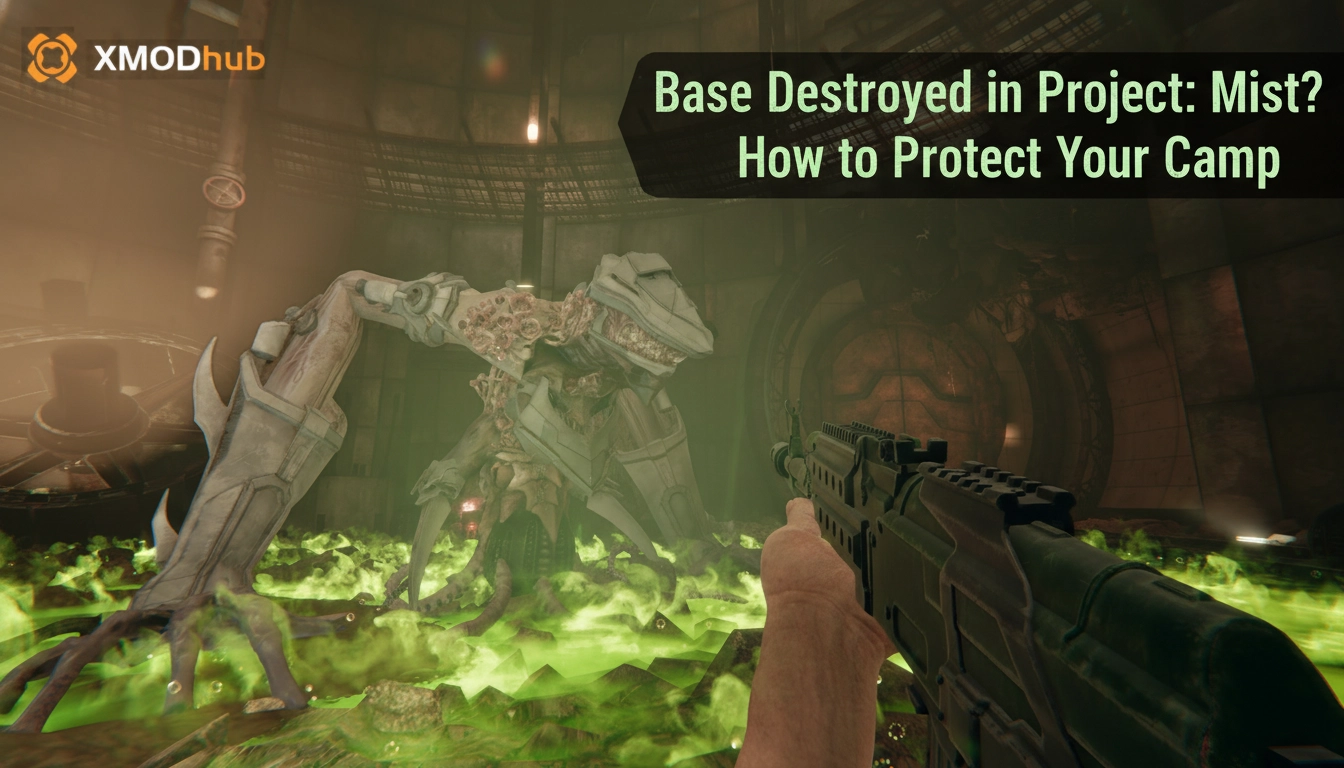
You log back into your server, heart pounding with anticipation to see the progress you made on your fortified outpost. You are expecting to see your resource collectors spinning and your supply crates full. Instead, you are greeted by the crushing reality of a pile of smoldering, pixelated rubble. Your walls are breached, your hard-earned loot is gone, and the structural integrity of your Project: Mist sanctuary is non-existent. We have all been there—the sinking feeling that your hours of grinding were undone in a single, unmonitored raid.
Editor’s Note:
Having clocked over 100 hours in Project: Mist, I have personally tested every defensive layout from simple wooden palisades to complex, multi-layered concrete bunkers. The difference between a base that stands and a base that falls is rarely about the materials—it is about the engineering of your perimeter and understanding the specific AI pathfinding quirks of the Project: Mist world. This guide is built on those thousands of hours of trial and error.
TL;DR: The Short Answer
If you are looking for the fastest way to stop your base from being destroyed in Project: Mist, refer to the quick checklist below. These are the non-negotiables for any successful run in Project: Mist.
| Defensive Layer | Key Action | Why It Works |
|---|---|---|
| Perimeter | Double-layer walls | Prevents splash damage from destroying the inner structure. |
| Pathing | Create a “Funnel” | Forces enemies into a single kill zone rather than attacking walls. |
| Upgrades | Reinforced Foundations | Prevents ground-based enemies from tunneling underneath. |
| Active Defense | Gravity Gun | Disrupts enemy formations and throws threats away from the base. |
Common Mistakes in Base Building
Before we discuss how to build, we must address why your current base is failing. In Project: Mist, the most common reason for base destruction is not a lack of resources, but a misunderstanding of how the game’s threat system evaluates your camp.
1. The “Flat Surface” Fallacy
Many players assume that building on a flat, open plain makes for the best base. While it offers great visibility, it also provides enemies with 360-degree access to your walls. In Project: Mist, the AI is programmed to seek the path of least resistance. If you leave all sides equally vulnerable, the AI will swarm every side simultaneously, overwhelming your defenses and guaranteeing that at least one section of your base will be destroyed.
2. Neglecting the Foundation
Players often spend all their resources on walls and turrets, completely forgetting about the foundation. If an enemy destroys the foundation of your Project: Mist base, the entire structure collapses, regardless of how strong your walls are. This is the “house of cards” effect that ruins many promising survival runs.
3. Clustered Storage
If you keep all your high-value loot in one central room, you are essentially creating a magnet for destruction. The AI in Project: Mist is tuned to detect high-value density. When you cluster your crates, you are inviting the toughest enemies to path directly to that location.
Mastering Structural Integrity and Materials
To truly protect your camp in Project: Mist, you need to understand the hierarchy of materials. Wood is a starter material and should never be the primary defense for a mid-to-late game base. As you progress, you must transition to reinforced concrete and metal alloys.
However, material strength is only half the battle. You must implement a “Honeycomb” design. This involves building multiple layers of walls with air gaps between them. When an explosion or heavy hit occurs, the damage is contained within the outer layer, preventing it from transferring to the inner, more valuable layers of your base. In Project: Mist, this is the gold standard for preventing total base wipes while you are offline.
Alternative Defense Strategies
If you are tired of the traditional “wall-up” method, consider these two alternative strategies that focus on redirection and deception.
Method 1: The “Aggro-Decoy” System
Instead of trying to tank every hit, build a series of small, expendable structures 20 meters outside your main base perimeter. These structures should contain low-tier items or be empty. The AI pathfinding in Project: Mist is designed to investigate and attack these “points of interest.” By placing these decoys, you can lure the majority of the raiding party away from your main base, allowing your primary defenses to pick them off one by one.
Method 2: Verticality and Height Advantage
Ground-level bases are the easiest to hit. If the terrain allows, build your base on a cliffside or an elevated platform. By restricting access to a single, narrow staircase or ladder, you turn a massive raid into a bottleneck encounter. This allows you to defend against ten times the enemies with a fraction of the ammunition, as you can focus all your firepower on a single entry point.
Advanced AI Aggro Manipulation
High-level players in Project: Mist understand that the AI is predictable. You can manipulate the enemy’s “aggro” by controlling light and noise. Enemies are attracted to light sources and active machinery. If you place a power generator or a bright floodlight at the far edge of your compound, you can effectively “pull” the attention of the raiding party away from your storage rooms. Use this to your advantage to create “kill boxes” where you have placed traps or defensive turrets.
The Ultimate Defensive Tool: Gravity Gun
Sometimes, no matter how well you build, you will find yourself overwhelmed. When the walls are breached and you are fighting for your life, static defenses are often not enough. You need active crowd control. If you are struggling to hold off the horde, you might be relying too much on static defenses when you should be using active crowd control. Check out our Project: Mist Gravity Gun Guide: Best Upgrades & Energy (2026) to learn how to manipulate enemy physics, throw threats away from your base, and turn the tide of a raid in seconds.
The XMODhub Solution: Skip the Grind
Let’s be honest: rebuilding a base in Project: Mist after a catastrophic raid can be soul-crushing. The time spent gathering resources, refining materials, and re-crafting structures is time you could spend exploring the deeper, more exciting parts of the game. This is where XMODhub becomes your best friend.
If you find that the survival mechanics are becoming a barrier to your enjoyment, XMODhub offers features specifically designed for Project: Mist, such as Infinite Health, Infinite Resources, and Instant Build. You don’t have to spend hours chopping wood or mining stone; you can focus on building the fortress of your dreams without the fear of losing everything.
How to get started with XMODhub:

Strategic Resource Allocation for Defense
Efficiency is the cornerstone of a sustainable base. Many players make the mistake of spreading resources too thin across the entire perimeter. Instead, prioritize your resource investment based on the threat level of specific zones. Use the following table to optimize your building budget for maximum survival rate.
| Resource Category | Primary Use | Priority Level |
|---|---|---|
| Reinforced Metal | Outer perimeter and gatehouse | Critical |
| Electricity/Fuel | Turrets and automated lighting | Hoch |
| Wood/Cheap Materials | Decoy structures and traps | Mittel |
| Rare Minerals | High-value storage room reinforcement | Hoch |
The Pre-Raid Maintenance Loop
In Project: Mist, complacency is the silent killer. Even the strongest base will fall if you do not perform regular maintenance. Adopting a “Pre-Raid Maintenance Loop” ensures that your defenses are at 100% efficiency before the next wave arrives. Follow these steps every time you log in:
Häufig gestellte Fragen
A: Yes and no. While higher-tier materials have more health, the structural design (honeycombing) is significantly more effective at preventing total destruction than just using thick, single-layer metal walls.
A: Project: Mist has a specific spawn logic. If you build your base over a “spawn node,” enemies can appear inside. Always check your map for potential spawn points before laying your foundation.
A: Always repair if possible. Replacing a wall takes time where you are vulnerable and cannot attack. Use the repair tool aggressively, even if the wall is only at 50% health.
A: No. Some enemies in Project: Mist are resistant to specific trap types (e.g., explosive-resistant creatures). Diversify your trap layout to cover multiple damage types.
Final Verdict: Securing Your Future in Project: Mist
Protecting your base in Project: Mist is an ongoing process of learning, adapting, and engineering. By shifting from a “build and forget” mindset to a “strategic defense” approach—utilizing decoys, honeycomb structures, and the raw power of the Gravity Gun—you can drastically reduce the frequency of base destruction. It is about understanding the game’s rules and using them to your advantage.
However, we know that sometimes you just want to play without the stress of constant rebuilding. Whether you are a hardcore strategist or a casual player just looking to enjoy the game world, XMODhub is the ultimate companion. With support for over 5,000 games, including other massive titles like Farever, Subnautica 2, XMODhub gives you the freedom to play exactly how you want. Stop worrying about your base being destroyed and start building your legacy in Project: Mist today.

Ich bin ein leidenschaftlicher Gamer und Autor bei XMODhub, der sich der Aufgabe verschrieben hat, euch die neuesten Gaming-News, Tipps und Einblicke zu geben.
Verbinden Sie sich mit mir:
LinkedIn-Profil


 Nancy Miller