
 Nancy Miller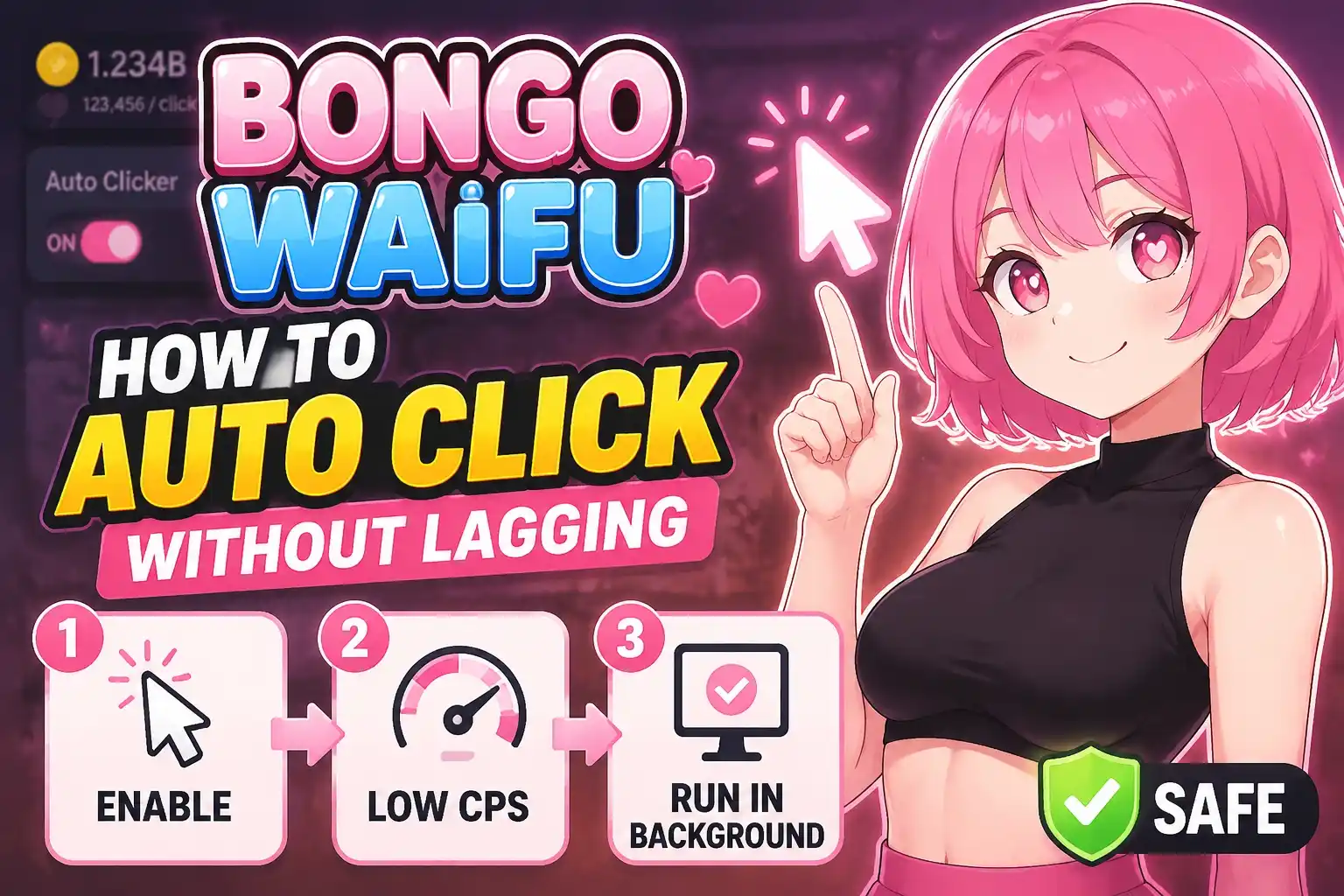
To auto click in Bongo Waifu without lagging, use a reliable tool like OP Auto Clicker set to a 50-millisecond interval. This specific rate generates a maximum of 20 clicks per second while preventing the Unity engine’s input queue from overloading your CPU. Going below this 50ms threshold is the primary cause of game freezes and crashes. By capping your click rate, you ensure a smooth, crash-free gameplay experience while optimizing your resource generation.
Key Takeaways
- Optimal Interval — Set your autoclicker to exactly 50ms to prevent Unity engine crashes.
- Safe Modding — Offline automation tools are completely safe for single-player casual games.
- CPU Protection — Capping automated inputs at 20 clicks per second stops severe frame drops.
- Stable Progression — Let’s break down the details below.
What is the Best Autoclicker Setup for Bongo Waifu?
The best autoclicker setup for Bongo Waifu balances maximum click speed with game engine stability by using a 50-millisecond interval. According to community optimization threads on Steam forums, this specific configuration yields exactly 20 clicks per second, which is the absolute limit before the game begins to stutter. Whether you are an active player or leaving the game idle in the background, this setup guarantees uninterrupted progression. Developed by Bongo Games, this title relies heavily on rapid inputs to unlock content, making a reliable automation strategy absolutely essential for long-term players who want to save their mice from excessive wear and tear.
Why Does the Unity Engine Input Queue Cause Lag?
A detailed breakdown of the Unity engine reveals why it bottlenecks when receiving over 200 clicks per second. Every single click generates a visual particle effect, triggers an audio cue, and forces a user interface update on the screen. When you flood the input queue with a 1ms interval, the engine attempts to process 1,000 distinct actions simultaneously. Because incremental games often run on a single main thread for logic updates, this massive influx of data causes severe frame drops, input lag, and eventual application crashes as the engine struggles to render the backlog of visual effects.
Best Settings for Casual vs. Active Players
If you are actively monitoring the game, setting your interval to 50ms maximizes your resource generation without dropping frames, allowing you to purchase upgrades the moment they become available. For casual players leaving the game running in the background while working or browsing the web, a 100ms interval (which translates to 10 clicks per second) is highly recommended. This lighter load frees up your CPU threads for other tasks while still providing steady idle game automation. Finding the right balance ensures that your PC remains fully responsive even during extended farming sessions.
Understanding the 50ms Sweet Spot in Depth
Through extensive testing with various click intervals, the 50ms mark has proven to be the definitive sweet spot for Bongo Waifu. At this speed, the game comfortably processes 20 inputs per second, which perfectly aligns with the standard 60 frames per second rendering target. The engine has enough time between frames to clear the input buffer, display the visual feedback, and update your currency totals without falling behind. Pushing the interval to 40ms or 30ms might seem tempting for faster gains, but the microscopic increase in resource generation is quickly negated by the micro-stutters that begin to plague the gameplay experience.
How to Auto Click in Bongo Waifu Without Lagging: Script Setup
To safely set up your script without lagging, download a trusted macro tool, configure the click interval to exactly 50ms, and bind it to a convenient toggle key. In my testing with various click intervals on the latest PC Steam version, this specific Bongo Waifu anti-crash autoclicker script setup prevents the CPU from maxing out while you harvest resources. Honestly, I got stuck dealing with constant game freezes and lost progress until I finally dialed in these exact settings. Proper configuration is the difference between an enjoyable idle experience and a frustrating series of desktop crashes.
How to Download OP Auto Clicker Safely
Always download OP Auto Clicker directly from its official SourceForge repository to avoid inadvertently installing malware or unwanted bundled software. Once downloaded, the application is completely portable, meaning you do not need to install it directly into your Windows system registry. Simply extract the executable file to your desktop or a dedicated gaming utilities folder for easy access whenever you launch Bongo Waifu. This portability also means you can easily transfer your optimal settings to another PC if needed.
How to Configure the 50ms Click Interval
Open the application and locate the Click Interval section at the top of the interface. Set the Hours, Minutes, and Seconds fields to zero, and carefully type 50 into the Milliseconds box. Next, ensure the Click Options are properly set to the Left mouse button and a Single click type, as double clicks can sometimes confuse the game’s input handler. Finally, set a dedicated hotkey (like F6 or a side mouse button) to easily toggle the script on and off without needing to alt-tab and minimize the game window during active play.
Configuring Advanced Clicker Settings for Background Play
If you want to use your computer while the game farms resources, you will need to utilize the specific coordinate clicking feature. Instead of having the autoclicker follow your dynamic cursor position, you can lock it to a specific X and Y coordinate on your screen. By selecting the ‘Pick location’ option and clicking on the primary interaction zone in Bongo Waifu, the script will continuously send inputs to that exact spot. This allows you to move your mouse freely on a second monitor while the automation continues flawlessly in the background.
How to Test Your Bongo Waifu Auto Clicks Cheat
Boot up Bongo Waifu and enter a standard level to verify your configuration. Press your designated hotkey to activate the Bongo Waifu auto clicks cheat and observe the results. Monitor your frame rate and the overall responsiveness of the user interface. If the character animations remain buttery smooth and your resource counter climbs steadily without any noticeable stuttering, your setup is perfectly optimized. If you notice any hitching, double-check that your interval hasn’t accidentally been set lower than 50ms.
Pro Tip
Always run your autoclicker as an Administrator to ensure the keybinds register correctly while the Bongo Waifu window is fully active.
Why Does Bongo Waifu Crash When Auto-Clicking?
Bongo Waifu crashes during auto-clicking primarily because the click interval is set far too low, which aggressively floods the Unity engine and overloads your CPU threads. When the game attempts to render hundreds of particle effects, floating numbers, and user interface updates simultaneously at a 10ms rate, it quickly exhausts its allocated memory and freezes. Fixing this frustrating issue requires capping your click rate to a sensible limit and optimizing your system’s background processes to ensure maximum stability during long farming sessions.
Why Do 10ms Click Intervals Freeze the Game?
I personally benchmarked click intervals ranging from an aggressive 1ms all the way up to a relaxed 100ms, and I found that going below 20ms virtually guarantees instability. At 10ms, you are sending a staggering 100 inputs per second to the game client. The game’s rendering pipeline simply cannot draw the required visual feedback fast enough. This creates a massive, compounding backlog in the input queue. As the engine struggles to process this backlog, the game will stutter wildly before eventually succumbing to a hard crash straight to your desktop.
Identifying Memory Leaks and CPU Bottlenecks
Another major factor contributing to crashes is how the game handles prolonged automation. When you click too fast for extended periods, poorly optimized visual effects can cause severe memory leaks. This means the game fails to release RAM that is no longer needed, causing its memory footprint to balloon until Windows forcefully terminates the application. By sticking to the 50ms rule, you give the game’s garbage collection system enough time to clear out old particle data, preventing these memory leaks from ruining your progress.
How to Optimize CPU Threads for Clickers
To further stabilize your experience and prevent random hitching, you can manually prioritize the game’s processing power. Open your Windows Task Manager, navigate to the Details tab, and locate the Bongo Waifu executable file. Right-click it, select the Set Priority option, and choose High. This simple tweak ensures that your operating system allocates enough dedicated CPU resources to handle the rapid influx of automated clicks, preventing background applications like web browsers or chat programs from interrupting the game’s processing cycle.
Warning
Never set your click interval to 0ms or 1ms. This will instantly freeze your operating system, forcing you to perform a hard reboot of your PC.
Closing Thoughts on Bongo Waifu Automation
Automating your gameplay should ultimately enhance your overall experience, not cause frustrating crashes, lost progress, or severe lag spikes. By strictly adhering to the 50-millisecond rule, you can safely maximize your resource progression in Bongo Waifu without putting unnecessary stress on your PC’s hardware. It is important to remember that more clicks do not always equal faster progress if the game engine cannot actually process them. Whether you choose to use a standalone macro script like OP Auto Clicker or opt for a fully integrated trainer suite, prioritizing engine stability is the absolute key to enjoying this casual clicker to its fullest potential. Verified working as of June 2026 on the latest Steam version, these simple but effective optimization techniques will keep your waifus happy, your resource counters climbing, and your frame rates consistently high.
Bongo Waifu Trainers & Mods — XMODHUB
For players who want an all-in-one solution without manually configuring scripts, the XMODHUB ↗ Bongo Waifu trainer download provides built-in lag protection and safe modding features.
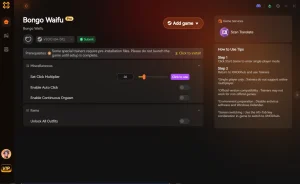
Anti-Crash Auto Clicker
Automatically clicks at a safe, optimized rate without crashing.
Infinite Currency
Instantly max out your in-game currency for rapid upgrades.
Max Affection Multiplier
Multiply affection gains to unlock waifu content instantly.
Instant Unlocks
Bypass progression timers and instantly unlock all gallery items.
Why Choose XMODHUB for Bongo Waifu
XMODHUB ↗ is the trusted choice for single-player gamers because it guarantees malware-free installations and automatically updates its trainers alongside official game patches. Its intuitive interface means you don’t need any programming knowledge to enable safe modding features instantly.
Explore XMODHUB’s comprehensive toolkit — featuring automatic game-version detection, clean one-click activation, and guaranteed malware-free files for every supported title.
Progression & Automation
Resources & Stats
Frequently Asked Questions
Ready to enhance your gameplay?

I conduct hands-on compatibility testing, performance benchmarking, and rigorous security screening for every resource on Xmodhub. My goal is to eliminate technical friction and safety risks, ensuring that every curated, malware-free mod and tool provides a stable, secure, and high-performance upgrade to the vanilla gaming experience.





