Catherine Hu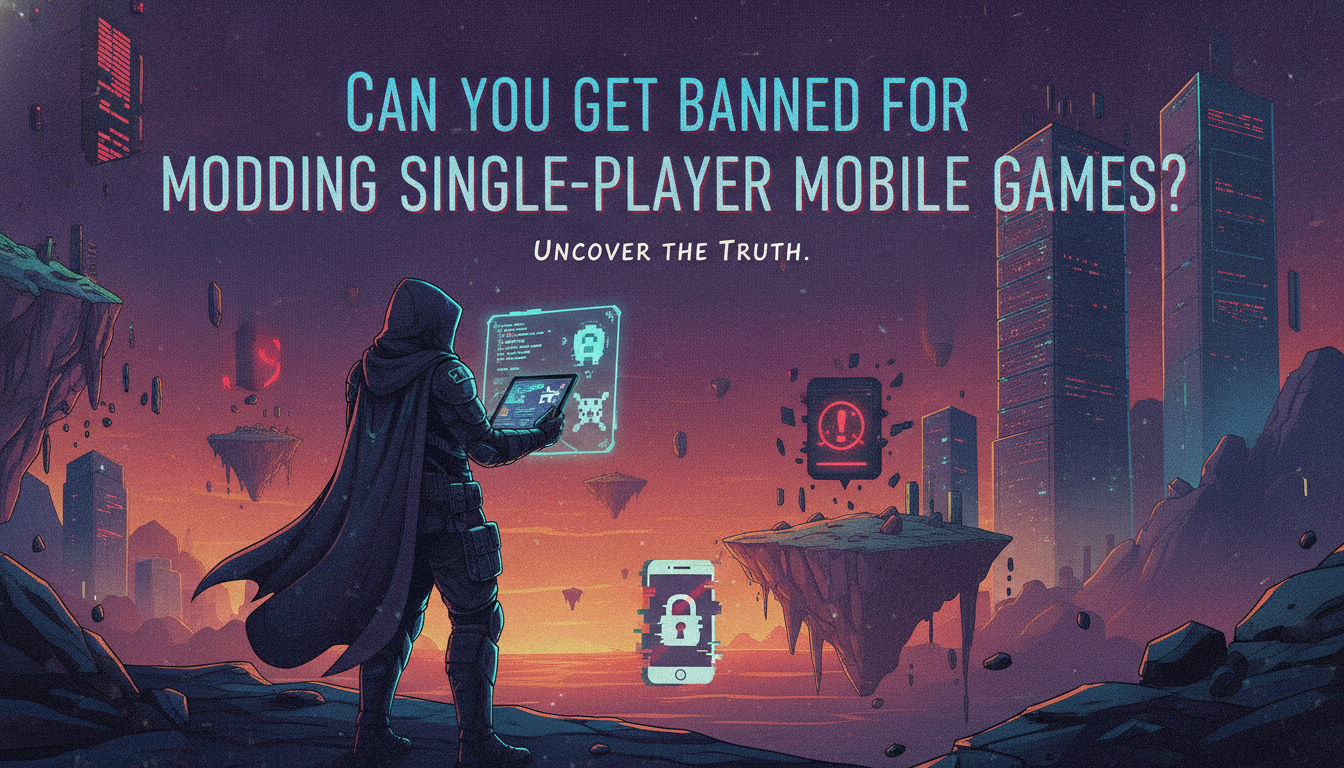
You finally managed to download a modded APK or injected some code into your favorite single-player mobile game to get infinite coins, skip the grinding, or unlock premium features. But right before you hit launch, that creeping sense of dread sets in: Can you get banned for modding single-player mobile games? Will you lose your account, or worse, get your device blacklisted by the app store?
Look, we’ve all been there. Spending hundreds of hours grinding for virtual currency in a strictly solo experience feels completely absurd when you could just tweak a file.
Editor’s Note: I’ve spent the better part of a decade tearing apart mobile game architectures. I’ve tested mods on hundreds of single-player Android and iOS titles. The short version? The paranoia is usually worse than the reality, but you absolutely must understand how developers track you before you start messing with game files. Let’s break down exactly what happens behind the scenes.
TL;DR: The Short Answer
If you just want the bottom line before you inject that mod menu, here it is:
- True Offline Single-Player Games: No. You cannot get banned. If the game does not require an internet connection and doesn’t sync to a server, there is no mechanism to ban you.
- “Always-Online” Single-Player Games: Yes, potentially. If a solo game forces you to connect to a server (like many modern Gacha or economy-driven games), server-side checks can detect modified files and flag your account.
- Leaderboards & PvP Elements: Yes. Even if the core game is solo, uploading impossible scores to a global leaderboard is the fastest way to get your account suspended.
- App Store/Google Play Bans: Extremely rare. Modding a specific game usually only results in an account ban for that specific game, not your entire Apple ID or Google Play account.
Table of Contents
- TL;DR: The Short Answer
- The Core Mechanics: Why Game Architecture Dictates Your Ban Risk
- The Legalities: Is Modifying Game Files Actually Illegal?
- How Developers Catch Mobile Modders (And How to Evade Them)
- The Shortcut: Mod Safely with XMODhub
- Android vs. iOS: Which Platform is Riskier for Modders?
- Mod Categories: What Triggers the Ban Hammer? (Threat Level Breakdown)
- Frequently Asked Questions
- Final Verdict: Modding Solo Mobile Games Without Fear
The Core Mechanics: Why Game Architecture Dictates Your Ban Risk
To understand the real answer to “Can you get banned for modding single-player mobile games?”, we have to stop thinking about games as “solo vs. multiplayer” and start looking at how they handle data. It all comes down to client-side versus server-side architecture.
1. True Offline Games (Client-Side Architecture)
These are the golden targets for modding. Think of classic tower defense games, offline RPGs, or premium paid games (like the mobile ports of Stardew Valley or Final Fantasy).
In these games, every single piece of data—your save file, your currency, your inventory—is stored locally on your phone’s storage.
The Ban Risk: Absolute zero.
Why? Because there is no central authority verifying your data. If you use a tool to edit your save file to give yourself 9,999,999 gold, the game just reads that local file and says, “Okay, you have that much gold.” There is no server to report to. Even if the developers wanted to ban you, they physically cannot because your game isn’t talking to them.
2. The “Fake Offline” Trap (Server-Side Checks)
Here’s where things get dangerous. The mobile market is flooded with “single-player” games that force an internet connection. Gacha games, idle clickers, and resource-management titles are notorious for this.
You might be playing entirely alone, but the game is constantly sending packets of data to the developer’s server.
The Ban Risk: High.
In these architectures, the server is the boss. Let’s say you mod your game client to make your attacks deal 10x damage. You run a dungeon, finish it in 2 seconds, and the client tells the server, “Hey, I beat this level and earned 500 gems.”
The server will look at that data, realize it’s mathematically impossible for a level 5 character to clear that dungeon in 2 seconds, flag your account as an anomaly, and hand you an automatic, swift ban. The server does not trust your phone; it verifies everything.
The Legalities: Is Modifying Game Files Actually Illegal?
You’ll often see panicked threads on forums asking if modifying game files is illegal. Let’s clear the air.
When you download a game, you are agreeing to the developer’s Terms of Service (ToS) and End User License Agreement (EULA). Almost every EULA explicitly states that reverse engineering, modifying, or tampering with the game’s code is a breach of contract.
So, is it illegal? In terms of criminal law (going to jail), no. Nobody is calling the police because you gave yourself infinite health in an offline mobile game.
However, it is a breach of the license. This gives the developer the absolute right to terminate your access to their services. If the game is connected to their servers, they can ban your account. It’s not a legal issue; it’s a platform policy issue. They own the ecosystem, so they make the rules. If you want to dive deeper into the mechanics of exploiting these systems, you might want to check out our comprehensive guide on How to Hack Offline Android Games Without Root: The Ultimate Guide?
How Developers Catch Mobile Modders (And How to Evade Them)
If you are playing a game that connects to the internet, you need to understand the tripwires developers set up.
File Integrity Checks
Many modern mobile games perform a signature or checksum verification when you boot them up. The game calculates a unique hash based on its own files and compares it to a list on the server. If you install a modded APK or inject a modified .dll or .so file, the hash changes. The server detects the mismatch and locks you out before you even reach the main menu.
Economical Anomalies (The Red Flags)
Even if your mod bypasses the launch checks, the game’s economy is heavily monitored. If your account suddenly generates 100,000 premium currency (which usually costs real money) in a single-player game that requires an online connection, algorithms will catch it.
The Fix: Always mod offline if possible. If the game requires a connection, stick to mods that don’t touch premium currency. Focus on quality-of-life mods like speedhacks or infinite stamina, which are harder for automated systems to detect than blatant currency injection.
Third-Party Anti-Cheat Software
Titles heavily reliant on microtransactions often employ third-party anti-cheat software (similar to Easy Anti-Cheat on PC). These programs scan your device’s memory for known cheating apps (like GameGuardian or Lucky Patcher) and will refuse to run if they detect them running in the background.
The Shortcut: Mod Safely with XMODhub
Let’s be honest. Figuring out whether a game is client-side or server-side, worrying about checksums, and risking your account on sketchy modded APKs is exhausting. You just want to play the game on your own terms.
Instead of jumping through hoops and risking a ban, use the ultimate shortcut: XMODhub.
XMODhub bypasses the headache entirely. It’s a professional-grade trainer ecosystem that securely hooks into your games without triggering aggressive anti-cheat systems. Whether you need infinite health, instant cooldowns, or a massive resource boost in your favorite single-player titles, XMODhub handles the technical heavy lifting safely.
How to dominate your games safely in 3 steps:
- Download XMODhub: Install the secure client on your device.

- Auto-Detect Your Game: Launch the app; it will automatically recognize your installed single-player games and load the safe, verified cheat profiles.
- Toggle Cheats: Simply flip the switches for Infinite Health, Max Currency, or Speed Multipliers and enjoy the game risk-free.
No sketchy APKs. No digging through system files. Just raw, unadulterated power at your fingertips.
Android vs. iOS: Which Platform is Riskier for Modders?
Look, the device in your pocket plays a massive role in how easily you can get caught.
Android is the wild west. Sideloading a modded APK takes seconds. Because the OS is inherently open, anti-cheat engines have a slightly harder time locking down the entire system, but they can still scan your app directory for known cheating tools.
iOS, on the other hand, is a walled garden. Unless you are jailbroken or using a specialized sideloading tool for modified .ipa files, you can’t even install mods.
Bottom line? Apple’s strict sandboxing actually makes it harder for game developers to scan your device for third-party cheat apps, meaning local detection is lower. However, the barrier to entry is painfully high. But remember this: if the game uses server-side checks, it doesn’t matter if you hold an iPhone 15 Pro or a Samsung Galaxy—a server flag is a server flag, and both platforms are equally at risk.
Mod Categories: What Triggers the Ban Hammer? (Threat Level Breakdown)
Here’s the deal. Developers don’t treat all cheats equally. Tweaking a single-player character’s shirt color is vastly different from stealing virtual dollars. If you want to know exactly what puts a target on your back before you load up a mod menu, check the data below.
| Mod Category | Ban Risk Level | Detection Method | Safe to Use? |
|---|---|---|---|
| Cosmetic Mods (Skins, UI changes) | Low | File hash mismatch | Usually safe offline |
| Quality of Life (Speedhacks, FOV) | Medium | Behavioral anomaly tracking | Safe via XMODhub |
| Stat Editing (Infinite Health, Max Level) | High | Server-side architecture sync | Risky in online-solo games |
| Premium Currency Injection | Extreme | Economy monitoring algorithms | Never safe online |
If you are messing with premium currency in a game that sells it for real money, you are essentially hitting the developer’s wallet. That is the absolute fastest way to get your account permanently wiped. Stick to offline games or use trusted engines for stat adjustments.
Frequently Asked Questions
Can Google Play or Apple ban my entire account for modding a game?
It is incredibly rare. Developers can ban your account for their specific game, but Google and Apple generally do not ban your entire storefront account just for using a modified APK or memory editor in a single app. However, if you attempt to spoof real-money purchases, that crosses into payment fraud, which will get your Google/Apple account banned permanently.
Is it safe to use GameGuardian on single-player games?
If the game is completely offline, yes, it’s safe from bans. However, if the game has any online component, using memory editors like GameGuardian is highly detectable by modern mobile anti-cheat systems.
Will I get banned if I mod a single-player game but keep my device on airplane mode?
If it’s a game that normally requires an internet connection to sync progress, playing it on airplane mode will usually just prevent the game from starting. If it does let you play offline, the moment you reconnect to the internet, the game will attempt to sync your modified local data with the server, which will likely trigger an immediate ban.
Do developers care about modding in purely offline games?
Generally, no. For premium, paid offline games (like mobile ports of PC games), developers have already made their money. They do not maintain servers or economies for those games, so they have no incentive or method to police how you play them on your own device.
Final Verdict: Modding Solo Mobile Games Without Fear
So, can you get banned for modding single-player mobile games? The answer completely depends on the game’s architecture. If the game is entirely offline, you are safe to mod until the game breaks. But the moment a single-player game demands an internet connection or features an online leaderboard, you are playing with fire. Server-side checks are ruthless, and automated ban waves don’t care if you just wanted to skip a boring grind.
Don’t let the technical risks ruin your single-player experience. Modding is supposed to be about taking control of your game, not stressing over server packets.
That’s exactly why XMODhub exists. It removes the guesswork. Supporting over 5,000+ single-player titles—from massive RPG ports like Genshin Impact (solo instances) to offline juggernauts like Stardew Valley and Minecraft Ledgends—XMODhub ensures you get the cheats you want without tripping the alarms. Stop worrying about the ban hammer. Download XMODhub, toggle your mods, and start actually enjoying your games again.
Stop Grinding, Start Enjoying.
Bypass the tedious resource gathering and unlock your full potential instantly.

I am a passionate gamer and writer at XMODhub, dedicated to bringing you the latest gaming news, tips, and insights.
Connect with me:
LinkedIn Profile ↗