
 Catherine Hu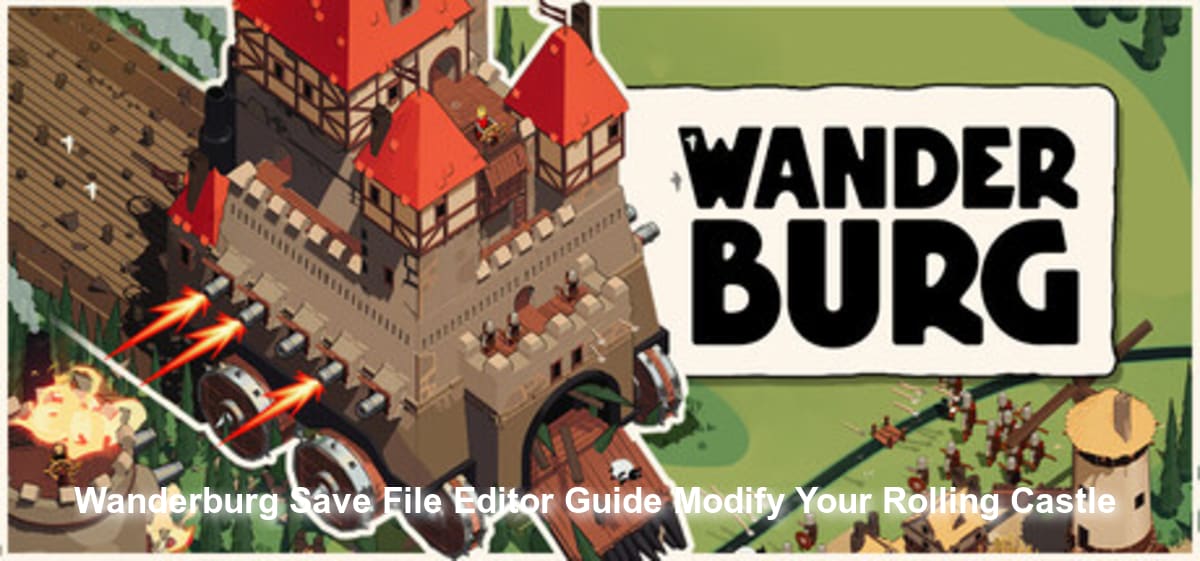
You have just spent hours roaming the grassy fields, devouring sheep, crushing houses, and carefully outfitting your rolling medieval fortress with the perfect arsenal of weapons. Then, you encounter a massive enemy stronghold, get caught in a brutal bullet hell-like frenzy, and lose absolutely everything. Because Wanderburg is an action roguelike, death often means starting your architectural conquest from scratch. Naturally, you are now scouring the internet for a way to tweak your save data, restore your lost weapons, or artificially inflate your castle’s stats.
Table of Contents
After dedicating an entire evening to building a massive, unstoppable fortress on wheels, watching it crumble into dust during a chaotic bullet-hell encounter is a soul-crushing experience. Taking control of your save files is the ultimate way to reclaim your time.
You may also like: How to Get Bigger Fast in Wanderburg
Where to Find the Wanderburg Save Location on PC
Before you can manipulate your progression, you need to locate your local data. Wanderburg stores its world states and castle blueprints locally on your hard drive.
To find your files, press Win + R, type %appdata%, and navigate to the local directory:
C:\Users\[YourUsername]\AppData\LocalLow\Randwerk\Wanderburg\Saves
Editor’s Note: Always create a backup copy of the entire Saves folder and store it on your desktop before attempting any modifications. One misplaced character in the code can instantly wipe your entire run.
The Ultimate Alternative: Skip the Hex Editor with XMODhub
Manually digging through encrypted JSON or HEX files is incredibly risky and often leads to corrupted save headers. If you are looking for a reliable Wanderburg Save File Editor Guide for Wanderburg, the safest and most powerful method is using a dedicated memory injection client like XMODhub. Instead of risking your progression, you can instantly grant yourself infinite resources, unlock all castle parts, and enable God Mode without touching a single line of code.
Here is how to dominate the grassy plains in three simple steps:
- Download XMODhub: Install the secure, lightweight client from the official website.

- Auto-Detect Wanderburg: Launch the game, open XMODhub, and let it automatically hook into the game’s active memory processes.
- Toggle cheats: Activate the mods you need—whether it is unlimited building materials, instant weapon cooldowns, or indestructible castle walls—with a single click.
Download Wanderburg Trainer Now
Manual Save Editing: Parameters and Corruption Risks
If you are determined to manually tinker with your save files, you will need an advanced text editor like Notepad++ or a specialized Hex Editor. The game’s save structure tracks various intricate parameters of your rolling fortress, from individual block health to weapon placements.
Key Save File Variables to Watch
When analyzing the raw data, certain variables control the core mechanics of your mobile city. Modifying these values incorrectly will crash the game. Here is a breakdown of the most common parameters players attempt to alter:
| Variable Name | Function | Edit Risk Level |
|---|---|---|
| PlayerGold_Current | Determines your current currency for purchasing upgrades and new blocks. | Low |
| CastleHP_Max | Sets the maximum structural integrity of your central core. | Medium |
| UnlockedWeapons_Array | Tracks which cannons, ballistas, and magical turrets you have discovered. | High |
| WorldState_Seed | Controls the procedural generation of the map, enemy strongholds, and terrain. | Critical |
Modifying complex arrays like the UnlockedWeapons_Array without understanding the exact string IDs will corrupt the save file permanently. This is why relying on an automated, real-time memory tool is highly recommended for preserving your hard-earned architectural progress.
Frequently Asked Questions
Can I use a standard text editor for Wanderburg saves?
While some basic configuration files can be opened in standard Notepad, the actual progression data is often serialized. Attempting to force-edit these files without proper formatting will render your rolling castle unplayable.
Will editing my save disable Steam achievements?
Yes, in many cases, manipulating local save files or using outdated, detected cheat engines will flag your account and disable achievements for that specific run. However, premium tools like XMODhub bypass these telemetry checks, allowing you to unlock achievements safely.
How do I recover a corrupted Wanderburg save?
If you did not make a manual backup before editing, your only hope is checking if the Steam Cloud has an older, uncorrupted version of your save file. Right-click the game in your Steam Library, go to Properties, and check the Cloud tab to see if a rollback is possible.
Final Verdict
Losing your meticulously crafted rolling fortress to a random, chaotic bullet-hell encounter is frustrating, but it does not have to be the end of your run. While manual editing is technically possible, this Wanderburg Save File Editor Guide for Wanderburg strongly advises against raw file manipulation due to the high risk of total data corruption. Instead, leverage XMODhub to safely bypass the roguelike grind, protect your save data, and build the ultimate, unstoppable medieval war machine.
Stop Grinding, Start Enjoying.
Bypass the tedious resource gathering and unlock your full potential instantly.

I am a passionate gamer and writer at XMODhub, dedicated to bringing you the latest gaming news, tips, and insights.
Connect with me:
LinkedIn Profile ↗
 Nancy Miller