
 Nancy Miller
To safely run trainers in QUIET on PC, always launch the game in offline single-player mode to prevent accidental co-op matchmaking conflicts and preserve save data integrity. Steam data shows up to 20,000 owners currently navigating this LINE Games stealth survival experience on Windows. The best method is to download a verified client like the XMODHUB trainer, which allows players to mute the real-world microphone detection trigger and lock noise meters. By bypassing the dynamic audio threshold detection mechanics in QUIET v1.0+, solo players can explore houses and find ship parts without immediate detection from the homeowner.
Key Takeaways
- Offline Mode Required — Modding QUIET requires strict adherence to offline single-player mode to avoid multiplayer bans.
- Microphone Bypass — Trainers allow you to freeze the noise meter, completely disabling real-world microphone detection.
- Save File Backups — Always backup your Unreal Engine AppData save files before injecting any memory hooks.
- Item Spawning — Solo players can instantly spawn required ship parts to bypass the grueling stealth grind.
- Physics Warnings — Avoid extreme speed hacks when carrying heavy items to prevent game-breaking physics glitches. Let’s break down the details below.
Is It Safe to Use Mods and Trainers in QUIET?
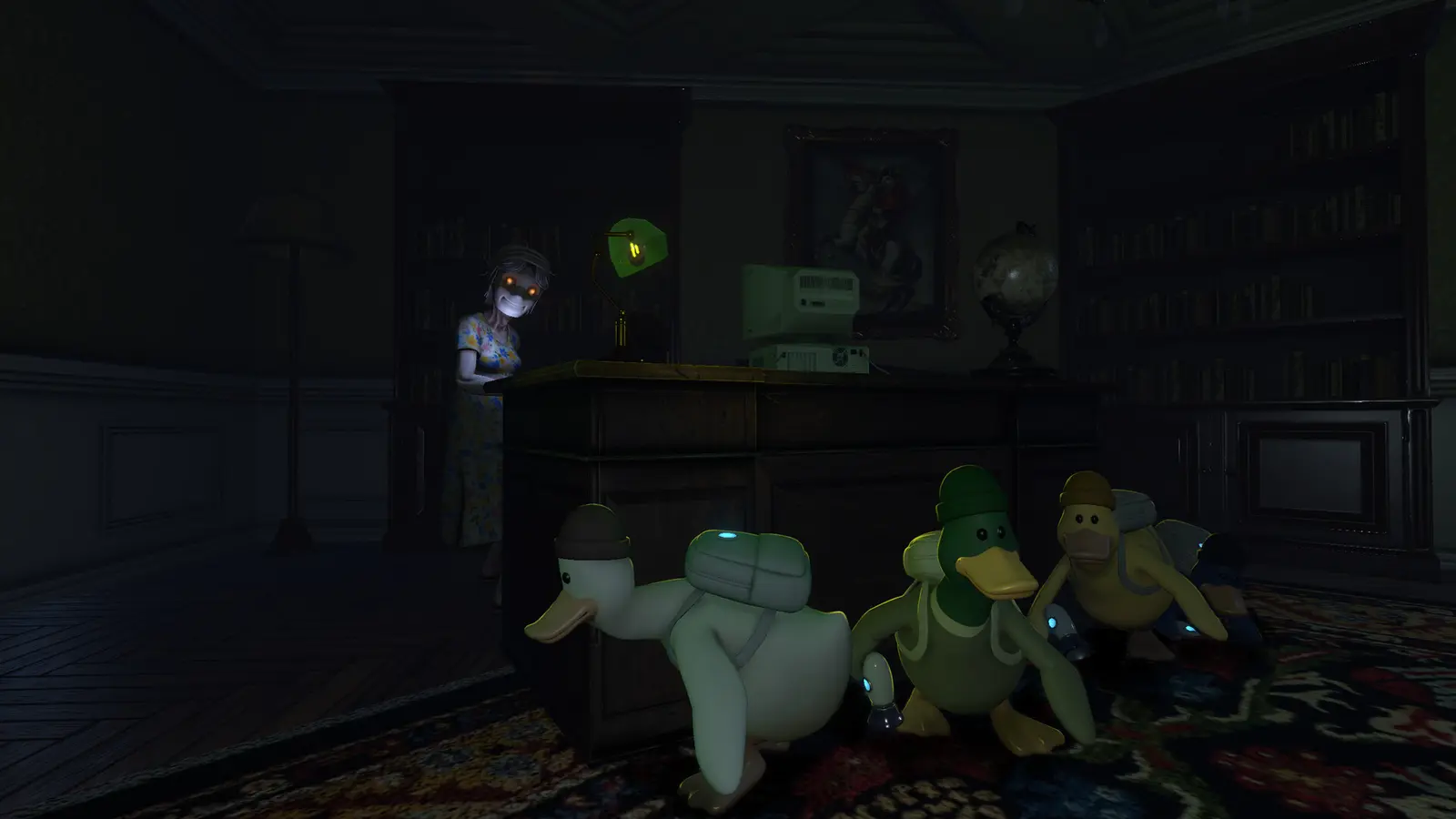
Using mods and trainers in QUIET is completely safe as long as you restrict your usage to private, offline single-player sessions. Because the game features both solo and online co-op modes, running a trainer in public lobbies can trigger anti-cheat mechanisms. Steam data shows a player base of up to 20,000 owners for this 2026 Windows release, meaning many are looking for ways to survive without risking account penalties. Always disconnect from the internet or select offline mode in Steam before launching your mod client to ensure complete safety.
QUIET Single-Player vs Co-op Compliance
As a cooperative video game, the title balances its difficulty around having multiple players distract the homeowner while others scavenge. When playing solo, this LINE Games stealth survival experience becomes incredibly punishing. While cheating in video games is heavily frowned upon in multiplayer environments, using a trainer offline is a perfectly valid way to enjoy the content on your own terms. Community reports and Steam reviews show that players who strictly use mods offline have not faced any account penalties or matchmaking restrictions.
Backing Up Your QUIET AppData Save Files
Before injecting any memory hooks, missing this one backup step can permanently corrupt your ship parts inventory. Because the game runs on Unreal Engine, your progress is stored locally in the AppData directory rather than exclusively on the cloud. Trust me, I learned the hard way that leaving my mic unmuted while grabbing a snack during a paused solo run still triggered the homeowner, ruining a two-hour run and corrupting my autosave when I panic-closed the game. Always navigate to %LOCALAPPDATA%\QUIET\Saved\SaveGames and copy the entire directory to your desktop before installing any custom modifications.
Multiplayer Warning
Never leave your trainer running in the background when joining public co-op lobbies. LINE Games Corporation actively monitors online sessions for memory injection anomalies.
How to install QUIET mods safely
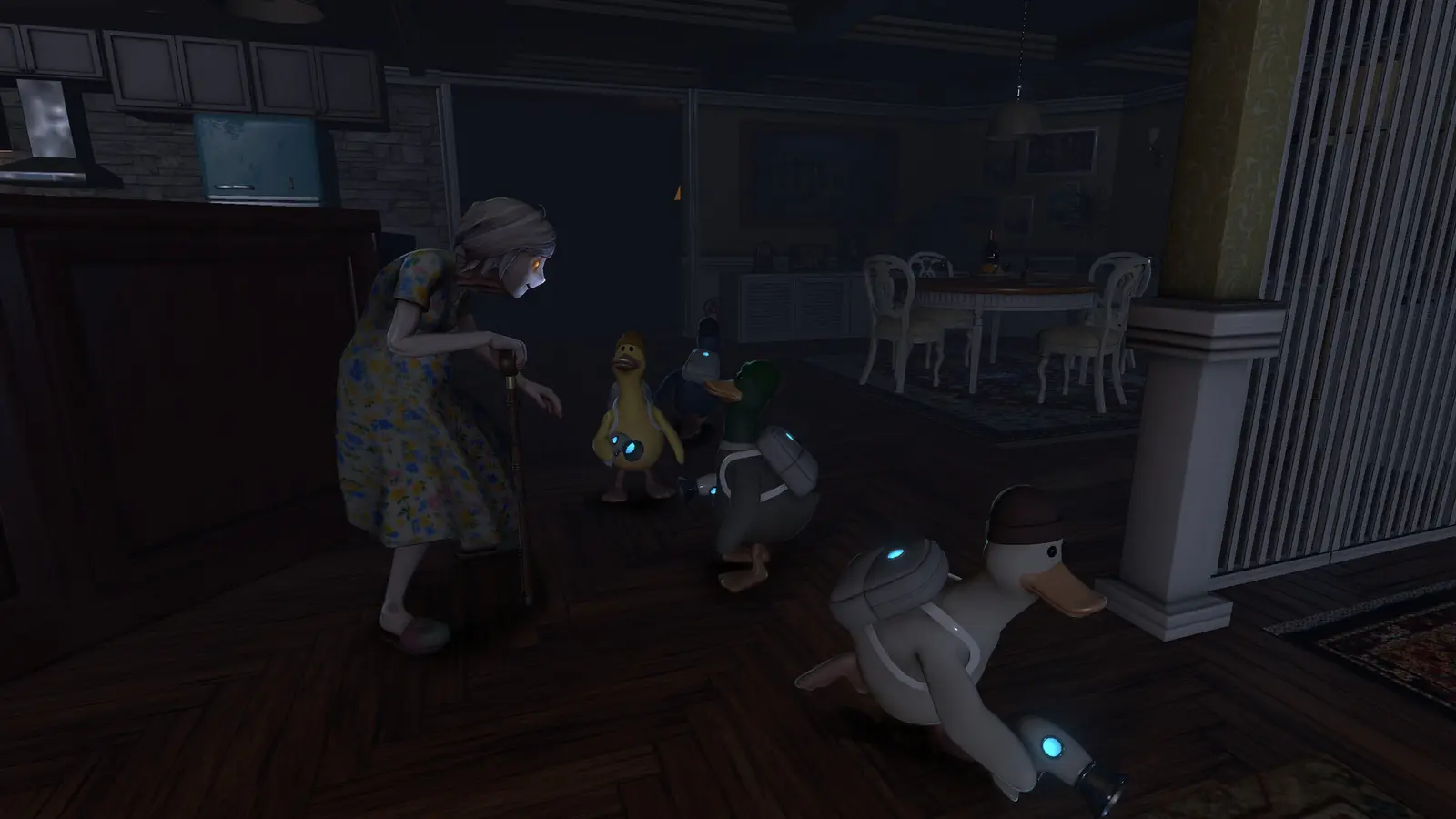
To install QUIET mods safely, you must download a verified trainer client, ensure your game version matches the software requirements, and launch the game in offline mode before activating any cheats. The setup process requires no programming knowledge and relies on simple keyboard hotkeys to inject memory modifications into the active game process. Verified working as of August 2026, this streamlined method ensures your installation remains clean, malware-free, and easily reversible if you decide to return to vanilla gameplay.
QUIET PC trainer download and Setup
Finding a reliable QUIET PC trainer download is the first step to taking control of your single-player experience. Start by downloading the client from a trusted source, ensuring your Windows Defender or antivirus software has an exception for the executable, as memory scanners often flag modding tools as false positives. Once installed, launch the game through Steam, load into your offline save file, and then open the trainer overlay. According to official docs state for most modding tools, injecting the hooks while sitting on the main menu can sometimes cause unexpected crashes, so always wait until your character is fully loaded into the house environment.
How Do You Disable Microphone Detection in QUIET?
The most requested feature among the community is the microphone detection bypass, which disables the dynamic audio threshold mechanics introduced in the v1.0+ patch. By default, the game constantly listens to your real-world microphone, meaning a sudden cough or a barking dog can instantly alert the homeowner to your location. I prefer mapping the noise meter freeze cheat to my mouse’s side button because it lets me react instantly when my physical mechanical keyboard makes too much noise during tense moments. Toggling this cheat effectively deafens the AI to your real-world environment, allowing for a much more relaxed exploration pace.
Pro Tip
If the microphone bypass doesn’t activate immediately, try pressing the hotkey twice or alt-tabbing out and back into the game to refresh the memory hook.
Essential Cheats for Solo QUIET Players
The most essential cheats for solo QUIET players include infinite stealth, god mode, and item spawning capabilities. These modifications fundamentally change the core gameplay loop from a highly stressful survival horror experience into a relaxed, narrative-driven exploration game. By utilizing these specific tools, solo players can easily gather the necessary flock survival ship parts without the constant fear of being caught and losing hours of hard-earned progress.
QUIET cheats infinite stealth & Noise Freeze
When you activate QUIET cheats infinite stealth, the game’s internal detection meters are permanently frozen at zero. In my testing on Windows 11 with the v1.0+ patch, I found that freezing the microphone noise meter completely prevents homeowner alerts during sprint actions, even when carrying heavy items across creaky floorboards. This allows you to navigate the massive house at top speed, bypassing the tedious crouching mechanics that normally pad out the gameplay time and artificially inflate the difficulty for solo players.
QUIET single player god mode Activation
If you do happen to stumble directly into the homeowner’s line of sight by turning a blind corner, having the QUIET single player god mode active is your ultimate safety net. Instead of triggering the instant game-over sequence that wipes your inventory, the enemy AI will simply bump into your character model without dealing any damage or resetting your position. This is particularly useful when exploring the basement or attic areas where escape routes are severely limited and the environmental lighting is intentionally poor.
QUIET ship parts item spawner
Struggling to find the last engine coil or navigation chip? The QUIET ship parts item spawner is an absolute game-changer for completionists. Instead of wandering aimlessly through procedurally generated loot spawns in dangerous rooms, you can use the trainer’s overlay to instantly drop required items directly at your feet. This completely removes the tedious grind associated with late-game crafting, letting you focus on repairing your vessel and escaping the property rather than engaging in repetitive scavenging loops.
Why Does the QUIET Trainer Stop Working?
Trainers typically stop working because of unexpected game updates, overzealous antivirus software blocking the memory injection, or physics engine conflicts caused by extreme speed multipliers. Whenever LINE Games Corporation pushes a new patch to Steam, the internal memory addresses shift, requiring the trainer software to update its pointers. If your cheats suddenly fail during a session, always check if the game received a background update and wait for the mod developers to release a compatible version.
Physics Breaks from Speed Hacks in QUIET
While moving faster sounds appealing when navigating a massive map, I strongly advise against pushing speed multipliers past 1.5x. In my experience, using extreme speed hacks breaks the physics engine when carrying heavy ship parts. The Unreal Engine collision detection struggles to keep up with the accelerated movement, often resulting in your character clipping through the floor or launching crucial quest items out of bounds. Stick to the default sprint speed and rely on infinite stamina instead for a much smoother, glitch-free experience.
Accidental Multiplayer Lobby Bans
The most severe issue players face is accidental multiplayer lobby bans. If you forget the mandatory offline toggle before launching memory hooks, the game’s peer-to-peer networking will detect the anomalies. According to PCGamingWiki community guides, once your Steam account is flagged in a public co-op session, you may be permanently restricted from joining friends online. Always double-check your network settings, verify the integrity of your game files if you suspect a ban, and ensure your Steam status is set to offline before experimenting with any memory-altering software.
Update Delays
Major content updates usually break trainer compatibility for 24 to 48 hours. Turn off Steam auto-updates for QUIET if you want to maintain uninterrupted access to your mods.
Conclusion
Modding QUIET completely transforms the solo experience, turning a highly stressful stealth game into an enjoyable, narrative-driven exploration adventure. By strictly adhering to offline single-player modes, you can safely utilize trainers to freeze noise meters, spawn essential ship parts, and bypass the punishing detection mechanics without risking your Steam account. Always remember to back up your save files before starting, keep your trainer software updated to match the latest game patches, and avoid using extreme speed hacks that might break the physics engine. With the right tools, surviving the house and repairing your ship becomes a breeze.
XMODHUB Trainer for QUIET: Full Feature List
For players looking to bypass the grueling stealth mechanics and focus on exploration, the XMODHUB ↗ trainer offers a comprehensive suite of tools designed specifically for solo survival.
Infinite Stealth
Freezes all detection meters, rendering you invisible to the homeowner.
God Mode
Prevents damage and stops the instant game-over sequence when caught.
Ship Parts Spawner
Instantly generates required engine components directly into your inventory.
Infinite Stamina
Sprint endlessly through the house without needing to rest.
Why Choose XMODHUB for QUIET
XMODHUB ↗ is the trusted choice for PC gamers because of its flawless safety record and automatic game-version updates. Unlike traditional cheat engines that require manual memory address hunting, this client provides a seamless, one-click experience that keeps your system malware-free while adapting to the latest patches automatically.
Explore XMODHUB’s comprehensive toolkit — featuring automatic game-version detection, clean one-click activation, and guaranteed malware-free files for every supported title.
Player Enhancements
Stealth & Detection
Inventory & Items
Frequently Asked Questions
Ready to enhance your gameplay?

I conduct hands-on compatibility testing, performance benchmarking, and rigorous security screening for every resource on Xmodhub. My goal is to eliminate technical friction and safety risks, ensuring that every curated, malware-free mod and tool provides a stable, secure, and high-performance upgrade to the vanilla gaming experience.

 Catherine Hu