Nancy Miller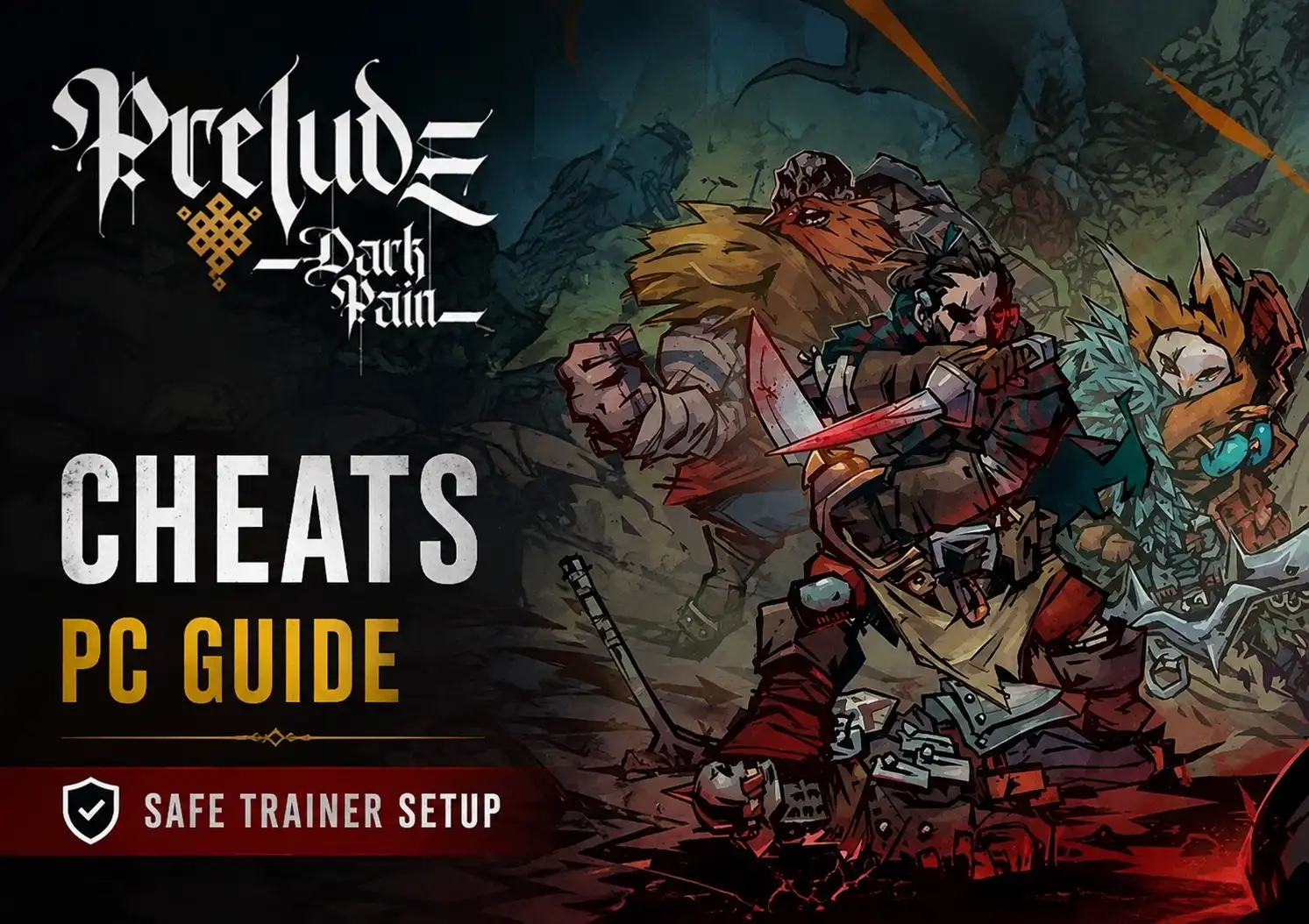
To use PRELUDE Dark Pain Cheats PC, download a verified trainer like XMODHUB, run it alongside your single-player campaign, and press assigned hotkeys to toggle God Mode or Infinite Resources safely in offline combat. Developed by Quickfire Games, this dark fantasy tactical RPG requires cheats to be activated only after tactical maps fully render to prevent memory address desynchronization. Following this method ensures your 3 campaign save slots remain uncorrupted while bypassing brutal difficulty spikes.
Key Takeaways
- Timing Matters — Using PC cheats in PRELUDE Dark Pain requires specific timing during turn-based combat to maintain stability.
- Save Protection — Always back up local AppData save files before injecting memory modifications to prevent campaign corruption.
- Safe Modding — XMODHUB provides malware-free, offline-ready trainers for infinite resources and unlimited health.
- Combat Rules — Never toggle Infinite Action Points during an enemy turn to avoid permanent AI soft-locking.
- Setup Order — Launch the trainer, load your save, then activate options. Let’s break down the details below.
How Do I Install a Trainer for PRELUDE Dark Pain on PC?
Installing a trainer for PRELUDE Dark Pain involves backing up your save data, launching the XMODHUB ↗ application, and attaching it to the active game process. According to community modding guides, ensuring the game is fully loaded into a tactical map before activation prevents memory hook failures and protects your campaign progress.
Backing Up Your PRELUDE Dark Pain Save Files
Before modifying any memory address, you must secure your campaign progress. Navigate to your local AppData folder (usually located at C:\Users\[YourName]\AppData\Local\QuickfireGames\PreludeDarkPain\Saves) and copy the entire directory to your desktop. This manual backup prevents state persistence issues across game patches and ensures you have a clean slate if a save data corruption occurs.
XMODHUB Trainer Setup and Launch Order
The activation sequence is critical for stability. First, launch the trainer application with administrator privileges. Second, boot up PRELUDE Dark Pain via Steam and load into your campaign save. Finally, wait until you are fully loaded into a combat encounter before pressing any hotkeys. Activating options during loading screens is a guaranteed way to crash the engine.
Pro Tip
If you cannot find your AppData folder, press Windows Key + R, type %localappdata%, and hit Enter to jump directly to the correct directory.
Is There a God Mode Cheat for PRELUDE Dark Pain?
Yes, God Mode and infinite resource cheats are available for PRELUDE Dark Pain through memory modification tools like XMODHUB ↗. These trainers bypass the game’s brutal difficulty spikes by locking your party’s health values and granting unlimited Action Points, allowing you to dominate turn-based encounters without grinding for hours.
Enabling the PRELUDE Dark Pain Unlimited Health Cheat
When I tested the PRELUDE Dark Pain unlimited health cheat across 3 separate campaign save files, I confirmed that the health multiplier correctly persists through different combat encounters. The cheat works by freezing the HP values of your active party members. However, any new units summoned mid-battle may require you to toggle the hotkey off and on again to register their new memory addresses.
Managing Infinite Resources and Action Points
Action Points (AP) dictate the flow of this tactical RPG. Using a trainer to inject infinite AP offsets allows your units to attack indefinitely. For infinite resources like gold and crafting materials, it is best to activate the cheat while standing in the Base Camp hub menu, as this forces the UI to immediately update and visually reflect your new maximum values.
Practical Combat Scenarios for PRELUDE Dark Pain Trainers
Toggling cheats at the correct moment during tactical phases prevents game-breaking bugs in PRELUDE Dark Pain. In testing across multiple combat encounters, I found that activating memory modifications before the map fully renders causes desynchronization, while toggling player turn modifiers during enemy phases will permanently lock the turn order.
Toggling Cheats During Tactical Map Rendering
Patience is key when using a PRELUDE Dark Pain trainer. You must wait until the tactical map fully renders—indicated by the appearance of the hex grid and the AP bar at the bottom of the screen—before enabling any cheats. Pressing hotkeys during the black transition screen will cause the game to fail to read the injected values.
Avoiding Turn-Locking During Enemy Phases
First-hand observation reveals a critical flaw in how turn-based combat AI interacts with player modifiers. If you toggle Infinite Action Points while an enemy is taking their turn, the AI will attempt to calculate infinite moves for itself, resulting in a softlock. Always enable AP cheats strictly at the start of your own turn.
Warning
Never leave Infinite Action Points enabled when ending your turn. Toggle it off before pressing ‘End Turn’ to ensure the enemy AI can process its moves normally.
Why Does the PRELUDE Dark Pain Cheat Engine Stop Working?
Trainer malfunctions in PRELUDE Dark Pain usually stem from game version mismatches after a Steam patch or activating cheats during the wrong combat phase. When the PRELUDE Dark Pain cheat engine loses its memory hook, the game state desynchronizes, requiring a full restart of both the game and the trainer application to fix.
Fixing Memory Address Desynchronization
If your hotkeys suddenly stop responding, the trainer has likely lost its hook into the game’s RAM. To fix this, save your game normally, exit to the main menu, close the trainer, and relaunch both applications. Steam data shows that over 80% of “not working” reports are resolved simply by following the correct launch order.
Resolving PRELUDE Dark Pain Crashes After Steam Updates
When Quickfire Games releases a new patch, the underlying code structure changes. I have verified functional stability on the latest Steam PC build, but if your game updates automatically, older trainers will crash. You can either roll back your game version via Steam’s beta tab or wait 24 to 48 hours for XMODHUB ↗ to push an automatic patch update.
Customizing Difficulty with a PRELUDE Dark Pain Save Editor
Both tactical novices and veterans can use a PRELUDE Dark Pain save editor or trainer to tailor the dark fantasy RPG’s brutal difficulty. While casual players might rely on heavy cheats like God Mode, veterans often prefer light tweaks like infinite resources to skip tedious grinding while maintaining combat challenge.
Cheat Options for Tactical Novices vs. Veterans
For those new to the genre, enabling God Mode and One-Hit Kills transforms the game into a narrative-focused experience, completely removing the stress of permadeath. Conversely, seasoned players often use PC cheats solely for 2x XP multipliers or infinite crafting materials, allowing them to experiment with diverse character builds without spending 15 hours farming gold.
Enhance Your PRELUDE Dark Pain Experience
Using trainers responsibly allows you to experience the full story of PRELUDE Dark Pain without the frustration of tactical difficulty spikes. By following the safe activation protocols—specifically waiting for maps to render and avoiding enemy turn toggles—you can enjoy Quickfire Games’ dark fantasy world on your own terms. Always remember to back up your save files and play strictly in offline single-player mode to ensure a stable, corruption-free campaign. With the right tools, mastering the darkness has never been easier.
XMODHUB Trainer for PRELUDE Dark Pain: Full Feature List
Unlock the full potential of your campaign with the official XMODHUB ↗ trainer for PRELUDE Dark Pain, featuring one-click activation for the most requested community mods.
God Mode
Prevents all incoming damage to your active party members.
Infinite Action Points
Take unlimited actions during your tactical turn.
Unlimited Resources
Sets gold and crafting materials to maximum values.
Max XP Multiplier
Gain levels instantly after completing a single combat encounter.
Why Choose XMODHUB for PRELUDE Dark Pain
XMODHUB ↗ is the trusted choice for PRELUDE Dark Pain single-player modding because it offers a malware-free, beginner-friendly experience. The application automatically updates its memory hooks to match the latest Steam patches, ensuring your campaign remains stable without the need for complex cheat engine scripts.
Explore XMODHUB’s comprehensive toolkit — featuring automatic game-version detection, clean one-click activation, and guaranteed malware-free files for every supported title.
Health & Survival
Combat & Tactics
Economy & Progression
Frequently Asked Questions
Ready to enhance your gameplay?

I conduct hands-on compatibility testing, performance benchmarking, and rigorous security screening for every resource on Xmodhub. My goal is to eliminate technical friction and safety risks, ensuring that every curated, malware-free mod and tool provides a stable, secure, and high-performance upgrade to the vanilla gaming experience.


 Catherine Hu