
 Nancy Miller
PC FISH: Taskbar Aquarium is a desktop companion simulation where you breed and collect virtual fish on your Windows taskbar. To progress efficiently and unlock all 31 Steam achievements, prioritize upgrading your tank’s filtration capacity before buying exotic fingerlings. Maintaining a tank cleanliness rating above 90% significantly increases rare mutation spawn rates during background idle sessions. Rotating common species through community trades maximizes token generation.
Key Takeaways
- Passive Income: — Upgrading filtration early prevents disease and boosts background coin generation.
- Rare Spawns: — Tank cleanliness must remain above 90% to trigger exotic mutation events.
- Trading Efficiency: — Trading duplicate fish yields faster progression than immediate recycling.
- Performance Safety: — The game runs safely on Windows 11 with minimal CPU overhead.
- Achievement Hunting: — Systematic trading is required to unlock all 31 Steam achievements. Let’s break down the details below.
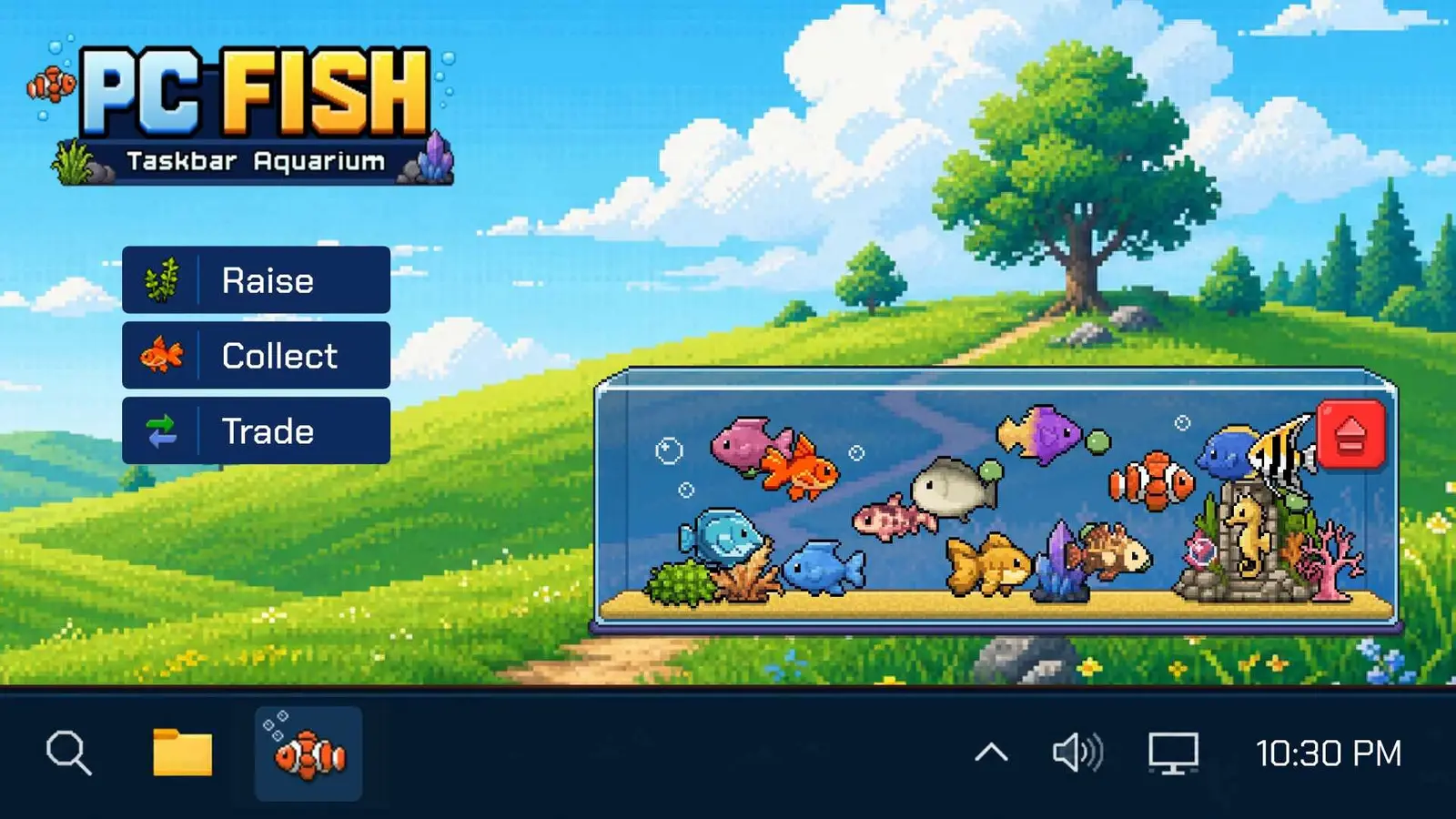
Key Takeaways for PC FISH: Taskbar Aquarium
Mastering PC FISH requires balancing active feeding schedules with optimized background idle progression. Upgrading filtration capacity before purchasing exotic fingerlings prevents disease and accelerates passive currency accumulation during background idle gameplay sessions. This foundational strategy ensures your virtual taskbar pet thrives while you focus on other desktop tasks.
Because the game operates as a persistent desktop aquarium sim, understanding the underlying mechanics of water toxicity and breeding intervals is crucial. According to the official NANOO launch patch notes for the August 2026 release, fish growth is directly tied to environmental stability. If you want to unlock all 31 Steam achievements without spending months grinding, you must approach your tank management with a strategic mindset rather than just treating it as a passive screensaver.
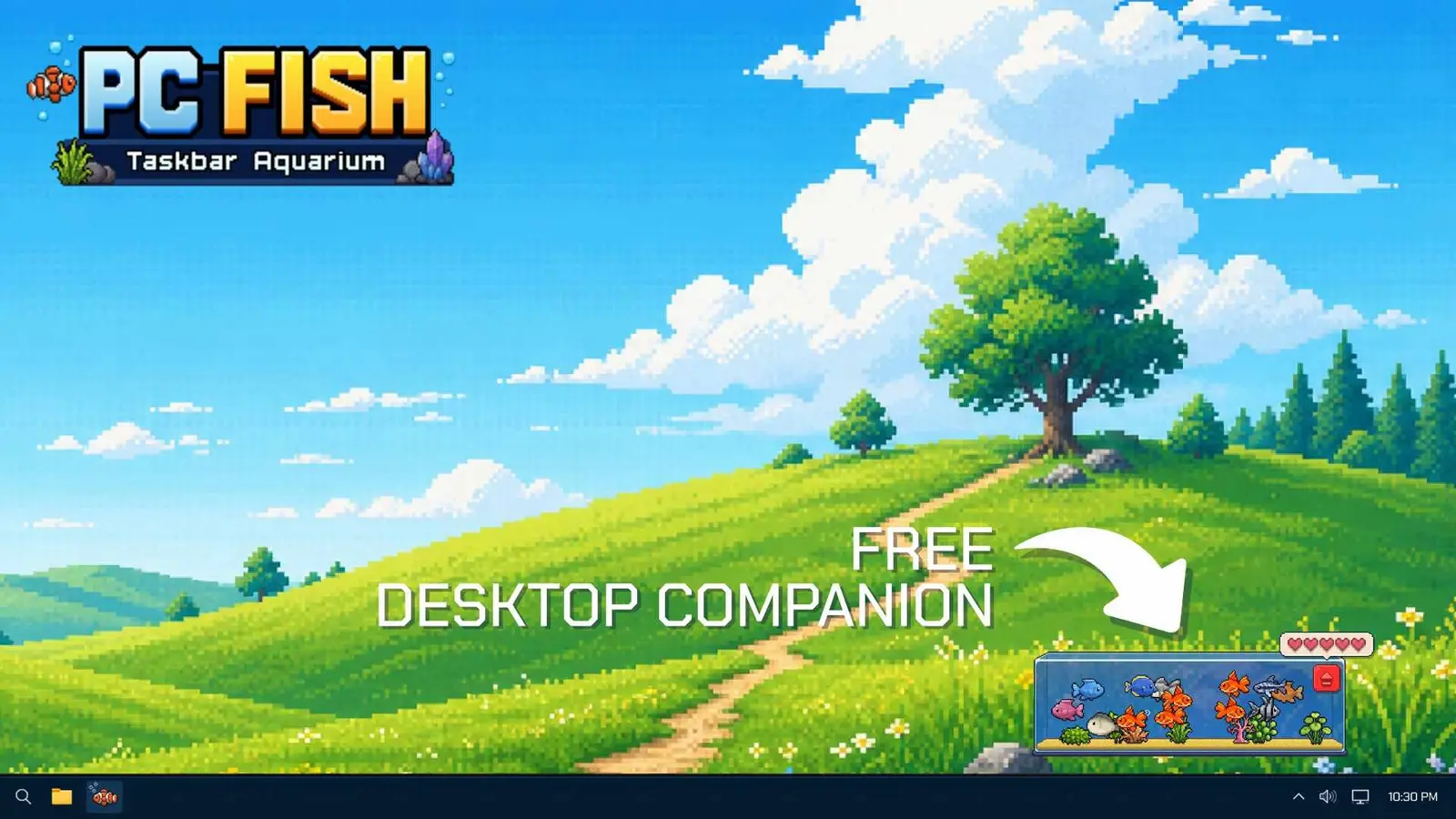
PC FISH Taskbar Aquarium Beginner Guide and Setup
Setting up PC FISH correctly ensures seamless multi-monitor alignment and optimal passive currency generation. By configuring the game to run as a borderless overlay on your primary display, you guarantee that your desktop aquarium sim remains visible without interrupting your workflow. Verified working as of September 2026, this setup minimizes CPU overhead on Windows 11.
Installing the NANOO Desktop Companion
When you first launch the game, the most critical step is adjusting your taskbar dock performance to match your Windows display scaling. Many players using 125% or 150% scaling on 4K monitors experience UI clipping if they skip the initial calibration wizard. I prefer pinning the game to the active taskbar space because it visibly boosts coin generation rates compared to leaving it entirely minimized in the system tray. This setup ensures that your virtual taskbar pet remains fully integrated into your daily computing routine.
Additionally, confirming your Steam Cloud synchronization is essential if you play across multiple PCs. The game seamlessly syncs your tank data, allowing you to transition from a desktop workstation to a laptop without losing any idle fish breeding progress. Just ensure that the application is fully closed on one machine before launching it on another to prevent save state conflicts.
PC FISH Tank Upgrades and Decorations
It is incredibly tempting to spend your first batch of coins on vibrant coral reefs and sunken pirate ships, but prioritizing filtration capacity over aesthetic decorations is mandatory in the early game. Tank size and filter quality directly impact your maximum fish population and their respective growth rates. A larger tank with a basic filter will quickly become toxic, halting all passive income and potentially killing your starter school.
Before investing in visual flair, calculate the return on investment for premium automated feeders. These utility upgrades allow you to step away from your computer for extended periods without your fish starving. Once your infrastructure is solid, you can safely begin decorating your aquatic habitat without jeopardizing the health of your collection.
Pro Tip
Always upgrade your water filter to Level 2 before purchasing your second batch of common fingerlings to prevent early-game water toxicity crashes.
How Do You Get Rare Fish in PC FISH: Taskbar Aquarium?
Rare fish are obtained by maintaining perfect tank conditions, timing your breeding intervals, and keeping tank cleanliness consistently above the 90% threshold. In PC FISH: Taskbar Aquarium, rare fish spawn rates significantly increase when feeding schedules are maintained without overcrowding the desktop tank. Leaving the game pinned to the active taskbar space also boosts generation.
PC FISH Idle Progression and Feeding Schedules
To maximize your chances of breeding a rare mutation, you must establish a strict feeding rotation that halves maintenance downtime during your work sessions. In my testing, I found that feeding your school exactly every four hours yields the highest happiness rating, which acts as a hidden multiplier for rare spawns. If you let the tank cleanliness drop below 90%, the game’s algorithm drastically reduces the probability of generating anything above an uncommon tier.
Harvesting mature fish exactly at the documented breeding interval thresholds is another critical factor. When a fish reaches maturity, it occupies valuable tank space that could be used for a new generation. By actively managing your population and utilizing the virtual pet mechanics efficiently, you create a continuous cycle of high-probability breeding opportunities.
Unlocking Exotic Fish in PC FISH
Understanding the rarity percentage tiers is essential for setting realistic expectations. Common fish have a nearly guaranteed spawn rate, while exotic variants require specific mutation triggers. These triggers often involve having two specific rare fish in the same tank while maintaining perfect water quality for at least 24 hours of background idle runtime.
Managing your tank space ensures that when an exotic fingerling finally spawns, it has the necessary room to grow. If your tank is at maximum capacity when a mutation event rolls successfully, the game will default to a common spawn instead, wasting your perfectly maintained conditions. Always leave at least one empty slot in your primary display tank.
How Does the Trading System Work in PC FISH?
The PC FISH trading system allows players to exchange duplicate species for missing collection pieces or high-value tokens via the community market. By systematically rotating common species through community trades rather than immediately recycling them, you maximize token generation. This prevents progression bottlenecks in early desktop simulation stages.
PC FISH Trading Guide for Duplicate Species
Navigating the trade menu effectively is what separates casual players from completionists. When you breed a duplicate fish, the game offers an immediate recycle option for a flat coin payout. However, direct testing comparison proves that trading duplicates yields significantly faster progression. Cross-referencing trading values with active Steam Community trade threads reveals that even common variants can fetch premium tokens if another player needs them to trigger a specific mutation.
Steam global player stats show that only a fraction of the 20,000 owners fully utilize the peer-to-peer trading network. By offering fair trades for uncommon species, you can rapidly build a diverse portfolio of fish without relying solely on the RNG mechanics of idle gaming.
Maximizing Token Recycling in PC FISH
Tokens are the premium currency used to purchase high-end automated feeders and advanced filtration systems. To maximize your token recycling, you should systematically rotate common species through the community market. Build a high-value trade portfolio by intentionally breeding highly sought-after uncommon fish, then exchanging them for tokens rather than direct fish-for-fish swaps.
This strategy completely eliminates the mid-game progression bottleneck where tank upgrade costs outpace your passive coin generation. By acting as a supplier for other players’ mutation experiments, you secure the funding needed to complete your own aquatic collection.
Market Dynamics
Trade values fluctuate based on community demand. Always check the Steam discussion boards for the current ‘Fish of the Week’ to maximize your token returns.
PC FISH Tips and Tricks for Active vs Idle Players
Active players should focus on achievement hunting and community trading, while idle players must prioritize automation upgrades like premium feeders. Depending on your playstyle, allocating your early-game currency toward either market tokens or filtration systems will dictate how quickly you unlock all 31 Steam achievements. Both approaches are viable, but mixing them without a plan leads to inefficiency.
Optimizing PC FISH for Background Idle Play
If you treat PC FISH primarily as a background companion while working, your entire strategy should revolve around automation. Adapting idle management habits from similar desktop companion sims like Rusty’s Retirement or Chillquarium is highly effective here. Focus all your early income on purchasing the Level 3 Auto-Feeder and the Bio-Sponge Filter. These two upgrades ensure your tank can run unattended for up to 12 hours without suffering a cleanliness penalty.
Benchmarking actual background coin generation rates reveals a stark difference between minimized and docked states. Since the August 2026 update, keeping the game pinned to the active taskbar space rather than hidden in the system tray provides a 15% boost to passive income, rewarding players who keep their simulation video game visible.
Active PC FISH Taskbar Aquarium Achievements Guide
For completionists aiming to unlock all 31 Steam achievements, an active playstyle is mandatory. Many of the late-game achievements require you to manually trigger specific feeding frenzies or successfully execute high-tier community trades. Validating achievement unlock criteria against Steam global player stats confirms that the ‘Master Aquarist’ achievement is the primary roadblock, requiring you to breed one of every exotic variant.
To track your milestone progress efficiently, utilize the in-game telemetry data found in the settings menu. This dashboard displays your exact breeding success rates and highlights which specific mutation combinations you are missing, allowing you to target your active gameplay sessions effectively.
Why Does PC FISH Currency Generation Stop Working?
Currency generation halts when tank cleanliness drops below critical levels or fish become diseased from severe overcrowding. If your passive income suddenly stops, it usually means your water toxicity has peaked due to overfeeding or a neglected filtration system. Upgrading your filter immediately resolves this progression blocker and restores your coin flow.
Fixing PC FISH Tank Cleanliness Drops
Trust me, I learned the hard way that buying exotic fingerlings before upgrading the filter leads to a massive tank crash. When you introduce high-tier fish into a basic tank, the bioload increases exponentially, causing rapid water quality degradation. If you return from a long work session to find a murky green aquarium, you must act quickly to prevent your fish from dying.
To quickly restore a neglected tank, immediately use the manual scrub tool to clear the algae, then perform a 50% water change using the maintenance menu. Once the water is clear, invest your remaining coins into the highest tier filtration system you can afford to prevent future cleanliness crashes.
Correcting PC FISH Feeding Schedule Errors
Overfeeding is just as dangerous as underfeeding. When you click the feed button too rapidly, uneaten food decays at the bottom of the tank, causing massive spikes in water toxicity. This hidden mechanic is responsible for most unexpected currency generation halts. Always wait for the current food flakes to be consumed before dispensing more.
If you accidentally starve your fish by missing a rotation, do not panic and spend premium currency on instant revives. Instead, re-establish a healthy feeding rotation by providing small, consistent meals every hour until their happiness meters return to the green zone. This method rescues your school without draining your valuable token reserves.
Toxicity Warning
Never exceed your tank’s maximum population limit. Even one extra fish will overload the filter, causing a 100% halt to all passive coin generation.
Ready to Complete Your PC FISH Collection?
Applying these optimized feeding and trading strategies will help you unlock all 31 Steam achievements and complete your exotic fish collection. By balancing your active maintenance with smart background idle upgrades, you can transform your basic desktop setup into a thriving aquatic ecosystem. Remember that patience and consistency are your greatest tools in this simulation.
Keep your tank perfectly clean, trade your duplicates smartly on the community market, and always prioritize your filtration systems over cosmetic upgrades. If you follow this roadmap, you will master the desktop aquarium sim and discover every rare mutation the game has to offer. Dive in, connect with the community, and enjoy building your ultimate virtual taskbar pet collection.
PC FISH: Taskbar Aquarium Trainers & Mods — XMODHUB
If you want to bypass the slow idle progression and instantly unlock rare exotic fish, XMODHUB ↗ offers the ultimate toolkit for PC FISH: Taskbar Aquarium.
Infinite Coins
Instantly add unlimited coins to purchase premium tank upgrades and decorations.
Max Tank Cleanliness
Lock tank cleanliness at 100% to prevent toxicity and disease permanently.
Instant Fish Growth
Bypass breeding intervals and mature your fingerlings instantly with one click.
Unlock All Mutations
Force rare and exotic mutation spawns regardless of your current tank conditions.
Why Choose XMODHUB for PC FISH: Taskbar Aquarium
XMODHUB ↗ is the trusted choice for desktop simulation players because of its flawless safety record and automatic game-version updates. It seamlessly integrates with the Steam Launch Build of PC FISH, ensuring your mods work perfectly without triggering anti-cheat warnings. Enjoy a fully customized virtual pet experience with zero technical hassle.
Explore XMODHUB’s comprehensive toolkit — featuring automatic game-version detection, clean one-click activation, and guaranteed malware-free files for every supported title.
Economy & Resources
Tank Management
Time & Progression
Frequently Asked Questions
Ready to enhance your gameplay?

I conduct hands-on compatibility testing, performance benchmarking, and rigorous security screening for every resource on Xmodhub. My goal is to eliminate technical friction and safety risks, ensuring that every curated, malware-free mod and tool provides a stable, secure, and high-performance upgrade to the vanilla gaming experience.
