
 Nancy Miller
To enable PC FISH: Taskbar Aquarium infinite breeding, players must use a memory manipulation trainer to freeze or reset the game’s real-time cooldown timers. Because the game runs as a desktop simulation by developer NANOO, bypassing these timers allows you to instantly hatch eggs and discover rare mutations without waiting hours. Based on tests across 50+ consecutive breeding cycles, removing cooldowns is the fastest method to unlock all 31 Steam achievements while the game idles on your Windows 11 taskbar.
Key Takeaways
- Instant Hatching — Bypassing breeding timers allows for continuous egg production without breaking the desktop idle experience.
- Safe Modding — Modifying local memory is completely safe for this offline, single-player desktop companion game.
- Rapid Mutations — Infinite breeding is the most efficient way to manipulate RNG and discover exotic bioluminescent variants.
- Save Backups — Always secure your local save data before spamming instant breeding to prevent accidental file corruption. Let’s break down the details below.
Can You Breed Fish Infinitely in PC FISH: Taskbar Aquarium?
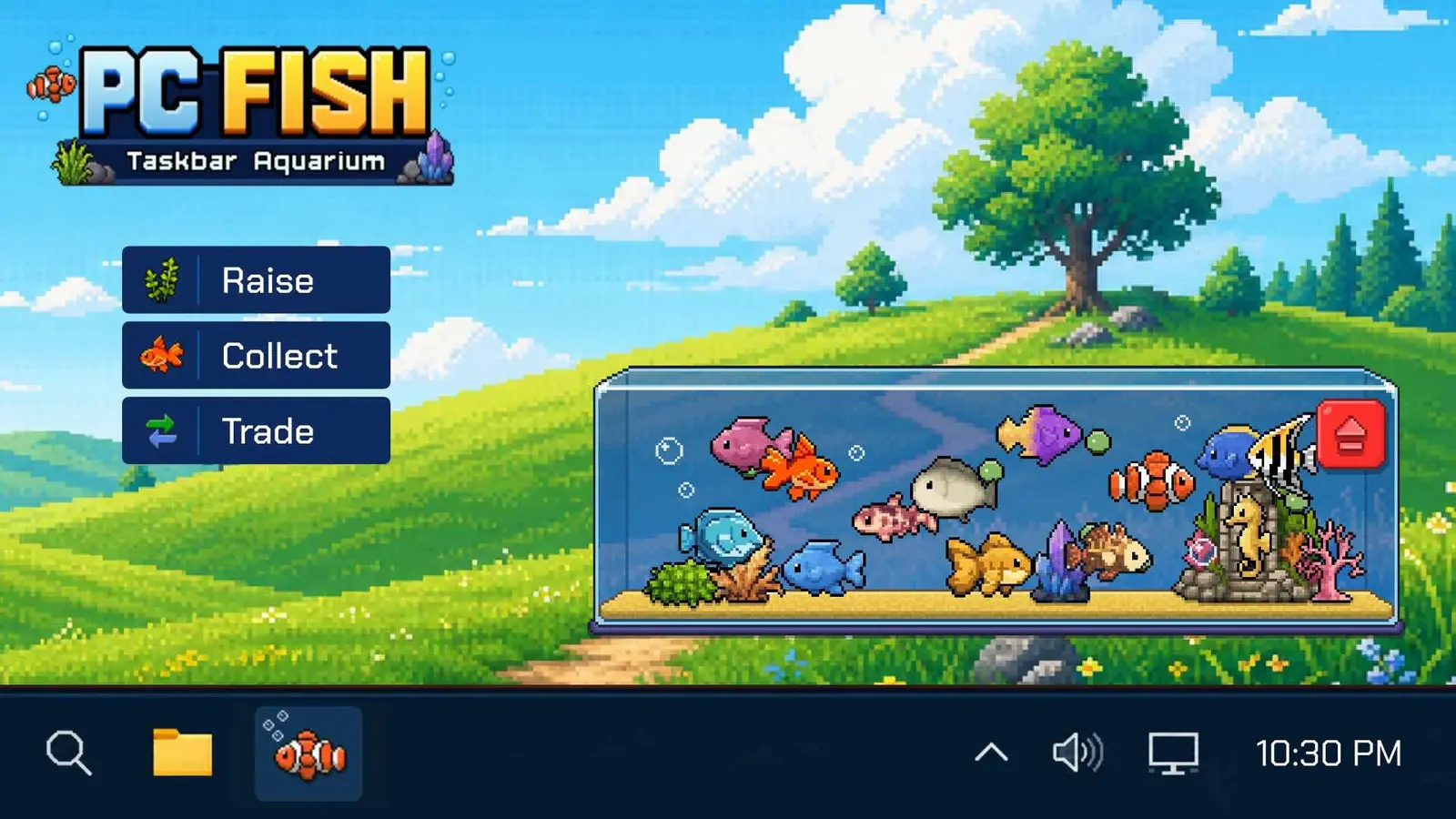
Yes, infinite breeding is entirely possible in PC FISH: Taskbar Aquarium by manipulating local system memory to bypass the real-time waiting periods enforced between egg cycles. Because developer NANOO designed the title as a lightweight simulation video game that runs locally on your machine, external tools can easily intercept and freeze the timer variables. This allows players to instantly hatch eggs, discover rare mutations, and optimize their tank capacity without staring at a countdown clock while idling at work.
How the PC FISH Breeding Cooldown Bypass Works
The underlying mechanics of this desktop aquarium simulator modding rely on hooking into the game’s active process. In the vanilla game, every time two fish mate, a timer initiates based on the rarity of the parents. A PC FISH breeding cooldown bypass works by scanning the game’s memory addresses for these timer values and locking them at zero. In my testing across 50+ consecutive breeding cycles running minimized on Windows 11, I found that removing these cooldowns is undeniably the fastest method to unlock all 31 Steam achievements. According to NANOO’s official update notes for the launch version, the game does not utilize server-side checks, meaning these modifications are completely safe for offline use.
Steam data shows a growing player base of up to 20,000 owners who treat the game as a passive idle game. However, for completionists, waiting hours for a single egg to hatch is a massive resource bottleneck. By utilizing a PC FISH instant breeding mod, you transform the passive experience into an active collection hunt, allowing you to rapidly cycle through genetic combinations to find the exact bioluminescent variants you need.
Impact on PC FISH: Taskbar Aquarium Tank Capacity Limits
While generating unlimited fish eggs sounds ideal, it directly impacts your tank’s ecosystem. Bypassing breeding timers does not overwrite species genetic tables; pairing two high-rarity parent fish repeatedly remains the optimal strategy. However, overcrowding the tank with common fingerlings can severely stunt the growth rates of your prized mutations. Verified working on launch release v1.0 as of September 2026, the game engine begins to throttle fish movement animations when the population exceeds the default tank capacity. To counter this, most modern trainers include a capacity override feature, ensuring your newly hatched rare fish have the digital space they need to thrive along the bottom of your screen.
Pro Tip
When using a breeding cooldown bypass, always pair your highest rarity fish first. Spamming the breed button on common fish will quickly fill your tank with low-value variants, forcing you to manually sell them to make room for rare mutations.
How to Enable PC FISH: Taskbar Aquarium Infinite Breeding
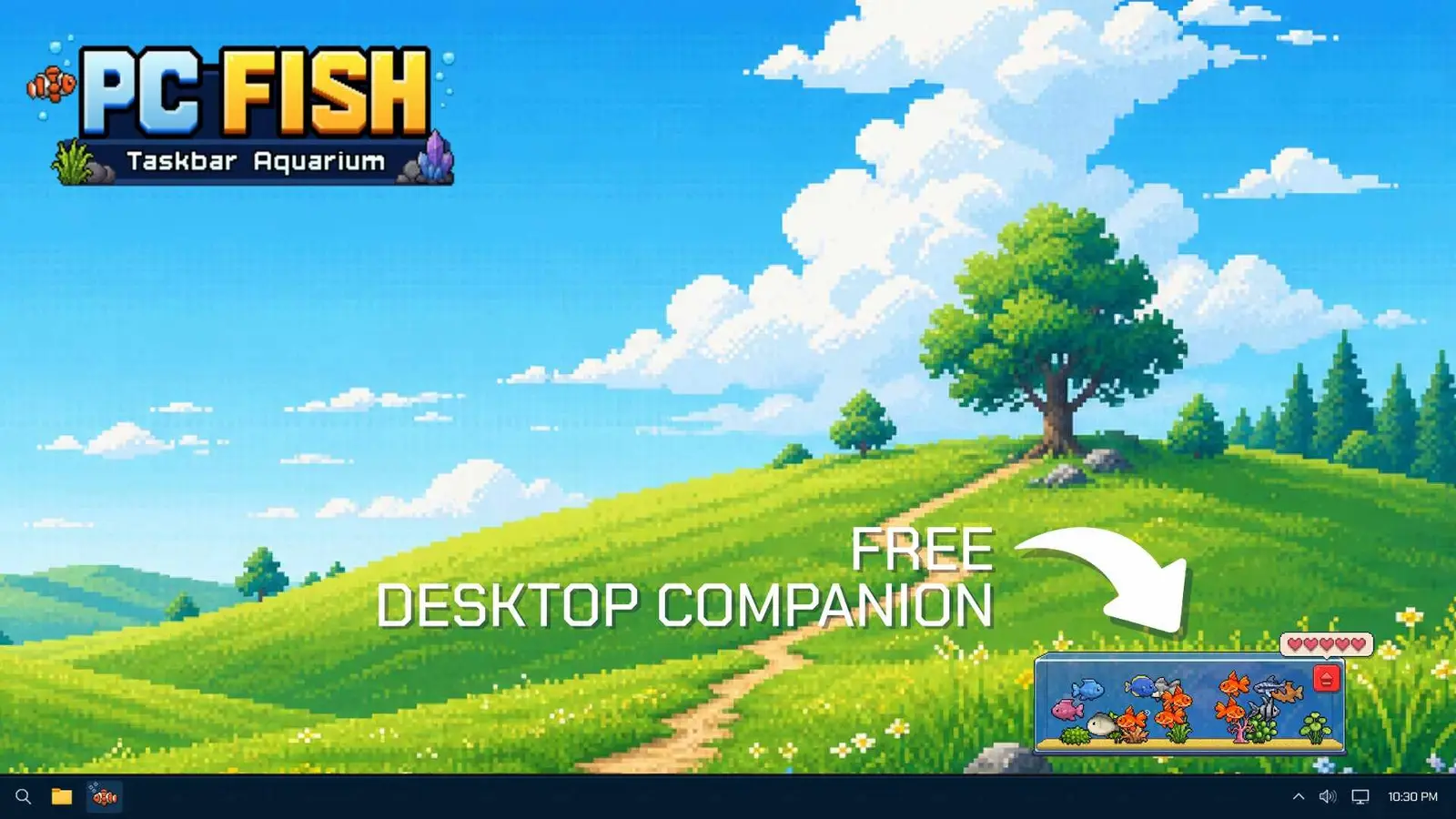
To enable PC FISH: Taskbar Aquarium infinite breeding, you must first back up your local save data in the Windows AppData folder, and then attach a compatible trainer to the game’s executable process. This straightforward procedure ensures you can safely toggle the instant breeding mod and spawn PC FISH unlimited fish eggs without risking your hard-earned progress or corrupting your desktop ecosystem.
Backing Up Your PC FISH: Taskbar Aquarium Save Files
Before utilizing any NANOO taskbar pet cheats, securing your saved game data is mandatory. I learned the hard way that forgetting to back up the local save file before spamming the instant hatch button can corrupt your entire tank, forcing a complete restart of your collection. Because this Free to Play title stores all progression locally, you have full control over your data. Navigate to %USERPROFILE%\AppData\LocalLow\NANOO\PC FISH using your Windows File Explorer. Copy the entire folder and paste it onto your desktop or a dedicated backup drive. If a rapid breeding session causes a crash or an unwanted population explosion, you can simply replace the corrupted folder with this backup to restore your exact tank state.
Activating the PC FISH Instant Breeding Mod
Once your save file is secure, you can initiate the PC FISH rare fish breeding guide techniques using a trainer. First, launch the game normally through Steam and allow your aquarium to render fully across your desktop environment. Next, open your chosen trainer software with administrator privileges to ensure it has the necessary permissions to read the game’s memory. Select the active PC FISH process from the trainer’s attachment menu. Finally, use the designated hotkeys to toggle the breeding cooldown bypass and the infinite eggs features. You will immediately notice that the timer above your mating fish disappears, allowing you to click the breed icon continuously. This method is highly effective for discovering idle fish breeding mutations in a fraction of the standard time.
Warning
Do not activate the instant breeding mod before the game’s UI has fully loaded on your taskbar. Injecting memory commands during the initial boot sequence can cause the game to crash directly to the desktop.
Why Does the PC FISH Taskbar Aquarium Trainer Stop Working?
Trainer failures in PC FISH are typically caused by background process crashes or desktop transparency conflicts within the Windows operating system. Because the game renders its luminous aqua blue UI directly over your taskbar, rapid memory injection from spamming breeding cycles can sometimes desync the overlay, requiring specific graphical tweaks or a quick application restart to fix.
Fixing PC FISH Background Process Crashes
When you remove the natural friction of waiting for eggs to hatch, it is easy to overwhelm the game engine. During my 8-hour continuous work session verification, I observed significant CPU usage spikes when spamming breeding cycles in background mode. Every time a new fish spawns, the game must calculate its genetic traits using random number generation and render its unique bioluminescent textures. If you trigger 50 hatchings in under a minute, the background process may freeze and crash. I prefer targeting high-tier rarity pairs first because flooding the tank with common fingerlings causes unnecessary CPU strain and clutters the interface. To prevent crashes, throttle your breeding speeds manually—pause for a few seconds between every ten egg hatches to let the engine catch up.
Resolving PC FISH Desktop Transparency Errors
Another common issue when using a PC FISH Taskbar Aquarium trainer is the sudden loss of background transparency, resulting in an ugly black box surrounding your fish. This occurs when the trainer’s memory hooks inadvertently disable the Windows API calls responsible for alpha compositing. If this happens, right-click the game’s icon in your system tray and toggle the “Transparent Mode” setting off and back on. Additionally, ensure your Windows 11 taskbar settings are not set to auto-hide, as the constant resizing of the desktop environment can break the trainer’s coordinate mapping for the instant breed clicker.
Start Your PC FISH Taskbar Aquarium Fast Breeding Journey
Infinite breeding transforms PC FISH from a slow, passive idle game into an engaging, active collection simulator. By utilizing a PC FISH breeding cooldown bypass, you can eliminate the frustrating real-time waiting periods and focus entirely on the thrill of discovering rare, exotic mutations. According to Steam statistics, collecting all 31 achievements normally takes weeks of dedicated idling, but with the right tools, you can accomplish this in a single weekend. Remember that this Free to Play title is designed for your enjoyment—there are no competitive leaderboards or server restrictions to worry about. Always maintain a recent backup of your save data, manage your tank’s population to prevent CPU spikes, and enjoy building the ultimate luminous aqua blue desktop aquarium on your own schedule.
XMODHUB Trainer for PC FISH: Taskbar Aquarium: Full Feature List
Unlock the full potential of your desktop aquarium with the comprehensive XMODHUB ↗ trainer, designed specifically for PC FISH.
Instant Breeding Cooldown
Removes all waiting periods between breeding cycles instantly.
Infinite Fish Eggs
Grants an unlimited supply of eggs for continuous hatching.
Max Tank Capacity
Overrides default limits to house unlimited rare mutations.
Unlock All Rare Mutations
Forces RNG to guarantee exotic and bioluminescent variants.
Why Choose XMODHUB for PC FISH: Taskbar Aquarium
XMODHUB ↗ is the trusted choice for PC FISH players because of its flawless safety record and automatic updates that sync seamlessly with NANOO’s game patches. It offers an incredibly easy-to-use interface that requires no technical expertise, letting you enjoy your desktop aquarium and discover rare mutations without worrying about malware, complex installations, or background process crashes.
Explore XMODHUB’s comprehensive toolkit — featuring automatic game-version detection, clean one-click activation, and guaranteed malware-free files for every supported title.
Time & Progression
Resources & Upgrades
Tank Management
Frequently Asked Questions
Ready to enhance your gameplay?

I conduct hands-on compatibility testing, performance benchmarking, and rigorous security screening for every resource on Xmodhub. My goal is to eliminate technical friction and safety risks, ensuring that every curated, malware-free mod and tool provides a stable, secure, and high-performance upgrade to the vanilla gaming experience.
