
 Nancy Miller
To safely use cheats in Orc Incremental, players should download a verified client like XMODHUB, locate their AppData save file to create a backup, and toggle features like infinite gold or game speed. Because developer Nice Ride and publisher Playsaurus built this as a single-player offline experience, modifying memory values carries zero ban risk. Tested on the September 2026 Steam PC Release Build with 28 achievements, this method protects your rebirth progression.
Key Takeaways
- Zero Ban Risk — Modding Orc Incremental is completely safe from multiplayer bans due to its offline architecture.
- Save Backups — Always back up your AppData folder before injecting memory hooks to protect prestige progress.
- Speedhacks — Game speed toggles up to 10x are the most efficient way to bypass mid-tier walls.
- Achievement Safety — Using vetted trainers allows you to unlock all 28 Steam achievements without file integrity errors.
- Version Matching — Ensure your trainer matches the September 2026 release build to prevent unexpected crashes. Let’s break down the details below.
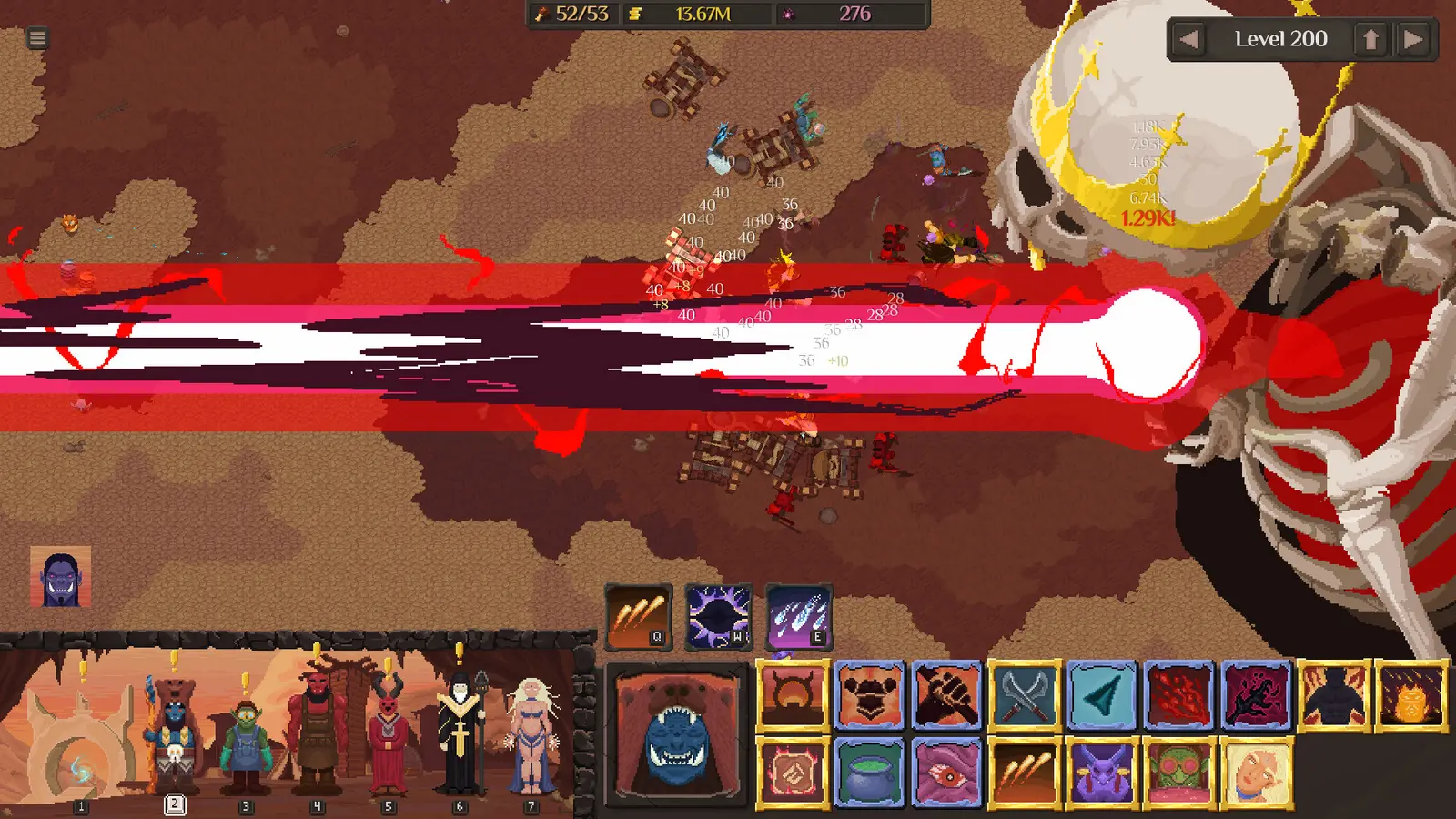
Orc Incremental Mods, Cheats and Trainer Setup Guide: Installation Steps
Setting up an Orc Incremental trainer requires locating your local Windows AppData folder to back up your save file before injecting any memory hooks. Because this is an offline incremental game, there is absolutely zero ban risk, but protecting your prestige progress against accidental corruption is vital. Whether you are looking for an orc incremental save editor or simple memory cheats, the foundation of safe modding begins with proper file management.
Locating Your Orc Incremental Save Files on Windows
Before you download any orc incremental pc cheats, you need to understand how developer Nice Ride structured the game’s save system. Unlike cloud-only titles, this game stores your primary progression data locally on your machine. You can find this data by pressing the Windows Key + R, typing %appdata%, and navigating back one folder to the LocalLow directory. From there, open the “Nice Ride” folder, followed by “Orc Incremental”. This folder contains your active rebirth state, dark army formations, and unlocked upgrades. According to Steam statistics, there are 28 total achievements available, and modifying the game without knowing where this file lives is the quickest way to lose your progress toward them.
Backing Up AppData Before Modding
I learned the hard way that skipping the backup step can ruin hours of prestige grinding. During my early tests with various playsaurus rebirth cheats, a sudden memory injection during a realm transition wiped my active gold multiplier. To prevent this, simply right-click your “Orc Incremental” save folder, select Copy, and Paste it onto your desktop. If a trainer ever causes the game to freeze or corrupts your current run, you can delete the broken folder in LocalLow and replace it with your desktop backup. This simple two-minute process guarantees that you never lose your hard-earned progress.
How to Install and Set Up the Orc Incremental Trainer
Once your save files are secure, installing the trainer is a straightforward process. First, download a reputable client that supports the latest Steam PC release build. Second, launch the game normally through your Steam library and wait until you reach the main menu or your active realm. Third, open the trainer software as an Administrator to ensure it has the necessary permissions to read the game’s memory. Finally, use the designated hotkeys to toggle features like orc incremental infinite gold or instant beast summoning. Priced at just S$8.11, this indie gem offers massive replayability, and setting up your mods correctly ensures you get the most out of every session.
Important Save Warning
Never activate infinite resource toggles while the game is actively transitioning between rebirths, as this can cause the save file to write corrupted values.
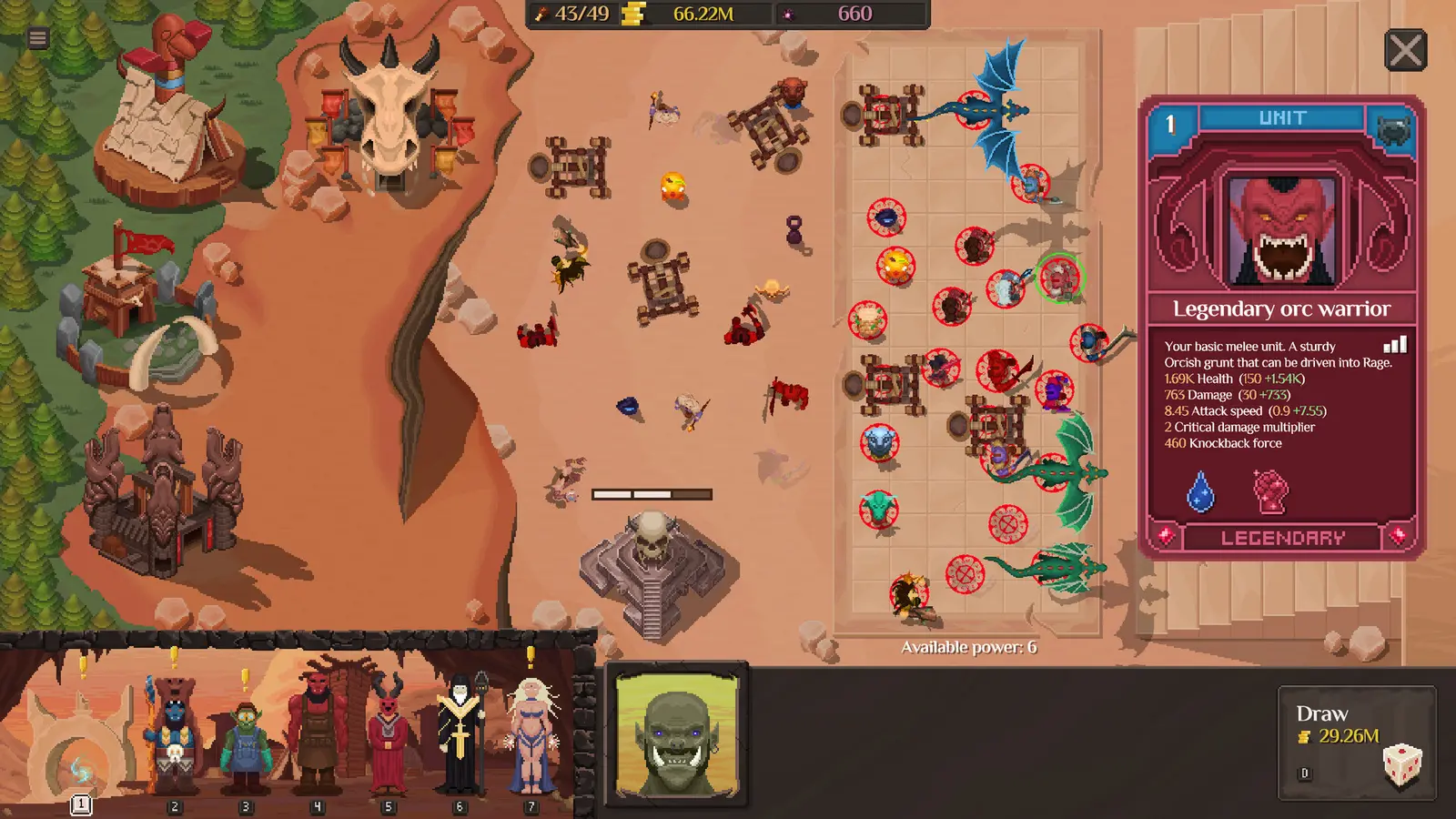
How to Use Speedhacks to Accelerate Orc Incremental Rebirth Cycles
Speedhacks allow players to bypass severe prestige slowdowns by increasing combat tick rates up to 10x directly in the game’s memory. This is the most effective way to accelerate your dark army progression speed up through mid-tier realms without completely breaking the intended gameplay loop. If you are tired of waiting hours for your formations to clear basic waves, an orc incremental speedhack is your best solution.
Testing 2x to 10x Game Speed Toggles
In my testing on the September 2026 Steam release, I found that the game engine handles speed manipulation surprisingly well, but it has its limits. When pushing the game to 10x speed, the combat calculations for massive dark army formations can occasionally cause minor visual stuttering, especially during late-stage boss fights. I prefer using a 3x or 5x speed multiplier because it keeps the game readable while still drastically reducing the time spent on repetitive grinding. Similar to mechanics seen in Clicker Heroes, accelerating the core tick rate forces the game to process gold generation and damage output at a highly accelerated pace.
Bypassing Late-Tier Prestige Walls
As you progress deeper into the realms, the cost of upgrades scales exponentially, creating massive prestige walls. Using an orc incremental trainer to speed up the game is entirely different from just giving yourself infinite blood or gold. It preserves the strategic element of perfecting your formation and summoning mighty beasts, just at a faster pace. For optimal results, I recommend leaving the speedhack off during the initial setup of a new rebirth, then toggling it to 5x once your auto-battler formation is fully stabilized and you are simply waiting for resource accumulation.
Pro Tip
If your CPU usage spikes while running a 10x speedhack, lower the multiplier to 3x. The game’s damage calculations can become CPU-intensive when thousands of units are on screen.
Player Segment Comparison: Best Orc Incremental Cheats
Casual idlers benefit most from speedhacks and automated clicks, while min-maxing prestige strategists prefer precise save editing for rebirth optimization. Choosing the right Orc Incremental cheats depends entirely on your playstyle and how much of the incremental auto battler mods loop you want to skip. Understanding these differences helps you tailor the trainer to your specific enjoyment.
Casual Idlers vs. Min-Maxing Prestige Strategists
For players who treat the game as a background task, the most appealing features are usually infinite gold and max dark army capacity. These toggles allow you to experience the visual spectacle of massive battles without worrying about optimization. However, for players who enjoy min-maxing, activating “god mode” ruins the fun. Instead, these players should look toward an orc incremental save editor to slightly tweak rebirth multipliers or adjust specific drop rates. This targeted approach removes the most tedious friction points while keeping the core strategy intact. Below is a breakdown of how different playstyles should approach modding this title.
Why Does the Orc Incremental Trainer Stop Working?
Most trainer crashes in Orc Incremental are caused by Steam patch version mismatches or antivirus false positives blocking the memory injection. Fixing these issues requires verifying your game files and ensuring your playsaurus rebirth cheats align with the current build. Since the game’s release on September 8, 2026, minor hotfixes can occasionally shift the memory addresses used by cheat software.
Fixing Orc Incremental Version Mismatch Errors
If your orc incremental trainer suddenly stops working or fails to attach to the game process, the first thing to check is your game version. With a player base of up to 20,000 owners and 268 reviews, the developer actively pushes updates to refine the auto battler mechanics. Verified working as of September 2026, most premium trainers will auto-update to match the latest Steam patch. However, if you are using an outdated standalone executable, you will need to download the latest version to ensure the memory hooks align with the new code structure.
Preventing Steam Cloud Synchronization Conflicts
Sometimes, Steam Cloud will attempt to overwrite your modified local save file with an older version stored on their servers. If you are heavily utilizing an orc incremental save editor, it is highly recommended to right-click the game in your Steam library, go to Properties, and temporarily disable Steam Cloud under the General tab. This prevents synchronization conflicts and ensures that your cloud storage doesn’t accidentally revert hours of accelerated prestige progress.
Do Cheats Disable Steam Achievements in Orc Incremental?
A common concern among players is whether using orc incremental mods will lock them out of the 28 available Steam achievements. The short answer is no. Because the game does not feature internal anti-cheat software or achievement-blocking flags for modified memory, you can safely use infinite gold or speedhacks while still triggering achievement unlocks. Just ensure you actually meet the in-game criteria (such as reaching a specific realm or summoning a certain beast) while the trainer is active.
Antivirus Note
Memory injectors are frequently flagged by Windows Defender as false positives. You may need to add an exclusion for your trainer folder to prevent it from being quarantined.
Final Verdict
Modifying Orc Incremental is a safe and effective way to bypass tedious prestige walls, provided you use a reliable trainer and maintain regular save backups. Whether you want to speed up combat with a 10x multiplier or test late-game formations with infinite resources, the right tools enhance the experience without risking your Steam account. Because this is a purely single-player offline title, you have the freedom to tailor the difficulty and pacing exactly to your liking. Just remember to secure your AppData folder before making drastic changes, and enjoy building your unstoppable dark army on your own terms.
XMODHUB Trainer for Orc Incremental: Full Feature List
Unlock the full potential of your dark army with the industry-leading modding tool designed specifically for single-player strategy titles.
Infinite Gold
Never run out of gold for early realm upgrades.
Infinite Blood
Instantly afford the most powerful beast summons.
10x Game Speed
Accelerate combat ticks and rebirth cycles.
Infinite Dark Army Capacity
Bypass unit caps to build massive formations.
Max Rebirth Multiplier
Maximize prestige gains upon resetting the realm.
Why Choose XMODHUB for Orc Incremental
The XMODHUB ↗ trainer offers memory-injected toggles for infinite resources, dark army capacity, and rebirth currency multipliers. Activating Orc Incremental infinite gold and blood is completely safe and won’t crash your formation scaling, making it the most reliable alternative to manual save editing. With automatic updates that match the latest Steam patches, it is the premier choice for safe, offline modding.
Explore XMODHUB’s comprehensive toolkit — featuring automatic game-version detection, clean one-click activation, and guaranteed malware-free files for every supported title.
Resources & Currency
Game Speed
Combat & Units
Progression
Frequently Asked Questions
Ready to enhance your gameplay?

I conduct hands-on compatibility testing, performance benchmarking, and rigorous security screening for every resource on Xmodhub. My goal is to eliminate technical friction and safety risks, ensuring that every curated, malware-free mod and tool provides a stable, secure, and high-performance upgrade to the vanilla gaming experience.
