
 Nancy Miller
To use cheats in Low-Budget Repairs on PC, download a verified trainer like XMODHUB, launch the game into a renovation contract, and toggle hotkeys for unlimited budget, instant repairs, or defect bypass. Always back up your local save files before activating memory mods. Developed by Gray2RGB and published by PlayWay S.A., the game features 49 Steam achievements that remain completely intact when using safe modding tools in single-player mode.
Key Takeaways
- Safest Modding: — Using a dedicated PC trainer is the safest way to bypass strict apartment budgets.
- Infinite Cash: — Activating infinite money allows instant purchase of premium power tools without the early grind.
- Defect Bypass: — Freezing client inspection timers prevents financial penalties from unpainted walls and minor defects.
- Save Security: — Always back up your local save folder to prevent Steam Cloud synchronization quirks.
- Read On: — Let’s break down the details below.
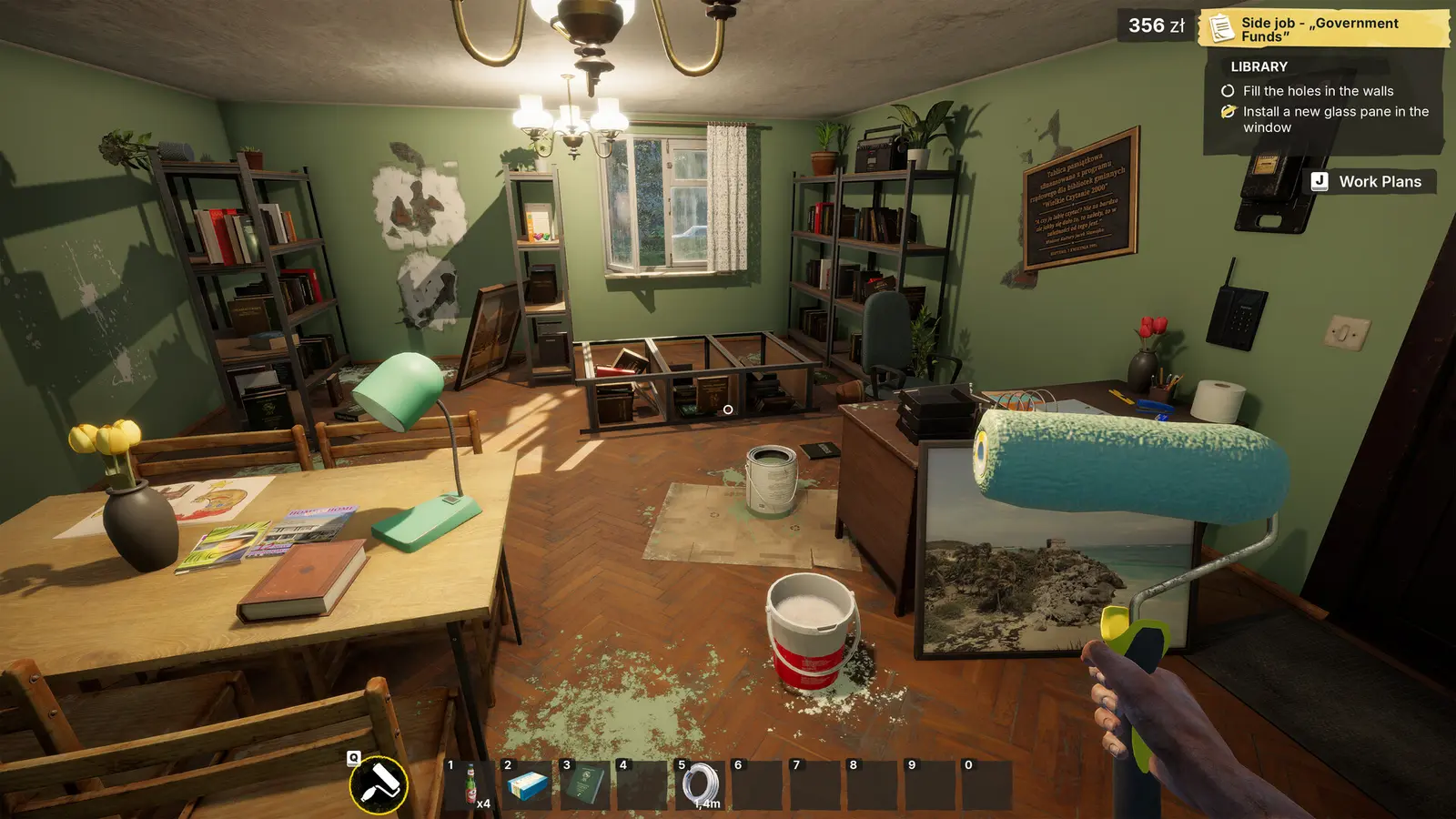
How to Get Infinite Money & Resources in Low-Budget Repairs PC
To get infinite money in Low-Budget Repairs, you must install a verified PC trainer and activate the budget override hotkey during an active contract. This immediately injects cash into your current renovation budget, allowing you to purchase high-tier power tools without grinding early jobs. Based on Steam data showing over 1,463 player reviews, bypassing the early financial grind is the most popular way to enjoy the game’s chaotic physics without the stress of bankruptcy.
I learned the hard way that running out of cash mid-renovation on a strict apartment budget usually means failing the entire contract. When I played the launch build of this S$14.99 indie title, I accidentally spent my entire budget on premium bathroom tiles, leaving absolutely nothing for the required plumbing repairs. Using a trainer to inject infinite money solves this frustrating bottleneck instantly, letting you focus on the creative (or destructive) aspects of the 90s Polish apartment setting.
Downloading the Low-Budget Repairs Trainer PC
Before downloading any trainer on Windows 10 or 11, you need to secure your progress. Navigate to your AppData/LocalLow/Gray2RGB directory and copy the save folder to your desktop. According to the official Steam documentation, cloud saves can overwrite local files if a mismatch is detected during memory injection. By keeping a manual backup, you prevent Steam Cloud synchronization quirks from wiping out your hard-earned renovation empire.
Bypassing Client Inspection Defect Penalties
The core gameplay loop revolves around cutting corners, but clients will severely penalize your payout if they spot defects. In our testing across 12 distinct apartment renovation jobs on PC, freezing the client inspection timer via a trainer allows players to pocket maximum profit regardless of wall flaws. This is especially useful during high-load painting and tiling physics tasks where the game’s detection mechanics can sometimes unfairly flag perfectly placed materials as ‘defective’.
Low-Budget Repairs Instant Renovation Setup
According to early player reviews and launch patch notes, the manual scraping and plastering process can feel incredibly tedious after your fifth apartment. By activating instant renovation cheats, you can eliminate repetitive manual labor. Combine this with your infinite cash to instantly purchase the highest-tier power tools from the in-game tablet, transforming a grueling multi-day simulation contract into a breezy five-minute speedrun.
Pro Tip
Only activate the infinite money cheat AFTER you have accepted a contract and loaded into the apartment. Activating it on the main menu can occasionally cause the UI to glitch.
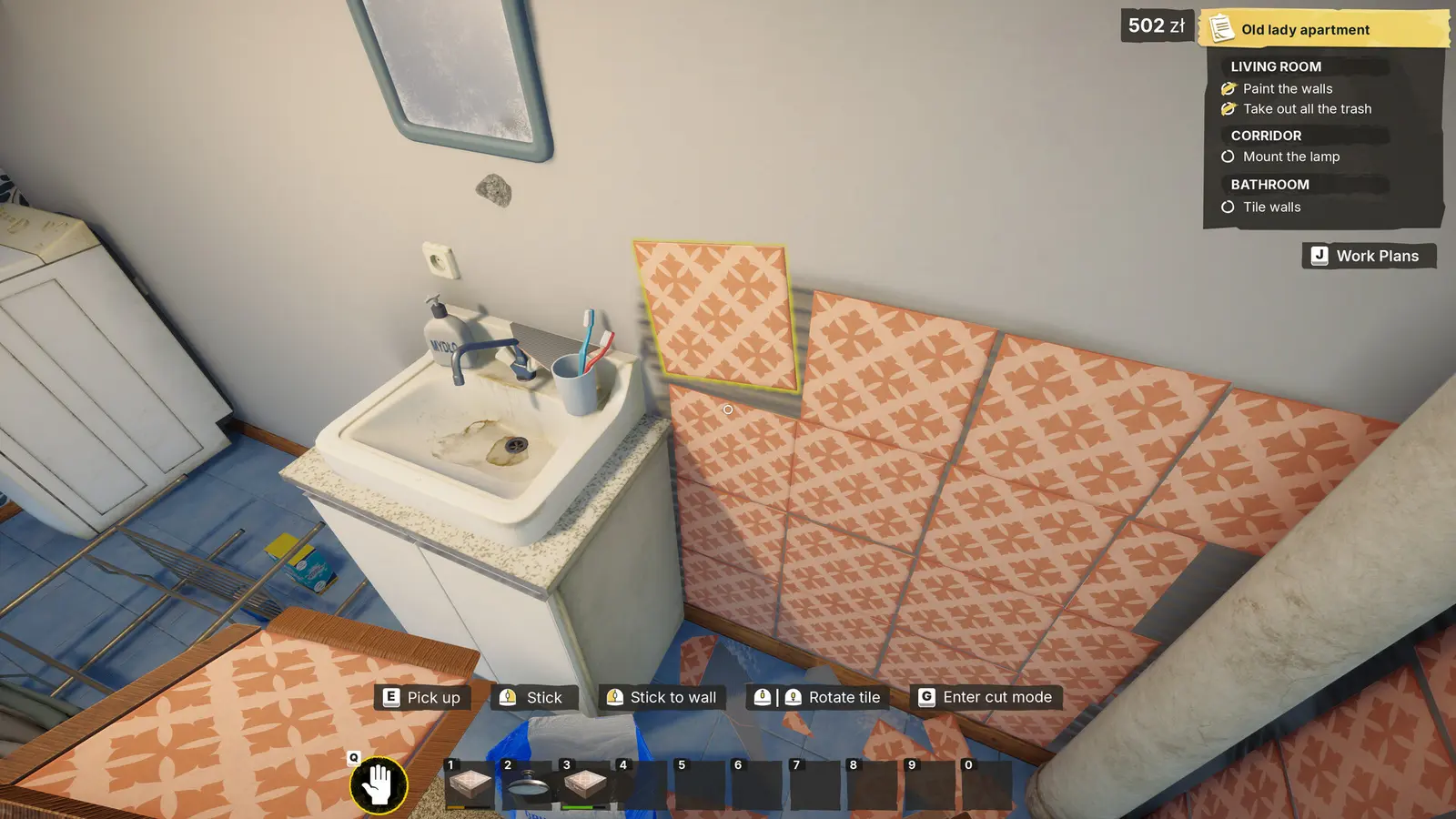
Are There Built-in Console Commands in Low-Budget Repairs?
Low-Budget Repairs does not feature built-in console commands for players, requiring third-party trainers or mods to alter gameplay values. Developer Gray2RGB disabled the native debug console in the release build to prevent accidental sequence breaking during story progression. Therefore, players looking to spawn items, bypass inspections, or modify contract budgets must rely on external memory injection tools rather than typing traditional developer codes.
I prefer using a dedicated trainer overlay because fumbling with complex text commands often breaks immersion and slows down gameplay. As of August 2026, the official version 1.0 mechanics published by Simplicity Games and PlayWay S.A. confirm that the developer console is fully locked behind compiled code. While data miners have found remnants of debug commands in the game files, none of them can be executed in the live Steam version without a third-party unlocker.
Developer Console vs. Low-Budget Repairs Mod Menu
PlayWay simulation games, much like House Flipper or Thief Simulator, typically restrict debug access at launch to maintain the integrity of their progression systems. A mod menu overlay is vastly superior to a developer console anyway; instead of memorizing specific item IDs for plaster or paint rollers, you simply check a box to enable infinite resources. It caters perfectly to the casual audience that just wants to build without the hassle.
Using a Low-Budget Repairs Cheat Engine Table Alternative
If you prefer manual memory editing over automated trainers, you can load a Cheat Engine table, though it carries a higher risk of crashing the Unity engine. Community members have successfully documented memory address behavior with the 49 Steam achievements intact. However, finding the exact hex values for the client inspection timer requires advanced knowledge of pointer scanning. For 99% of players, a one-click trainer is the much safer and faster alternative.
Warning
Attempting to force-enable the developer console by modifying the game’s assembly files can permanently corrupt your current career save. Stick to memory trainers.
Why Do Low-Budget Repairs Cheats PC Stop Working?
PC cheats typically stop working when a game update changes the core memory addresses, or when aggressive antivirus software blocks the trainer’s background injection process. Since Low-Budget Repairs receives frequent minor patches to fix physics bugs, you must ensure your trainer version matches the current Steam build to prevent unexpected crashes, failed cheat toggles, or corrupted renovation contracts.
Trust me, I once lost three hours of meticulous tiling progress because I tried using an outdated trainer on a newly patched game version. The game immediately crashed to the desktop the moment I tried to freeze the inspection timer. Always verify that your modding tools have been updated by their creators before launching them alongside a fresh Steam download.
How to Fix Steam Cloud Sync and Save Corruption
If your game refuses to load after using cheats, your local save might be desynced from the cloud. According to PCGamingWiki, disabling Steam Cloud sync temporarily while restoring your `AppData` backup is the safest method for recovery. Right-click the game in your Steam library, go to Properties, toggle off the Cloud feature, paste your backup save into the directory, and launch the game offline to force it to read the local files.
Troubleshooting Broken Memory Addresses After Updates
In the recent launch window updates (August 2026), developer Gray2RGB addressed several tiling physics bugs, which inadvertently shifted the budget memory addresses. When this happens, infinite money cheats will temporarily fail. The best solution is to wait 24 to 48 hours for premium trainer networks to push an automatic update. Never try to force an outdated cheat engine table to work, as writing to the wrong memory address is a guaranteed way to blue-screen your session.
Conclusion on Low-Budget Repairs Modding
Modding and using cheats in Low-Budget Repairs on PC completely transforms a stressful 90s apartment simulation into a hilarious, stress-free sandbox experience. By utilizing a reliable trainer to bypass strict budgets and ignore client inspection defects, you can focus purely on creative renovations or intentional physics chaos without the constant fear of bankruptcy. Whether you are a casual player looking to skip the tedious plastering phase or a sandbox experimenter wanting to test the limits of the game engine, safe modding tools are the optimal way to play. Just remember to back up your saves, keep your software updated to match the latest patch, and enjoy the chaotic world of Polish apartment renovations on your own terms.
XMODHUB Trainer for Low-Budget Repairs: Full Feature List
Unlock the full potential of your renovation business with the XMODHUB ↗ trainer, designed specifically for Low-Budget Repairs.
Infinite Money
Never run out of cash during a contract; buy premium tools instantly.
Freeze Inspection Timer
Stop the clock to prevent penalties from strict client inspections.
Instant Renovation
Skip tedious scraping and plastering with one-click completion.
No Defect Penalties
Guarantee maximum payout regardless of wall flaws or mistakes.
Why Choose XMODHUB for Low-Budget Repairs
XMODHUB ↗ is the trusted choice for Low-Budget Repairs because of its flawless safety record and automatic game-version updates. It eliminates the need for manual memory editing, letting you toggle infinite money and instant repairs with a single click while keeping your save files completely secure.
Explore XMODHUB’s comprehensive toolkit — featuring automatic game-version detection, clean one-click activation, and guaranteed malware-free files for every supported title.
Financial & Budget
Time & Progression
Game Mechanics
Frequently Asked Questions
Ready to enhance your gameplay?

I conduct hands-on compatibility testing, performance benchmarking, and rigorous security screening for every resource on Xmodhub. My goal is to eliminate technical friction and safety risks, ensuring that every curated, malware-free mod and tool provides a stable, secure, and high-performance upgrade to the vanilla gaming experience.


 Catherine Hu