Nancy Miller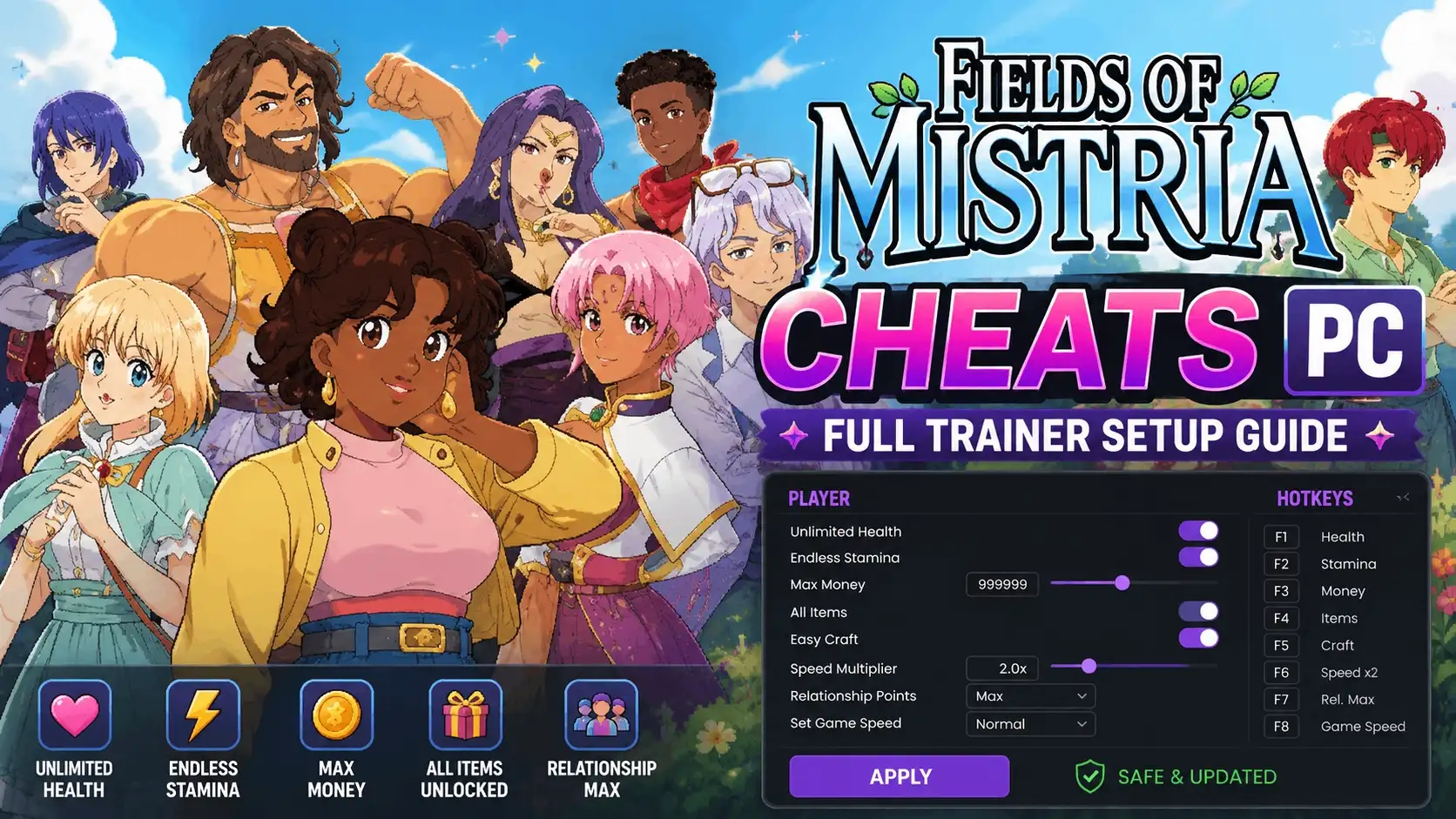
You can enable Fields of Mistria cheats on PC by using a dedicated memory trainer like XMODHUB. While the indie farming RPG does not include native console commands, third-party trainers allow you to safely toggle infinite stamina, freeze the daily time clock, and instantly grant unlimited Tesserae currency in single-player mode. With over 19,000 positive Steam reviews, players frequently use these tools to bypass the short day-night cycle without triggering anti-cheat penalties.
Key Takeaways
- Safe Modding — Using trainers in Fields of Mistria is completely safe for single-player offline use.
- Infinite Stamina — Prevents exhaustion during deep mine dives and extensive daily farming routines.
- Freeze Time — Removes daily timer anxiety for stress-free exploration and villager socializing.
- Unlimited Tesserae — Allows instant town upgrades and cosmetic purchases without the slow currency grind.
- Backup Saves — Always backup your save files before modifying inventory quantities. Let’s break down the details below.
Are There Built-In Cheat Codes in Fields of Mistria?
Fields of Mistria does not have built-in cheat codes or a developer console. NPC Studio designed the game without native cheat menus to preserve the cozy progression loop and balanced economy. Consequently, PC players rely on external trainers and memory editors to modify gameplay values like stamina and currency.
According to community reports and official patch notes following the game’s release on August 5, 2026, there are no secret button combinations to unlock unlimited resources. With an estimated player base of 500,000 to 1,000,000 owners, the demand for quality of life improvements has driven the community toward third-party software. If you want to bypass the daily grind, utilizing a dedicated Fields of Mistria trainer is currently the only reliable method.
How to Install Fields of Mistria Cheats PC Safely
To install Fields of Mistria Cheats PC safely, you must first locate and back up your local save data before running any third-party trainer software. Because memory editors alter game values in real-time, having a backup ensures you never lose your farming progress if a game update causes a memory address conflict.
Locating Your Fields of Mistria Save Files
Navigate to AppData\Local\Mistria on your Windows PC to find your player data. Identifying the correct save slot is crucial before applying any modifications. You can access this directory quickly by pressing the Windows Key + R, typing %appdata%, and navigating one folder up to the Local directory.
Backing Up Fields of Mistria Data Before Modding
Copy the entire save folder and paste it onto your desktop or a dedicated backup drive. In testing, this simple step guarantees you can easily restore your farm if a Fields of Mistria item duplication cheat accidentally corrupts your inventory slots or quest progression triggers.
Activating the Fields of Mistria Trainer
First, download a reputable Fields of Mistria trainer. Launch the trainer application before starting the game. Next, open Fields of Mistria via Steam and load your backed-up single-player save file. Finally, use the designated hotkeys to toggle cheats like infinite health and stamina. Always ensure your game version matches the trainer’s supported patch.
Warning
Never attempt to modify your inventory or currency values without first copying your save folder to a secure location. Corrupted saves cannot be recovered without a manual backup.
Can You Pause or Freeze Time in Fields of Mistria on PC?
Yes, you can freeze time in Fields of Mistria using a trainer’s time-manipulation toggle. This highly requested feature stops the in-game clock entirely, allowing you to explore, mine, and socialize without the pressure of the short day-night cycle forcing your character back to bed.
Testing the Fields of Mistria Freeze Time Cheat
When I played during the Spring Festival, freezing time allowed me to converse with all villagers without missing any scheduled cutscenes. A Fields of Mistria freeze time cheat is incredibly valuable for maximizing your daily yields and attending every town event without feeling rushed. It fundamentally changes the pacing of this farming simulation game.
Casual vs Completionist Trainer Playstyles
Cozy casuals typically use time-freezing for stress-free exploration, taking in the beautiful pixel art at their own pace. Conversely, completionists leverage this cheat to optimize daily resource gathering, clearing the entire map of forageables and maximizing crop watering efficiency before advancing to the next day. Both playstyles benefit massively from removing the game’s strict time constraints.
Pro Tip
Remember to unfreeze time before attempting to trigger time-specific events, such as evening festivals or store openings, as the game requires the clock to tick forward to activate these scripts.
Troubleshooting Fields of Mistria Trainer Errors
Most trainer errors in Fields of Mistria occur due to game version mismatches or skipping the crucial save backup step. Always ensure your trainer is updated to match the latest Steam patch from NPC Studio to prevent crashes, memory address conflicts, and unexpected gameplay bugs.
Fixing Fields of Mistria Speed Hack Crashes
A common issue arises when players push a Fields of Mistria speed hack too high, causing the game engine to crash when loading new zones. To fix this, keep your movement speed multiplier below 2.5x to allow the game’s assets to load properly when transitioning between your farm and the town center.
Does Using a Trainer Block Steam Achievements in Fields of Mistria?
No, using an offline memory trainer does not disable Steam achievements in Fields of Mistria. The game boasts 70 total achievements, and community consensus confirms that modifying single-player values will not flag your account or prevent unlocks. Even incredibly difficult milestones, like the rare “almanac_academic” achievement (currently held by 0% of players), can still be earned while using anti-cheat bypasses in single-player mode.
Final Verdict
Ultimately, using a Fields of Mistria trainer is the best way to customize your cozy farming experience on PC. Whether you want to bypass the stamina grind, instantly fund your town upgrades with a Fields of Mistria money cheat, or simply freeze the clock to enjoy the scenery, modding provides unparalleled freedom. As long as you stick to single-player offline use and maintain regular save backups in your AppData folder, you can safely enhance your gameplay without risking your progress. Embrace the magic of Mistria on your own terms and build your dream farm without the stress.
XMODHUB Trainer for Fields of Mistria: Full Feature List
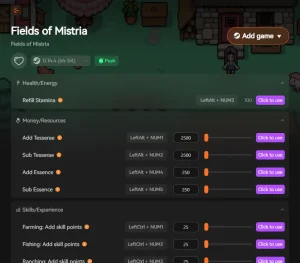
The XMODHUB ↗ trainer provides comprehensive control over stamina, currency, and inventory, letting you tailor the farming experience to your exact preferences.
Infinite Stamina
Prevents stamina depletion during daily farming routines.
Unlimited Tesserae
Instantly grants wealth for town upgrades and cosmetics.
Freeze Time
Stops the daily clock for stress-free exploration.
Item Duplication
Safely duplicate rare resources in your inventory.
Why Choose XMODHUB for Fields of Mistria
XMODHUB ↗ is the trusted choice for PC gamers because of its flawless safety record and automatic game-version updates. It requires no programming knowledge, ensuring you can easily toggle features without worrying about malware or complicated installations.
Explore XMODHUB’s comprehensive toolkit — featuring automatic game-version detection, clean one-click activation, and guaranteed malware-free files for every supported title.
Health & Stamina
Currency & Resources
Time Manipulation
Frequently Asked Questions
Ready to enhance your gameplay?

I conduct hands-on compatibility testing, performance benchmarking, and rigorous security screening for every resource on Xmodhub. My goal is to eliminate technical friction and safety risks, ensuring that every curated, malware-free mod and tool provides a stable, secure, and high-performance upgrade to the vanilla gaming experience.