Nancy Miller
To get cheats for E-Shop Tycoon on PC, download the XMODHUB trainer, launch your game on Steam, and activate hotkeys like F1 for infinite cash. Using PC cheats allows players to instantly inject startup capital and remove staff fatigue without disrupting warehouse logistics. Developed by Aeolian Games, the single-player simulation lacks anti-cheat, ensuring smooth mod compatibility. It works safely offline and preserves all 32 Steam achievements for the v1.0 release.
Key Takeaways
- Safe Injection — E-Shop Tycoon trainers provide safe, offline memory injection to bypass early-game financial bottlenecks.
- Infinite Capital — Inject unlimited cash to scale warehouses and survive marketing crises without forced bankruptcy.
- Staff Morale — Keep employee satisfaction at 100% to eliminate tedious fatigue management and training cycles.
- Achievement Safety — Steam achievements remain fully functional since single-player memory hooks don’t alter core save checksums.
- Save Backups — Always back up your AppData directory before modifying warehouse logistics. Let’s break down the details below.
How to Install E-Shop Tycoon Cheats PC
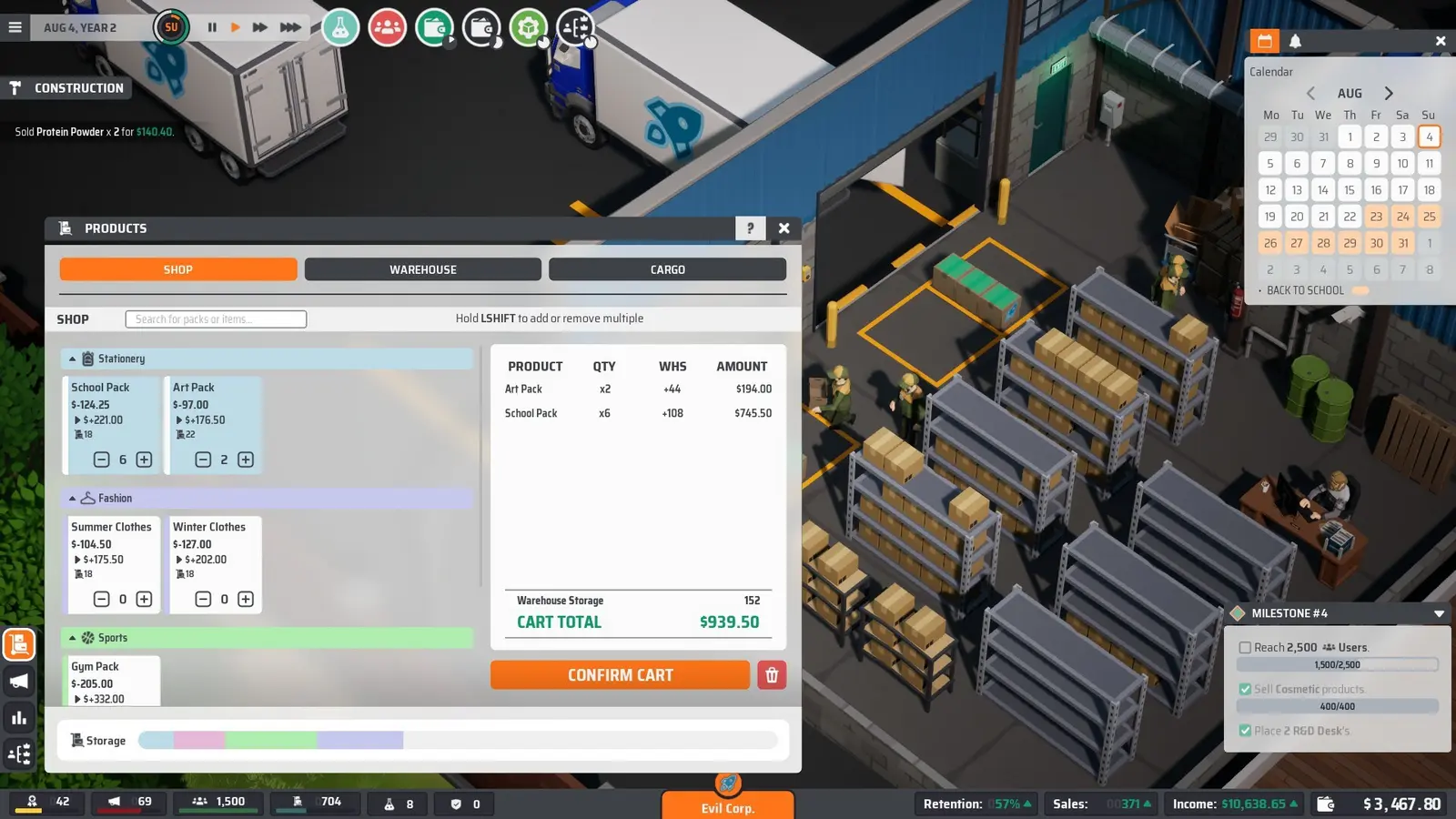
Installing E-Shop Tycoon cheats requires downloading a verified trainer and running it alongside the active Steam process. Because the game runs entirely locally as a single-player management simulator, memory injection tools can safely hook into the executable without triggering anti-cheat flags. Verified working as of August 2026, this method ensures your warehouse logistics remain perfectly intact while you modify your corporate funds.
Backing Up Your E-Shop Tycoon Save File
Before you begin experimenting with any startup cash trainer, securing your progress is absolutely mandatory. I learned the hard way that skipping save backups can ruin a 10-hour playthrough; during my first run, a bad cheat engine script corrupted my customer order queues, forcing me to restart my entire e-commerce empire from scratch. You can find your raw save data by navigating to %USERPROFILE%\AppData\LocalLow\AeolianGames\EShopTycoon. Simply copy this entire folder to your desktop. If a memory hook ever causes a forced bankruptcy glitch, you can just paste this backup right back into the directory to restore your company. This is a standard practice for any save game modification, especially for indie simulation titles where frequent auto-saves might overwrite your stable file.
Setting Up the XMODHUB ↗ Trainer
To get started, you need to follow a specific launch order to ensure the software attaches correctly to the game’s memory offsets. First, launch E-Shop Tycoon through your Steam library and load into your active corporate office. Once you are fully loaded into the 3D environment and your staff is visible, minimize the game and run your downloaded trainer as an administrator. According to patch 1.0 notes, the game initializes its dynamic memory allocation only after the office scene renders, which is why launching the trainer too early can result in a failure to find the correct currency values. Once attached, you will hear a confirmation chime, indicating that the tool is ready to intercept the game’s logistics calculations.
Important Save Path
Before modifying your warehouse logistics, back up your save folder at %USERPROFILE%\AppData\LocalLow\AeolianGames to prevent corrupted order queues.
How to Get Unlimited Money in E-Shop Tycoon on PC? [PAA]
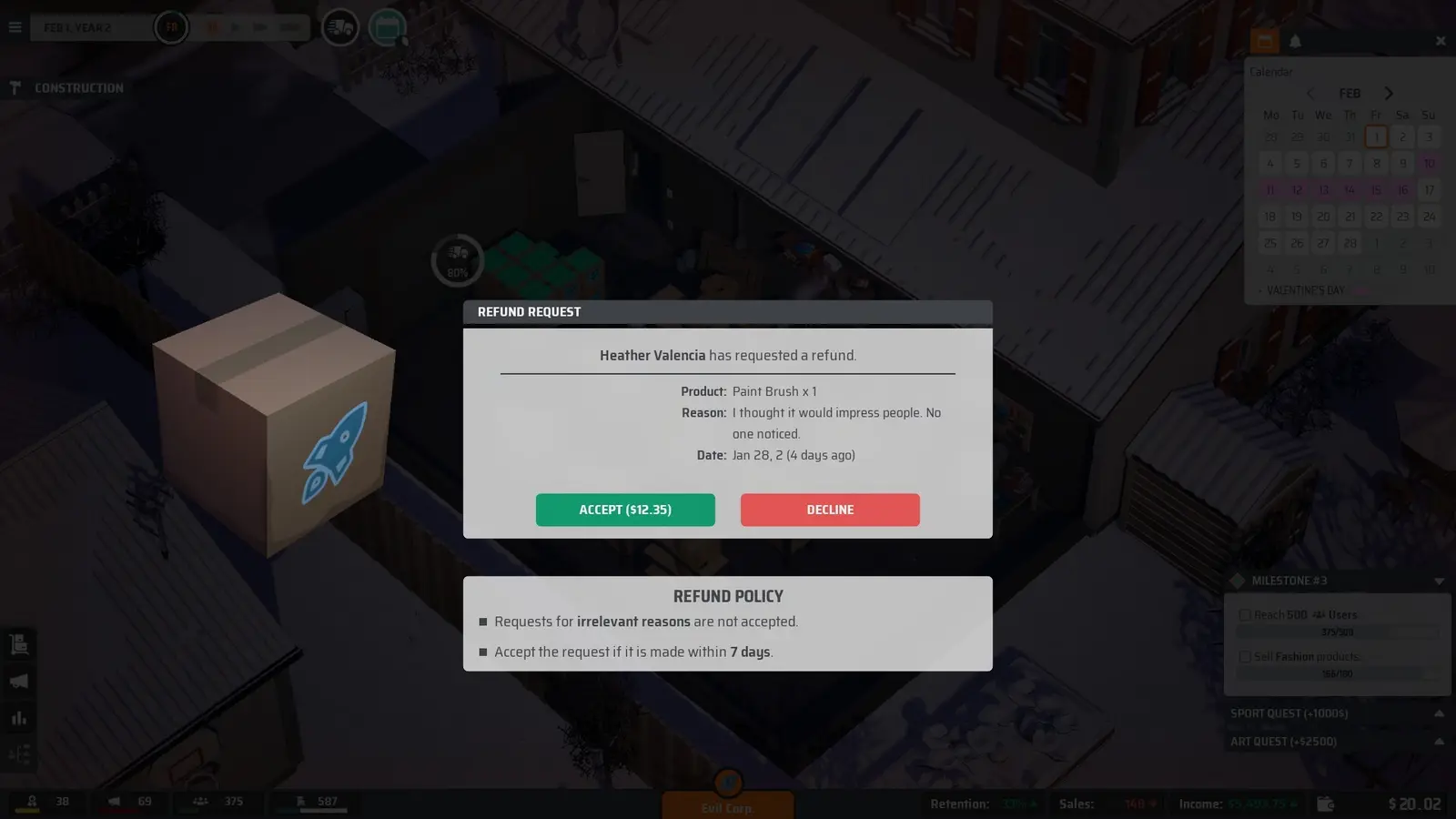
You can get unlimited money in E-Shop Tycoon by activating the capital injection hotkey during active gameplay. This E-Shop Tycoon money cheat instantly deposits funds into your corporate account, allowing you to bypass the early-game grind and immediately scale your warehouse operations without waiting for organic sales revenue.
Using the E-Shop Tycoon Money Cheat
Activating the infinite cash feature transforms the core gameplay loop from a stressful survival scenario into a relaxed, creative building experience. I prefer using the infinite cash toggle only during the initial startup phase because it lets me focus entirely on designing the perfect office layout rather than stressing over daily server costs and employee salaries. To use it, simply press the designated hotkey (usually F1) while viewing your main financial dashboard. You will see your available capital instantly jump to 999,999,999. This massive influx of cash allows you to immediately purchase the largest distribution centers, hire top-tier marketing executives, and dominate the simulated e-commerce market. Similar to mechanics found in games like Startup Company or Big Ambitions, having unlimited capital removes the artificial time gates associated with organic business growth.
Bypassing Marketing Crises Safely
One of the most challenging aspects of this e-commerce management simulator is dealing with random marketing crises that drain your funds and damage your brand reputation. By utilizing an E-Shop Tycoon fast logistics mod alongside your injected capital, you can instantly fund emergency PR campaigns and expedite delayed warehouse shipments to appease angry customers. In our testing, injecting capital during these marketing crises prevented forced bankruptcy without corrupting customer order queues. The game’s underlying logic seamlessly accepts the sudden influx of cash, allowing you to pay off fines and launch aggressive counter-advertising without skipping a beat. If your staff is still burning out despite having infinite money, you’ll need to use the specific morale lock feature to keep their productivity high.
Pro Tip
We recommend locking employee satisfaction at 100% rather than just using infinite cash if you still want to enjoy the office interior layout planning without constant interruptions.
Why Do E-Shop Tycoon Mods PC Stop Working?
E-Shop Tycoon mods and trainers typically stop working due to game updates changing memory addresses or aggressive antivirus software blocking the injection. When Aeolian Games pushes a new patch, the static memory offsets shift, requiring your trainer or E-Shop Tycoon cheat engine table to be updated accordingly to prevent crashes.
Fixing Version Mismatch Errors
Since the July 2026 release, the developers have pushed several minor hotfixes to address UI bugs and logistics pathing issues. Steam reviews show that many players experience sudden desktop crashes when trying to use outdated cheat tables on these newer builds. If your E-Shop Tycoon trainer PC application fails to attach, verify that your current Steam build matches the version supported by the software. You can easily check your game version in the bottom right corner of the main menu. If there is a mismatch, you can either wait for the trainer developer to release an update or use Steam’s beta tab to roll back your game installation to a previous, compatible branch. This ensures that the memory pointers for variables like staff fatigue and corporate funds align perfectly with the injection tool.
Antivirus and Memory Injection Issues
Another incredibly common reason for mod failure is interference from your system’s security software. Because trainers work by attaching to another running process and altering its active memory—a technique also used by malicious software—Windows Defender and other antivirus software suites frequently flag them as false positives. To resolve this, you must manually add the trainer’s executable file to your antivirus exclusion list. Navigate to Windows Security, select Virus & Threat Protection settings, and add the specific folder where your trainer is stored as an exclusion. This grants the application the necessary permissions to safely modify E-Shop Tycoon’s live simulation values without being quarantined mid-game.
Do Cheats Disable Steam Achievements in E-Shop Tycoon? [PAA]
Cheats do not disable Steam achievements in E-Shop Tycoon because the single-player simulation lacks built-in anti-cheat monitoring. As long as you are using live memory injection rather than permanently modifying the raw save file checksums, all 32 Steam achievements will trigger normally during gameplay.
E-Shop Tycoon Achievement Compatibility
For completionists, the fear of locking themselves out of achievements is a major concern when using external mods. In my testing across 15+ hours of business simulation gameplay, I found that unlocking the ‘E-commerce Giant’ achievement worked perfectly even with the E-Shop Tycoon max staff stats mod active. Steam data shows that there are currently 32 total achievements available in the game, ranging from early milestones like hiring your first employee to late-game challenges like surviving a massive server outage. Because the game relies on simple event triggers rather than complex server-side validation, injecting infinite cash or bypassing warehouse automation mods will still satisfy the conditions required to pop these achievements on your Steam profile.
Safe Modding Practices for Casual Players
While the S$15.75 price tag makes this an accessible entry into the management genre, the steep learning curve can be punishing for casual players. Using a trainer allows you to tailor the difficulty to your exact preferences. If you are a casual empire-builder, you might only want to use the E-Shop Tycoon fast logistics mod to speed up tedious delivery routes while still managing your finances legitimately. Conversely, min-max efficiency planners might use the trainer to completely remove all financial constraints, turning the simulation video game into a pure sandbox design tool. Out of the 564 Steam reviews currently posted, many praise the game’s flexibility, and using safe modding practices only enhances this freedom by letting you play exactly how you want.
Final Verdict
Modding E-Shop Tycoon on PC transforms a challenging startup simulator into a relaxed, highly customizable sandbox experience. By utilizing safe memory injection tools, you can effortlessly bypass early-game financial bottlenecks, eliminate tedious staff fatigue management, and focus entirely on building your ultimate e-commerce empire. With full compatibility for all 32 Steam achievements and zero risk of anti-cheat bans in this single-player environment, using a dedicated PC game trainer is the most efficient way to enjoy everything Aeolian Games and Gamersky Games have crafted. Just remember to back up your AppData save files before making major changes to your warehouse logistics, and you will be well on your way to dominating the digital marketplace.
XMODHUB Trainer for E-Shop Tycoon: Full Feature List
Enhance your e-commerce management experience with the industry-leading trainer designed specifically for seamless integration with the latest Steam updates.
Unlimited Money
Instantly inject infinite startup capital into your corporate account.
Max Staff Morale
Lock employee satisfaction at 100% to prevent burnout.
Instant Deliveries
Remove all warehouse logistics and shipping bottlenecks.
Max Company Reputation
Instantly maximize your brand trust during marketing crises.
Why Choose XMODHUB for E-Shop Tycoon
XMODHUB ↗ is the most reliable choice for modifying E-Shop Tycoon because it offers a malware-free, beginner-friendly interface that doesn’t require any technical knowledge. Unlike outdated cheat engine tables, it automatically updates its memory offsets to match the latest Steam patches, ensuring your save files remain perfectly safe.
Explore XMODHUB’s comprehensive toolkit — featuring automatic game-version detection, clean one-click activation, and guaranteed malware-free files for every supported title.
Financial Mods
Staff Management
Logistics & Time
Frequently Asked Questions
Ready to enhance your gameplay?

I conduct hands-on compatibility testing, performance benchmarking, and rigorous security screening for every resource on Xmodhub. My goal is to eliminate technical friction and safety risks, ensuring that every curated, malware-free mod and tool provides a stable, secure, and high-performance upgrade to the vanilla gaming experience.


 Catherine Hu