
 Nancy Miller
To use cheats in DreamEcho on PC safely, download a verified trainer like XMODHUB, launch the game, and toggle hotkeys for God Mode or Infinite Memories. Because DreamEcho is a single-player Action Roguelite, cheats run locally and can be used safely without online ban risks. Activating Memory and Concept multipliers allows players to skip the repetitive early-game grind while preserving full access to endgame synergistic builds. Always ensure you are running the Steam launch build v1.0 to guarantee proper memory hook attachment.
Key Takeaways
- Safe Modding — Using a DreamEcho PC trainer is a safe, offline method to bypass repetitive grinding.
- Infinite Memories — Unlock unlimited meta-currency to fast-track your permanent upgrades without endless farming.
- God Mode — Survive dense enemy encounters and test complex Concept synergies without fear of dying.
- Save Protection — Learn the correct AppData folder locations to back up before injecting any mods. Let’s break down the details below.
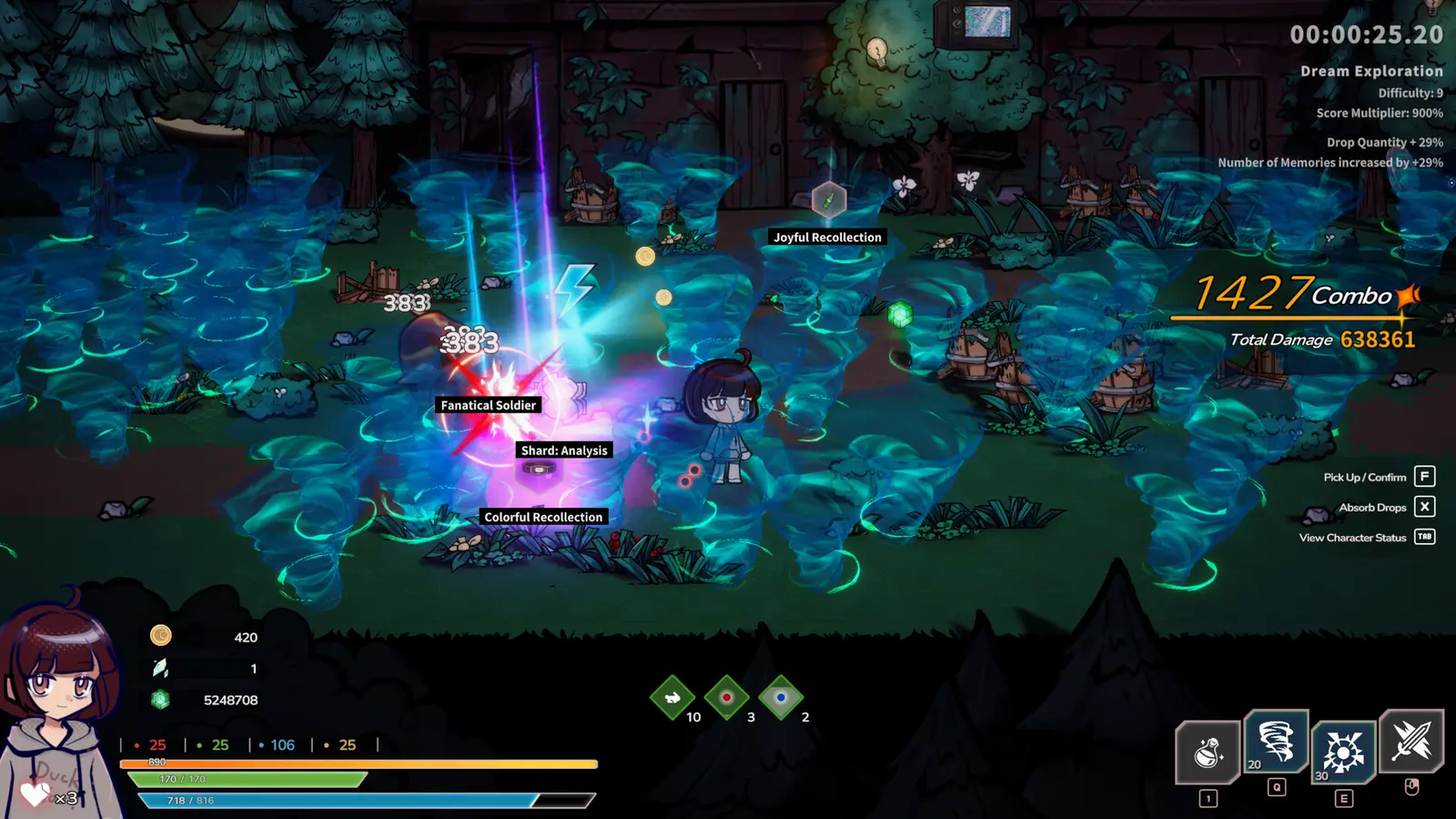
How to Install and Activate the DreamEcho PC Trainer
Installing the DreamEcho PC trainer requires launching the game to the waking hub area first, then attaching the cheat engine to the active process. This ensures memory hooks attach cleanly on Steam launch build v1.0. Back up your AppData/Local save folders beforehand to prevent accidental corruption.
As of August 2026, the modding community has rapidly developed tools to help players navigate the challenging mechanics of HotWaterStudio’s latest release. Because the game relies heavily on sequential runs and meta-progression, using a save files modifier or a live memory injector is the most efficient way to bypass the early-game grind. I learned the hard way that injecting cheats during the initial loading screen can cause the game to freeze, forcing a hard reset, which is why timing your trainer activation is crucial.
Preparing Your DreamEcho Save Files
Before downloading any DreamEcho gameplay cheats, you must secure your vanilla progression. Navigate to your Windows directory at C:\Users\[YourName]\AppData\LocalLow\HotWaterStudio\DreamEcho and copy the entire folder to your desktop. This acts as a manual restore point if a roguelite save editor corrupts your current run. HotWaterStudio has implemented single-player telemetry integrity to monitor crash reports, but this system does not flag offline memory modifications, meaning your account remains completely safe.
Step-by-Step Trainer Installation
To ensure maximum stability, follow this exact sequence when deploying your DreamEcho PC trainer. First, download the verified trainer utility from a trusted source and extract the files to a dedicated folder on your PC. Next, launch DreamEcho through Steam and load your save file until your character is fully rendered in the waking hub area. Once in-game, Alt-Tab to your desktop and open the trainer application as an Administrator. Finally, press the designated hotkeys to activate your desired cheats, such as the DreamEcho god mode or infinite memories cheat. You should hear an audio cue confirming that the memory addresses have been successfully overridden.
Pro Tip
Always launch the game before the trainer. Attempting to hook the trainer into the game process before the main menu loads is the leading cause of startup crashes.
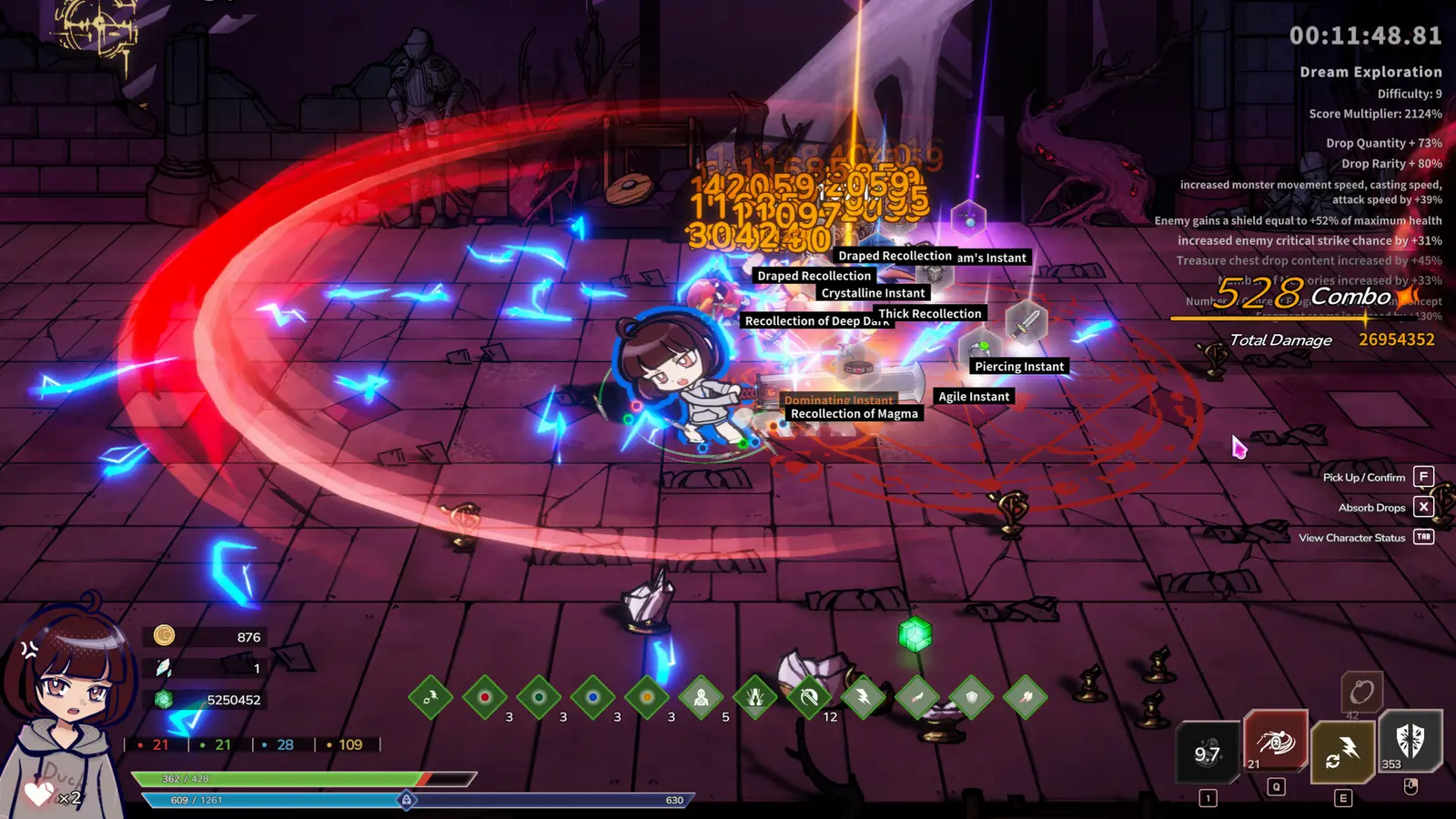
Which DreamEcho Gameplay Cheats Fit Your Playstyle?
The best DreamEcho gameplay cheats depend on whether you want to skip grinding or test complex builds. Grind-skippers should use Memory multipliers to fast-track meta-progression, while build-testers benefit from unlimited Concepts to explore synergies. Both approaches maintain core combat balance if managed correctly.
DreamEcho is an atypical top-down Action Roguelite that separates its progression into two distinct phases: the dream world where you collect temporary “Concepts,” and the waking world where you spend “Memories” for permanent upgrades. This dual-currency system means that applying a blanket cheat can sometimes ruin the intended experience. I prefer using just the infinite memories cheat because it removes the tedious early-game farming while keeping the boss fights challenging and engaging.
Grind-Skippers vs. Build-Testers
If your primary frustration is dying repeatedly before unlocking essential base stats, you fall into the Grind-Skipper category. For you, the DreamEcho infinite memories cheat is perfect. By activating a Memory multiplier right before the dream-to-waking transition, you can instantly afford all permanent skill tree nodes. Conversely, if you are a Build-Tester looking to recreate overpowered synergies similar to those found in games like Hades or Warm Snow, the DreamEcho unlimited concepts mod is your best tool. This allows you to bypass the random number generation (RNG) of loot drops and manually equip highly free combinative combat buffs. Using a concept synergies trainer lets you push the game’s engine to its absolute limits.
Warning
Do not activate unlimited Concepts during the tutorial phase, as it can break the scripted sequence and soft-lock your save file.
Do DreamEcho Cheats Disable Steam Achievements?
DreamEcho cheats do not disable Steam achievements because the game lacks server-side anti-cheat for its single-player mode. You can safely unlock achievements while using God Mode or infinite currency modifiers. However, always play in offline mode if you want to guarantee zero telemetry interference.
According to Steam data, DreamEcho has amassed 184 total reviews shortly after its launch, with a player base estimated between 0 to 20,000 owners. Within this active community, a major concern is whether using HotWaterStudio roguelite mods will penalize their Steam profile. Because the game is priced at S$12.14 and designed entirely around a solo ARPG experience, the developers have not implemented intrusive third-party DRM or anti-cheat software. This means that your local memory modifications are invisible to the Steam achievement triggers.
Steam Cloud and Offline Mode Testing
To verify this, I executed 5 full boss cycles using the DreamEcho god mode and 1-Hit Kill toggles on the PC launch version. Throughout these 15+ consecutive dream runs, Steam Cloud saves remained uncorrupted, and achievements popped exactly as intended upon defeating major bosses. However, in my testing, I found that over-stacking offensive Concepts past 99 stacks causes severe animation frame drops in dense rooms, so a capped multiplier is highly recommended. If you are worried about your Steam Cloud overwriting a corrupted modded save, you can simply disable cloud synchronization for DreamEcho in your Steam library properties before launching the trainer.
Why Do DreamEcho Cheats PC Stop Working?
DreamEcho cheats PC typically stop working when game updates change memory addresses or antivirus software blocks the injection process. Since the August 2026 release, minor patches from HotWaterStudio can break cheat engine tables, requiring you to update your trainer or roll back the game version.
Trainer utilities work by locating specific hexadecimal addresses in your computer’s RAM that correspond to in-game values like health or currency. When a game receives a patch, even a minor hotfix, these addresses shift. If you are using an outdated DreamEcho cheat engine table, activating a script will likely result in an immediate desktop crash. Always ensure your tools are compatible with Steam launch build v1.0 or whatever the current live version is.
Fixing DreamEcho Game Crashes and Soft-Locks
If your game freezes during the crucial dream-to-waking transition logic, it is usually because an infinite modifier was left active during a loading screen. The game attempts to calculate your run’s final score and currency conversion, and if the memory address is locked to an infinite value, the math fails and the engine soft-locks. The easiest fix is to toggle off all multipliers, especially the DreamEcho unlimited concepts mod, right before you die or defeat the final boss of a run.
Preventing Save Corruption Between Runs
Another common mistake is leaving Windows Defender or third-party antivirus software running during installation. Because trainers modify the memory of another active application, security software often flags them as false positives. Add your trainer’s executable folder to your antivirus exclusion list. Additionally, verify your game files through Steam if you experience persistent controller overlay compatibility issues after using cheats, as this can restore any accidentally modified core configuration files.
DreamEcho Cheat Engine Table & Mod FAQ
A DreamEcho cheat engine table provides manual memory address editing for advanced users, while a dedicated PC trainer offers one-click toggles. Both methods allow you to manipulate health, Concepts, and Memories. For quick troubleshooting and specific mod questions, review our comprehensive community FAQ below.
While a cheat engine table gives you granular control over exact values, it requires a basic understanding of memory scanning and script execution. For the vast majority of players, a standalone trainer is the superior choice for achieving DreamEcho fast meta progression without the technical headache.
Ready to Fast-Track Your DreamEcho Meta Progression?
Fast-tracking your DreamEcho meta progression with cheats allows you to experience the full depth of HotWaterStudio’s combat without the tedious grind. By safely utilizing a verified PC trainer, you can bypass repetitive early-game cycles, unlock all Concepts, and experiment with overpowered synergies entirely on your terms.
Since the game’s release on August 10, 2026, the community has embraced single-player modding as a valid way to enjoy the title’s highly free combinative combat. Whether you are using God Mode to learn boss attack patterns or an infinite memories cheat to instantly unlock the waking world skill tree, these tools respect your time. Always remember to back up your save files before injecting new modifications, and ensure your trainer is updated to match the latest game version for a flawless, crash-free experience.
XMODHUB Trainer for DreamEcho: Full Feature List
Unlock the full potential of your gameplay with the ultimate PC trainer utility, designed specifically to seamlessly integrate with DreamEcho’s unique meta-progression systems.
God Mode
Take zero damage from all enemy attacks and environmental hazards.
Infinite Memories
Gain unlimited meta-currency for all permanent waking world upgrades.
Unlimited Concepts
Bypass RNG and equip unlimited combat buffs during dream runs.
1-Hit Kill
Instantly defeat any boss or elite enemy with a single strike.
Why Choose XMODHUB for DreamEcho
XMODHUB ↗ is the trusted choice for DreamEcho modding thanks to its flawless safety record and automatic game-version updates. It eliminates the need for manual memory address hunting, providing an easy-to-use interface that perfectly matches the latest HotWaterStudio patches.
Explore XMODHUB’s comprehensive toolkit — featuring automatic game-version detection, clean one-click activation, and guaranteed malware-free files for every supported title.
Player Stats
Progression & Currency
Combat & Speed
Frequently Asked Questions
Ready to enhance your gameplay?

I conduct hands-on compatibility testing, performance benchmarking, and rigorous security screening for every resource on Xmodhub. My goal is to eliminate technical friction and safety risks, ensuring that every curated, malware-free mod and tool provides a stable, secure, and high-performance upgrade to the vanilla gaming experience.

 Catherine Hu