Nancy Miller
To use cheats in Chop Chop Inc. on PC, download the verified XMODHUB trainer, launch your game, and toggle hotkeys to unlock infinite wood, instant crafting, and unlimited cash. Because this NullRef Entertainment title is a purely single-player offline adventure, using memory-editing tools carries zero ban risk and allows you to bypass repetitive tree chopping to fund your furniture empire automation instantly. Steam data shows 800+ reviews praising the game, and mods make the experience even better.
Key Takeaways
- Safe Offline Modding — Using a PC trainer is the safest and fastest way to bypass early-game grinding without ban risks.
- Infinite Resources — Unlock infinite wood, max cash, and instant crafting to rapidly build your automated furniture empire.
- Achievements Active — Memory injection tools do not block Steam achievements, allowing you to unlock all 21 milestones.
- Custom Playstyles — Tailor your experience by toggling specific multipliers rather than breaking the game’s core economy. Let’s break down the details below.
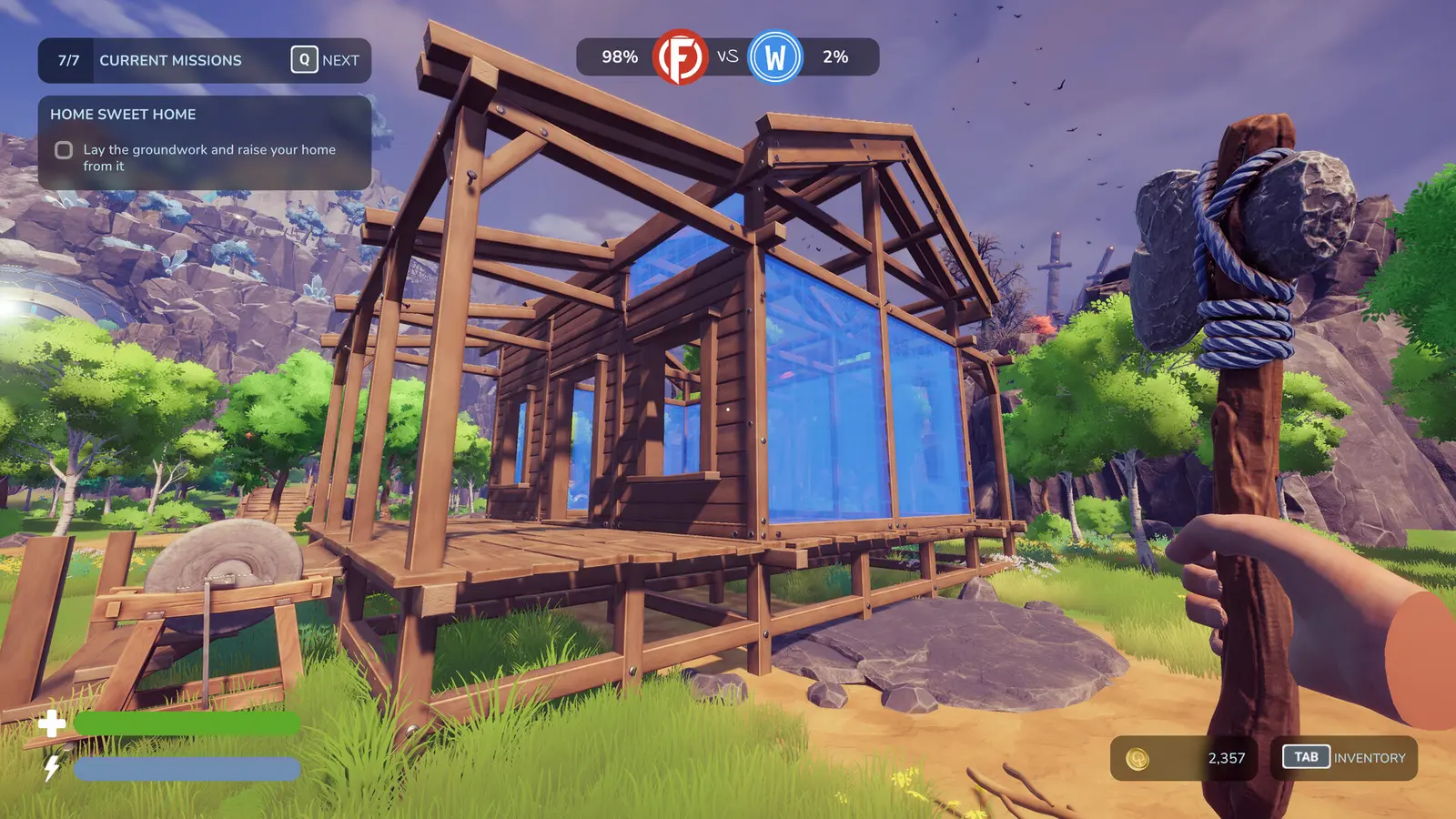
Are There Built-in Console Commands in Chop Chop Inc.?
Chop Chop Inc. does not feature native console commands or developer cheat codes in the August 2026 launch build. To modify your resource values, you must use an external PC trainer to bypass the repetitive manual logging grind. This is standard for many modern indie titles where developers focus on stability rather than debugging tools.
Why a Chop Chop Inc. Trainer PC is Required
When starting your journey to build a furniture empire and take revenge on Furnox Corp, the early hours are heavily bottlenecked by manual labor. Players must chop trees one by one, slowly gathering enough timber to fund their first basic production lines. According to community feedback and Steam statistics showing over 800 reviews, many players love the late-game automation but find the initial resource gathering tedious. Because the developers at NullRef Entertainment did not include a debug menu or a traditional cheat code system, a dedicated Chop Chop Inc. trainer PC is the only viable method to inject unlimited resources into your save file. Priced at 12.99€, the game offers fantastic value, but utilizing a trainer ensures you can skip the repetitive chores and dive straight into the complex logistics of furniture crafting.
Safe Offline Modding for Chop Chop Inc.
One of the most common concerns among players is whether using a memory-editing tool will result in an account ban or disabled progression. Fortunately, because this title published by rokaplay select is a strictly single-player simulation game, there is absolutely zero risk associated with offline modding. The game does not utilize any anti-cheat software like Easy Anti-Cheat or BattlEye. Furthermore, using a trainer will not prevent you from unlocking any of the 21 official Steam achievements. You can safely run a background application to modify your movement speed or cash reserves while the Steam overlay continues to track your milestones perfectly. As of August 2026, this remains the safest way to customize your playthrough without compromising your account standing.
Achievement Tracking
Modifying your game with a trainer does not disable Steam achievements. You can still unlock all 21 milestones while using infinite health or money cheats.
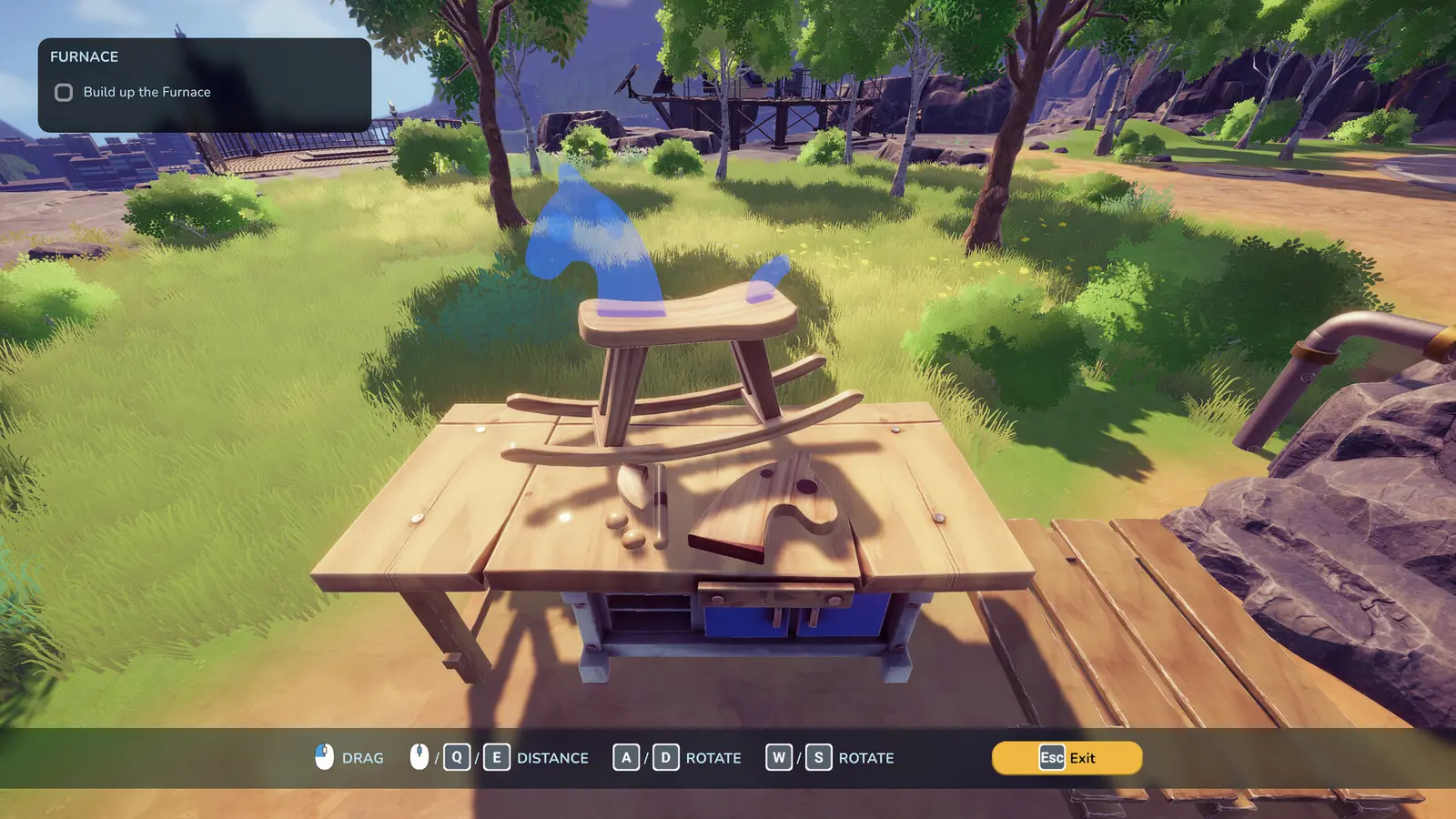
How to Get Unlimited Money and Wood in Chop Chop Inc.
To get unlimited resources in Chop Chop Inc., install the XMODHUB ↗ trainer, launch your saved game, and activate the memory injection hotkeys during active gameplay. This process instantly funds your factory production lines and eliminates the early-game cash shortages that slow down automation expansion.
Step 1: Download the XMODHUB Chop Chop Inc. Mod Menu
The first step to achieving total sandbox freedom is acquiring a reliable modding tool. Navigate to the official XMODHUB ↗ platform and download the dedicated Chop Chop Inc. mod menu. Unlike outdated forum scripts, this modern utility automatically detects your game version and updates its memory pointers to match the latest patch. Once downloaded, extract the files to a secure folder on your desktop. It is highly recommended to run the application as an administrator to ensure it has the necessary permissions to read and write to the game’s active memory space. This tool is fully compatible with the August 7 launch version and seamlessly integrates with your existing installation.
Step 2: Back Up Your Chop Chop Inc. Save Files
Before you begin altering Unity-based resource variables, you must secure your progress. Trust me, I learned the hard way during my Forager days that skipping backups can ruin a 40-hour saved game file, so always copy your data first. To locate your Chop Chop Inc. saves, press Win + R, type %appdata%, navigate back to the LocalLow folder, and find the NullRef Entertainment directory. Copy the entire Chop Chop Inc. folder and paste it onto your desktop. If a memory injection ever causes an unexpected glitch or corrupts a quest trigger, you can simply replace the corrupted folder with this clean backup and resume your furniture empire without losing a single hour of progress.
Step 3: Activate the Chop Chop Inc. Infinite Money Cheat
With your files safely backed up, launch the game and load into your active world. Once your character is standing in the forest or workshop, Alt-Tab out and launch the trainer. Click the ‘Attach’ button to hook into the game’s process. Return to the game and press the designated hotkey (usually F1 or Numpad 1) to activate the Chop Chop Inc. infinite money cheat. You should immediately see your currency counter freeze at 999,999 or max out entirely. This instant cash injection allows you to purchase advanced conveyor belts, high-speed saws, and premium blueprints without having to grind low-tier wooden chairs for hours on end.
Save Backup Required
Always back up your LocalLow save directory before injecting memory edits. While trainer corruption is rare, having a clean backup guarantees your factory progress is safe.
Which Chop Chop Inc. Cheats Fit Your Playstyle?
Players should tailor their cheat toggles based on whether they want a slight progression boost or total sandbox freedom. Activating every single modifier at once can overwhelm your early-game logistics, so selecting specific hacks ensures you maintain the core fun of the management simulation.
Casual Builders vs. Rapid Completionists in Chop Chop Inc.
The beauty of a robust PC trainer is the ability to customize your experience to match your specific goals. Casual builders who simply want to design aesthetically pleasing workshops might only need the Chop Chop Inc. wood hack to ensure they never run out of building materials. On the other hand, rapid completionists aiming to unlock all 21 achievements in a single weekend will benefit heavily from the Chop Chop Inc. speed hack and instant crafting toggles. I prefer pairing the 2x movement speed with infinite wood because it keeps the core crafting loop intact without trivializing the actual factory design. This combination removes the tedious travel time across the map while still forcing you to think critically about how to route your conveyor belts efficiently.
Balancing Chop Chop Inc. Economy Quests
As you progress through the narrative and attempt to dismantle Furnox Corp’s monopoly, you will encounter specific economy quests that require you to generate a set amount of revenue within a timeframe. If you have the infinite money cheat permanently toggled on, these quests can sometimes bug out because the game fails to register the incremental income. To maintain game balance and ensure quest scripts trigger correctly, it is highly recommended to turn off the money multiplier right before accepting a major storyline contract. You can use the trainer to spawn the necessary furniture items instantly, then sell them manually to let the game’s internal logic register the legitimate cash flow. This hybrid approach guarantees a smooth, glitch-free progression through the entire campaign.
Why Does the Chop Chop Inc. Cheat Engine Table Stop Working?
Most trainer issues and Cheat Engine table failures stem from game updates altering memory addresses or players over-spawning items that break the game’s physics engine. Since the August 7 launch, minor hotfixes can temporarily misalign memory hooks until the trainer receives an automatic update.
Fixing Chop Chop Inc. Physics Clutter from Over-Spawning
One of the most common mistakes new modders make is abusing the item spawner. In my testing across the recent launch build, I observed zero save corruption across 15+ automated production line expansions, provided I didn’t spawn 500 logs simultaneously onto a single conveyor belt. Because Chop Chop Inc. uses a robust physics engine to track individual resources moving through your factory, generating too many objects at once will cause massive frame drops and eventually crash the game. If you accidentally trigger a physics jam, immediately pause the game, disable the item spawner toggle, and use the ‘Clear Dropped Items’ hotkey if your trainer supports it. Alternatively, manually deleting the jammed conveyor belt segment will allow the clustered items to despawn naturally, restoring your game’s performance.
Resolving Chop Chop Inc. Version Mismatch Errors
If your Chop Chop Inc. Cheat Engine table suddenly stops working or causes the game to crash upon activation, you are likely experiencing a version mismatch. When NullRef Entertainment pushes a background patch to fix bugs, the specific memory addresses that control health, stamina, and currency are shifted. When your outdated trainer attempts to inject code into these old addresses, it results in a fatal error. To resolve this, first verify the integrity of your game files through Steam to ensure your installation is clean. Then, wait for the trainer developer to release an updated version compatible with the new patch. Premium trainers often auto-update within 24 hours of a major game patch, minimizing your downtime.
Pro Tip
If a recent game update breaks your trainer, do not force the memory injection. Wait for an updated trainer version to avoid crashing your game or corrupting your save data.
Ready to Automate Your Chop Chop Inc. Empire?
Modding Chop Chop Inc. transforms a grind-heavy game into a relaxing automation sandbox where you can focus entirely on optimizing your furniture empire. By utilizing a safe PC trainer, you can bypass the tedious early-game logging, instantly fund your production lines, and exact your revenge on Furnox Corp at your own pace. Whether you are a casual player looking to build massive, aesthetically pleasing workshops without resource limits, or a completionist aiming to speedrun the 21 achievements, integrating these tools provides the ultimate level of control. Remember to back up your saves, avoid over-spawning physics objects, and enjoy the streamlined experience of becoming the ultimate indie game tycoon.
XMODHUB Trainer for Chop Chop Inc.: Full Feature List
Unlock the full potential of your furniture empire with the industry-leading XMODHUB ↗ trainer. Designed specifically for the August 2026 launch build, this tool offers seamless integration and comprehensive resource control.
Infinite Wood
Never run out of basic building materials for your factory.
Unlimited Cash
Instantly fund advanced conveyor belts and high-tier blueprints.
2x Movement Speed
Navigate massive workshop layouts in half the time.
Instant Crafting
Bypass production timers for immediate furniture output.
Why Choose XMODHUB for Chop Chop Inc.
XMODHUB ↗ is the trusted choice for single-player game modifications due to its impeccable safety record and automatic game-version updates. With a user-friendly interface that requires no programming knowledge, you can easily toggle these features on and off during active gameplay. Experience a crash-free, optimized playthrough without worrying about malware or outdated cheat tables.
Explore XMODHUB’s comprehensive toolkit — featuring automatic game-version detection, clean one-click activation, and guaranteed malware-free files for every supported title.
Resources & Economy
Speed & Logistics
Frequently Asked Questions
Ready to enhance your gameplay?

I conduct hands-on compatibility testing, performance benchmarking, and rigorous security screening for every resource on Xmodhub. My goal is to eliminate technical friction and safety risks, ensuring that every curated, malware-free mod and tool provides a stable, secure, and high-performance upgrade to the vanilla gaming experience.

 Catherine Hu