Catherine Hu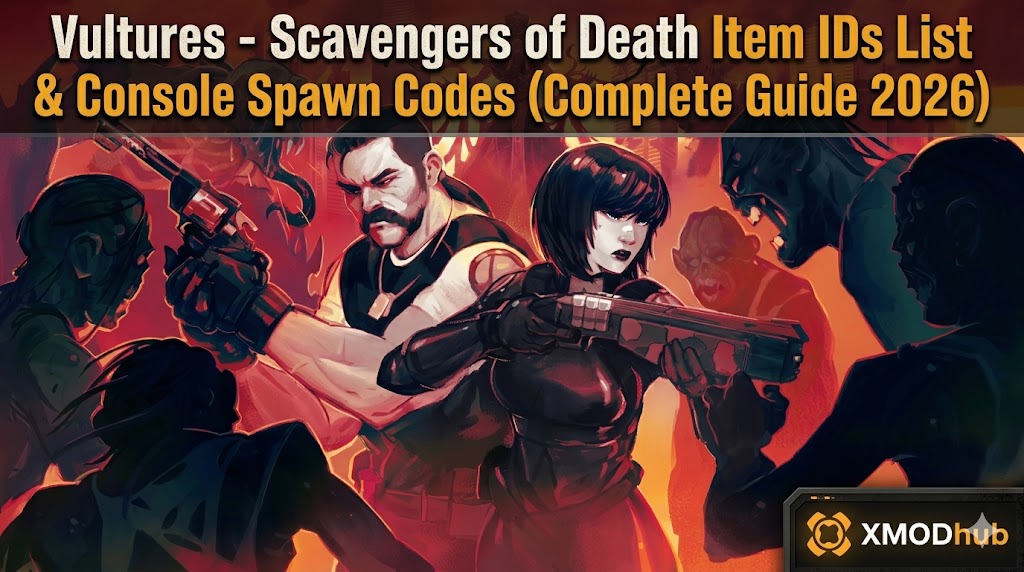
Want to test out the endgame Plasma Rifle early? Are you tired of risking your life grinding for Neuro-Chips in highly irradiated zones, or perhaps you accidentally sold a critical bunker key and now your wasteland playthrough is soft-locked?
Using developer console commands to spawn items is a beloved staple of PC survival gaming. Below is the most comprehensive, categorized, and up-to-date list of Item IDs, spawn codes, and perk IDs for Vultures – Scavengers of Death, verified for the latest Wasteland Update patch.
Quick Reference: Top 10 Most Wanted Vultures – Scavengers of Death IDs
If you don’t want to scroll through thousands of rows, here are the exact Unity string codes for the most essential and frequently searched items in the game (including Credits, Max Health kits, and top-tier weapons).
Command: add_item [ID] [Quantity]
| Nom de l'article | Item Description | ID de l'article |
|---|---|---|
| Credits | The primary currency used at merchant outposts. | item_credits |
| Neuro-Chip | Extremely rare material needed for tier-3 upgrades. | mat_neuro_chip |
| Fusil à plasma | High-damage endgame energy weapon. | wpn_plasma_rifle |
| Neuro-Scythe | The fastest and deadliest melee weapon. | wpn_neuro_scythe |
| Vulture MK4 Armor | The highest tier scavenger protective suit. | arm_vulture_mk4 |
| Large Medkit | Fully restores health and cures radiation. | con_medkit_large |
| Energy Cell | Universal ammunition for energy weapons. | ammo_energy_cell |
| EMP Grenade | Disables robotic enemies and auto-turrets. | con_emp_grenade |
| Master Lockpick | Unbreakable tool for opening secured crates. | item_master_pick |
| Bunker Alpha Key | Quest item to access the high-tier loot vault. | key_bunker_alpha |
How to Enable the Console & Use Spawn Commands
Before you can use the ID codes listed below, you must understand the correct syntax for the developer console in Vultures – Scavengers of Death. Because the game is built on the Unity engine, you need to enable the console via Steam first.
-console into the Launch Options field.add_item [Item ID] [Quantity]add_item item_credits 5000 and press Enter.Expert Warning
“Typing add_item mat_neuro_chip 100 is fine if you only need to do it once to upgrade your rig. But if you are experimenting with different weapon builds, manually typing case-sensitive Unity strings becomes incredibly repetitive. One wrong character results in a ‘NullReferenceException’ error. While the lists below are meticulously verified, I personally switched to a visual UI injector months ago. Seeing the item icon and just clicking ‘Add to Inventory’ is how modern PC modding should feel.”
The Easy Way: XMODhub Visual Spawner (No Typing Required)
Stop Alt-Tabbing to check massive spreadsheets. Typing long, case-sensitive ID codes breaks your immersion and wastes your limited gaming time.
The XMODhub PC Client includes a dedicated “Visual Item Spawner” feature specifically built for Vultures – Scavengers of Death.
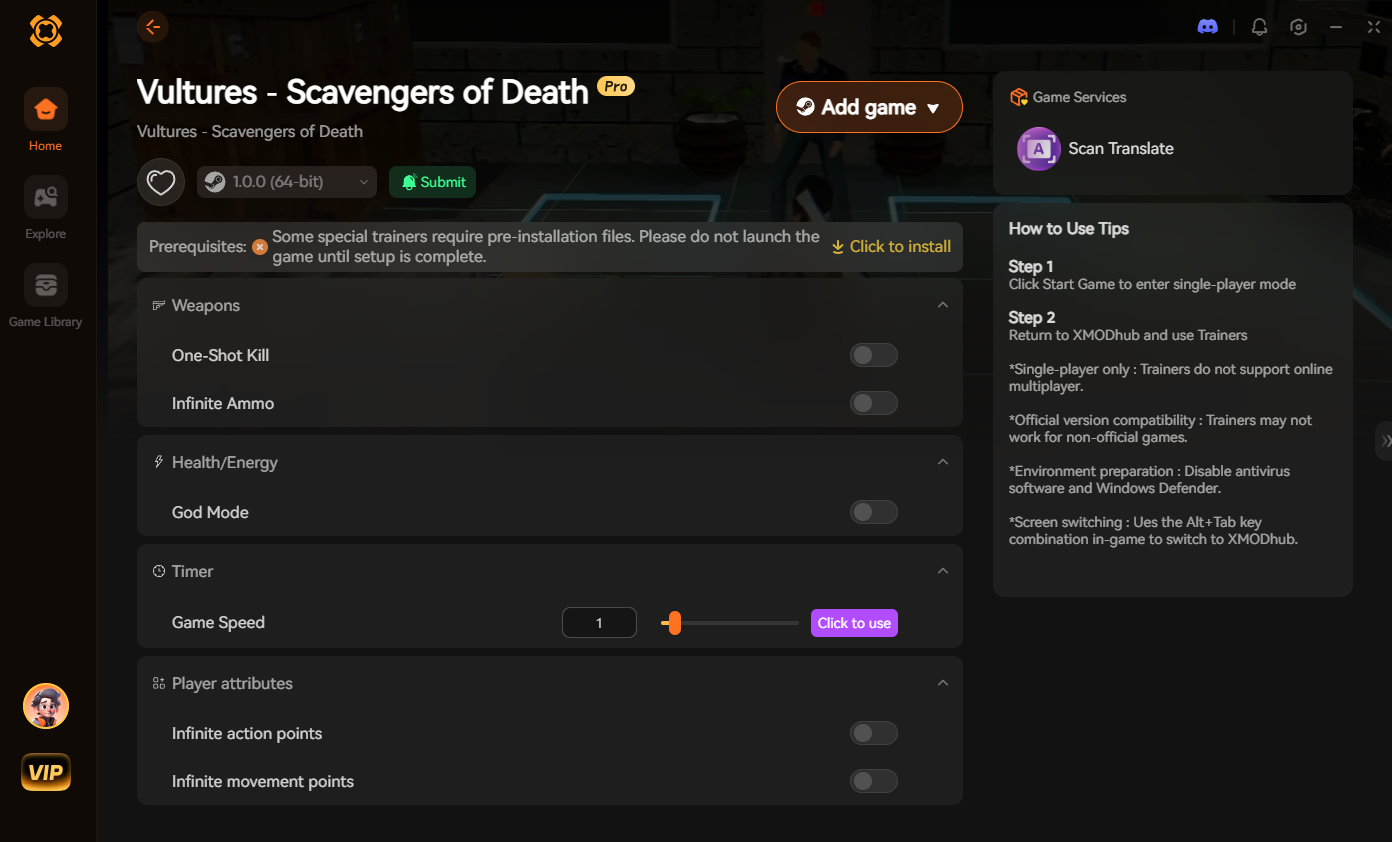
[Get the XMODhub Visual Spawner for Free]
Weapon IDs List (Melee & Ranged)
Use these codes to instantly equip yourself with the best arsenal to take down Corrupted Stalkers.
Command: add_item [ID] 1
| Weapon Name | ID de l'article |
|---|---|
| Scrap Machete | wpn_scrap_machete |
| Neuro-Scythe | wpn_neuro_scythe |
| Makeshift Revolver | wpn_revolver_makeshift |
| Tactical Shotgun | wpn_tactical_shotgun |
| Fusil à plasma | wpn_plasma_rifle |
| Heavy Railgun | wpn_heavy_railgun |
Armor & Clothing IDs List
Command: add_item [ID] 1
| Armor Name | ID de l'article |
|---|---|
| Scavenger Rags | arm_scavenger_rags |
| Reinforced Leather | arm_reinforced_leather |
| Hazmat Suit | arm_hazmat_suit |
| Tactical Rig | arm_tactical_rig |
| Vulture MK4 Armor | arm_vulture_mk4 |
Ammo & Consumables IDs List
Never run out of supplies during a boss fight again. We recommend spawning these in batches of 500+.
Command: add_item [ID] 500
| Nom de l'article | ID de l'article |
|---|---|
| Small Medkit | con_medkit_small |
| Anti-Rad Pills | con_antirad_pills |
| Pistol Ammo | ammo_pistol_standard |
| Shotgun Shells | ammo_shotgun_shell |
| Energy Cell | ammo_energy_cell |
| Frag Grenade | con_frag_grenade |
ID de compétences, d'avantages et de traits
You don’t just have to spawn physical items. You can use the console to instantly learn survival skills, increase carry weight, or add permanent character traits.
Command: unlock_perk [ID]
| Perk Name | ID du Perk |
|---|---|
| Iron Lungs (Rad Resistance) | perk_iron_lungs |
| Pack Mule (Carry Weight) | perk_pack_mule |
| Gunsmith (Weapon Crafting) | perk_gunsmith |
| Scavenger’s Eye (Loot Radar) | perk_scavengers_eye |
Troubleshooting: Why Are My Commands Failing?
If you are typing the IDs correctly but the game is throwing errors, check these common issues:
-console to your Steam Launch Options, or the developers temporarily locked the console in a micro-patch. Use XMODhub to bypass this.item_credits exactly as formatted in our tables.Frequently Asked Questions (FAQ)
A: Yes, absolutely. Native console commands in Unity are highly case-sensitive. All item IDs in this game use lowercase letters and underscores.
A: No. These console commands are executed client-side and only function in Single-Player. Attempting to force spawn items in a multiplayer server will cause desync issues and likely result in an anti-cheat ban.
A: Finding dynamic load-order IDs manually is extremely difficult. We highly recommend using the XMODhub Item Browser, which automatically scans your active mods, detects the custom items, and lets you spawn them with a single click without knowing the string ID.
Conclusion: The Ultimate Sandbox Experience
Having access to the complete Vultures – Scavengers of Death Item IDs list is the fastest way to experiment with different character builds, test weapon damages, or simply recover from a frustrating inventory loss. Bookmark this page so you can quickly reference the codes whenever you need a resupply.
However, if you want a significantly smoother, crash-free experience where you don’t need to memorize strings of code like wpn_plasma_rifle, the XMODhub Visual Spawner is the superior modern choice. Browse items visually. Spawn them instantly. Keep your achievements active.
 XMODhub is your ultimate all-in-one toolkit for PC single-player gaming. Whether you need powerful Trainers, real-time Translation Tools, or Interactive Maps, our engine supports over 5,000+ games—including Vultures – Scavengers of Death and similar survival hits like Farever et Subnautica 2.

Je suis un joueur passionné et j'écris sur XMODhub, qui se consacre à vous apporter les dernières nouvelles, astuces et idées en matière de jeux.
Connectez-vous avec moi :
Profil LinkedIn

 Nancy Miller