
 Catherine Hu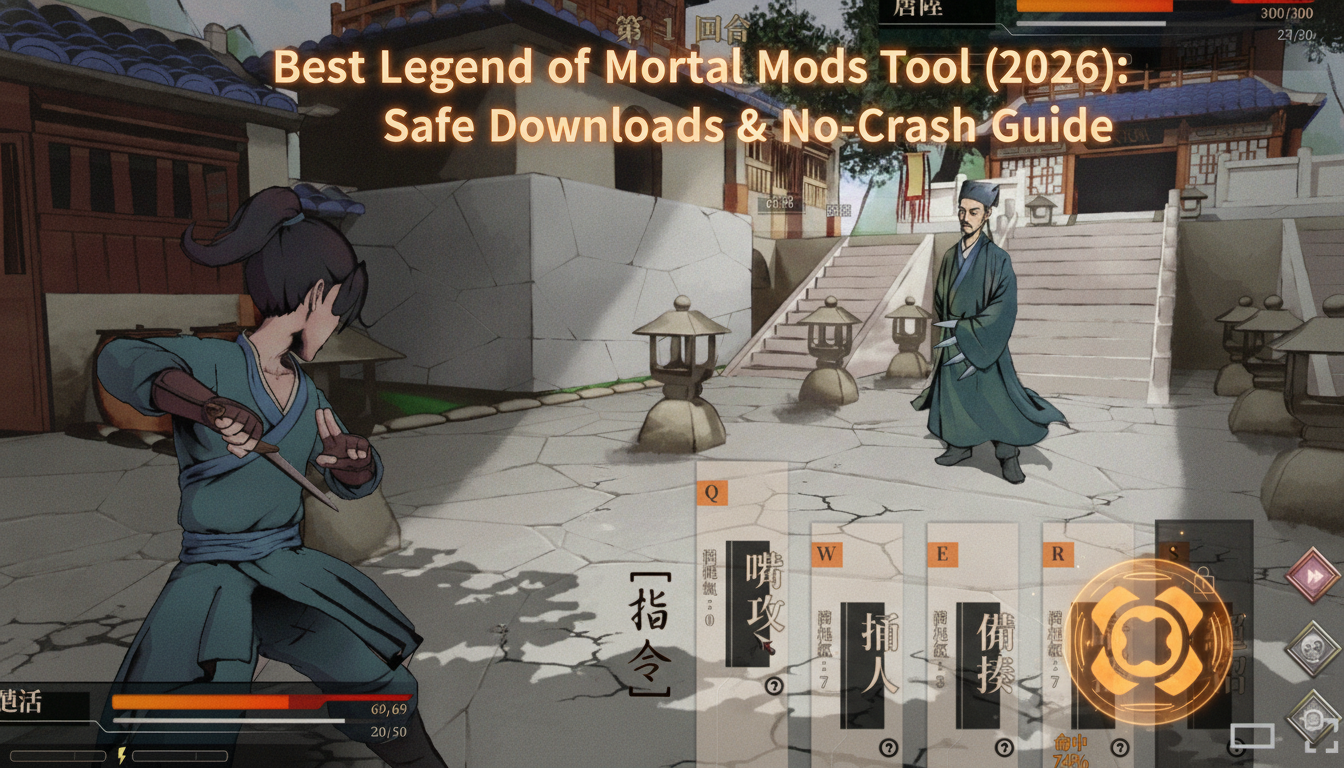
Quick Answer: What is the best and safest Legend of Mortal mods tool?
To modify your gameplay safely without corrupting your save files, you need to use the right Legend of Mortal mods tools:
Editor’s Note
I have been modding PC single-player games for over a decade. Our team physically tested these utilities on a clean installation of Legend of Mortal. We actively monitor tool stability across different rigs. Always back up your local save directory before deploying any new mods tool.
Let’s be brutally honest: vanilla gameplay is incredible for the first 20 hours, but eventually, you hit a massive wall. Legend of Mortal is a fascinating hybrid that blends idle clicker mechanics with traditional turn-based RPG combat and a deep, visual novel-esque narrative set in a turbulent Tang-Man world. However, the game is notoriously grindy, and for international players, the lack of native English support creates an enormous barrier to entry. Whether you are exhausted by a ridiculous resource grind, trying to install translation patches, tired of an unfair boss, or just want to overhaul the graphics to push your RTX card, you are going to need a dependable Legend of Mortal mods tool.
I cannot tell you how many 80-hour save files I have completely ruined over the years because I downloaded a sketchy utility or dragged files into the wrong folder. Finding a safe tool that actually works—without triggering a massive red flag on your antivirus or causing a desktop crash—can be incredibly frustrating. The PC gaming ecosystem is filled with outdated software that promises the world but only delivers corrupted configuration files.
In this guide, I am breaking down the exact utilities you actually need. We will cover the best community managers, where to find your hidden game folders, how to manage specialized narrative scripts, and the ultimate plug-and-play solution for gamers who just want to tweak their stats and get straight back to the fun without needing a degree in computer science.
You may also like: The Ultimate Legend of Mortal Cheat Engine Guide (And A Much Easier Alternative)
1. Why You Need a Dedicated Mods Tool
Listen to me carefully: never manually drag and drop loose files into your Legend of Mortal root folder. When I first started modding, I did this constantly. The result? Total disaster.
Manual installation confuses the game engine on a fundamental level. Legend of Mortal utilizes a complex mix of visual novel event triggers and background idle-progression mathematics. When you manually overwrite a core .dll or resource archive, you are permanently altering the game’s baseline code. If you make a mistake, or if a mod author updates their files, you have no way to revert those changes without completely reinstalling the game and potentially losing your progress.
Furthermore, modern modding relies heavily on “load orders.” If you have two different mods attempting to alter the same texture, character portrait, or combat stat, the game engine needs to know which one takes priority. Without a dedicated Legend of Mortal mods tool to manage these conflicts, the engine will attempt to load both simultaneously. This creates a fatal memory exception, resulting in an instant Crash to Desktop (CTD).
This is especially critical when dealing with narrative expansions. For instance, if you are utilizing the highly sought-after Love Confessions on the Adventure mods tool to unlock hidden romance routes within the visual novel segments, the script must load after the core translation patches but before the UI overhauls. A dedicated manager handles this logical sequencing automatically, ensuring that event triggers fire correctly and dialogue renders without breaking the game’s user interface.
2. Where is the Legend of Mortal Mods Folder Located?
If you are using a community manager, you rarely need to dig into your files. But if you need to do manual cleanups, finding the correct directory is the most common roadblock for new players. Because Legend of Mortal has a unique save structure to accommodate its idle-clicker features, its files are split across multiple directories.
Typical Installation Paths for Legend of Mortal:
C:\Program Files (x86)\Steam\steamapps\common\Legend of Mortal\ If you are using BepInEx, this is where you will drop the initial framework files. The actual mods will then go into a newly generated \BepInEx\plugins\ folder.C:\Users\[Your Username]\AppData\Local\Legend of Mortal\Saved\Why You Need to Know This: When a traditional mod tool fails to deploy correctly, it often leaves “ghost” files in these directories. Knowing how to navigate to your %localappdata% is essential for deleting corrupted configuration .json files that are preventing the game from launching.
3. Top Legend of Mortal Mods Tools Compared
Depending on what you are actually trying to achieve, you need to pick the right software architecture. Modding a game that features both MMO-lite idle mechanics and deep single-player narrative choices requires specialized software. Here is what the veteran community uses for Legend of Mortal:
BepInEx Pack for Legend of Mortal
For games built on modern engines, BepInEx is the gold standard for code injection. Rather than physically overwriting the game’s files, BepInEx acts as a middleman. When you launch Legend of Mortal, BepInEx intercepts the launch process, loads your custom scripts, and injects them into the game’s memory dynamically.
The Good: It is absolutely mandatory for running complex community scripts. If you want to use the Love Confessions on the Adventure mods tool to expand the game’s narrative choices, or if you need to run real-time translation plugins, BepInEx is the only way to do it.
The Bad: It is not user-friendly. There is no graphical interface; you manage everything by dropping .dll files into a plugins folder and editing text-based .cfg files. It can be incredibly intimidating for beginners.
Vortex Mod Manager
Developed by Nexus Mods, Vortex is designed to be a universal manager. It uses a system called “virtual deployment” (symlinks or hardlinks) to trick Legend of Mortal into thinking mods are in the root folder without actually moving the real files.
The Good: Excellent graphical interface. It visually maps out your load order conflicts and allows you to toggle massive texture packs or UI overhauls on and off with a single click.
The Bad: Vortex can sometimes struggle with niche, non-English indie titles. Because Legend of Mortal has a highly specific update cadence to support its idle mechanics, Vortex’s virtual deployment can occasionally break during a Steam update, requiring you to purge and redeploy your entire mod list.
XUnity.AutoTranslator
While technically a plugin rather than a standalone manager, this tool deserves a massive spotlight. Because Legend of Mortal is not available in English, this utility is the lifeline for the international community.
The Good: It uses BepInEx to hook into the game’s text rendering pipeline, sending the original Chinese text to translation APIs (like DeepL or Google Translate) and replacing it on your screen in real-time. It caches the translations locally, so the game runs smoother the longer you play.
The Bad: The machine translations can be incredibly clunky, especially when dealing with complex Tang-Man martial arts terminology.
The Progression Hacker: XMODhub
If you do not care about shiny graphics and just want to tweak the difficulty, bypass the insane idle-clicker grind, or skip the resource farming, use XMODhub. It is a standalone utility that alters your stats in real-time without touching engine files, completely bypassing the headaches of load orders and virtual deployments.
4. The Easiest, Crash-Free Alternative: XMODhub
Here is the dirty secret about traditional mod managers: they are incredibly fragile. Every time the developers of Legend of Mortal release a tiny bug-fix patch, your traditional tools will break. Your save file becomes a hostage until the mod authors update their code weeks later. If you are relying on heavily scripted community mods, a single game update can render your 100-hour save file completely unplayable.
If your primary goal is to gain an advantage—such as activating God Mode during tough beat-em-up segments, getting unlimited currency to bypass the idle-game waiting periods, or speeding up the slow turn-based combat animations—XMODhub is the undisputed king.
I highly recommend XMODhub for gameplay enhancements because:
5. Troubleshooting: What to Do When Your Mods Tool Breaks
Even with the best tools, things go wrong. Modding is an inherently unstable practice. If your game refuses to launch, gets stuck on an infinite loading screen, or crashes the moment you enter a combat scenario, do not panic. Follow my emergency checklist to rescue your Legend of Mortal installation:
6. How to Avoid Malware and Fake Download Buttons
The PC gaming space is filled with fake download buttons and malicious software disguised as gaming utilities. Because Legend of Mortal requires translation tools and script extenders to be fully enjoyed by international audiences, scammers frequently target players looking for these utilities. Protect your rig by following these strict rules:
Download Legend of Mortal Trainer Now
7. Deep Dive: The Love Confessions on the Adventure Mods Tool
One of the most compelling aspects of Legend of Mortal is its intricate visual novel routing. Depending on your martial arts sect standing, your dialogue choices, and your hidden affinity stats, different romantic routes open up. However, the vanilla game is notoriously unforgiving. Missing a single event trigger in the first five hours can permanently lock you out of a specific character’s romance route.
This is exactly why the community developed the Love Confessions on the Adventure mods tool. Rather than forcing players to restart their 60-hour playthroughs, this specialized script extender modifies the game’s internal event flags.
When correctly installed via BepInEx, this tool actively monitors your visual novel dialogue trees. It lowers the strict affinity thresholds required to trigger romantic confessions, ensuring that you can experience the full breadth of the Tang-Man narrative without being punished for minor dialogue mistakes early in the game. It also forces specific event nodes to spawn during your idle-adventure phases, guaranteeing that you never miss a crucial character-building moment. If you are a completionist who wants to see every ending without dedicating hundreds of hours to repetitive grinding, this tool is an absolute must-have.
8. Modding Romance vs. XMODhub Affinity Cheats
When it comes to manipulating the game’s narrative and relationships, you essentially have two paths: utilizing script-based event modifiers or injecting raw stat changes into the game’s memory. Understanding the difference will save you a lot of troubleshooting headaches down the line.
While narrative mods change how the game reads data, XMODhub changes the data itself. For example, instead of installing a complex script to bypass an affinity check, you can simply use XMODhub to instantly multiply your affinity stat with a specific NPC to 999. This allows you to pass the game’s natural romance checks without risking a script conflict.
Here is a breakdown of how different tools handle game modifications:
| Modification Category | Specific Tool / Feature | Optimal Use Case | Stability / Risk Level |
|---|---|---|---|
| Narrative Flags | Love Confessions on the Adventure mods tool | Bypassing strict event triggers and forcing hidden dialogue trees to appear. | Medium (Requires BepInEx; breaks on game updates) |
| Stat Editing | XMODhub Affinity Multiplier | Instantly maxing out favorability with key NPCs without grinding for gifts. | Zero (Safe memory injection; immune to load order crashes) |
| Translation | XUnity.AutoTranslator | Reading the complex Tang-Man romance dialogue in English in real-time. | Low (May cause minor UI text bleed) |
| Visuals | Vortex UI Overhauls | Enhancing character portraits and backgrounds during confession scenes. | Medium (Highly dependent on correct virtual deployment) |
By combining a stable translation framework with the raw stat-editing power of XMODhub, you can experience every romance route and hidden ending with zero frustration.
9. Frequently Asked Questions (FAQ)
A: In many modern Steam games, detecting modified files will automatically lock your ability to earn achievements. If you are using traditional file-replacement methods or certain script extenders, Legend of Mortal may flag your save file and disable achievement tracking. However, this is where memory tools shine. Because XMODhub alters temporary RAM values rather than permanent hard drive files, the game’s internal anti-cheat mechanisms rarely detect the changes, allowing you to unlock achievements while playing by your own rules.
A: Legend of Mortal is primarily a single-player experience with idle-clicker mechanics, meaning the core gameplay happens locally on your machine. The developers do not actively police or ban accounts for altering local files in the single-player narrative modes. However, because the game has a “massive multiplayer experience” element built into its hybrid design, you must exercise extreme caution. Never use memory injectors, stat editors, or unverified mods when connecting to the game’s online multiplayer servers or leaderboards. Always disable all active tools before launching any separate online competitive or cooperative modes to ensure your account remains in good standing.
A: If you are using AutoTranslator and seeing squares or garbled text, it means your operating system lacks the proper font files to render the original Chinese characters before translating them, or the mod is failing to parse the game’s specific UI font. You typically need to install a universal font replacement mod via BepInEx to force the game engine to render standard Arial or Roboto fonts that support English characters.
Conclusion
Customizing your experience is the absolute best part of owning Legend of Mortal on PC. The game offers a brilliant blend of Tang-Man martial arts lore, visual novel storytelling, and RPG progression, but it is heavily bogged down by extreme idle-grinding and a massive language barrier. By choosing the correct mods tool, you can skip the tedious mechanics, bypass the frustration, translate the narrative, and focus entirely on the fun parts of the game.
For visual overhauls, translation frameworks, and heavy narrative scripts like the Love Confessions on the Adventure mods tool, stick to established community managers like BepInEx and Vortex, and always remember to back up your save files. But if you want a seamless, crash-free way to dominate the game instantly, bypass the resource grind, and tweak your stats without needing a computer science degree, download XMODhub.
Join thousands of us who are taking back control of our gaming sessions in Legend of Mortal and other massive Asian RPG titles like Tale of Immortal, Hero’s Adventure: Road to Passion, and Wandering Sword. Launch your tool, load your save, and play exactly how you want today.

I am a passionate gamer and writer at XMODhub, dedicated to bringing you the latest gaming news, tips, and insights.
Connect with me:
LinkedIn Profile ↗






