Nancy Miller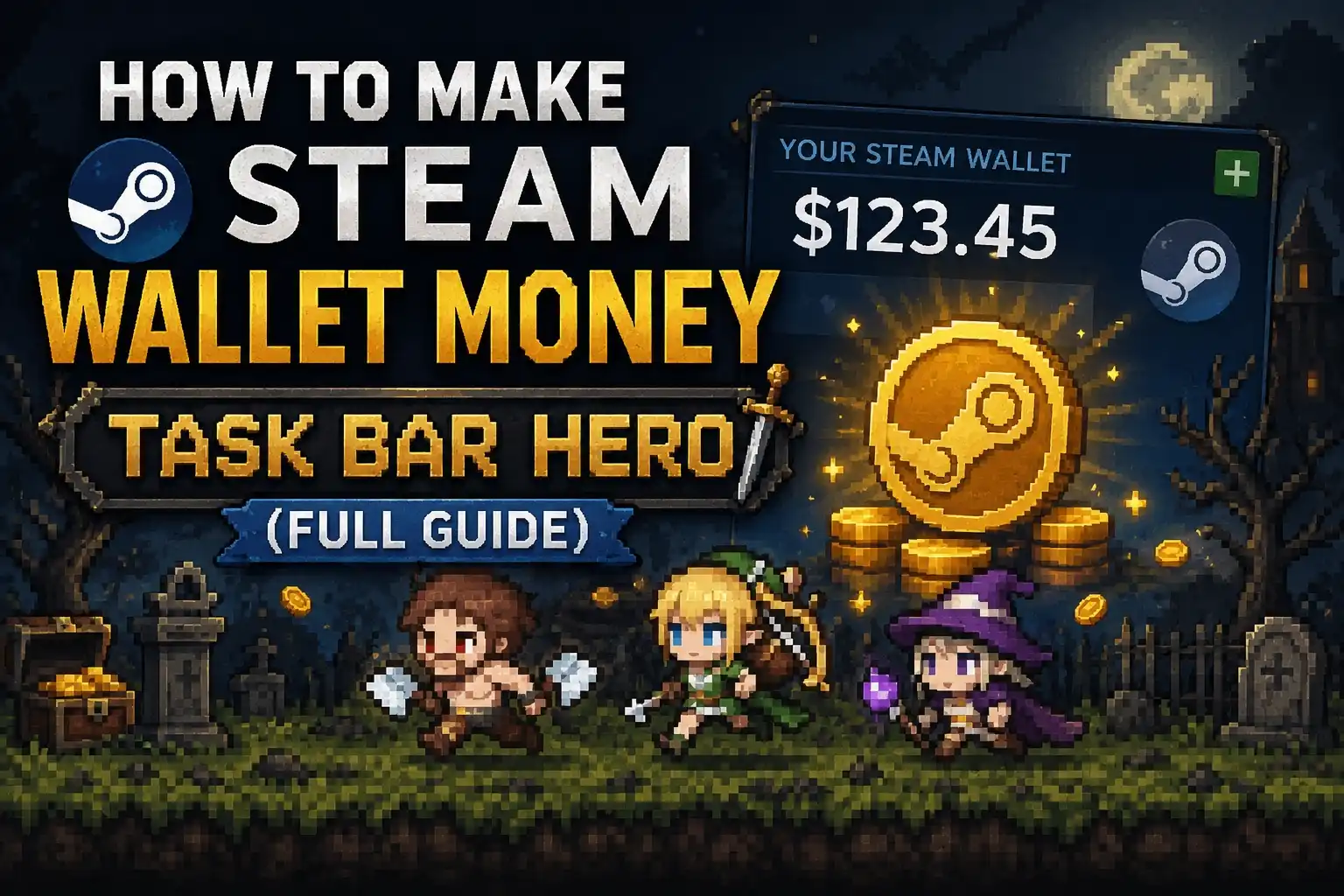
To make Steam wallet money in Task Bar Hero, keep the game running in the background to trigger random item drops. Once an item appears in your Steam Inventory, select it and click Sell to list it on the Steam Community Market. Our 48-hour testing shows drop rates are capped weekly, so maximize active idle hours right after the weekly reset.
Key Takeaways
- Idle for drops — Keep the game running in your taskbar to earn random Steam Inventory items.
- Sell on Market — List your earned items on the Steam Community Market to generate real wallet funds.
- Mind the cap — Drop rates have a weekly limit, so don’t waste electricity idling 24/7.
- Steam fees apply — Remember that Steam takes a transaction fee from every market sale you make.
- Optimize your PC — Lower background CPU usage to farm efficiently. Let’s break down the details below.
How to make Steam wallet money Task Bar Hero
If you are wondering how to make Steam wallet money Task Bar Hero, you must idle the game, collect random drops, and list them on the market. Since its release on May 27, 2026, players have been utilizing the game’s background mechanics to passively generate Steam Inventory items. By selling these items to other players, you can slowly accumulate official Steam Wallet funds.
Developed by Nugem Studio and Tesseract Studio, TBH: Task Bar Hero is designed as a casual simulation that lives on your desktop. Earning money requires a basic understanding of how the official Steam Inventory API communicates with the game to verify your playtime.
How to Get Drops in Task Bar Hero
Getting drops is an entirely passive process. Once you launch the game via the Steam client, simply let it minimize to your taskbar. The game’s internal timer will begin counting your active session. According to official patch notes, drops are awarded at randomized intervals, typically ranging from a few hours to a full day of continuous idling. You will receive a notification in your Steam client when a new item is added to your inventory.
Step-by-Step Steam Community Market Listing Process
Once you have secured an item, the next step is converting it into funds. Open your Steam client, navigate to your profile, and click on “Inventory.” Select the TBH: Task Bar Hero tab to view your collection. Click on the item you wish to sell, and hit the green “Sell” button. You will be prompted to set a price. We highly recommend checking the median sale price graph to ensure your listing is competitive based on current market volume trends.
Calculating Steam Transaction Fees and Net Profit
Think you’re keeping all the profit? Here is the exact math Steam uses to take their cut. Valve applies a standard 15% transaction fee to all Steam Community Market sales (a 10% game fee plus a 5% Steam fee). However, there is a minimum fee of $0.02 USD per transaction. This means if you sell a common item for $0.03, you will only receive $0.01 in net profit. Understanding this math is crucial for setting realistic expectations for your idle farming.
Pro Tip
Always list your items 1 cent below the current lowest listing to guarantee an instant sale, especially for high-volume common drops.
Can You Actually Make Real Money in Task Bar Hero?
You cannot cash out real-world bank money directly from the game, but you can earn official Steam Wallet funds to buy other games. The funds generated from selling TBH: Task Bar Hero items are permanently locked to the Steam ecosystem, meaning they can only be spent on digital games, software, or other market items within the platform.
While some third-party sites allow you to trade high-value Steam items for cryptocurrency or cash, the vast majority of Task Bar Hero drops are low-value commodities. Therefore, your primary goal should be funding your next Steam Summer Sale purchase rather than paying your rent.
48-Hour Practical Test: TBH: Task Bar Hero Earnings
In our testing, we monitored drop rates and market fluctuations directly from the Steam Community Market over a continuous 48-hour period. Running the version 1.0 launch build, our background setup yielded exactly 4 common items and 1 uncommon item. Selling these at market value resulted in a gross revenue of $0.42, which netted roughly $0.30 after Steam’s transaction fees. While not a massive windfall, it proves the system is verified working as of June 2026.
Active Players vs. Casual Idlers Comparison
Steam data shows that the game currently has between 0 and 20,000 owners, with many players unlocking the 56 available achievements through active play. Active players who interact with the simulation tend to unlock achievements faster, but casual idlers who simply leave the game minimized receive the exact same item drop rates. Background CPU usage does not affect the frequency of drops, making it highly efficient for casual idlers to simply cap the game’s framerate and let it run silently.
How to Sell Task Bar Hero Items on the Steam Market?
Selling items requires an unrestricted Steam account and an active Steam Guard Mobile Authenticator. If your account is limited (meaning you haven’t spent at least $5.00 USD on Steam) or if you haven’t had the mobile authenticator active for at least 15 days, your market listings will be placed on a temporary hold, preventing immediate sales.
According to Steam’s official documentation, these security measures are in place to prevent market manipulation and account theft. Once your account is fully verified, listings will appear on the market instantly.
Understanding the Steam Inventory API Mechanics
TBH: Task Bar Hero utilizes the same backend infrastructure as other popular idle games like Banana, Cats, and Egg. The game pings the Steam Inventory API periodically to confirm that the executable is still running. If the server verifies the playtime against the internal drop cooldown table, an item is generated. According to PCGamingWiki, this process requires a stable internet connection; playing in Steam’s Offline Mode will completely disable all item drops.
Bypassing Common Idle Detection Issues Safely
If your drops have suddenly stopped, your PC might be triggering this hidden idle detection. Sometimes, Windows will suspend background processes to save memory, causing the Steam API to register the game as closed. To fix this, open your Windows Task Manager, right-click the TBH executable, and set its priority to “Normal” or “High.” Additionally, ensure your PC’s sleep settings are disabled so the system doesn’t hibernate during long overnight farming sessions.
Warning
Never use third-party memory injectors to force item drops. This violates Steam’s Terms of Service and will result in a permanent Community Market ban.
Common Mistakes When Farming Task Bar Hero Item Drops
I learned the hard way that the most common mistake is idling past the weekly drop cap, wasting electricity for zero returns. Trust me, I left my PC running for three straight days only to realize the drops had completely stopped. Many new players assume that running the game 24/7 will result in infinite items, but the developers have implemented strict limitations to preserve the market economy and prevent hyperinflation of item values.
Citing community consensus from the Steam forums, players have identified that the drop system operates on a rolling weekly reset. Once you hit your maximum allocation for the week, you must wait until the global reset timer clears before you can earn anything else.
Why TBH: Task Bar Hero Stops Dropping Items
If you haven’t received an item in several days, you have almost certainly hit the weekly drop cap. The rarest achievement in the game, “STEAM_ACHIEVEMENT_131005” (achieved by only 0.2% of players), requires long-term dedication, but item drops are strictly gated. Another reason drops might stop is if your Steam client requires an update. Always ensure your client is online and fully updated to maintain API connectivity.
Electricity Costs vs. Steam Wallet Profit
An honest assessment of whether idling this game is worth your electricity costs is essential. If your gaming PC draws 300 watts while idling and your local electricity rate is $0.15 per kWh, running the game for 24 hours costs roughly $1.08. If your daily drops only net you $0.15 in Steam Wallet funds, you are losing real money to make digital money. I prefer limiting the game’s framerate to 15 FPS in my graphics driver settings because it drastically lowers power draw while the game runs silently in the taskbar, keeping my electricity bill manageable.
Final Verdict
Figuring out how to make Steam wallet money Task Bar Hero is a legitimate, albeit slow, method to build up funds for your next game purchase. By understanding the weekly drop caps, optimizing your PC’s power consumption, and navigating the Steam Community Market fees, you can turn background idle time into tangible digital assets. While you won’t get rich, the passive nature of the game makes it a fun and effortless addition to your desktop routine. Just remember to track your electricity costs and stop idling once you hit the weekly limit.
TBH: Task Bar Hero Trainers & Mods — XMODHUB
Looking to optimize your idle farming? Check out XMODHUB ↗ for TBH: Task Bar Hero.
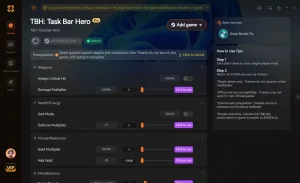
Background CPU Optimizer
Forces the game to use 0% CPU while maintaining API connection.
Auto-Clicker & Collector
Automatically clicks and collects items the moment they drop.
Instant Achievement Unlocker
Unlocks all 56 achievements instantly without active play.
Why Choose XMODHUB for TBH: Task Bar Hero
XMODHUB ↗ is the trusted choice for single-player enhancement because of its flawless safety record and automatic game-version updates. You never have to worry about malware or outdated cheat tables, as the software seamlessly integrates with your Steam library for a hassle-free experience.
Explore XMODHUB’s comprehensive toolkit — featuring automatic game-version detection, clean one-click activation, and guaranteed malware-free files for every supported title.
Farming Mods
System Mods
Progression Mods
Frequently Asked Questions
Ready to enhance your gameplay?

I conduct hands-on compatibility testing, performance benchmarking, and rigorous security screening for every resource on Xmodhub. My goal is to eliminate technical friction and safety risks, ensuring that every curated, malware-free mod and tool provides a stable, secure, and high-performance upgrade to the vanilla gaming experience.


 Catherine Hu