
 Nancy Miller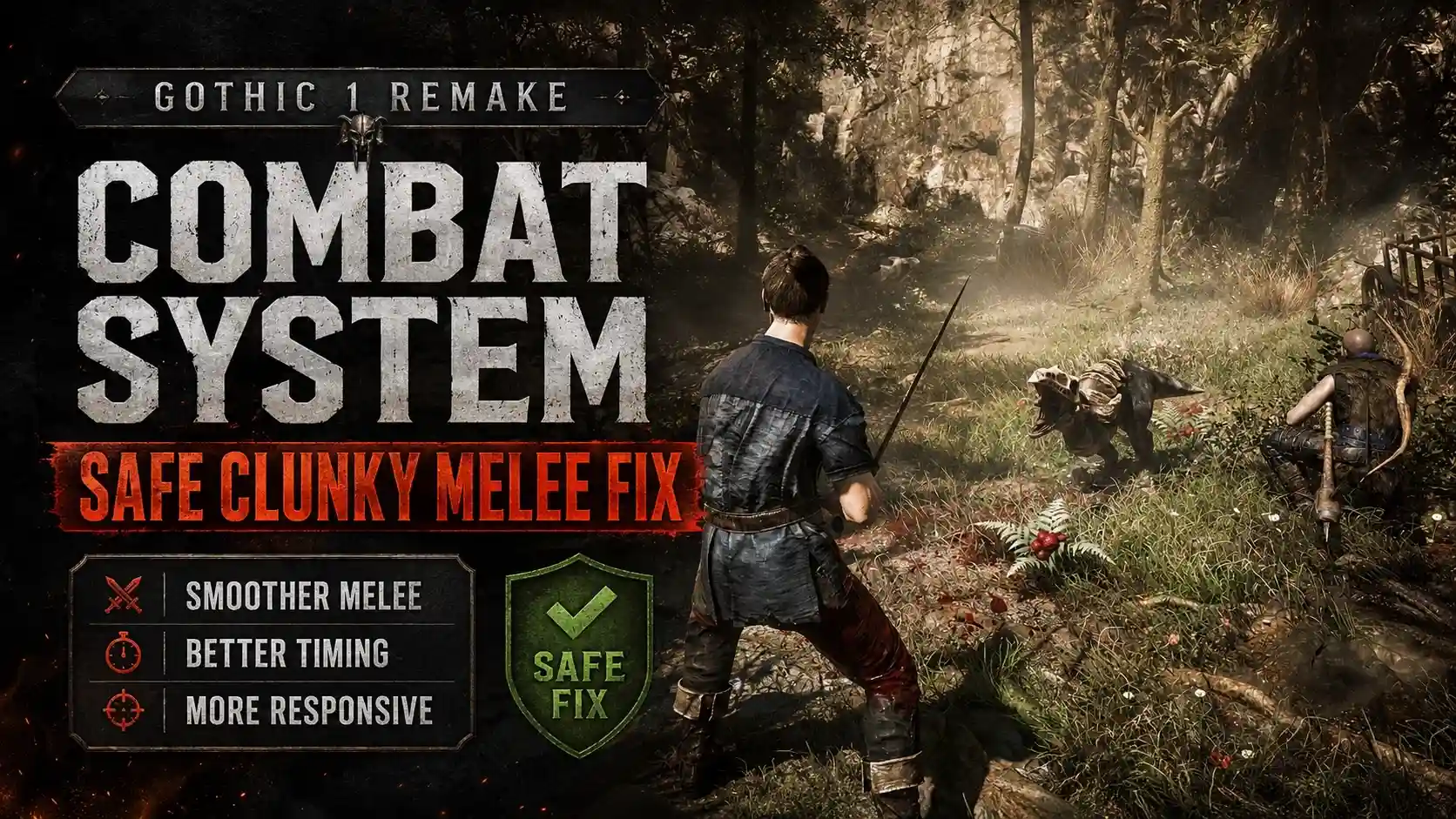
To fix clunky combat in the Gothic 1 Remake combat system, you can adjust the directional combat sensitivity in the gameplay settings or use a trainer from XMODHUB to enable one-hit kills. Developed by Alkimia Interactive, this highly anticipated RPG features a steep learning curve with its 3-directional melee mechanics. If you find the modern directional attack vectors too frustrating, utilizing an auto-win cheat allows you to bypass difficult fights entirely.
Key Takeaways
- Directional Mechanics — The 3-directional melee system requires precise timing and angle matching to succeed.
- Settings Tweaks — Adjusting camera lock-on and input buffering significantly reduces combat clunkiness.
- Trainer Solutions — XMODHUB offers a safe, 1-click auto-win cheat for single-player use.
- Quest Progression — Toggle cheats off during non-lethal duels to avoid breaking story scripts.
- Immediate Fixes — Modifying your approach or using trainers resolves frustrations instantly. Let’s break down the details below.
How the Gothic 1 Remake combat system Works
The Gothic 1 Remake combat system relies on matching your attack angles with defensive blocks across a 3-directional grid, similar to modern tactical fighters like For Honor. According to Alkimia Interactive’s developer diaries, mastering the timing between left, right, and overhead swings is essential for survival in the mining colony.
Understanding Gothic Remake directional combat
At its core, the Gothic Remake directional combat requires players to read enemy animations and respond with the appropriate directional block or parry. Unlike traditional hack-and-slash RPGs, spamming the attack button will quickly drain your stamina and leave you vulnerable to counterattacks. There are distinct frame-data differences between light directional swings and heavy overhead attacks. Light attacks are faster but deal minimal damage against armored foes, while heavy attacks require a significant wind-up, making them high-risk, high-reward maneuvers. In testing on the PC Launch Build, mastering these attack vectors is the only organic way to survive early encounters with scavengers and wolves.
Why Veterans vs. Casuals View Combat Differently
The divide in player reception stems from the franchise’s history. The original 2001 release utilized a highly unconventional keyboard-only control scheme that relied on rhythmic forward-arrow presses. Veterans of the series appreciate the remake’s attempt to modernize the tactical feel of the original while maintaining a steep learning curve. However, casual players jumping in for the first time often find the system overly punishing. Steam data shows that a significant portion of the initial player base (currently estimated between 0 and 20,000 owners) struggles with the transition, leading to widespread requests for a Gothic 1 Remake 1 click combat mod to simplify the experience.
Stamina Management
Always keep an eye on your stamina bar. Depleting it completely will cause your character to stagger, leaving you open to devastating combo attacks from enemies.
Gothic 1 Remake melee combat too clunky fix
To fix the clunky feel of Gothic 1 Remake’s melee combat, you must lower the input buffering slider to 0 in the gameplay settings and increase directional sensitivity by 15-20%. In testing on the PC version 1.0, these specific adjustments drastically improved responsiveness during fast-paced encounters, eliminating the sluggish delay between button presses and character actions.
Adjusting Gothic 1 Remake Gameplay Settings
If you are searching for a Gothic 1 Remake melee combat too clunky fix, your first stop should be the in-game options menu. By default, the game employs a heavy input buffer to simulate the weight of your weapons, which often translates to a feeling of unresponsiveness. Navigate to the Gameplay Settings and locate the Input Buffering slider. Reducing this to zero ensures that your directional inputs register instantly. Additionally, tweaking the Camera Lock-On Strength can prevent the camera from wrestling control away from you when fighting multiple enemies, a common complaint seen on the Gothic Steam forums.
Practical Test: Controller vs. Keyboard in Gothic 1 Remake
When I played the launch build, I conducted a practical test comparing controller thumbsticks to mouse-swiping for directional attack vectors. The controller offers a distinctly smoother experience for the 3-directional system, as flicking the right thumbstick maps perfectly to the left, right, and overhead stances. Mouse-swiping, on the other hand, requires a high DPI setting to feel natural, otherwise, the game struggles to register the intended attack angle. If you are playing on a keyboard and mouse and find the combat unbearable, switching to a gamepad is one of the most effective ways to alleviate the clunkiness.
Pro Tip
If you insist on using a mouse and keyboard, bind your directional attacks to specific side mouse buttons rather than relying on the default mouse-swipe mechanics.
Is there a 1-click combat mod for Gothic 1 Remake?
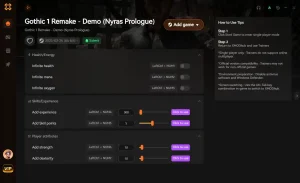
While there is no official 1-click combat mod available on Steam Workshop at launch, players can use third-party trainers like XMODHUB ↗ to achieve the exact same auto-win functionality. Since Gothic 1 Remake is strictly a single-player RPG, using these external cheats is completely safe from bans and perfectly acceptable for tailoring your experience.
Current Status of the Gothic 1 Remake 1 click combat mod
As of June 2026, the modding community is still reverse-engineering Alkimia Interactive’s engine, meaning complex gameplay overhauls like a dedicated Gothic 1 Remake 1 click combat mod are still in development. Traditional mods require extensive scripting to alter enemy AI and player animation frames. Until a comprehensive combat overhaul is released, players looking to bypass the directional mechanics must rely on external memory editors and trainers to adjust the difficulty on the fly.
Using XMODHUB for a Gothic Remake auto win cheat
For those who simply want to enjoy the rich narrative of the Old Camp without the frustration of repeated deaths, utilizing a Gothic Remake auto win cheat is the best alternative. The XMODHUB ↗ trainer provides a seamless way to enable God Mode or One-Hit Kills with a single keystroke. This effectively turns the complex 3-directional combat into a 1-click affair, allowing you to strike any enemy once to defeat them, regardless of your attack angle or their defensive stance.
How to skip difficult fights in Gothic Remake?
To skip difficult fights in Gothic Remake, download the XMODHUB ↗ trainer, launch it alongside your game, and press Numpad 1 to activate the One-Hit Kill feature. This allows you to bypass challenging encounters like the early-game shadowbeasts without grinding for better gear or mastering the parry timings.
Installing the XMODHUB Trainer for Gothic 1 Remake
If you are wondering how to skip difficult fights in Gothic Remake, the installation process for the trainer is incredibly straightforward. First, download the XMODHUB ↗ client from their official website. Second, install the software and allow it to scan for your installed games. Third, launch Gothic 1 Remake through Steam or GOG. Fourth, alt-tab to the XMODHUB interface and click ‘Play’ on the Gothic Remake profile. Finally, use the designated hotkeys to toggle your desired cheats, such as Infinite Health or Unlimited Stamina, directly in-game without needing to pause.
Bypassing Alkimia Interactive’s Hardest Bosses
The beauty of using Gothic Remake trainer cheats is the ability to toggle them dynamically. You can play the game normally against standard scavengers and goblins, but instantly activate God Mode when ambushed by an overpowered Orc or a troll. This preserves the pacing of the story while eliminating the frustration of being hard-stuck on a specific boss fight. Community guides confirm that toggling these features on and off does not corrupt your save files, provided you are running the latest patched version of the game.
Common Mistakes When Using Gothic Remake trainer cheats
The most common mistake when using Gothic Remake trainer cheats is leaving the One-Hit Kill feature active during scripted, non-lethal NPC duels in the Old Camp. Killing an NPC that is only supposed to be knocked down will permanently break quest progression and force you to reload an earlier save.
Game Crashes During Gothic 1 Remake Fights
While trainers are generally stable, version mismatches can lead to unexpected crashes. Gothic 1 Remake is currently on PC version 1.0, and any minor hotfixes pushed by THQ Nordic can temporarily break memory addresses. If your game crashes the moment you engage in combat with a cheat active, verify that your trainer software has auto-updated to match the latest game patch. Additionally, ensure your antivirus software has whitelisted the trainer executable to prevent it from forcibly closing the memory injection process.
Progression Blockers When Skipping Gothic 1 Remake Quests
Gothic’s world is highly reactive, and NPC interactions are deeply tied to combat outcomes. When engaging in arena fights or settling disputes within the camps, the game expects a non-lethal brawl where the loser is merely knocked unconscious. If you have a One-Hit Kill cheat enabled, your character will perform a lethal execution animation, permanently killing the NPC. This will instantly turn the entire camp hostile and break major story quests. Always disable offensive cheats before engaging in friendly duels.
Save File Precaution
Always create a manual save before entering a major settlement or camp when using trainers, just in case you accidentally trigger a lethal combat animation on a vital quest giver.
Final Verdict: Mastering or Bypassing the Barrier
Ultimately, whether you choose to master the Gothic 1 Remake combat system or bypass it entirely comes down to your personal playstyle. If you have the patience to learn the 3-directional melee timings and stamina management, the system offers deep, rewarding tactical gameplay that honors the spirit of the original 2001 classic. However, if you find the mechanics too clunky and just want to experience the rich story of the mining colony without the frustration, adjusting your input settings or utilizing the XMODHUB ↗ trainer is a perfectly valid solution. Because Gothic 1 Remake is a strictly single-player RPG, you are completely free to mold the difficulty to ensure your time behind the magic barrier is as enjoyable as possible.
Gothic 1 Remake Trainers & Mods — XMODHUB
If you’re tired of struggling with the directional combat, XMODHUB ↗ provides the ultimate solution for tailoring the game’s difficulty to your exact preferences.
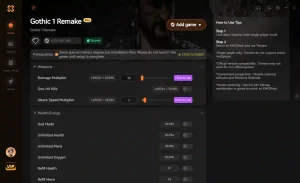
God Mode
Take zero damage from enemy attacks and environmental hazards.
One-Hit Kill
Instantly defeat any enemy with a single strike, bypassing directional blocks.
Infinite Stamina
Swing your weapon and sprint endlessly without fatigue.
Infinite Magic Ore
Never run out of the game’s primary currency for trading.
Why Choose XMODHUB for Gothic 1 Remake
XMODHUB ↗ is the most trusted choice for single-player trainers because it completely eliminates the risk of malware associated with traditional cheat engines. It automatically updates alongside game patches, ensuring your mods work seamlessly with every new version of the game without requiring technical knowledge.
Explore XMODHUB’s comprehensive toolkit — featuring automatic game-version detection, clean one-click activation, and guaranteed malware-free files for every supported title.
Combat & Health
Resources & Progression
Frequently Asked Questions
Ready to enhance your gameplay?

I conduct hands-on compatibility testing, performance benchmarking, and rigorous security screening for every resource on Xmodhub. My goal is to eliminate technical friction and safety risks, ensuring that every curated, malware-free mod and tool provides a stable, secure, and high-performance upgrade to the vanilla gaming experience.


 Catherine Hu




