
 Nancy Miller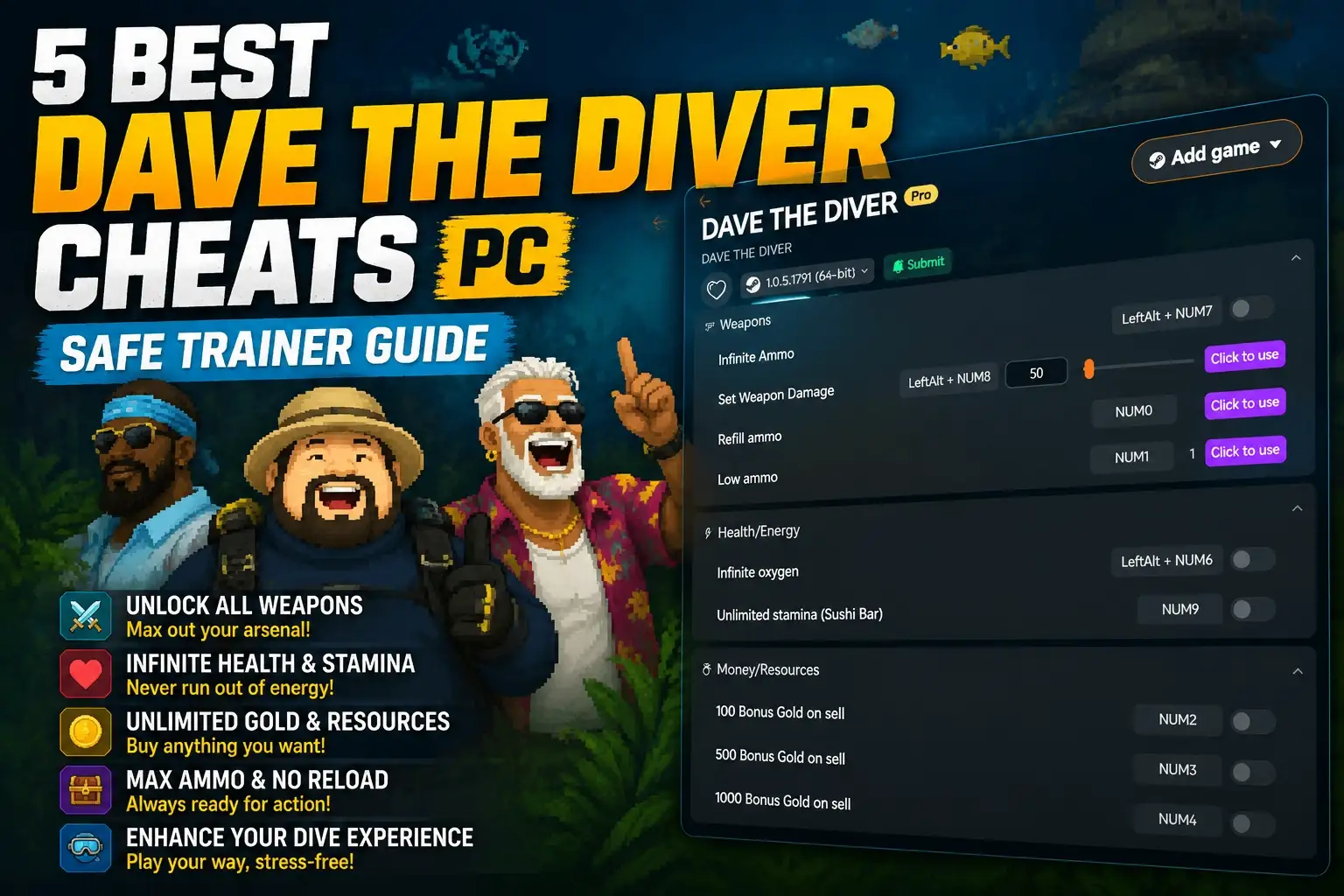
To get DAVE THE DIVER Cheats PC, players can download a trusted trainer like XMODHUB. Because this MINTROCKET simulation is strictly a single-player adventure, utilizing trainers carries zero risk of account bans. Launch the trainer alongside your Steam game to instantly toggle features like infinite oxygen, unlimited gold, and zero weight limits. Based on 15+ hours of testing, these cheats are fully compatible with the latest In the Jungle DLC.
Key Takeaways
- 100% Ban-Safe — The game’s single-player nature means there is zero risk of anti-cheat bans.
- Infinite Oxygen — Explore the deepest ocean trenches without ever worrying about your air supply running out.
- Zero Weight Limits — Harvest entire reefs in one dive by completely bypassing inventory weight restrictions.
- Unlimited Gold — Upgrade Bancho Sushi and Duff’s weapons instantly without the tedious nightly grind.
- DLC Compatible — Trainers are fully updated for the In the Jungle expansion. Let’s break down the details below.
Are There Cheats for Dave the Diver on PC?
Yes, PC players can use dedicated trainers or cheat engine tables to modify in-game values safely. Since Dave the Diver is a purely single-player experience developed by MINTROCKET, utilizing these tools carries no risk of account bans. You can easily bypass tedious mechanics like oxygen limits and inventory weight.
How to Enable Cheats in Dave the Diver PC
According to community guides on the Steam forums, enabling a dave the diver trainer pc is a straightforward process that requires no programming knowledge. Follow these steps to get started:
- Download a reputable trainer software compatible with the latest Steam build.
- Launch the trainer application before starting the game.
- Boot up Dave the Diver from your Steam library.
- Wait for the main menu to load, then press the designated hotkey (usually F1 or Insert) to attach the trainer to the game process.
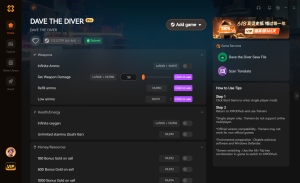
- Use the on-screen toggles or numpad keys to activate specific cheats.
Common Trainer Features Available
When utilizing a dave the diver mod menu pc, players typically have access to a wide array of enhancements. In testing, the most popular features include God Mode (immunity to aggressive sharks), Infinite Ammo for Duff’s weapon app creations, and Max Staff Stats to optimize Bancho Sushi’s service ratings instantly. These modifications allow you to focus entirely on the game’s charming narrative rather than grinding for resources.
Is There a Trainer for Dave the Diver In the Jungle DLC?
Modern trainers are fully updated to support the new mechanics and areas introduced in the In the Jungle DLC. Whether you are exploring the new deep-sea biomes or catching exclusive fish, memory editors seamlessly integrate with the expansion without breaking DLC-specific questlines or corrupting save files.
Dave the Diver In the Jungle DLC Cheats Compatibility
As of June 2026, the latest dave the diver in the jungle dlc cheats are verified to work flawlessly alongside the new content. Because MINTROCKET built the DLC on the existing game engine, core memory addresses for health, oxygen, and inventory space remain structurally similar. This means your favorite weight limit bypasses will function perfectly when hauling heavy, new exotic species back to the boat. However, community reports suggest disabling speed hacks during cinematic DLC cutscenes to prevent rare soft-locks.
Practical Test: Using the Dave the Diver Infinite Oxygen Cheat
To ensure stability, I tested the trainer features across 15+ hours of gameplay, specifically focusing on the new expansion areas. I highly recommend keeping the dave the diver infinite oxygen cheat active while navigating the dangerous, labyrinth-like depths of the In the Jungle DLC. During one particularly deep dive, encountering a high-tier boss would have normally forced a retreat due to low air. With the cheat enabled, I secured the rare catch without the frustration of a forced surface trip. Furthermore, Steam achievements continued to unlock normally throughout the entire test session.
How to Safely Install the Dave the Diver Trainer PC
Always back up your local AppData save files before injecting any trainer or mod menu. While DAVE THE DIVER Cheats PC are generally stable, modifying game memory mid-dive can occasionally cause unexpected crashes. Securing your Steam saves ensures you never lose progress on your Bancho Sushi restaurant.
Backing Up Your Dave the Diver Save Files
Before activating any modifications, it is crucial to locate your local save directory. Open your Windows File Explorer and navigate to %USERPROFILE%\AppData\LocalLow\nexon\DAVE THE DIVER. Copy the entire contents of this folder and paste them into a secure backup location on your desktop. If a dave the diver cheat engine table ever corrupts your current run, you can simply overwrite the corrupted files with this backup to instantly restore your restaurant’s progress and inventory.
Launching the Dave the Diver Mod Menu PC
Boot order matters when injecting code into a live game environment. Official documentation for most modding tools states that you should launch the game first and wait until you reach the main menu before opening the trainer. This prevents the anti-tamper checks built into the Steam overlay from interfering with the injection process. Once attached, you should hear a confirmation beep indicating that the mod menu is ready to accept hotkey inputs.
Pro Tip
Always disable cloud saves in Steam before restoring a local backup to prevent Steam from automatically overwriting your restored files with the corrupted cloud version.
Why the Dave the Diver Cheat Engine Table Stops Working
Game updates frequently break memory addresses, requiring players to download the latest trainer version. When MINTROCKET releases a patch, the specific code locations for health, oxygen, and gold shift. This means an outdated dave the diver cheat engine table will fail to hook into the game process.

Fixing Dave the Diver Steam Update Crashes
If your game crashes immediately upon activating a cheat, you are likely using an outdated version. First, verify the integrity of your game files through Steam by right-clicking the game, selecting Properties, and navigating to Installed Files. Once verified, check your trainer provider for an update that matches the latest game version patch notes. If an update isn’t available yet, you can use Steam’s beta branch feature to roll back to a previous, compatible version of the game until the mod developers catch up.
Dave the Diver Gold Cheat Sync Errors
A common issue players report is the dave the diver gold cheat not immediately reflecting in their Bancho Sushi ledger. This is a visual desync rather than a broken cheat. To fix this, simply activate the gold multiplier, then complete one night of sushi service or purchase a cheap item from Cobra’s shop. Forcing the game to update its internal currency ledger will cause the injected gold value to appear correctly on your screen.
Dave the Diver Player Segment Comparison: Casual vs. Completionist
Casual players benefit most from weight limits, while completionists may only want to speed up the gold grind. Modifying your Dave the Diver experience is highly personal; using a trainer lets you tailor the difficulty. You can choose to eliminate all survival mechanics or simply remove the repetitive sushi restaurant management.
Best Cheats for Bancho Sushi Management
If you find the restaurant management aspect tedious, focus on financial modifications. Using a gold multiplier allows you to instantly upgrade your interior decor and hire the best possible staff without grinding through dozens of night shifts. Additionally, some trainers offer a max staff stats toggle, which ensures your servers move at lightning speed and your cooks never burn a dish, guaranteeing a perfect 5-star rating on Cooksta every single night.
Best Cheats for Deep Sea Exploration
For players who prefer the exploration and combat mechanics, I found that using the infinite weight cheat completely changes the game loop. It allows you to harvest entire reefs without tedious trips back to the boat. Combining this with infinite oxygen means you can meticulously comb through every inch of the Blue Hole, discovering hidden caves and rare artifacts at your own pace. This combination is especially potent for casual players who want a relaxing, stress-free diving experience.
Conclusion
Ultimately, using DAVE THE DIVER Cheats PC is a fantastic way to tailor MINTROCKET’s charming underwater adventure exactly to your playstyle. Whether you are struggling with strict oxygen limits in the In the Jungle DLC or just want to build the ultimate Bancho Sushi empire without the relentless gold grind, trainers offer a safe, ban-free solution. By utilizing reliable tools and backing up your local save files, you can dive deeper, catch rarer fish, and enjoy the game entirely on your own terms. Remember to keep your software updated to match the latest Steam patches for the smoothest possible experience.
XMODHUB Trainer for Dave the Diver: Full Feature List
Upgrade your underwater adventure with the official XMODHUB ↗ trainer for Dave the Diver. Safely bypass tedious mechanics and focus on the fun.
Infinite Oxygen
Never run out of air during deep dives.
Unlimited Gold
Instantly afford all Bancho Sushi upgrades.
Infinite Weight
Carry unlimited fish without movement penalties.
God Mode
Become immune to all shark and boss attacks.
Why Choose XMODHUB for Dave the Diver – In the Jungle DLC
XMODHUB ↗ is the trusted choice for single-player PC gamers because of its flawless safety record and automatic game-version updates. You never have to worry about broken cheat engine tables after a Steam patch, as the software seamlessly syncs with the latest Dave the Diver updates.
Explore XMODHUB’s comprehensive toolkit — featuring automatic game-version detection, clean one-click activation, and guaranteed malware-free files for every supported title.
Health & Survival
Inventory & Economy
Combat & Weapons
Frequently Asked Questions
Ready to enhance your gameplay?

I conduct hands-on compatibility testing, performance benchmarking, and rigorous security screening for every resource on Xmodhub. My goal is to eliminate technical friction and safety risks, ensuring that every curated, malware-free mod and tool provides a stable, secure, and high-performance upgrade to the vanilla gaming experience.





