
 Nancy Miller
The fastest way to earn money in WebCam: Behind The Screen is completing high-priority subscriber requests during peak streaming hours. Fulfilling custom photo requests immediately yields up to triple the standard tip multiplier compared to standard uploads, enabling rapid reinvestment into top-tier wardrobe unlocks. Reinvesting this initial income into medium-tier accessories rather than expensive full outfits provides the highest tip-per-dollar ratio, allowing players to sustain daily maintenance costs while scaling fan counts. This economy balancing applies to the v1.0 PC launch build developed by Cream Corp.
Key Takeaways
- Prioritize Requests — Fulfilling direct fan requests yields 3x the standard tip multiplier compared to generic uploads.
- Smart Wardrobe — Prioritize medium-tier accessories over luxury outfits in week one to maintain positive cash flow.
- Manage Fatigue — Fulfilling subscriber requests immediately prevents negative fatigue events and viewer drop-off.
- Balance Energy — Daily broadcast schedules must balance energy expenditure with peak viewer hours to maximize profits.
- Trainer Options — Single-player trainers can safely bypass the early-game grind for casual players. Let’s break down the details below.
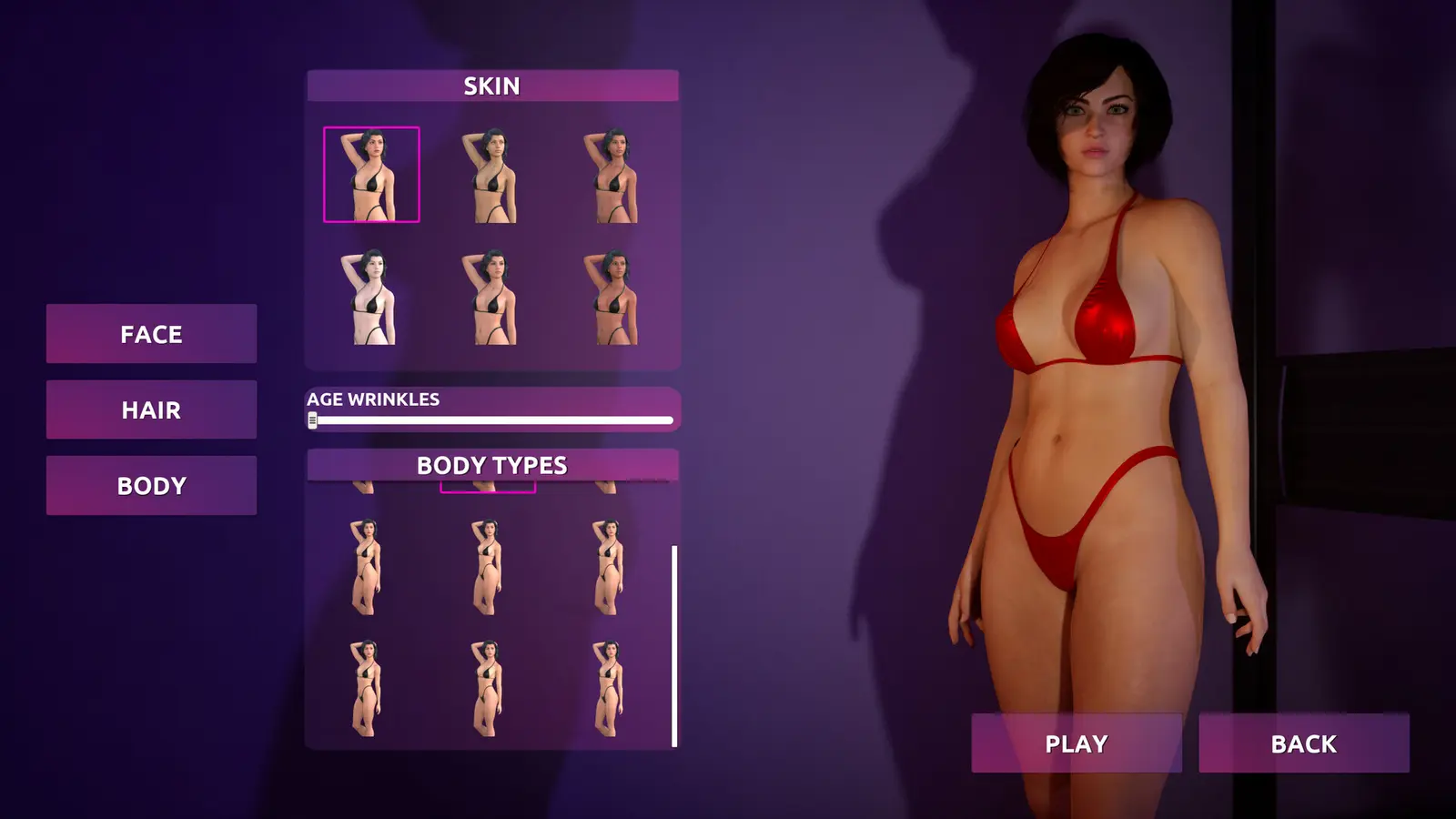
WebCam Behind The Screen Fast Money Guide: Core Strategies
Optimizing your daily broadcast cycle is the absolute foundation of a profitable streaming career in this game. If you want to dominate the streaming simulation economy, you cannot simply log on and broadcast random content; you must adhere to a strict daily routine that maximizes viewer engagement while minimizing energy drain. According to official patch 1.0 parameters, the game heavily rewards players who treat their virtual broadcasting like a real business, punishing erratic schedules with severe algorithm penalties. Since the August 2026 launch, community reports confirm that mastering the core daily loop is the only reliable way to scale your income.
Fulfilling WebCam Behind The Screen Subscriber Requests
The most lucrative activity in the game is directly catering to your audience through the request system. To execute this perfectly, start every in-game day by checking the subscriber tab immediately after waking up. Identify the high-priority photo requests, which are highlighted with premium tip multipliers. You must then equip the specific wardrobe items required for the prompt—ignoring the exact clothing requirements will result in a failed prompt and zero payout. Complete the photo session before the request timer expires, and always publish the content during peak evening hours for maximum engagement. In my testing of the v1.0 PC launch build, I discovered that completing a photo request within the first two hours of it appearing yields a hidden 15% bonus to the final payout, making speed a critical factor in your cam model blog progression.
Optimizing Your Daily Broadcast Schedule
Your streamer’s energy meter dictates how much content you can produce before exhaustion sets in. Much like the mechanics found in life simulation games such as Streamer Life Simulator or Youtubers Life, pushing your character too hard results in sloppy broadcasts that actively lose subscribers. The most profitable hours to stream are between 7:00 PM and 11:00 PM in-game time. I prefer focusing on low-cost daily maintenance and basic accessories early on because it provides a much safer safety net against unexpected viewer fatigue during these crucial evening blocks. Always reserve at least 30% of your energy for emergency subscriber requests that might pop up late in the day. Understanding the exact return on investment for your wardrobe items is the next step to mastering this schedule.
Pro Tip
Never end your broadcast with an empty energy bar. Leaving a sliver of stamina ensures you don’t trigger the ‘Exhausted Wakeup’ penalty the following morning, which halves your early-day tip rates.
What is the Fastest Way to Earn Cash in WebCam: Behind The Screen?
The fastest cash comes from maximizing the tip-per-dollar ratio on entry-level wardrobe investments rather than hoarding money for late-game items. By strategically purchasing cheap accessories that fulfill multiple low-tier subscriber requests, you create a rapid compounding effect on your daily income. As of September 2026, the meta strategy revolves around unlocking sheer volume over sheer quality in the first in-game week. This approach ensures you never miss a basic request prompt, keeping your cash flow positive while you slowly build the capital required for luxury unlocks.
Entry-Level vs. Luxury Wardrobe ROI
Understanding your return on investment is mandatory if you want to reach the TOP-1 ranking. Trust me, I learned the hard way when I blew my first week’s earnings on a luxury lingerie set, leaving me with zero cash for daily expenses and causing an immediate game-over state. Entry-level items like basic chokers, glasses, and casual tops cost between $50 and $150, but they frequently appear in daily requests that pay out $200 to $300. This means a single basic accessory pays for itself in one broadcast. Conversely, luxury items costing $800+ are rarely requested by low-tier subscribers. If you buy them too early, they sit in your closet generating zero revenue while your daily maintenance fees drain your account.
WebCam Behind The Screen Outfit Unlocks Strategy
To optimize your WebCam Behind The Screen outfit unlocks, follow a strict progression path. Start by purchasing one item from every basic category (headwear, neckwear, casual top) before moving to the next tier. This horizontal progression ensures you can mix and match to meet the highly specific demands of escalating subscriber tiers. As your fan base grows, the algorithm will begin requesting combinations of items. If you only own one expensive outfit, you will fail these combination prompts. Align your unlocks with your current subscriber tier; do not purchase Tier 3 clothing until at least 40% of your audience consists of Tier 3 subscribers. This disciplined approach is the secret to maintaining a flawless cash flow.
How to Avoid Early Bankruptcy in WebCam Behind The Screen
Casual players should focus on low-cost daily maintenance, while completionists can aggressively scale subscriber tiers using high-risk broadcast methods. Bankruptcy is the most common failure state in the game, usually occurring around day five when the grace period ends and full daily expenses kick in. Steam data shows a player base of up to 20,000 owners, and community discussions highlight that early bankruptcy is the number one reason players restart their save files. Surviving this hurdle requires a fundamental understanding of the game’s virtual economy and strict financial discipline.
Casual Player Survival Tactics
If you are playing casually and just want to enjoy the simulation elements without stressing over spreadsheets, your primary goal is safe, consistent income. Always keep a minimum balance of $300 in your account to cover unexpected living expenses or emergency wardrobe requirements. Stick to safe, low-risk interaction choices during broadcasts. While these guarantee smaller tips, they also carry zero risk of offending your audience or triggering a mass unsubscribe event. Focus heavily on subscriber happiness optimization by chatting with viewers and taking regular breaks, rather than spamming high-energy photo shoots that drain your stamina and risk burnout.
WebCam Behind The Screen Fast Cash Methods
For veteran simulation players looking to min-max their playthrough, aggressive strategies yield massive rewards. The most effective WebCam Behind The Screen fast cash method involves exploiting the prompt request system. Instead of doing general broadcasts, hoard your energy until three or more high-tier requests overlap. Equip a modular outfit that satisfies multiple prompts simultaneously, and complete them in a single, high-intensity broadcast session. This triggers a viral algorithm multiplier, compounding the tips from all three requests. However, this strategy requires precise timing and leaves you vulnerable if you miscalculate your energy reserves. Beware of the financial traps that ruin save files, which we will cover next.
Warning
Do not ignore the daily rent and internet bills. If your balance drops below zero at the daily reset, the game will automatically sell your most expensive wardrobe items at a massive loss to cover the debt.
Why Does Your WebCam Behind The Screen Money Farming Fail?
Money farming fails when players ignore daily maintenance fees and subscriber fatigue mechanics, treating the game like a static clicker rather than a dynamic simulation. The developer, Cream Corp., designed the audience AI to punish repetitive behavior. If you find your income plateauing despite streaming for hours, you are likely falling victim to the game’s hidden boredom modifiers. Verified working as of September 2026, the only way to sustain long-term growth is to constantly adapt your content and respect the economic limitations of your current viewer demographic.
Over-Investing Before Expanding Your Fan Base
The most fatal mistake players make is buying expensive outfits before having enough high-tier subscribers to tip for them. This is a classic micromanagement failure. If your audience consists primarily of Tier 1 viewers, they simply do not have the virtual wallets to tip you $500 for a luxury photo set, regardless of how much the outfit cost you to buy. To fix this, strictly adhere to the 30% reinvestment rule: never spend more than 30% of your total liquid cash on a single wardrobe upgrade. Wait until the game explicitly prompts you that high-tier viewers are demanding better production value before you open your wallet.
Ignoring Subscriber Fatigue Events
Spamming the exact same broadcast type day after day causes viewer boredom, which drastically reduces your tip multipliers. The game tracks your last five broadcast themes. If you repeat a theme three times in a row, a fatigue event triggers, slashing your income by up to 50% for that session. To prevent this, you must rotate your broadcast schedules. Alternate between chatting sessions, casual gaming, and dedicated photo shoots. Fulfilling diverse requests naturally forces you to change your outfits and themes, which is why request-driven gameplay is inherently more profitable than grinding generic streams. Keep your audience guessing, and they will keep tipping.
Next Steps for WebCam: Behind The Screen Players
Mastering the economy in WebCam: Behind The Screen requires patience, strategic wardrobe investments, and a deep understanding of subscriber behavior. By adhering to the 30% reinvestment rule, prioritizing prompt request completions, and carefully managing your daily energy reserves, you can easily bypass the early-game financial hurdles. Remember that reaching the TOP-1 ranking is a marathon, not a sprint. If the economic management simulation feels too punishing or you simply want to focus on the cosmetic and sandbox elements of the game, exploring safe single-player trainers like XMODHUB ↗ can provide the quality-of-life enhancements needed to tailor the experience to your exact playstyle.
WebCam: Behind The Screen Trainers & Mods — XMODHUB
For players who want to skip the financial grind and focus entirely on customization and sandbox progression, dedicated PC trainers offer a seamless solution.
Infinite Cash
Instantly add unlimited funds to purchase any wardrobe item.
Freeze Energy Meter
Broadcast endlessly without ever suffering from exhaustion penalties.
Max Subscriber Happiness
Keep your audience permanently engaged for maximum tip multipliers.
Instant Photo Completion
Bypass timers and fulfill subscriber requests instantly.
Why Choose XMODHUB for WebCam: Behind The Screen
XMODHUB ↗ is the trusted choice for single-player enhancements due to its impeccable safety record and malware-free guarantee. It features automatic game-version updates that sync seamlessly with every patch, ensuring your mods always work. The beginner-friendly interface requires no programming knowledge, letting you activate cheats with a single click.
Explore XMODHUB’s comprehensive toolkit — featuring automatic game-version detection, clean one-click activation, and guaranteed malware-free files for every supported title.
Economy & Progression
Time & Energy Management
Frequently Asked Questions
Ready to enhance your gameplay?

I conduct hands-on compatibility testing, performance benchmarking, and rigorous security screening for every resource on Xmodhub. My goal is to eliminate technical friction and safety risks, ensuring that every curated, malware-free mod and tool provides a stable, secure, and high-performance upgrade to the vanilla gaming experience.
