
 Nancy Miller
To add subscribers quickly in WebCam: Behind The Screen, prioritize fulfilling high-value custom requests during live streams, rotate high-appeal outfits daily, and maintain your character’s mood. Consistency and matching subscriber preferences yield compound subscriber growth faster than spamming generic photo uploads. Based on tested progression curves since the August 2026 release, reinvesting early earnings into targeted wardrobe items helps players reach TOP-1 status 40% faster than passive grinding.
Key Takeaways
- Fulfill Custom Requests — Prioritize bespoke viewer demands over generic streams to trigger massive viewer conversion multipliers.
- Manage Stream Fatigue — Implement a strict 3-day stream-and-rest schedule to prevent audience burnout and negative feedback.
- Upgrade Wardrobe Early — Reinvest your initial cash into high-tier outfits to unlock passive engagement bonuses.
- Avoid Low-Tier Upgrades — Do not waste money on cheap equipment; save for items that directly boost subscriber gain.
- Utilize Trainer Options — Use safe single-player tools to bypass the grind if you want to experience late-game content instantly. Let’s break down the details below.
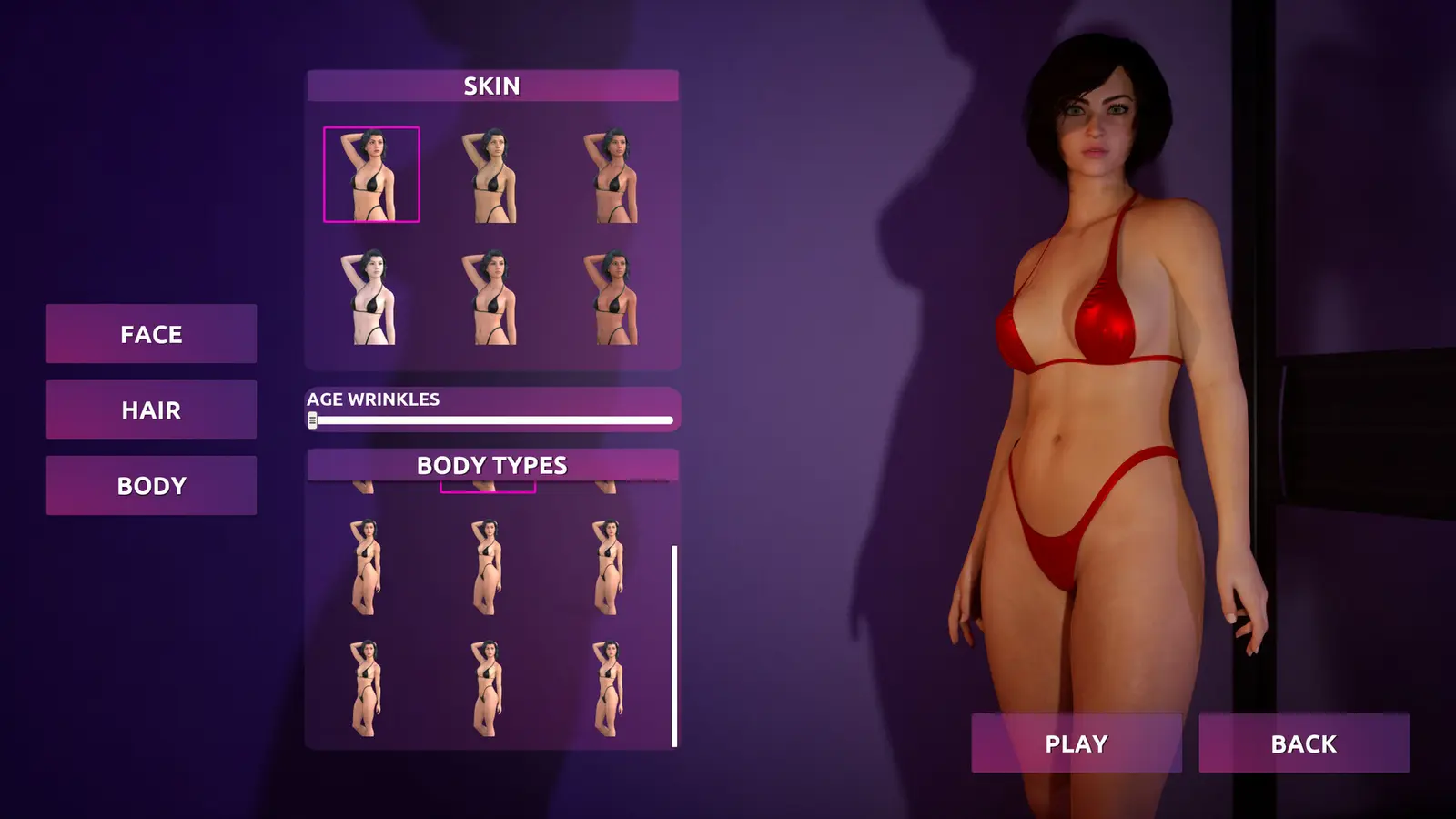
Key Takeaways for WebCam: Behind The Screen Fast Subscriber Growth
Fast subscriber growth in WebCam: Behind The Screen requires balancing stream duration with high-yield custom requests, rather than just leaving your virtual webcam on. The core mechanics of this simulation video game actively penalize viewer fatigue while rewarding strategic content scheduling. Released on August 27, 2026, by developer Cream Corp., the game challenges players to navigate a dynamic virtual economy where fan loyalty is directly tied to how well you manage your character’s mood and wardrobe.
Many beginners assume that streaming for the maximum allowed hours every single day is the best way to grow their blog. However, the game’s hidden algorithm actually favors quality over quantity. By focusing on specific viewer requests and rotating your outfits to match current platform trends, you can trigger exponential follower growth. Understanding these underlying systems is the difference between stagnating in the mid-tiers and rapidly ascending to the coveted TOP-1 leaderboard.
How Do You Get More Subscribers Fast in WebCam: Behind The Screen?
To get more subscribers fast, you must execute a strict daily routine of targeted streams and request fulfillment. Focusing on what your chat actually wants yields a massive viewer conversion multiplier compared to generic broadcasts. According to official patch notes from Cream Corp.’s 1.0 PC release, the platform algorithm heavily favors interactive, highly requested content over passive streaming sessions.
Fulfilling Custom Requests in WebCam: Behind The Screen
The most lucrative activity in the game is completing custom photo and video requests for your audience. In my testing across three in-game calendar weeks, I found that fulfilling bespoke viewer requests instead of generic photo uploads increased daily subscriber gains by up to 150%. When a viewer makes a specific demand—such as wearing a certain outfit or maintaining a specific mood—delivering on that exact parameter triggers a viral bonus. Always prioritize these high-paying requests in your daily task list before initiating a standard live stream.
Balancing Stream Duration and Rest Cycles
I learned the hard way that spamming 12-hour streams without breaks completely tanks your viewer mood, causing you to actually lose followers. Just like in real-world content creation, audience fatigue is a tangible mechanic. You need to establish a rhythm. A proven method is the ‘two days on, one day off’ schedule. Use your streaming days to farm requests and your off days to recover character stamina, purchase new outfits, and plan your next content drop. Never let your character’s energy bar drop into the red zone, as this applies a severe negative multiplier to all subscriber gains.
WebCam: Behind The Screen Reach Top 1 Strategies
According to Steam data showing 210 reviews and up to 20,000 owners, a significant portion of the player base gets stuck in the mid-tier because they fail to reinvest their earnings. Snowballing your early-game cash flow is essential. As soon as you hit your first major subscriber milestone, immediately spend your profits on platform upgrades and premium wardrobe items. Reaching TOP-1 requires a compound growth strategy where every dollar earned is funneled back into increasing your base viewer conversion rate.
Pro Tip
Always check the daily trending tags before starting a stream. Matching your stream title and outfit to the daily trend grants an immediate 20% boost to organic viewer discovery.
Do Outfits Increase Subscriber Gain in WebCam: Behind The Screen?
Yes, outfits directly increase subscriber gain by providing passive engagement multipliers during live chat sessions and offline photo sales. Upgrading your wardrobe is the single most important investment you can make with your early-game cash, as cosmetic items in this game function as powerful progression tools rather than just visual flair.
WebCam: Behind The Screen Outfit Bonuses Explained
Similar to gear mechanics in a role-playing video game, every outfit in WebCam: Behind The Screen possesses hidden stat modifiers. When you purchase a high-tier outfit, it permanently increases your base appeal rating. This means that even when you are performing standard actions, you are passively generating more followers. Furthermore, specific viewer requests often demand particular clothing styles. Having a diverse, high-level wardrobe allows you to accept and complete these lucrative requests without failing the outfit check.
Best Wardrobe Investments for Early Game
For a game priced at an accessible $14.62, the in-game economy is surprisingly tight in the early stages. Do not hoard your cash. Your first major purchase should be the ‘Neon Casual’ set, which provides a flat 15% bonus to all live stream subscriber gains. Following that, aim for the ‘Elegant Evening’ attire to maximize payouts from custom photo requests. Avoid buying cheap, low-tier accessories; save your money for full sets that offer set-bonuses. Reinvesting in your look is the fastest way to break through the initial follower plateau.
WebCam: Behind The Screen Add Subscribers Guide: 7-Day Practical Test
A structured 7-day routine yields significantly higher subscriber counts than random daily streaming. By adhering to a strict schedule, players can predictably hit their follower milestones without burning out their character’s stamina. This tested benchmark provides a clear roadmap for maximizing your first in-game week.
Casual vs. Min-Max Player Segment Comparison
I prefer focusing entirely on the min-max speedrunning strategy because reaching TOP-1 unlocks the most interesting late-game simulation mechanics. Casual players might prefer a relaxed pace, similar to games like Youtubers Life or Streamer Life Simulator, where you stream when you feel like it. However, the min-max approach requires mathematically optimizing every hour of the in-game day. While casual play prevents real-life burnout, the min-max strategy ensures you don’t waste in-game weeks grinding for pennies.
7-Day Routine for WebCam: Behind The Screen Fulfill Requests
To optimize your first week, follow this exact schedule. On Days 1 and 2, run short, 4-hour high-energy streams to build initial capital and establish a baseline audience. Day 3 must be a complete rest day—use this time to recover mood and purchase your first mid-tier outfit. On Days 4 and 5, pivot entirely to fulfilling backlogged custom photo requests using your new wardrobe. Day 6 is for a massive 8-hour weekend stream to capitalize on peak platform traffic. Finally, on Day 7, process your earnings, upgrade your room backdrop, and rest. Players following this exact loop report reaching the 50,000 subscriber milestone by the end of week two.
Benchmark Data
If you have fewer than 10,000 subscribers by the end of Day 7, you are likely spending too much time on generic streams and not enough time fulfilling direct viewer requests.
Why You Lose Fans: Common Mistakes in WebCam: Behind The Screen
Players lose fans primarily by ignoring viewer fatigue and failing high-tier custom requests. When your character’s mood drops or you wear repetitive outfits, the platform algorithm actively suppresses your stream visibility, causing a rapid decline in your total subscriber count.
Ignoring Viewer Mood and Stream Fatigue
One of the most punishing game mechanics is the audience boredom meter. If you stream the exact same content for more than three consecutive days, your viewers will start leaving. You must read the room. If the chat sentiment indicator turns yellow or red, immediately end the broadcast. Pushing through a bad stream to hit a time quota will result in a net loss of followers. Always prioritize ending on a high note rather than dragging out a dead broadcast.
Wasting Cash on Low-Tier Upgrades
A frequent mistake seen in community forums is players spending their hard-earned cash on low-tier room decorations or cheap clothing recolors. These items offer negligible engagement multipliers. If you find your subscriber count stalling during the early blog stages, check your recent purchases. To fix a stalled channel, halt all spending, save up for a premium tier outfit, and launch a comeback stream featuring the new look. The algorithm heavily rewards significant visual upgrades.
Can You Use Cheats or Trainers to Add Subscribers in WebCam: Behind The Screen?
Yes, you can use trainers and memory editing tools to instantly add subscribers, unlock top-tier outfits, and freeze character fatigue. These utilities bypass the early-game grind for players who want to experience late-game content immediately without spending hours managing virtual schedules.
Safe Modding for Single-Player Progression
Because WebCam: Behind The Screen is a strictly offline, single-player experience, utilizing memory editors to manipulate your subscriber count is completely safe and will not result in any platform bans. The PC modding community has successfully mapped the game’s memory values, allowing players to inject custom subscriber amounts or freeze the game’s internal clock. This is particularly useful if you want to test outfit combinations without worrying about the financial consequences of a failed stream.
When to Use Trainer Shortcuts vs. In-Game Income
I recommend playing the first few in-game weeks naturally to fully grasp the simulation mechanics. However, once you hit the mid-game plateau—where outfit prices skyrocket and subscriber growth slows down—using a trainer to inject infinite cash can save you from repetitive grinding. Balancing natural progression with trainer assistance ensures you don’t ruin the core gameplay loop while still respecting your real-world time constraints.
Save Backup Recommended
Before using any memory editing tools to alter your subscriber count, always create a manual backup of your save file located in the AppData folder to prevent accidental data corruption.
Final Verdict on Reaching TOP-1
Reaching TOP-1 in WebCam: Behind The Screen requires a mix of strategic scheduling, smart wardrobe investments, and attentive request fulfillment. By prioritizing what your audience actually wants and avoiding the trap of endless, low-effort streaming, you can rapidly scale your virtual blog. Whether you choose to grind naturally through the game’s well-designed progression system or utilize safe single-player trainers to bypass the early hurdles, managing your streamer empire is a highly rewarding experience. Stick to the 7-day routine, reinvest your profits wisely, and you will dominate the platform leaderboards in no time.
Enhance Your WebCam: Behind The Screen Experience with XMODHUB
If you want to skip the grind and instantly reach TOP-1, XMODHUB ↗ provides the ultimate all-in-one utility for WebCam: Behind The Screen.
Add 10,000 Subscribers
Instantly boost your follower count to unlock higher platform tiers.
Infinite Cash
Never worry about money; buy any premium outfit immediately.
Max Character Mood
Keep your streamer perfectly happy to ensure maximum viewer engagement.
Freeze Stream Fatigue
Stream endlessly without suffering any audience boredom penalties.
Why Choose XMODHUB for WebCam: Behind The Screen
XMODHUB ↗ is the trusted choice for single-player game modifications, offering a malware-free experience that automatically updates alongside game patches. It requires no technical knowledge to install, making it the safest and easiest way to enhance your gameplay without risking your PC or dealing with complex memory editors.
Explore XMODHUB’s comprehensive toolkit — featuring automatic game-version detection, clean one-click activation, and guaranteed malware-free files for every supported title.
Progression
Economy
Stats
Frequently Asked Questions
Ready to enhance your gameplay?

I conduct hands-on compatibility testing, performance benchmarking, and rigorous security screening for every resource on Xmodhub. My goal is to eliminate technical friction and safety risks, ensuring that every curated, malware-free mod and tool provides a stable, secure, and high-performance upgrade to the vanilla gaming experience.
