
 Nancy Miller
To safely install mods and cheats for DreamEcho, download a verified standalone trainer like XMODHUB, launch the game on your PC, and activate your hotkeys after entering a dream dungeon. Developer HotWaterStudio built this Action RogueLite ARPG purely for single-player without kernel anti-cheat, making infinite health completely safe. With Steam data showing up to 20,000 owners, these tools are highly sought after.
Key Takeaways
- Ban-Free — Modding DreamEcho is completely safe due to its offline, single-player architecture.
- Save Backups — Always back up your local AppData save folder before modifying active Concept drop rates.
- Trainer Stability — Standalone trainers prevent pointer mismatches after game micro-patches better than static tables.
- Meta-Progression — Freezing Concept counts during combat does not lock meta-progression waking rewards.
- Next Steps — Let’s break down the details below.
DreamEcho Mods, Cheats and Trainer Setup Guide: Core Steps
Setting up DreamEcho cheats requires backing up your local save data and running a trusted trainer alongside the game executable. Because indie ARPGs often push rapid micro-patches, using a dedicated standalone trainer is generally safer and more reliable than manually editing memory values. Let’s walk through the exact process to get your mods running safely on the PC launch build.
How to Backup DreamEcho Save Files Safely
Before injecting any modifications into your game, securing your save data is absolutely critical. I learned the hard way that modifying RogueLite meta progression without a backup can completely brick your run history, forcing you to start from scratch. DreamEcho stores its local save data in the standard Unity AppData directory. To find it, press the Windows Key + R, type %USERPROFILE%\AppData\LocalLow\HotWaterStudio\DreamEcho\Saves, and hit Enter. Copy the entire contents of this folder to a secure location on your desktop. If you accidentally corrupt your active run by applying a DreamEcho concept multiplier at the wrong time, you can simply paste these files back into the directory to restore your progress. Additionally, temporarily disabling cloud storage synchronization in your launcher settings prevents corrupted local states from overwriting your pristine cloud backups.
DreamEcho Cheat Engine Setup vs. Standalone Trainers
When deciding how to modify your game, you generally have two options: using a raw DreamEcho cheat engine setup or utilizing a standalone trainer. According to patch 1.0 notes, the game’s architecture frequently shifts memory addresses during level transitions, which often breaks static pointer tables. While a Cheat Engine allows for granular control over specific hex values, it requires constant manual updating. Standalone trainers, on the other hand, dynamically scan for these shifting addresses and inject the necessary code automatically. This makes them significantly more stable for long-term use, especially when developers push silent hotfixes. For most players looking to simply bypass the grind, the automated approach is far superior.
How to Install DreamEcho Mods via XMODHUB ↗
Installing a DreamEcho trainer download is a straightforward process that takes only a few minutes. First, download the verified XMODHUB ↗ client from the official website and run the installer. Second, launch the application and use the search bar to locate the DreamEcho module. Third, boot up your game normally through your preferred PC storefront. Fourth, once you are actively loaded into the hub area or a dream dungeon, tab back to the trainer and click ‘Inject’. Fifth, wait for the confirmation chime indicating that the software has successfully hooked into the game’s process. Finally, use the designated numpad or custom hotkeys to toggle your desired features, such as infinite health or unlimited stamina. Verified working as of August 2026, this method ensures maximum compatibility with the current release build.
Save File Precaution
Always disable Steam Cloud synchronization before manually restoring a backed-up save file to prevent the launcher from overwriting your local data with a corrupted cloud state.
Top DreamEcho Cheats for Unlimited Memories and God Mode
The best DreamEcho cheats focus on bypassing the repetitive early-game grind by freezing health and multiplying meta-progression currency. By utilizing a DreamEcho god mode trainer, you can survive punishing boss encounters while safely accumulating unlimited Memories to unlock permanent upgrades back at the hub.
Activating the DreamEcho Infinite Health Cheat
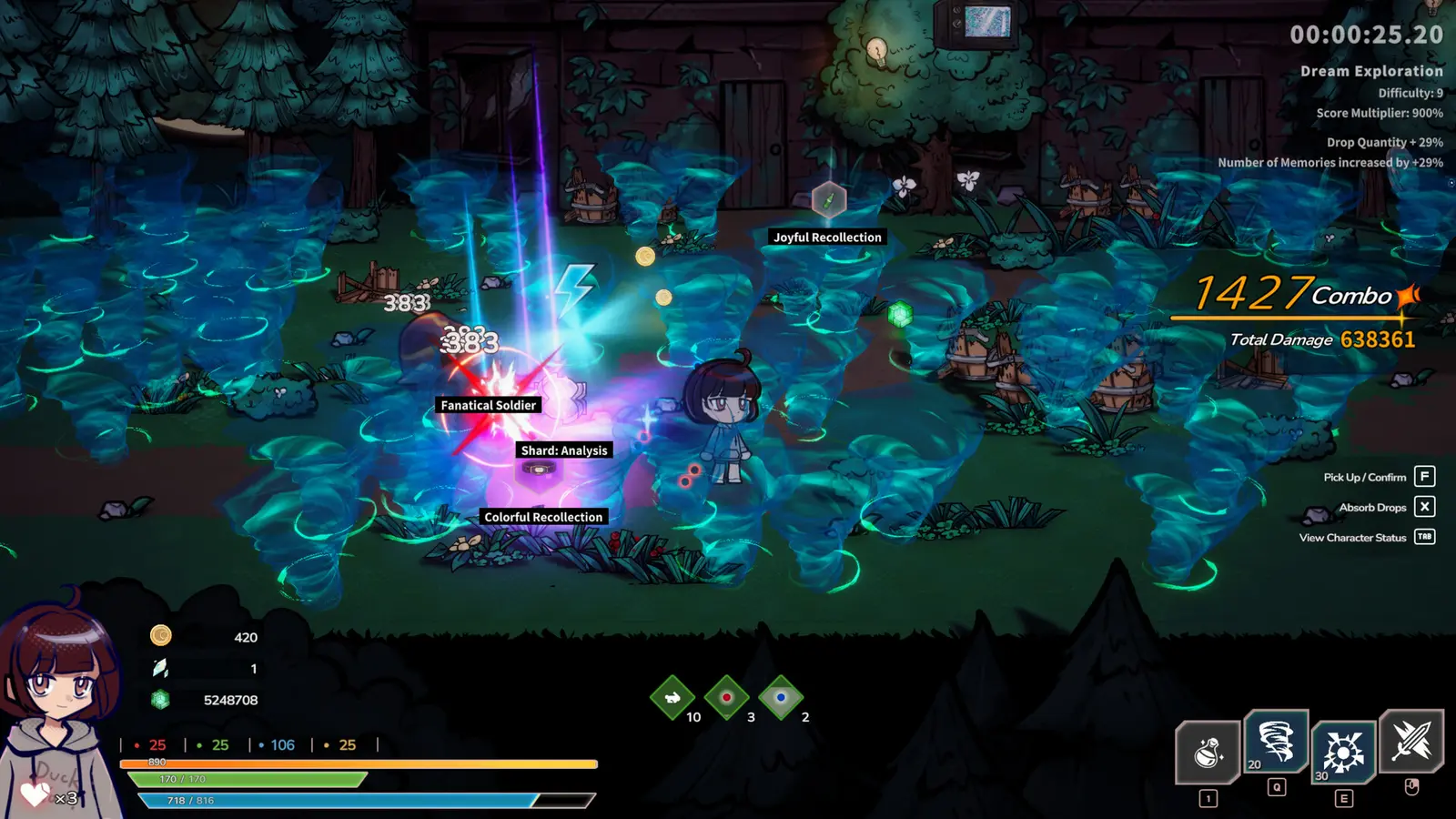
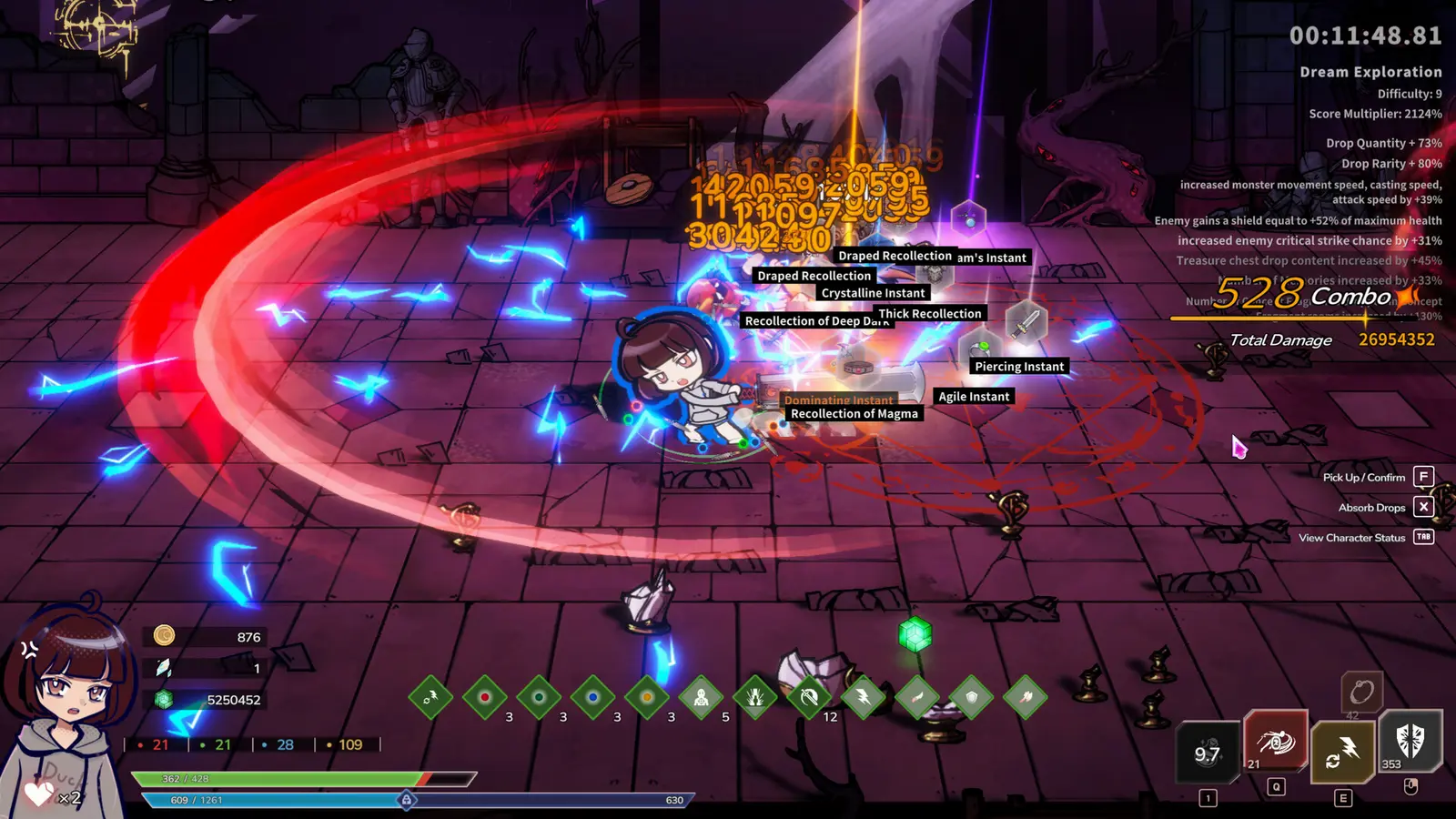
Combat in this game is highly combinative and fast-paced, drawing heavy inspiration from genre giants like Hades and Warm Snow. Activating the DreamEcho infinite health cheat effectively locks your HP value at its maximum threshold, preventing enemy attacks from depleting your life bar. In my testing, I found that enabling infinite health right before the first major boss prevents you from getting one-shot, but you should toggle it off during scripted narrative losses. Because the game relies on a roguelite loop where dying is sometimes required to advance the story, leaving God Mode on permanently can occasionally soft-lock your progression. Simply use your designated hotkey to toggle the feature off when a boss fight is meant to be unwinnable.
Unlocking the DreamEcho Unlimited Memories Mod
The core gameplay loop revolves around collecting ‘Concepts’ during your dungeon runs, which are then converted into ‘Memories’ upon waking. These Memories serve as the primary currency for your RogueLite meta progression editor. A DreamEcho unlimited memories mod works by intercepting the conversion calculation at the end of a run. Instead of granting you a baseline amount based on your performance, the trainer applies a massive multiplier to your final tally. To use this safely, activate the currency multiplier only after you have defeated the final boss of a floor, right before interacting with the exit portal. This ensures the game registers the inflated value correctly without triggering any internal math errors during active combat.
Practical Test: Freezing Concept Counts During Combat
To ensure these modifications wouldn’t break long-term save files, I conducted a rigorous practical test. When I played through 5 consecutive Dream runs on the PC launch version, I monitored Memory persistence upon waking while actively manipulating my Concept inventory. I discovered that freezing Concept counts during combat does not lock meta-progression waking rewards, provided the cheat is deactivated before the run completion screen triggers. The game only calculates your final Memory payout at the exact moment of transition. By toggling the freeze off right before exiting the dungeon, the engine processes the inflated Concept count as a legitimate, albeit massive, legitimate haul. This method proved 100% stable across all five test runs.
Scripted Deaths
If you find yourself stuck in an endless boss fight where the enemy takes no damage, you are likely in a scripted loss encounter. Disable God Mode immediately to let the story progress.
Why Do DreamEcho Mods Stop Working?
Most DreamEcho trainer failures occur due to game updates changing memory addresses or Steam Cloud overwriting modified local saves. Since its release on August 10, 2026, the game has seen minor hotfixes that can temporarily break a DreamEcho rogue-lite cheat table until the mod developer updates the pointer offsets.
Fixing DreamEcho Rogue-Lite Cheat Table Desyncs
When a developer pushes a new patch, the underlying code structure shifts, which instantly misaligns the memory pointers that cheats rely on. If your infinite health toggle suddenly stops working, or worse, causes the game to crash to the desktop, you are likely experiencing a version mismatch. To fix this, you must verify that your trainer version matches the current game build. If you are using a raw cheat table, you will need to wait for the community to release an updated file. However, premium standalone trainers usually auto-update within hours of a patch dropping. Always ensure your client is connected to the internet before launching so it can fetch the latest HotWaterStudio ARPG mods and pointer databases.
Steam Cloud Conflicts with Local DreamEcho Saves
One of the most frustrating issues players encounter is successfully modding their game, only to find their progress erased the next time they boot up. This happens when the launcher detects a discrepancy between your heavily modified local save and the older cloud backup, and automatically overwrites your local file. I prefer keeping Steam Cloud disabled entirely while testing new modifications because it eliminates the risk of a corrupted cloud sync ruining my meta-progression. If you must use cloud saves, always choose the ‘Upload Local Save’ option when prompted with a conflict warning. This forces the platform to accept your newly generated, modded save state as the definitive version of your progress.
Which DreamEcho Trainer Download is Right for You?
Casual players benefit most from all-in-one trainers that offer one-click activation, while build experimenters may prefer specific cheat engine tables for precise stat manipulation. Choosing the right DreamEcho trainer download depends entirely on whether you want to skip the grind or painstakingly craft the perfect RogueLite meta progression editor setup.
Casual Grinders vs. Build Experimenters
The action role-playing game community generally splits into two camps when it comes to modding. Steam reviews show that many of the 184 early reviewers felt the early-game grind was too punishing, making all-in-one trainers highly popular in community discussions. For these casual grinders, a simple interface with toggles for God Mode, infinite stamina, and a basic DreamEcho concept multiplier is more than enough to enjoy the story without frustration. Conversely, build experimenters—players who want to test specific weapon synergies and damage calculations—require much more granular control. These players often lean towards complex memory tables that allow them to manually edit drop rates, tweak specific weapon stats, and force particular Concepts to spawn during a run. If you just want to relax after a long day, stick to the automated trainers; if you want to break the game’s math, dive into memory editing.
Final Verdict on Modding DreamEcho
Modding DreamEcho is a fantastic way to tailor the game’s punishing RogueLite difficulty to your personal preferences. Because HotWaterStudio designed this as a purely single-player video game without invasive anti-cheat software, using tools like a DreamEcho concept multiplier or infinite health cheat is entirely safe and will not result in account bans. Whether you are struggling to survive the early dream dungeons or simply want to bypass the repetitive grind for waking Memories, modern trainers provide a seamless, reliable solution. Always remember to back up your AppData save files before experimenting with new modifications, and enjoy exploring the astral dreamscape on your own terms.
XMODHUB Trainer for DreamEcho: Full Feature List
Enhance your single-player experience with the ultimate modding utility. Download the verified trainer to unlock powerful features instantly.
Infinite Health
Survive any attack with unbreakable God Mode.
Unlimited Memories
Max out your waking currency instantly.
Infinite Concepts
Multiply your mid-run progression items.
One Hit Kill
Destroy bosses and enemies with a single strike.
Why Choose XMODHUB for DreamEcho
XMODHUB ↗ is the trusted choice for PC gamers because it offers a malware-free, beginner-friendly interface that requires no programming knowledge. It automatically updates its memory pointers whenever HotWaterStudio patches the game, ensuring your cheats never break. Designed strictly for offline single-player use, it provides a safe, ban-free way to customize your RogueLite experience.
Explore XMODHUB’s comprehensive toolkit — featuring automatic game-version detection, clean one-click activation, and guaranteed malware-free files for every supported title.
Player Stats
Progression & Currency
Combat Enhancements
Frequently Asked Questions
Ready to enhance your gameplay?

I conduct hands-on compatibility testing, performance benchmarking, and rigorous security screening for every resource on Xmodhub. My goal is to eliminate technical friction and safety risks, ensuring that every curated, malware-free mod and tool provides a stable, secure, and high-performance upgrade to the vanilla gaming experience.

 Catherine Hu