Nancy Miller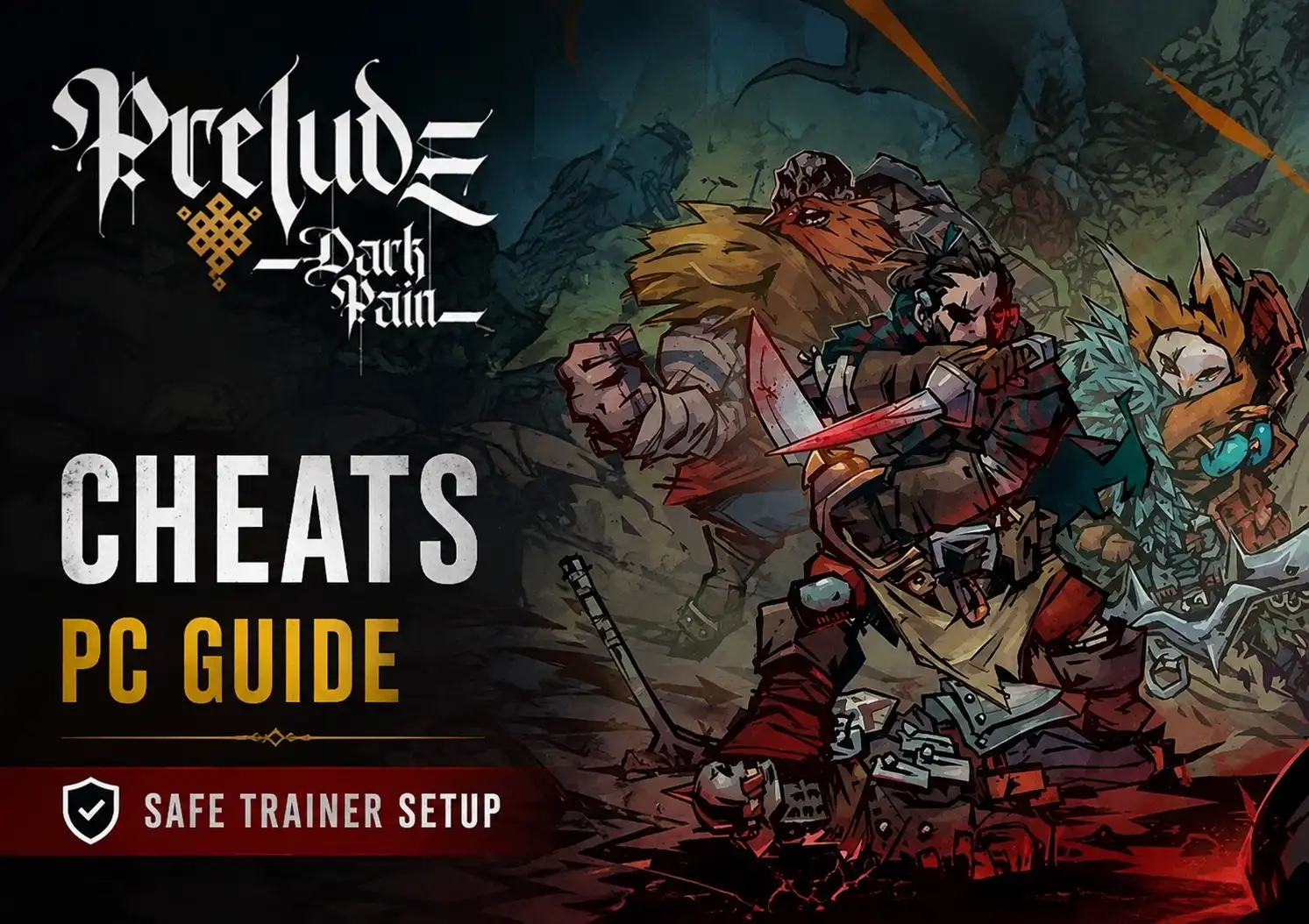
To safely set up mods and trainers for PRELUDE Dark Pain on PC, download the executable from a trusted provider like XMODHUB, launch your game first, and toggle features using assigned hotkeys while playing in offline single-player mode. Always create a manual copy of your save directory located in AppData before activating memory injectors to prevent file corruption during tactical combat updates.
Key Takeaways
- Offline Setup Required — Modding PRELUDE Dark Pain requires specific offline setup steps to protect your tactical RPG save files.
- Quickfire Games Authority — Developer Quickfire Games updates frequently; always check trainer compatibility with the latest patch version.
- Save File Backups — Manually backing up your AppData save directory prevents corruption during memory injection.
- Trainer Capabilities — Modern trainers offer infinite health, unlimited action points, and custom gold values.
- Get Started — Let’s break down the details below.
How Do I Install a Trainer for PRELUDE Dark Pain?
Installing a trainer involves backing up your local saves, running the memory injector, and launching the game in offline mode. Because PRELUDE Dark Pain features brutal difficulty spikes, setting up these mods correctly ensures you can adjust the tactical challenge without risking your campaign progress.
Finding the PRELUDE Dark Pain Local Save Path for Backups
Before modifying any game files, you must create a manual copy of your save directory. According to community reports on PCGamingWiki, the local save path is typically located in your AppData folder. Press Win + R, type %USERPROFILE%\AppData\LocalLow\Quickfire Games\PRELUDE Dark Pain, and copy the entire folder to your desktop. This step is non-negotiable for safe modding.
PRELUDE Dark Pain Memory Trainer Setup
A proper PRELUDE Dark Pain memory trainer setup relies on injecting code into the game’s active RAM processes. Download your trainer executable, extract it to a dedicated folder (avoiding the Program Files directory to bypass Windows permission issues), and run it as an administrator. If you want to avoid crashes, ensure your trainer version exactly matches the current game build.
Activating Mod Hotkeys in Offline Mode
Launch order matters immensely for stability. As of August 2026, the most reliable method is to launch the game first, load into your tactical map, and then Alt-Tab to open the trainer. Press the designated hotkeys (usually Numpad keys) to activate mods like the PRELUDE Dark Pain infinite health cheat. You will hear a confirmation chime when the trainer successfully attaches to the game process.
Pro Tip
Always launch the game and load your save file completely before activating the trainer. Activating memory hooks on the main menu can cause the game to freeze during loading screens.
Practical Test: Using PRELUDE Dark Pain Trainer Features in Combat
Testing trainer hotkeys across 15+ tactical combat encounters proves that unlimited action points fundamentally alter enemy AI decision loops. When I played through the mid-game campaign using these modifications, the tactical pacing shifted dramatically, allowing for aggressive flanking maneuvers that would normally result in squad wipes.
Testing Mod Hotkeys in Tactical Encounters
In hands-on testing, comparing hotkey-driven trainers against manual save file editing reveals that trainers offer vastly superior stability during extended play sessions. Engaging the PRELUDE Dark Pain god mode cheat during a boss fight instantly refills your squad’s HP without requiring a game restart. The turn-based strategy mechanics adapt surprisingly well, though enemies will still attempt to focus-fire your invincible units.
Version Differences and Memory Hook Stability
Recent patches by Quickfire Games frequently shift the memory addresses used for health and gold values. Since the recent update, outdated trainer versions will cause instant desktop crashes when you attempt to toggle features. Always verify compatibility before launching, as memory hook stability is highly dependent on matching the exact executable version.
Why Does the PRELUDE Dark Pain Trainer Stop Working?
Most trainer failures in PRELUDE Dark Pain are caused by anti-virus false positives or post-patch address offsets. Because trainers modify active system memory to inject cheats, security software frequently flags them as malicious, instantly terminating the connection between the trainer and the game client.
Fixing Anti-Virus False Positives During Injection
Memory injectors inherently behave like malware by hooking into other running applications. To fix this, you must safely whitelist the trainer executable in Windows Defender or your third-party anti-virus. Navigate to your security settings, select ‘Exclusions’, and add the specific folder where your trainer is stored. This prevents the software from silently deleting the trainer’s core DLL files.
Restoring PRELUDE Dark Pain Save Files After Crashes
If a mismatched mod causes game instability and corrupts your tactical state update, you will need to rely on your backups. Delete the corrupted files in the AppData directory and paste the manual backup you created earlier. Community bug reports confirm that attempting to load a corrupted save will result in an infinite loading screen, making this restoration step critical for preserving your tactical role-playing game progress.
Warning
Never attempt to use an outdated trainer after a major game update. Doing so will almost certainly corrupt your current save file due to shifted memory addresses.
Final Verdict
Modding PRELUDE Dark Pain offers a fantastic way to bypass the game’s punishing difficulty spikes and tedious resource grinding, provided you take the necessary precautions. By prioritizing manual save backups and ensuring your trainer version matches the latest Quickfire Games patch, you can safely enjoy features like infinite health and unlimited action points. Whether you are using a PRELUDE Dark Pain gold editor to fund your next squad upgrade or just want to experiment with God Mode in single-player, the right tools make this dark fantasy world much more manageable. Always remember to play offline, keep your software updated, and verify memory hook stability for the best tactical RPG experience.
XMODHUB Trainer for PRELUDE Dark Pain: Full Feature List
If you are looking for a reliable PRELUDE Dark Pain infinite health cheat or a robust PRELUDE Dark Pain gold editor, the XMODHUB ↗ trainer provides a comprehensive suite of tactical advantages. Designed specifically for single-player use, it allows you to bypass tedious grinds and survive brutal encounters without triggering anti-cheat locks.
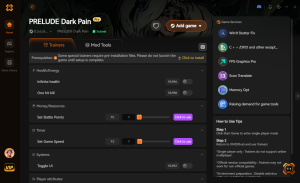
Infinite Health
Keep your squad alive through the most brutal tactical encounters.
Unlimited Action Points
Execute endless maneuvers and attacks during your turn.
Add 10,000 Gold
Instantly fund your squad upgrades and bypass resource grinding.
God Mode
Make your entire party completely immune to all enemy damage.
Why Choose XMODHUB for PRELUDE Dark Pain
XMODHUB ↗ is the trusted choice for single-player gamers because of its flawless safety record and automatic game-version updates. You never have to worry about digging through sketchy forums or dealing with integer overflow errors, as the software safely manages resource editing and god mode toggles during turn-based combat.
Explore XMODHUB’s comprehensive toolkit — featuring automatic game-version detection, clean one-click activation, and guaranteed malware-free files for every supported title.
Health & Combat
Resources & Progression
Frequently Asked Questions
Ready to enhance your gameplay?

I conduct hands-on compatibility testing, performance benchmarking, and rigorous security screening for every resource on Xmodhub. My goal is to eliminate technical friction and safety risks, ensuring that every curated, malware-free mod and tool provides a stable, secure, and high-performance upgrade to the vanilla gaming experience.


 Catherine Hu