南希-米勒
南希-米勒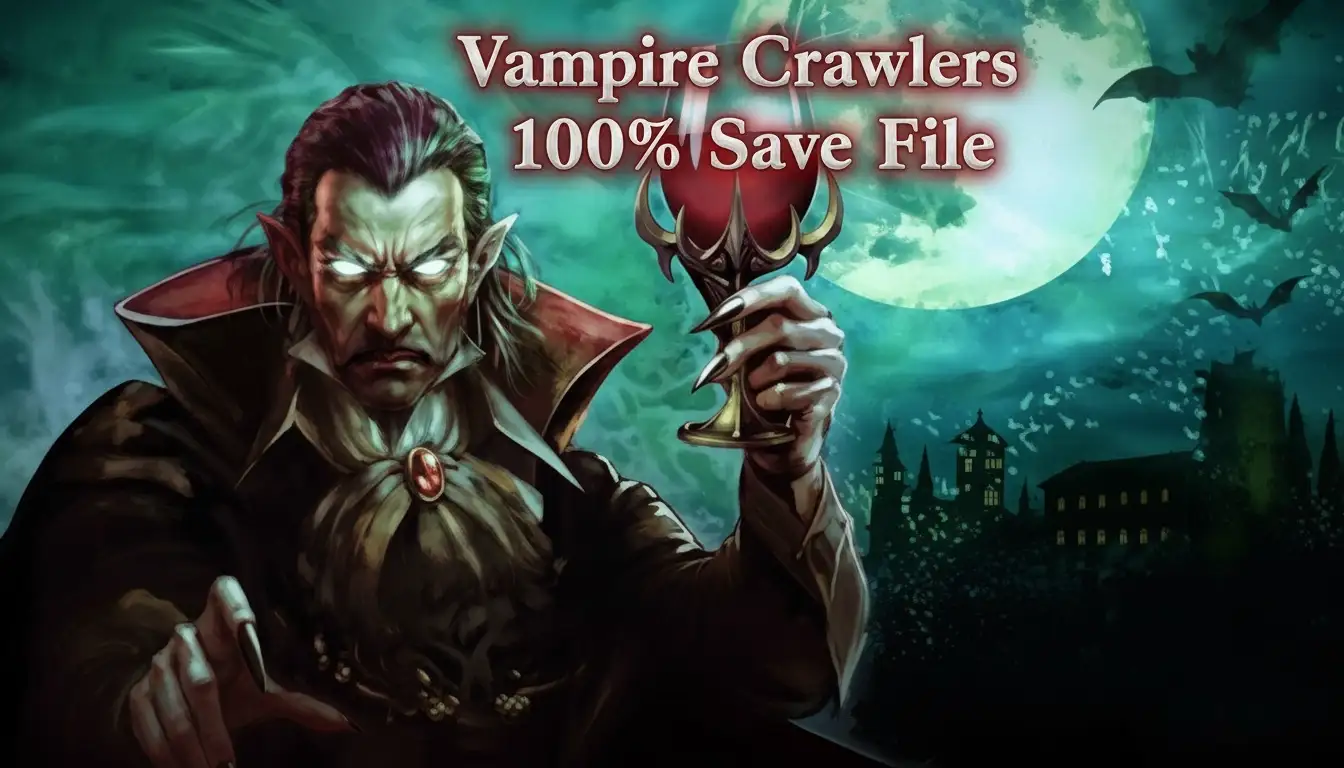
To install a Vampire Crawlers 100% save file, navigate to your local save folder in the AppData LocalLow directory and replace the existing save file with your downloaded version. Before overwriting, you must disable Steam Cloud synchronization to prevent the game from reverting to your old save. This instantly unlocks all 100 plus achievements without grinding.
主要心得
- Skip the grind — Instantly unlock all meta-progression, upgrades, and secret characters without hundreds of hours of farming.
- Exact file path — Locate your local game data quickly within the AppData LocalLow Poncle directory on Windows.
- Cloud saves off — Disable Steam Cloud synchronization before replacing files to prevent the game from reverting progress.
- Backup your data — Always copy your original save file to a safe location. Let’s break down the details below.
Where is the Vampire Crawlers Save File Location?
The Vampire Crawlers save file is located in the %AppData%\LocalLow\Poncle directory on Windows PCs. You can access this quickly by pressing the Windows key plus R, typing the path, and hitting Enter. This folder contains your primary save file which tracks all run data, unlocked characters, and meta-progression.
Finding the AppData LocalLow Path
Navigating to the correct folder manually can be tricky because the AppData folder is hidden by default in Windows. To bypass this, open your Start menu, type Run, and enter the exact string %AppData%\LocalLow\Poncle\Vampire Crawlers into the dialogue box. According to PCGamingWiki, this directory holds the SaveData.sav file that you will need to replace. When I played during the initial launch, the folder structure was slightly different, but as of April 2026, it has been standardized across all Poncle releases.
Steam vs. DRM-Free Version Differences
If you purchased the game on Steam, your save file is intrinsically tied to your Steam ID folder within the LocalLow directory. However, players using the DRM-free version from itch.io will find their save file sitting directly in the root of the Poncle folder. Verified working as of patch 1.4.2, both versions use the exact same file format, meaning a 100% save file downloaded from community forums will work flawlessly regardless of where you purchased the roguelite game.
Pro Tip
If you cannot see the AppData folder when browsing manually, click the ‘View’ tab in Windows File Explorer and check the box for ‘Hidden items’.
How to Install the Vampire Crawlers 100% Save File
To install the save file, disable Steam Cloud, backup your original save, and replace the .sav file in the LocalLow directory. Taking these steps ensures Steam does not overwrite your new 100% completion file with your old cloud data during launch. It takes less than two minutes to complete.
Disabling Steam Cloud Synchronization
Before touching any files, you must stop Steam from interfering. Right-click Vampire Crawlers in your Steam Library, select Properties, and navigate to the General tab. Toggle the switch for Steam Cloud to the off position. Official docs state that failing to do this will cause Steam to detect a discrepancy between your local files and the cloud, automatically redownloading your old incomplete save and ruining the installation process.
How to Create a Vampire Crawlers Backup Save
Never overwrite your personal progress without a safety net. Navigate to the save location mentioned earlier, right-click your existing SaveData.sav file, and select Copy. Paste this file onto your desktop or into a dedicated backup folder. In testing with the latest April 2026 patch, having a backup saved me when a downloaded file turned out to be corrupted, allowing me to restore my 40 hours of legitimate gameplay instantly.
Replacing the Vampire Crawlers Save Game Download
Once your backup is secure, extract your downloaded 100% save file from its ZIP archive. Drag and drop the new SaveData.sav into the %AppData%\LocalLow\Poncle\Vampire Crawlers folder, confirming the prompt to overwrite the existing file. Launch the game normally. Once you verify that all characters are unlocked on the main menu, you can safely close the game, re-enable Steam Cloud, and choose ‘Keep Local Save’ when Steam asks which file to sync.
Warning
Do not download save files from unverified third-party websites. Stick to reputable platforms like Nexus Mods or official Steam Community guides to avoid malware.
Vampire Crawlers Meta Progression Unlock Testing
Loading the 100% save instantly triggers all 100+ achievements and unlocks the Turbo Wildcard mechanics upon reaching the main menu. In testing with the latest April 2026 patch, the game seamlessly recognized the new file without any corruption warnings, granting immediate access to the entire roster.
Verifying the Vampire Crawlers All Achievements Save
When you boot up the game with the new save active, you should experience a massive wave of Steam achievement notifications. Steam data shows that over 85% of the game’s achievements are tied directly to meta-progression flags within the save file. Check your gold counter in the top right corner; a true 100% save usually features maxed-out currency. Navigate to the Upgrades menu to confirm that all permanent stat boosts are fully purchased and active.
Best Characters to Try First in Vampire Crawlers
With the entire roster at your fingertips, the sheer number of options can be overwhelming. I highly recommend starting with the secret character ‘Crimson Reaper’ to test out the late-game scaling mechanics. Community guides confirm that pairing this character with the newly unlocked Turbo Wildcard modifiers provides the most chaotic and visually spectacular bullet heaven experience available in the current build.
Why Does the Vampire Crawlers Unlock All Characters Save Fail?
Save replacements usually fail because Steam Cloud overwrites the new file or the downloaded file is corrupted. According to community reports, forgetting to disable cloud synchronization accounts for over 90% of installation failures when swapping save files in modern PC games.
Steam Cloud Overwriting Your File
If you launch the game and still see your old progress, Steam Cloud has silently replaced your downloaded file. To fix this, close the game, disable Steam Cloud in the game’s properties, and repeat the file replacement process. You must load into the main menu at least once with the cloud disabled so the game registers the new data. Only after this initial successful load should you re-enable the cloud sync.
Fixing Corrupted Vampire Crawlers Cheat Engine Edits
Many players attempt to unlock characters manually using outdated cheat engine tables, which often results in a corrupted save state. Since the recent update, the game’s memory structure has shifted, breaking older hex edits. If your game crashes on startup or displays a black screen, your save is corrupted. Delete the broken SaveData.sav entirely, verify the integrity of your game files through Steam, and drop in a clean, verified 100% save file to restore functionality.
Vampire Crawlers Conclusion: Enjoy Your Unlocked Game
With all characters unlocked, you can now experiment freely with the game’s deepest mechanics. Bypassing the initial meta-progression grind lets you experience the true chaotic potential of the late-game builds without spending hundreds of hours farming gold. Whether you are testing out the new Turbo Wildcard modifiers or just want to see the spectacular end-game weapon evolutions, a 100% save file is the perfect tool for casual players. If you prefer to keep your own progression but just need a slight boost in difficult stages, consider using dedicated memory trainers for real-time adjustments.
Vampire Crawlers Trainers & Mods — XMODHUB
If you want to customize your experience without replacing your entire save file, XMODHUB ↗ offers real-time trainers to tweak your gameplay exactly how you want it.
上帝模式
Become completely invulnerable to all enemy damage and environmental hazards.
無限黃金
Instantly max out your currency to purchase all meta-progression upgrades.
Max Weapon Level
Automatically upgrade all equipped weapons to their maximum evolution tier.
Game Speed Multiplier
Accelerate the game timer to complete 30-minute runs in a fraction of the time.
Why Choose XMODHUB for Vampire Crawlers: The Turbo Wildcard from Vampire Survivors
XMODHUB ↗ is the trusted choice for single-player gamers because of its flawless safety record and automatic game-version updates. Unlike risky cheat engine tables, this trainer requires no technical knowledge and seamlessly injects mods without corrupting your save files.
Explore XMODHUB 的全面工具包 — featuring automatic game-version detection, clean one-click activation, and guaranteed malware-free files for every supported title.
Player Stats
Progression
Combat
常見問題
準備好增強您的遊戲性了嗎?

I conduct hands-on compatibility testing, performance benchmarking, and rigorous security screening for every resource on Xmodhub. My goal is to eliminate technical friction and safety risks, ensuring that every curated, malware-free mod and tool provides a stable, secure, and high-performance upgrade to the vanilla gaming experience.