
 胡凱琳
胡凱琳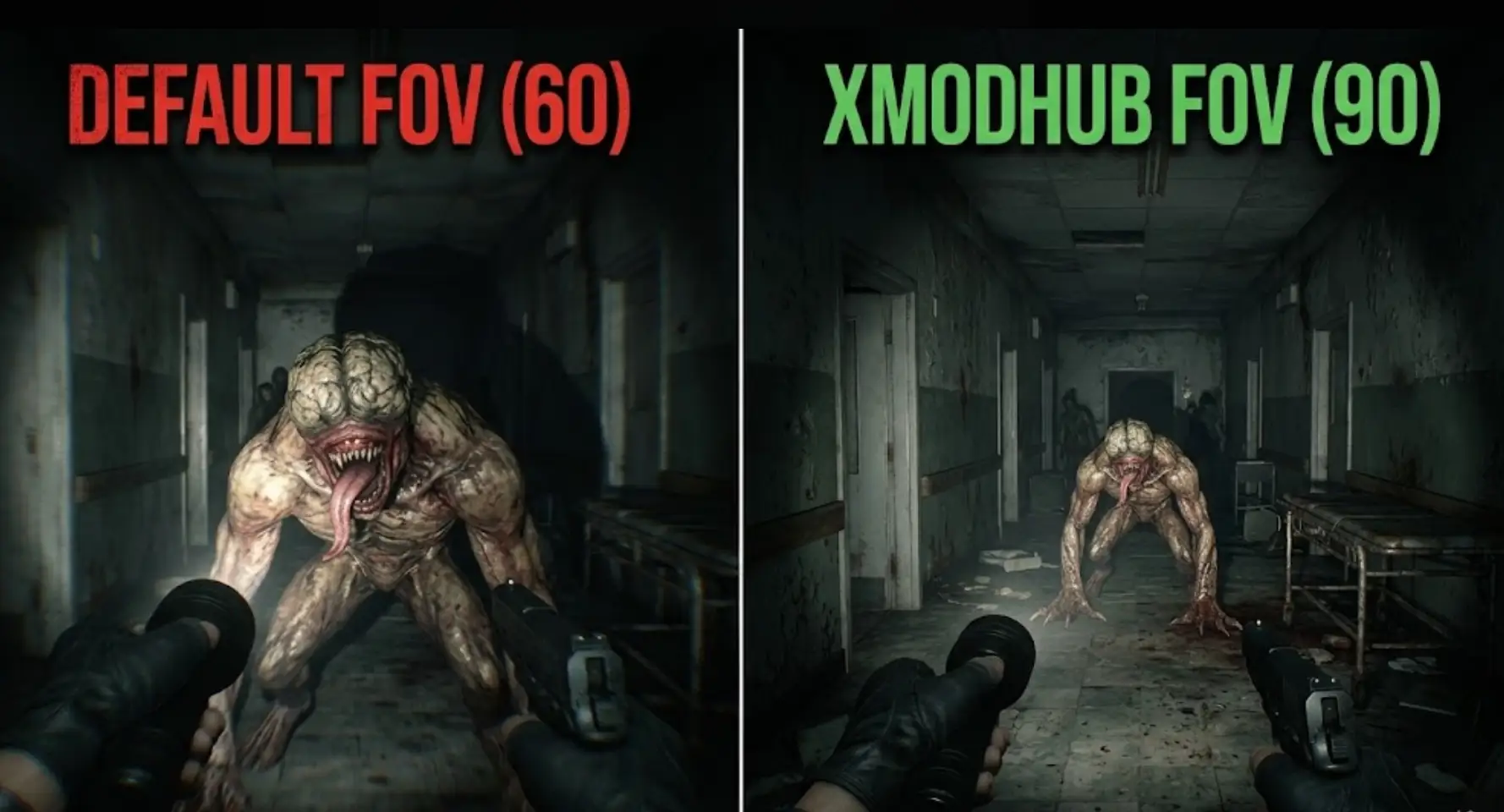
The global release of Resident Evil 9: Requiem has been incredible, but it brought one massive complaint echoing across the community: the default Field of View (FOV) is way too narrow. Whether you are exploring dark corridors as Grace or fighting off hordes as Leon, that aggressively zoomed-in camera can quickly lead to headaches and motion sickness.
If you are frantically digging through the menus looking for a slider, you aren’t alone. As survival horror veterans here at XMODhub, we’ve compiled the exact answers and workarounds you need to fix your camera and save your stomach.
您可能也會喜歡:
Resident Evil Requiem Cheat Engine Table vs. XMODhub Trainer: Best Free Alternative (2026)
1. Quick Answer: Is There an FOV Slider?
Can you change the FOV in Resident Evil Requiem?
No, Resident Evil 9: Requiem does not have an official Field of View (FOV) slider on PC, PlayStation 5, or Xbox Series X|S. However, you can fix the narrow camera and reduce motion sickness using these methods:
- PC Players: Use the REFramework mod to manually unlock an FOV slider.
- Console Players: Switch the camera perspective from First-Person to Third-Person in the Camera settings.
- Motion Sickness Settings: Enable the center screen dot and turn the “Camera Wobble” slider down to 0.
2. How to Change FOV on PC (The REFramework Fix)
PC players have a massive advantage here. While Capcom left the setting out, the modding community delivered immediately. You can unlock the FOV by using the legendary REFramework tool created by Praydog.
How to Install the FOV Mod:
- Step 1: Download the latest REFramework release from its official GitHub or NexusMods page.
- Step 2: Extract the
dinput8.dllfile and place it directly into your Resident Evil Requiem installation folder. - Step 3: Launch the game. The REFramework window will pop up automatically. You can toggle this menu on and off by pressing the Insert (Ins) key on your keyboard.
- Step 4: Navigate to the camera settings within the mod overlay to adjust your FOV.
Important FOV Math: Resident Evil Requiem calculates Vertical FOV, not horizontal. If you want a standard 90-degree horizontal FOV on a 16:9 monitor, you should set the REFramework slider to 59. Setting it to 90 will make your screen look horribly overstretched!
3. The Ultimate PC Solution: Using XMODhub
If you don’t want to mess around with GitHub files, .dll injections, or manual vertical FOV math, our very own XMODhub Mod Menu for Resident Evil Requiem has you covered.
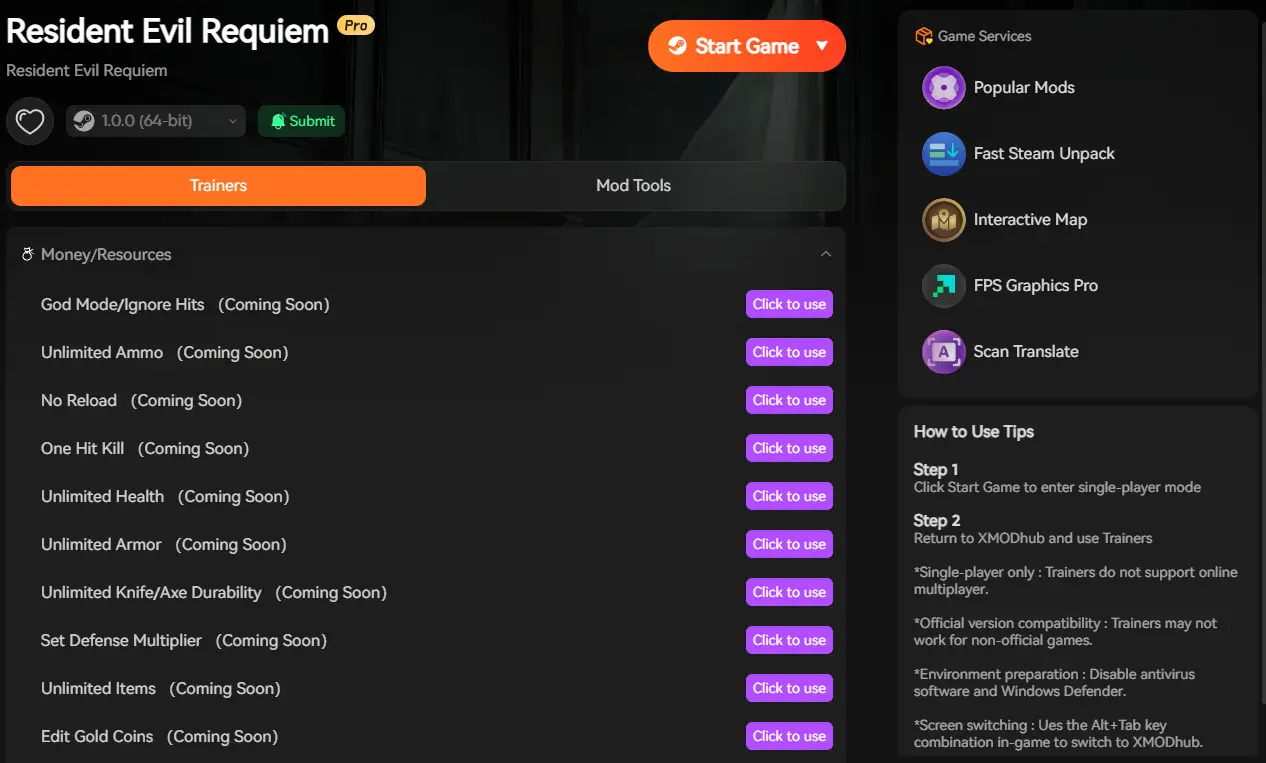
Our trainer hooks seamlessly into the RE Engine. It includes a built-in “Camera Modifier” that lets you instantly widen the FOV to a comfortable degree with a single click.
How to download and use XMODhub:

- Visit our site: Go to XMODhub and download the official Resident Evil 9: Requiem Trainer.
- One-Click Install: Run our lightweight, virus-free client.
- Fix the Camera: Open the XMODhub overlay in-game and adjust the FOV slider to your exact preference.
- Extra Perks: On top of curing your motion sickness, you can also activate Infinite Ammo, God Mode, or adjust game speed to tailor the nightmare exactly to your liking.
4. Console Workarounds: Beating Motion Sickness
If you are playing on PS5 or Xbox, you cannot install third-party FOV mods. However, you can tweak the official settings to make the game much more comfortable:
- Switch to Third-Person: Go to Settings > Camera, and change the Perspective to Third-Person for Grace (Leon is already in 3rd-person by default, though you can change both). Third-person naturally provides a wider cone of vision and reduces claustrophobia.
- Enable the Center Dot: Turn on the “Dot Sight Perspective” or the specific motion sickness accessibility dot. Having a fixed point in the center of the screen drastically helps your brain process the movement.
- Reduce Camera Wobble: In the Camera menu, lower the Camera Wobble slider to 0. This minimizes the intense screen shaking during movement.
5. Hidden Setting: How to Fix Mouse & Controller Sensitivity
A narrow FOV often makes the camera feel sluggish, but many players think their game is broken because the sensitivity setting is practically hidden.
To fix your aiming speed, go to the Camera menu, select Grace’s Camera or Leon’s Camera, and click the small pop-out arrow icon next to it. This opens a secondary menu where you will finally find the sliders for X-axis and Y-axis camera speed, as well as acceleration. Lower the deadzone and increase the speed for a much smoother experience.
6. Conclusion
It is frustrating that a modern survival horror game launched without a basic Field of View slider, causing genuine physical discomfort for many players. Thankfully, the PC modding community and tools like XMODhub have stepped up to fix the FOV issue immediately.
For console players, utilizing the excellent third-person mode and tweaking the hidden camera wobble settings is your best defense against motion sickness. Adjust your settings, grab your shotgun, and get back into the fight!

我是一名熱情的遊戲玩家,也是 XMODhub 的作家,致力於為您帶來最新的遊戲新聞、秘訣和見解。.
與我聯繫:
LinkedIn 個人資料
 南希-米勒
南希-米勒