
 arvin bronw
When you are trying to download XMODhub, if you encounter download failures caused by McAfee scanning detection , such as Couldn’t download and Virus detected, you can refer to the following program to solve the problem:
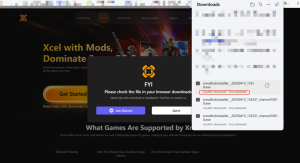
1. When McAfee pops up the message “We just stopped a threat ….”, you can download the XMODHub from McAfee. Click the “View Details” button.

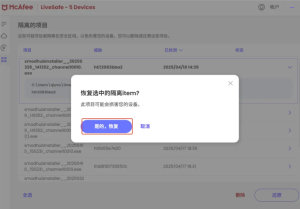
2. In the View Quarantine item, find the installation package that just failed to download. Click the “>” button on the right, and click “Restore”, select “Yes, Restore”.
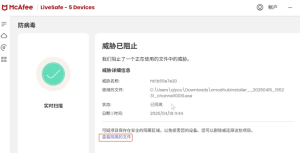
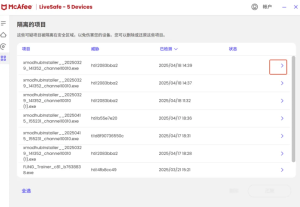
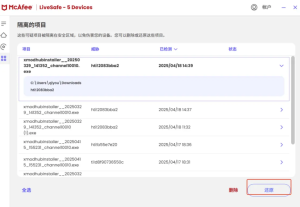
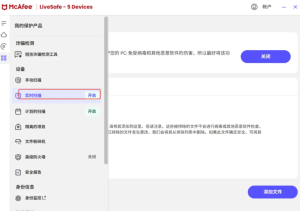
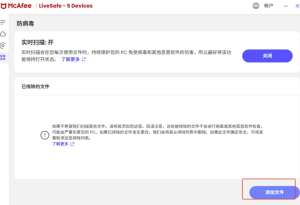
3. Find “Real-time Scan” on the left side, and click “Add Files” to find the file that just failed to download, and add it successfully.
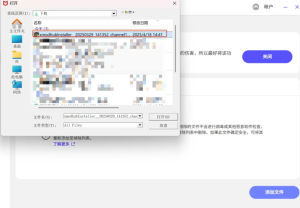
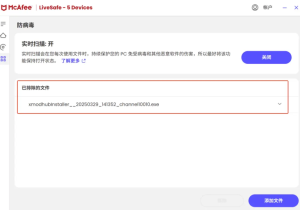
4, and then try to install XMODhub, you can successfully install and open it.
If you need help, join the discord for help and solutions.


 XMODhub_support
 Nancy Miller
 Catherine Hu