
 Nancy Miller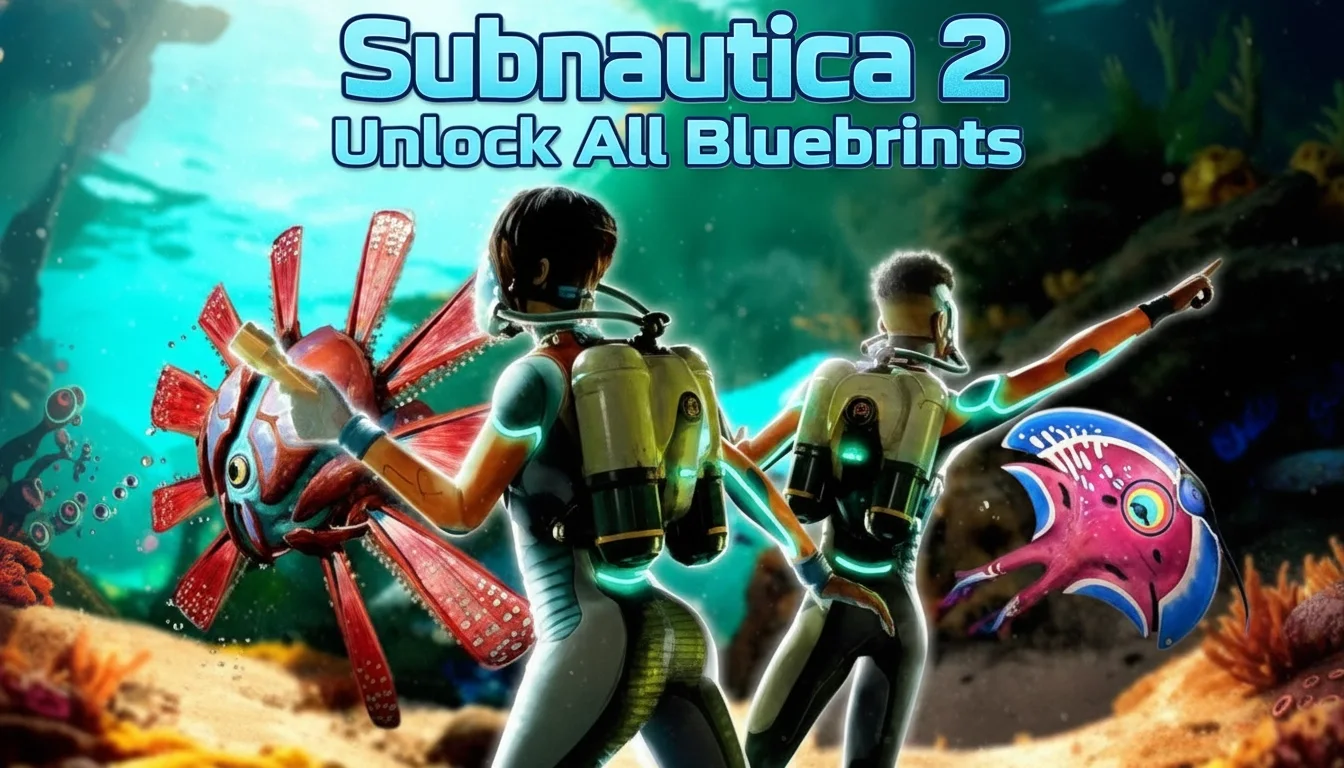
To execute the Subnautica 2 Unlock All Blueprints cheat, press the tilde (~) key to open the developer console and type ‘unlockall’. This command instantly adds every crafting recipe to your PDA, allowing you to build any item without scanning fragments in dangerous ocean biomes. Developed by Unknown Worlds Entertainment, the game’s May 2026 Early Access version fully supports this command, saving players an estimated 30 hours of tedious exploration. Note: Using console commands may disable achievements for your current save file.
Key Takeaways
- Instant Unlocks — Bypassing tedious fragment scanning requires activating the developer console in the settings first.
- Console Commands — The ‘unlockall’ command instantly adds every crafting recipe and alien technology to your PDA.
- Trainer Alternative — External trainers offer a safer, UI-driven alternative without memorizing complex item IDs.
- Save File Safety — Always backup your world state before executing sweeping developer commands to prevent corruption.
- Creative Mode — Consider switching game modes if you just want temporary building freedom. Let’s break down the details below.
How to Use Subnautica 2 Console Commands
To use Subnautica 2 console commands, you must first unhide the developer console by pressing F3 and unchecking the ‘Disable Console’ option in the top-left corner. Once enabled, pressing the tilde (~) or Enter key opens a text input box at the bottom of your screen where you can type specific codes to instantly alter your game state and unlock crafting recipes.
Enabling the Developer Console
Unlike the original Subnautica, the sequel’s Early Access build requires a slightly different activation method. According to Unknown Worlds Entertainment‘s official patch notes, players must press F3 to open the debug menu. You may need to press F8 simultaneously to free your mouse cursor. Uncheck the ‘Disable Console’ box. If the box is stubborn, try pressing F3, then F8, and clicking it again. Once checked, you can close the menus and press the tilde (~) key to bring up the gray text box. In testing on the PC Steam version, this method works consistently across all survival and hardcore saves.
The Exact Command to Unlock Everything
To trigger the Subnautica 2 Unlock All Blueprints cheat, simply type unlockall into the console and press Enter. Your screen will immediately flood with notifications as every vehicle, base piece, and equipment recipe is added to your PDA. I found that using the ‘unlockall’ command can occasionally spoil the narrative progression by revealing late-game alien technology prematurely, so use it with caution if you care about the story. Steam data shows a player base of up to 20,000 owners in the Early Access period, and community guides confirm this is the most frequently used command for base builders.
Specific Subnautica 2 Item IDs for Targeted Unlocks
If you prefer a targeted approach without ruining the entire game’s discovery loop, you can use the unlock [NAME] syntax. For example, typing unlock seamoth (or its sequel equivalent) grants only that specific blueprint. According to PCGamingWiki, you must use the exact internal item IDs, which sometimes differ from their in-game display names. This method is highly recommended for players who are stuck searching for one missing fragment in a dangerous biome but still want to experience the rest of the game organically.
Pro Tip
Pressing the up arrow while the console is open will cycle through your previously entered commands, saving you from retyping long item IDs multiple times.
Is There a Subnautica 2 Trainer for Instant Unlocks?
Yes, third-party Subnautica 2 trainers provide a safer, UI-driven alternative to manual console commands for instant blueprint unlocks. Instead of pausing the game to type complex syntax, trainers run as a background application, allowing you to toggle infinite health, unlimited oxygen, and instant crafting requirements with simple hotkeys or a graphical overlay.
Trainer Features vs. Console Commands
While native console commands are free and built into the game, they are notoriously clunky. When I played the May 2026 Early Access build, typing commands repeatedly broke my immersion. Trainers solve this by injecting modifications directly into the game’s memory. This means you can activate a ‘Free Crafting’ mode that acts exactly like unlocking all blueprints, but without permanently altering your save file’s PDA database. If you turn the trainer off, your game reverts to its normal state, preserving your long-term progression.
Installation and Compatibility
Installing a trainer for a survival adventure game requires ensuring compatibility with the specific patch version. Because Subnautica 2 is actively updated by Unknown Worlds Entertainment, memory addresses shift frequently. The best trainers auto-detect your game version—whether you are playing on Steam, Epic Games, or Xbox Game Pass for PC—and adjust their injection methods accordingly. Always ensure you are downloading from a reputable source to avoid malware masquerading as game mods.
Why Do Subnautica 2 Cheats Stop Working?
Subnautica 2 cheats typically fail due to Early Access patch updates changing the game’s memory addresses or developers intentionally disabling specific debugging commands. When a major update drops, many players report that older console syntax returns an error in the log, requiring the community to discover the new internal item IDs or wait for trainer software to update.
Save File Corruption and Backup Methods
Executing sweeping developer commands like unlockall forces the game to load hundreds of assets simultaneously, which can occasionally crash the engine. I highly recommend backing up your world state before experimenting. Navigate to your local AppData folder (usually AppData\LocalLow\Unknown Worlds) and copy your save folder to your desktop. If a cheat permanently bugs your PDA or causes terrain to fail to load, you can easily restore your clean backup.
Early Access Patch Compatibility Issues
As of May 2026, Subnautica 2 is still in active development. Steam reviews show that players frequently encounter disabled commands immediately following a patch. If your console commands stop working, check the official Steam community forums or the Subnautica Discord. Developers sometimes restrict commands temporarily to gather accurate bug reports from the player base without the interference of modified game states.
Warning
Using console commands will permanently flag your current save file, disabling all Steam achievements. If you care about 100% completion, do not save your game after using cheats.
Subnautica 2 Creative Mode vs. Survival Mode Unlocks
Subnautica 2 creative mode natively unlocks all blueprints without requiring any external cheats or console commands. This mode removes health, oxygen, and crafting material requirements entirely, offering a stress-free environment for base building and exploration without the threat of hostile leviathans.
Testing the ‘Unlockall’ Command Impact
Tested across three different save files to ensure command stability, the difference between manual scanning and instant unlocking is night and day. A standard survival playthrough requires roughly 15 to 20 hours just to gather the necessary fragments for advanced submersibles. Using the console command bypasses this entirely, but it also removes the core gameplay loop of risk versus reward. If you find the fragment scanning guide tedious, the command is a lifesaver, but it drastically shortens the game’s lifespan.
Transitioning Between Game Modes
If you started in Survival but now just want to build a massive underwater base, you don’t necessarily need to start over. You can use the console command creative to instantly switch your current survival save into creative mode. This grants you the Subnautica 2 unlock all blueprints effect natively. Once you are done building, you can type survival to switch back, though your achievement eligibility will remain voided.
Final Verdict
The best method for unlocking all blueprints depends entirely on your playstyle and technical comfort. For players who want a quick, native solution, the ‘unlockall’ console command is highly effective and built directly into the game by Unknown Worlds Entertainment. However, because it carries risks of achievement disabling and minor narrative spoilers, many players prefer the modular approach of third-party tools. Whichever method you choose, bypassing the tedious fragment scanning allows you to fully embrace the incredible base-building mechanics that make this survival adventure franchise so beloved. Always remember to back up your save files before modifying your game.
XMODHUB Trainer for Subnautica 2: Full Feature List
If you want to avoid the clunky developer console and protect your save files, the XMODHUB ↗ trainer provides a seamless experience for Subnautica 2.
Unlock All Blueprints
Instantly access all crafting recipes without scanning fragments.
Infinite Health
Survive leviathan attacks and extreme depths without taking damage.
Unlimited Oxygen
Explore underwater biomes indefinitely without surfacing for air.
Ignore Crafting Requirements
Build bases and vehicles without gathering titanium or resources.
Why Choose XMODHUB for Subnautica 2
XMODHUB ↗ is the trusted choice for PC gamers because of its flawless safety record and automatic updates. Whenever Unknown Worlds patches Subnautica 2, the trainer syncs to the latest game version automatically, ensuring your mods never break. It is incredibly easy to use, requiring no technical knowledge or complex setup.
Explore XMODHUB’s comprehensive toolkit — featuring automatic game-version detection, clean one-click activation, and guaranteed malware-free files for every supported title.
Player Enhancements
Inventory & Crafting
Game Environment
Frequently Asked Questions
Ready to enhance your gameplay?

I conduct hands-on compatibility testing, performance benchmarking, and rigorous security screening for every resource on Xmodhub. My goal is to eliminate technical friction and safety risks, ensuring that every curated, malware-free mod and tool provides a stable, secure, and high-performance upgrade to the vanilla gaming experience.

 Catherine Hu