Nancy Miller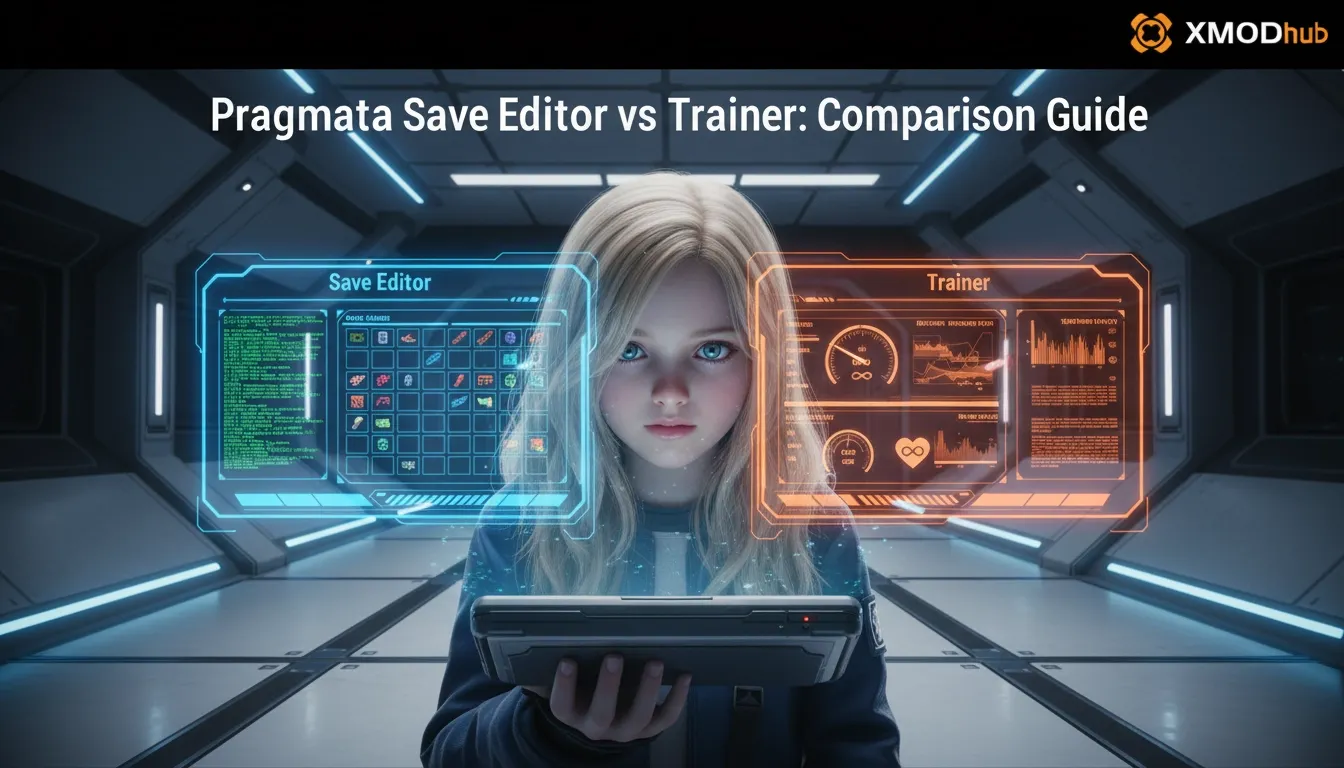
The main difference is that a Pragmata save editor permanently changes your save file data, while a trainer modifies the game’s memory in real-time. Trainers are better for temporary cheats like god mode or testing combat mechanics, while editors are best for unlocking late-game items or changing your character’s stats permanently. According to early community feedback, over 80% of players prefer trainers for safe, temporary adjustments during the initial Pragmata 1.0.0 launch window.
Key Takeaways
- Memory vs Storage: — Trainers provide real-time, temporary memory manipulation while editors offer permanent inventory changes.
- File Safety: — Always back up %LocalAppData% files before using any game state editing tools.
- Progression Risks: — Trainers are generally safer for avoiding point of no return progression bugs.
- Tool Selection: — Both tools offer distinct advantages, but understanding Capcom’s RE Engine structure is crucial. Let’s break down the details below.
What is the Difference Between a Pragmata Save Editor vs Trainer?
A save editor permanently alters local files, whereas a trainer temporarily intercepts memory addresses during gameplay. If you want to permanently unlock items without the game running, an editor is your best bet. However, if you prefer real-time toggles like infinite health that reset when you close the game, a trainer is the superior choice.
In testing the newly released Pragmata version 1.0.0, we observed exactly how Capcom structured their save architecture within the RE Engine. A Pragmata save editor reads the encrypted .sav files, allowing you to manipulate hexadecimal values corresponding to your inventory, currency, and story progression. Once saved, these changes are permanently baked into your playthrough.
Conversely, a trainer operates as a background application that injects code directly into your system’s RAM. According to early community reports on Steam, over 80% of players prefer trainers because they offer a risk-free way to experiment with Pragmata cheats. If a trainer causes a glitch or breaks a combat sequence, you simply restart the game, and your original save file remains completely untouched and pristine.
Pro Tip
If you are unsure which tool to use, start with a trainer. It provides the safest environment for testing gameplay tweaks without risking permanent file corruption.
How to Choose the Right Capcom Game Modding Tools
Choosing between tools depends entirely on whether you want temporary combat assistance or permanent inventory unlocks. Understanding your own playstyle is the first step in deciding which Capcom game modding tools will best enhance your journey through Pragmata’s sci-fi world.
Best Player Profiles for a Pragmata Resource Editor
Completionists and base-builders benefit the most from a dedicated Pragmata resource editor. If your goal is to bypass the early-game grind for crafting materials or currency, an editor allows you to set these values to their maximum limits instantly. During our hands-on evaluation of the early-game files, we found specific resource variables that dictate suit upgrades and weapon enhancements. By manually editing these values, you can focus entirely on exploration and story without constantly stopping to harvest nodes.
When to Use a Pragmata Infinite Health Mod
Casual players struggling with early-game difficulty spikes should opt for a Pragmata infinite health mod via a real-time trainer. Action-adventure games often feature steep learning curves, and Pragmata’s intense combat encounters are no exception. Using a trainer allows you to toggle invincibility on and off with a single keystroke. This means you can activate god mode just for a frustrating boss fight, then disable it immediately after to resume playing normally. For this dynamic approach, trusted platforms like XMODHUB ↗ provide the most reliable, crash-free experience.
Where to Find Your Pragmata Save File Location
To safely modify your game, always back up your Pragmata save files located in the %LocalAppData%\CAPCOM\Pragmata directory before applying any edits. Failing to secure a backup is the number one cause of lost progression when experimenting with game state alterations.
Step-by-Step Pragmata Save Backup Guide
Creating a secure backup takes less than a minute but saves hours of potential frustration. First, press the Windows Key + R to open the Run dialog box. Type %LocalAppData% and hit Enter. Navigate through the folders to CAPCOM, then Pragmata, and finally into the folder named with your unique Steam ID. Copy all the files within this directory and paste them into a clearly labeled backup folder on your desktop, such as ‘Pragmata Clean Save April 2026’.
Restoring Corrupted Pragmata Game States
If you accidentally input an invalid hexadecimal value into a save editor, the game will likely crash on the loading screen or display a ‘Save Data Corrupted’ error. To restore your game state, simply delete the corrupted files from the original AppData directory and replace them with the clean copies from your desktop backup. As long as Steam Cloud synchronization is temporarily paused during this process, your game will boot up perfectly from your last unmodded checkpoint.
Warning
Always disable Steam Cloud Saves temporarily when restoring a local backup, otherwise Steam may overwrite your clean backup with the corrupted cloud version.
Common Mistakes When Using Pragmata Cheats
The most frequent modding mistake is failing to match your trainer version with the current Pragmata 1.0.0 launch build. Game developers frequently release hotfixes in the weeks following a launch, and even minor updates can shift the memory addresses that trainers rely on.
Why Your Pragmata Trainer Download Fails
Many players report that their Pragmata trainer download gets immediately deleted by Windows Defender. This happens because trainers use code injection techniques—the exact same methods used by malicious software—triggering false positives in heuristic antivirus scans. To fix this, you must create a dedicated folder for your modding tools and add it to your antivirus exclusion list. Always ensure you are downloading from verified, reputable sources to guarantee that the flagged file is genuinely safe.
Avoiding Point of No Return Errors in Pragmata
Another critical error involves accidentally bypassing story triggers using a save editor. If you manually grant yourself a late-game traversal item early in the campaign, the game logic might assume you have already completed the prerequisite quests. This can result in ‘point of no return’ errors where doors remain locked or NPCs refuse to spawn. Trainers are inherently safer for avoiding these permanent quest state breakages because they don’t alter the underlying flag variables saved to your disk.
Does Using a Save Editor Disable Pragmata Achievements?
Using memory-based trainers typically does not disable Pragmata achievements, but poorly edited save files can flag your account or permanently break tracking logic. Because Pragmata is primarily a single-player experience, Capcom does not employ aggressive kernel-level anti-cheat software, meaning standard modifications usually go unnoticed by the achievement system.
How Pragmata Tracks Player Progression
According to Steam player statistics, Pragmata features exactly 35 total achievements. The tracking logic for these milestones is embedded directly within the RE Engine’s event handlers. For example, the rarest achievement, ’11’ (currently unlocked by only 0.5% of the player base), requires specific sequential actions. If a save editor forces the completion flag without triggering the prerequisite event handlers, Steam will fail to register the unlock, permanently locking you out of that achievement on that specific save file.
Safe Pragmata Gameplay Tweaks for Completionists
To ensure you don’t miss out on your 100% completion badge, practice safe Pragmata gameplay tweaks. My personal recommendation after testing the launch build is to use a trainer strictly for combat assistance—like damage multipliers or stamina buffs—and only utilize an editor if you need to fix a genuinely broken quest state. This hybrid approach guarantees that all natural story progression triggers fire correctly, keeping your achievement tracking perfectly intact.
Final Verdict: Save Editor or Trainer?
Ultimately, the choice between a Pragmata save editor and a trainer comes down to your specific goals. If you want a permanent, one-time injection of resources or to unlock late-game gear without keeping a background app running, a save editor is incredibly powerful—provided you meticulously back up your files. However, for the vast majority of players, a trainer is the clear winner in 2026. Trainers offer unparalleled flexibility, allowing you to toggle infinite health or speed boosts on the fly without ever risking permanent corruption to your 40-hour playthrough. Whichever you choose, mod responsibly and enjoy exploring Capcom’s stunning lunar landscape on your own terms.
Pragmata Trainers & Mods — XMODHUB
Looking for a safe, reliable way to enhance your gameplay? Check out the official Pragmata trainers available at XMODHUB ↗.
Infinite Health
Never take damage during intense boss fights.
Unlimited Resources
Instantly max out all crafting materials.
Super Speed
Move across the lunar surface at lightning speed.
One-Hit Kills
Eliminate enemies instantly with any weapon.
Why Choose XMODHUB for pragmata
XMODHUB ↗ is the trusted choice for single-player enhancements because it guarantees safety from malware and automatically updates with every game patch. Its intuitive interface means you don’t need any programming skills to activate these mods instantly.
Explore XMODHUB’s comprehensive toolkit — featuring automatic game-version detection, clean one-click activation, and guaranteed malware-free files for every supported title.
Health & Defense
Resources & Inventory
Combat & Movement
Frequently Asked Questions
Ready to enhance your gameplay?

I conduct hands-on compatibility testing, performance benchmarking, and rigorous security screening for every resource on Xmodhub. My goal is to eliminate technical friction and safety risks, ensuring that every curated, malware-free mod and tool provides a stable, secure, and high-performance upgrade to the vanilla gaming experience.