
 Catherine Hu
Editor’s View: Why This Matters
I specifically wrote this guide because Crisol can be unforgiving with its checkpoints. Even if you don’t plan on cheating, please backup your Saved folder manually right now. Don’t let a glitch erase your survival efforts.”
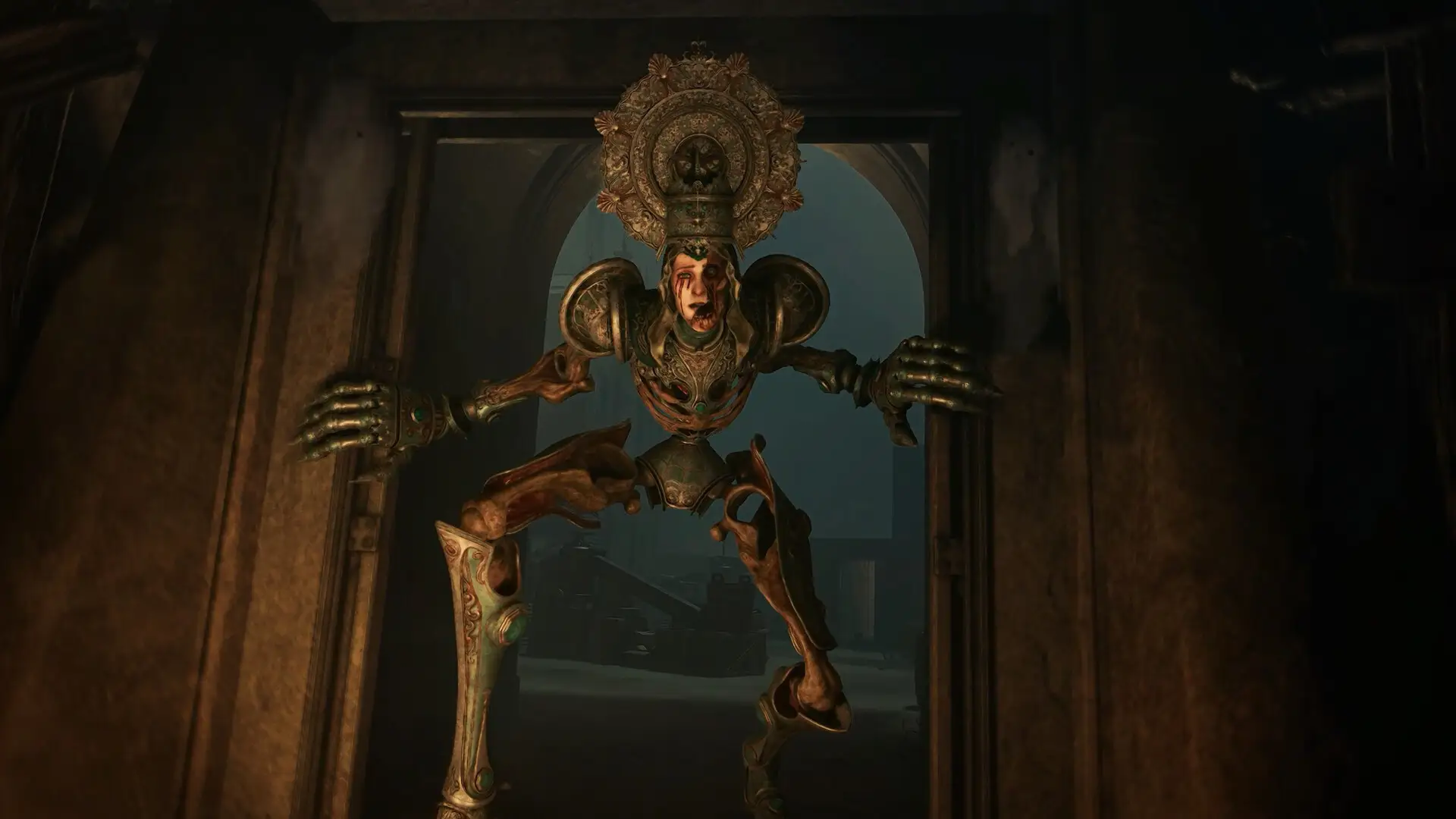
There is nothing worse than surviving a terrifying encounter in the darkened streets of Tormentosa, managing your last drop of blood for ammo, only to have your game crash or your save file corrupt.
In a horror game like Crisol: Theater of Idols, progress is hard-earned. Whether you want to manually backup your save before facing Dolores, transfer your progress to a Steam Deck, or tweak the Unreal Engine 5 config files for better FPS, you first need to find where the data is hidden on your drive.
Below is the exact file path for Crisol: Theater of Idols on Windows and Steam Deck, along with a safer, automated method to protect your progress.
You may also like:
Crisol: Theater of Idols Cheat Engine Table vs. XMODhub Trainer: Best Free Alternative (2026)
Windows PC Save File Location
For the Steam and Epic Games versions of Crisol: Theater of Idols, the save files are located in the hidden AppData folder. Since the game runs on Unreal Engine 5, it uses the standard Local directory.
C:\Users\%USERNAME%\AppData\Local\Crisol\Saved\SaveGames\How to navigate there quickly:
- Press Windows Key + R on your keyboard to open the Run dialog.
- Type
%localappdata%and press Enter. - Scroll down and look for a folder named Crisol (or sometimes CrisolTheater).
- Navigate to Saved > SaveGames.
Note: You will see files ending in .sav. These are your progress files. Typically SaveGame0.sav is your primary slot.
Crisol Config File Location (Graphics & Settings)
If you need to manually tweak graphics settings—like disabling Motion Blur, adjusting Lumen lighting quality, or fixing Field of View (FOV)—you will need to edit the engine configuration file.
C:\Users\%USERNAME%\AppData\Local\Crisol\Saved\Config\WindowsNoEditor\How to Edit:
- Right-click the
GameUserSettings.ini(or Engine.ini) file. - Select Open with Notepad.
Warning: Be careful not to change lines you don’t understand, as messing with UE5 rendering settings can cause the game to crash on startup.
Steam Deck / Linux Save Location
If you are playing Crisol on the Steam Deck, the Windows file structure is emulated within the Proton compatibility layer.
/home/deck/.local/share/Steam/steamapps/compatdata/[SteamAppID]/pfx/drive_c/users/steamuser/AppData/Local/Crisol/Saved/SaveGames/Tip: You will need to know the specific Steam App ID for Crisol: Theater of Idols. You can check this by right-clicking the game in your Library > Properties > Updates > App ID.
The Smarter Way: One-Click Backup with XMODhub
Navigating through hidden %AppData% folders every time you reach a safe room is tedious. One accidental delete, and your nightmare starts over from zero. XMODhub offers a built-in Save Manager tool designed specifically for horror games like Crisol.
01
Auto-Backup
XMODhub can automatically backup your save file every time you exit the game.
02
Checkpoint Rollback
Did you waste too much blood (ammo) in a fight? Roll back to a previous save version from 10 minutes ago instantly.
03
Visual Management
Organize your saves by chapter or encounter (e.g., “Before Boss”) with a single click.
XMODhub: More Than Just a Save Manager
XMODhub is your ultimate all-in-one toolkit for PC single-player gaming. Whether you need powerful Trainers, real-time Translation Tools, or detailed Interactive Maps, XMODhub has everything covered.
How to Use XMODhub for Crisol:
- 1. Download and Install the XMODhub client safely.

- 2. Search for “Crisol” in the client’s search bar.

- 3. Launch the game directly from the client.
FAQ
Q: Can I transfer my Crisol save to another PC?
A: Yes. Simply copy the entire contents of the SaveGames folder mentioned above to the exact same location on the new computer.
Q: What happens if I delete the config file?
A: Usually, Crisol will regenerate a default GameUserSettings.ini file upon the next launch, resetting your graphics settings to default. However, we strictly recommend renaming the file to .bak instead of deleting it.
Q: Does modifying save files ban me?
A: No. Crisol: Theater of Idols is a single-player horror experience. Modifying your save file (e.g., to add Essence) will not get you banned.
Conclusion
Locating your Crisol: Theater of Idols save file is a crucial skill, whether you are recovering from a glitch, migrating your progress to a Steam Deck, or manually tweaking UE5 config files for better performance.
However, digging through hidden system folders always carries a risk. One wrong deletion can wipe out hours of survival. If you prefer a safer, “set it and forget it” solution, we highly recommend the XMODhub Save Manager. It automates your backups, keeping your hard-earned progress secure so you can focus on the horror, not the file directory.

I am a passionate gamer and writer at XMODhub, dedicated to bringing you the latest gaming news, tips, and insights.
Connect with me:
LinkedIn Profile ↗

 Nancy Miller