แคทเธอรีน ฮู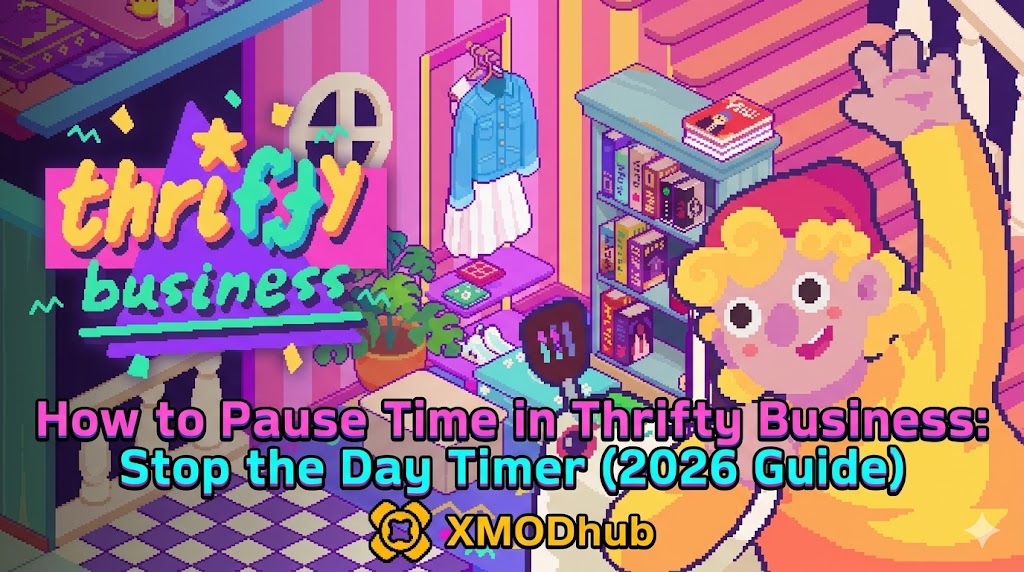
We have all been there. You are in the middle of the most profitable hour of the week in Thrifty Business. Your shelves are fully stocked, the customers are pouring in, and your profit margins are finally hitting that sweet spot you have been grinding for hours to achieve. Then, the inevitable happens: the day timer hits zero, the store auto-closes, and you lose out on a massive potential windfall. It is the single most frustrating mechanic for new and veteran players alike. The pressure of the clock often turns a relaxing management simulation into a high-stress race against the machine.
Editor’s Note
Having logged over 10 hours in Thrifty Business since its release, I have spent countless cycles testing every possible UI interaction and game state. While the developers intended the time pressure to be a core challenge, understanding the underlying code and the “soft-pause” mechanics is essential for high-level play. This guide reflects the current 2026 build, ensuring you know exactly how to manipulate the game clock to your advantage.
TL;DR: The Short Answer
If you are looking for the fastest way to stop the day timer in Thrifty Business, refer to the table below. Note that while some methods are built into the game’s UI, others require specific navigation techniques.
| วิธีการ | Effectiveness | Complexity |
|---|---|---|
| Inventory Management Screen | High (Soft Pause) | Easy |
| Main Menu/Pause Menu | High (Full Pause) | ง่ายมาก |
| XMODhub Time Manipulation | Maximum (Infinite Time) | Easy (Requires Tool) |
The Psychology of Time in Thrifty Business
To truly master Thrifty Business, you have to stop viewing the timer as an enemy and start viewing it as a resource. In simulation games, time is effectively your currency. Every second the shop is open, you are paying overhead costs while simultaneously generating revenue. Many players fall into the trap of trying to “beat the clock” by rushing their actions, which inevitably leads to poor decision-making, misplaced inventory, and missed sales opportunities.
The game engine in Thrifty Business is designed to simulate a realistic business day. This means that at the end of the day, certain calculations occur: staff wages are deducted, rent is processed, and taxes are applied. This is why the clock is so aggressive. However, the game allows for specific UI interactions that essentially “freeze” the world state, providing you with a window to reorganize your strategy without the penalty of losing time.
Common Mistakes Players Make With The Clock
Before we look at the solutions, let us address the errors that keep most players from ever reaching the endgame. These mistakes are the primary reason why players feel the need to pause time in the first place.
1. The Panic Button Syndrome
When the clock turns red, most players start clicking frantically. This leads to accidental clicks, moving items to the wrong shelves, and firing staff members by mistake. Panic is the enemy of efficiency. If you feel the need to panic, you have already lost. The game is designed to punish erratic inputs.
2. Ignoring the Inventory Bottleneck
Many players wait until the store is packed with customers to restock. This is a critical error. By the time you realize you are out of stock, you have already wasted precious time running to the storage room. This creates a “time debt” that you can never recover, regardless of whether you pause the game or not.
3. Over-reliance on Active Time
New players often think they need to be actively moving items every second the store is open. In reality, the most successful Thrifty Business managers spend 70% of their time observing and 30% of their time executing. If you are constantly moving, you are not managing.
Vanilla Methods to Pause or Slow Time
There are legitimate ways to manipulate the clock without using external tools. These are built into the game’s architecture.
The Inventory Screen “Soft Pause”
In Thrifty Business, opening the primary inventory management screen (the ledger) often halts the background simulation of customer movement. While the clock might technically continue to tick forward in the UI, the AI behavior of customers is suspended. This allows you to perform complex calculations and inventory planning without the pressure of customers walking out on you because you are “too slow.”
The Menu Interaction
Pressing the “Esc” or “Menu” key is the most obvious way to pause, but it is often underutilized. Many players treat the menu as a place to save or quit. However, you should be using the menu to check your daily profit goals. By frequently checking your status, you force a hard pause, which stops all time-based events. Use this to take a breath, re-evaluate your supply chain, and plan your next move. It is a tactical pause, not just a system menu.
Before we dive deeper into advanced time manipulation and external tools, if you are still struggling with the basics of logistics, make sure to check out our Thrifty Business Ultimate Beginner’s Guide to Run a Shop (2026) to get a solid footing. Mastering the fundamentals is the only way to ensure that when you do use these pause techniques, you are actually improving your business rather than just delaying the inevitable.
Advanced Time Management for Pro Players
Once you have mastered the pause mechanics, you need to learn how to structure your day to minimize the *need* for pauses. High-level play in Thrifty Business is about flow state.
Batching Your Tasks
Divide your day into three distinct phases: The Morning Setup, The Peak Hours, and The Closing Cleanup. During the Morning Setup, you should be doing 100% of your restocking. If you do this correctly, you will not have to touch the inventory for the first four hours of the game day. This frees you up to engage with customers and maximize the “rush” periods.
Staff Delegation as a Time Multiplier
Your staff is your most valuable time-saving asset. If you are manually ringing up customers, you are failing. By investing in higher-tier staff, you effectively “pause” the need for your own intervention. The game treats staff actions as automated processes that do not require your manual input. Therefore, the more you delegate, the more “time” you have to focus on strategic growth rather than menial labor.
The Ultimate Quality of Life Solution: XMODhub
Sometimes, the base game of Thrifty Business can feel like an endless, repetitive grind. If you have already beaten the main campaign or if you are playing for the creative satisfaction of building the perfect shop, the day timer can become a genuine hindrance to your creativity. This is where XMODhub comes into play.
XMODhub is the gold standard for PC gamers who want to take control of their experience. If you are tired of the game forcing you to close your shop before you have finished your masterpiece, XMODhub offers a “Freeze Day Timer” feature that changes the game entirely. It allows you to focus on the fun parts of the game—designing, decorating, and optimizing—without the constant looming threat of the clock.
How to get started with XMODhub for Thrifty Business:

Using XMODhub does not ruin the game; it redefines it. It turns Thrifty Business into a stress-free management sandbox where you can experiment with layouts and strategies that would be impossible under the constraints of the vanilla timer.
Troubleshooting Time-Related Mechanics
Occasionally, players report issues where the timer appears to behave erratically after using “soft pause” methods. If you find your game clock desyncing or UI elements failing to respond, follow these troubleshooting steps to reset your game state:
Optimizing Shop Layouts for Time Efficiency
Beyond pausing, the most effective way to “buy time” is to design a shop layout that minimizes travel distance. A well-optimized floor plan reduces the time you spend walking to restock, effectively giving you more “active time” per game day.
| Layout Style | Time Impact | Best For |
|---|---|---|
| Centralized Storage | High Efficiency | Beginners (Reduces travel time) |
| Peripheral Flow | Medium Efficiency | High-Volume Stores (Customer routing) |
| Hybrid/Zone-Based | Maximum Efficiency | Pro Players (Minimizes restocking paths) |
คำถามที่พบบ่อย
A: Generally, no. XMODhub is designed to be non-intrusive. However, it is always best practice to keep a backup of your save folder before applying any modifications. The “Freeze Timer” feature is a variable edit, not a code injection that rewrites your game data.
A: Yes. The time-manipulation methods discussed—both vanilla and via XMODhub—work during special events. In fact, freezing the timer during events is the best way to ensure you maximize your event-specific profits.
A: The game engine is robust, but if you keep the timer at 00:00 indefinitely, some daily script events (like rent payments) might be delayed. It is recommended to occasionally let the day cycle naturally to ensure all game systems process correctly.
A: Yes, many players use XMODhub to speed up time during “slow” periods. This is a great way to skip the boring parts of the business day and get straight to the high-profit hours.
Final Verdict: Mastering the Clock
Thrifty Business is a game of rhythm. Whether you choose to master the vanilla mechanics of menu-pausing and inventory-pausing, or you decide to take the leap into the XMODhub ecosystem to fully disable the timer, the goal remains the same: you should be the one in control of your shop, not the clock. By utilizing the strategies outlined in this guide, you can eliminate the unnecessary stress that often plagues new managers and focus on building a retail empire that stands the test of time.
If you enjoy the freedom that XMODhub brings, remember that it supports over 5,000+ games. Whether you are managing shops in Thrifty Business, building cities in strategy classics, or surviving the harsh wilderness in open-world RPGs, XMODhub provides the tools to tailor your experience exactly how you want it. Stop playing the game the developers wanted, and start playing the game you want.

ฉันเป็นเกมเมอร์และนักเขียนที่มีความหลงใหลที่ XMODhub มุ่งมั่นที่จะนำเสนอข่าวสารเกมล่าสุด เคล็ดลับ และข้อมูลเชิงลึกให้กับคุณ.
ติดต่อฉัน:
โปรไฟล์ LinkedIn ↗