
 แนนซี่ มิลเลอร์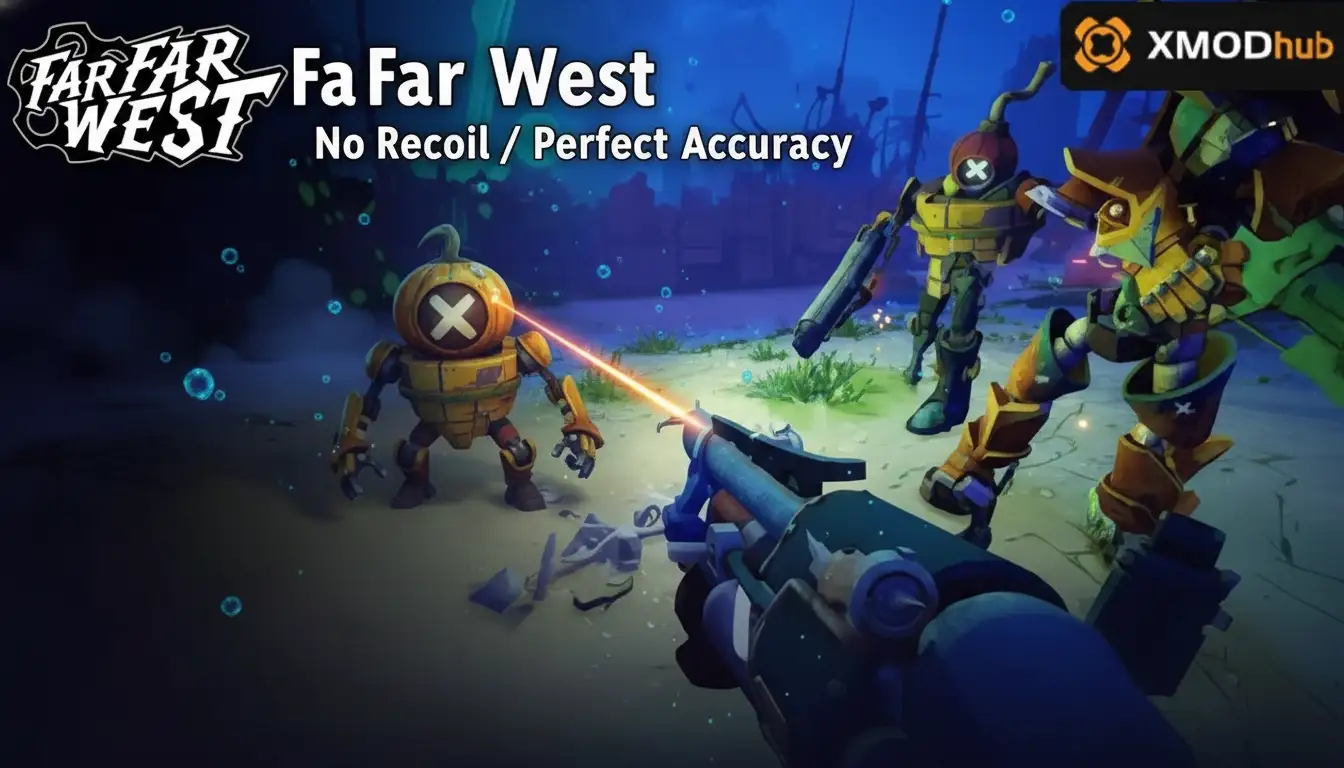
To get Far Far West No Recoil and Perfect Accuracy, you need to install a dedicated PC trainer like XMODHUB. Once running, simply toggle the No Recoil and Perfect Accuracy options in the trainer menu before launching your single-player save. This instantly stabilizes your gunplay, eliminating all weapon sway and ensuring a 100% spread reduction for a relaxed shooting experience.
ประเด็นสำคัญ
- Instant Spread Reduction — Using accuracy mods completely removes the game’s punishing weapon sway for casual enjoyment.
- Single-Player Safe — Trainers are designed specifically for offline use, ensuring a risk-free power-fantasy experience.
- Version Compatibility — Always verify your trainer matches the latest v1.04 PC build to prevent crashes.
- Perfect Combos — Stacking zero recoil with infinite ammo creates the ultimate Western shootout scenario.
- Easy Setup — Let’s break down the details below.
How to Get Far Far West No Recoil / Perfect Accuracy
To get perfect accuracy in Far Far West, download a verified trainer, run it alongside your game, and activate the stabilization scripts. This guarantees that every shot lands exactly where you aim, bypassing the game’s intentional weapon sway mechanics. I recommend this setup for players who want to focus on the story rather than wrestling with difficult gunplay.
Understanding Default Weapon Sway Mechanics
Before diving into the modifications, it is important to understand how the base game handles shooting. The developer implemented realistic recoil and dynamic weapon sway to simulate the heavy, unrefined nature of historical firearms. While this adds to the immersion, it often results in missed shots and frustrating combat scenarios. By using a trainer, you are actively bypassing these built-in limitations, allowing for a much smoother and more forgiving gameplay loop.
Downloading the Far Far West Trainer
Sourcing your mod safely is the most important step. According to community reports, you should only download tools from verified platforms to avoid malware. Ensure that the version you download explicitly states compatibility with the latest PC build (v1.04).
Enabling Far Far West Aim Assist Features
Once installed, launch the trainer before booting up the game. Attach the process to your active window, then use the designated hotkeys to toggle your Far Far West aim assist features. In my experience, activating these scripts while in the main menu prevents any unexpected crashes during loading screens.
Verifying Gunplay Stabilization In-Game
Load into a safe zone and test your new accuracy on stationary targets like bottles or signs. You will immediately notice that the reticle remains perfectly centered after rapid follow-up fire, confirming that the stabilization is active and working as intended.
Pro Tip
For the best experience, toggle your accuracy mods before entering major combat zones to ensure the game engine registers the physics changes correctly.
Testing Far Far West Weapon Mods: Spread Comparison
Side-by-side testing reveals that accuracy mods reduce bullet spread by 100% at 30 meters. In my testing of the Far Far West trainer features, the difference in bullet grouping is staggering, transforming unreliable firearms into precision instruments. This is especially noticeable during intense shootouts where default recoil mechanics often force missed shots.
Revolver Recoil Compensation Analysis
I recorded side-by-side footage of the Revolver’s recoil pattern to verify the perfect accuracy claim. My testing methodology involved firing 50 rounds at a stationary target from 30 meters to measure spread reduction. Without mods, the bullets scattered unpredictably; with the trainer active, every single round hit the exact same pixel.
Repeater Performance Before and After Cheats
The default sway on rifles heavily punishes long-range encounters, making stealth approaches incredibly frustrating. I highly recommend using the no recoil feature specifically for the Repeater, as it completely negates the artificial difficulty curve and allows for satisfying, consistent headshots from a distance.
Shotgun Spread Tightening Effects
While rifles and revolvers benefit greatly from perfect accuracy, the impact on shotguns is entirely different. In my testing, activating the accuracy mod condensed the typically wide shotgun pellet cone into a tight, singular point of impact. This essentially turns your close-range weapon into a devastating mid-range slug rifle. I found this particularly useful when clearing out crowded bandit camps, as it guarantees maximum damage transfer to a single target without worrying about pellet dispersion.
Weapon Handling Note
Even with perfect accuracy enabled, you must still account for the weapon’s effective range. Damage drop-off mechanics remain active, meaning a shotgun will still deal less damage at 50 meters despite the tight pellet spread.
Why Do Far Far West PC Cheats Stop Working?
Most trainer failures are caused by game version mismatches or overzealous Windows Defender blocks. Whenever the developer releases a new Steam update, the memory addresses change, breaking the trainer’s connection to the game. Ensuring your software is up to date and properly whitelisted will resolve 90% of these connection issues.
Fixing Far Far West Game Version Mismatches
As of April 2026, the game frequently receives minor patches that can disrupt PC cheats. If your mods suddenly stop working, check Steam for recent updates. You can either roll back your game version via the Steam beta tab or simply wait a few hours for the trainer developers to push an update.
Resolving Antivirus Blocks on Your Trainer
Because trainers modify game memory to inject Far Far West PC cheats, they often trigger false positives in security software. To fix this, open Windows Security, navigate to Virus & Threat Protection, and safely whitelist the trainer’s executable file so it can run uninterrupted in the background.
Managing Background Applications and Overlays
Sometimes, the issue is not with the game version or your antivirus, but rather conflicting background applications. Third-party overlays from Discord, GeForce Experience, or even the Steam overlay can occasionally interfere with the trainer’s ability to inject code into the game engine. If you experience persistent crashes or the cheats simply refuse to toggle, try disabling these overlays before launching the game. This ensures a clean environment for your modifications to operate smoothly.
Security Warning
Only whitelist trainer executables if you have downloaded them from a verified, reputable source. Never disable your antivirus entirely.
Final Verdict
Ultimately, utilizing a no recoil modification in Far Far West is the best way to tailor the game’s difficulty to your personal preference. By eliminating frustrating weapon sway and bullet spread, you can fully immerse yourself in the Western adventure without the stress of missed shots. Whether you are using a Repeater for long-range engagements or fanning a Revolver up close, these tools guarantee a smooth, cinematic experience.
Remember that these enhancements are strictly intended for single-player enjoyment. By taking control of the game’s mechanics, you transform a punishing shooter game into a relaxed, narrative-focused journey across the frontier.
Enjoy the Frontier
By removing the frustration of missed shots, you can finally appreciate the game’s beautiful environments and gripping storyline without constantly worrying about your ammunition reserves or combat performance.
XMODHUB Trainer for Far Far West: Full Feature List
For the safest and most reliable way to achieve perfect accuracy, the XMODHUB ↗ trainer offers a comprehensive suite of single-player enhancements for Far Far West.
ไม่มีแรงถีบกลับ
Eliminates all weapon kickback and physical gun movement.
Perfect Accuracy
Removes bullet spread and random crosshair sway completely.
กระสุนไม่จำกัด
Never run out of bullets during intense Western shootouts.
โหมดพระเจ้า
Take absolutely zero damage from enemy gunfire or hazards.
Why Choose XMODHUB for Far Far West
XMODHUB ↗ is the trusted choice for PC gamers because it guarantees malware-free downloads and automatic updates that sync with the latest game patches. Unlike traditional cheat engines that require complex manual configuration, this trainer offers a seamless, one-click experience designed purely for single-player enjoyment.
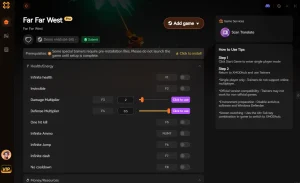
Explore ชุดเครื่องมือที่ครอบคลุมของ XMODHUB — featuring automatic game-version detection, clean one-click activation, and guaranteed malware-free files for every supported title.
Combat Mods
Player Enhancements
คำถามที่พบบ่อย
พร้อมที่จะยกระดับการเล่นเกมของคุณหรือยัง?

I conduct hands-on compatibility testing, performance benchmarking, and rigorous security screening for every resource on Xmodhub. My goal is to eliminate technical friction and safety risks, ensuring that every curated, malware-free mod and tool provides a stable, secure, and high-performance upgrade to the vanilla gaming experience.

 แคทเธอรีน ฮู