
 Кэтрин Ху
Crimson Desert is a global masterpiece, featuring incredible voice acting across multiple regions. Whether you want to experience Kliff’s brutal journey with the original Korean voiceover for maximum authenticity, or you simply need to switch your UI text and subtitles to your native language, navigating the settings can be slightly stressful if you boot up the game and everything is in a dialect you don’t understand.
Fortunately, tweaking your audio and text localization is usually a quick fix. However, massive launch-week RPGs are notorious for menu glitches. If downloading a new language pack or swapping your UI text causes the BlackSpace Engine to freeze during a crucial story moment, you don’t want to lose hours of progress.
Because native developer console commands are completely locked out of this game, running the XMODhub PC Trainer in the background as your ultimate fail-safe is the most reliable way to protect your save file from unexpected menu crashes while you optimize your settings.
Вам также может понравиться: Crimson Desert Cheat Engine Table vs. XMODhub: Best Free Trainer
Answer First: Quick Steps to Change Language Settings
To instantly fix your text or voiceover language and get back to exploring the continent of Pywel, follow these exact menu paths:
- Access the Main Settings: Нажмите
ESCto open the pause menu, then navigate to the Settings (gear icon) -> Language & Accessibility вкладка. - Change Text Language: Use the drop-down menu under “Display Language” to change all UI elements, item descriptions, and menus. This change applies instantly.
- Change Audio Language: Use the drop-down menu under “Voiceover Language.” Note: Changing the spoken audio track requires the game to unpack dense audio files. You must restart the game for the new voice voices to take effect.
- Enable Subtitles: Scroll down to the “Subtitles” section to toggle them “On,” and adjust the font size and background opacity for better readability during chaotic combat.
Editor’s Note: The Reality of UI Glitches
“There is a unique kind of heartbreak that happens when you perfectly configure your immersive Korean audio and English subtitles, hit ‘Apply,’ and the game instantly soft-locks on the menu screen. Because Crimson Desert is built on Pearl Abyss’s proprietary BlackSpace Engine, you cannot just open a developer console and type a force-save command to protect your unsaved progress.”
“We know how frustrating it is to lose an hour of open-world gathering to a simple UI bug. That is exactly why our team integrated the Instant Save and UI Bypass tools into the XMODhub PC Trainer. You should be enjoying the cinematic story, not wrestling with the settings menu.”
The BlackSpace Engine: Why Language Bugs Happen
If you are used to Unreal Engine 5 games, you might try to force a language change by adding a launch parameter like -culture=en in Steam. However, Crimson Desert runs on Pearl Abyss’s proprietary BlackSpace Engine.
This custom engine handles localization entirely differently. Instead of referencing universal string codes, the BlackSpace Engine physically streams massive, uncompressed audio packets from your hard drive to match the dynamic lip-syncing of the NPC models. If your drive is slow or the game’s memory is fragmented, switching from English to Japanese audio mid-game can cause the engine to hang or mute all dialogue entirely. There are no magical text commands or UE5 .ini tweaks that can bypass this.
How to Force a Language Change via Config Files
If you launched the game and the menu is completely stuck in a language you cannot read (making it impossible to find the settings menu), you can force the BlackSpace Engine to reset to your PC’s default regional language manually.
- Close the game entirely.
- Navigate to your PC’s document folder (path detailed below).
- Open the UserCache folder and locate the
GameSettings.xmlилиConfig.inifile. - Delete this specific file. Do not delete your SaveGames folder.
- Relaunch Crimson Desert. The game will rebuild the config file and automatically detect your Windows operating system language.
Protecting Your Progress: The XMODhub Fail-Safe
UI soft-locks and audio desync crashes are the silent killers of a great RPG playthrough. Because native troubleshooting commands are completely blocked by the engine, the XMODhub PC Trainer is your most reliable defense against losing your save data when tweaking system settings.
God Mode & Pause Bypass
If you realize your audio is glitched in the middle of a massive boss fight against a mercenary captain, trying to navigate the settings menu while getting attacked will get you killed. Toggle XMODhub’s God Mode to ensure Kliff survives while you safely adjust your audio mix or subtitle sizes in real-time.
Instant Save Injection
If changing the voiceover language causes the UI to freeze, use the XMODhub overlay to force an instant memory save before you Alt+F4 the application. This ensures your hard-earned loot from the last hour is perfectly preserved.
Step-by-Step: Equipping Your Progression Tools
Securing your playthrough against language and UI bugs takes less than a minute. Here is how to use the trainer safely in single-player:

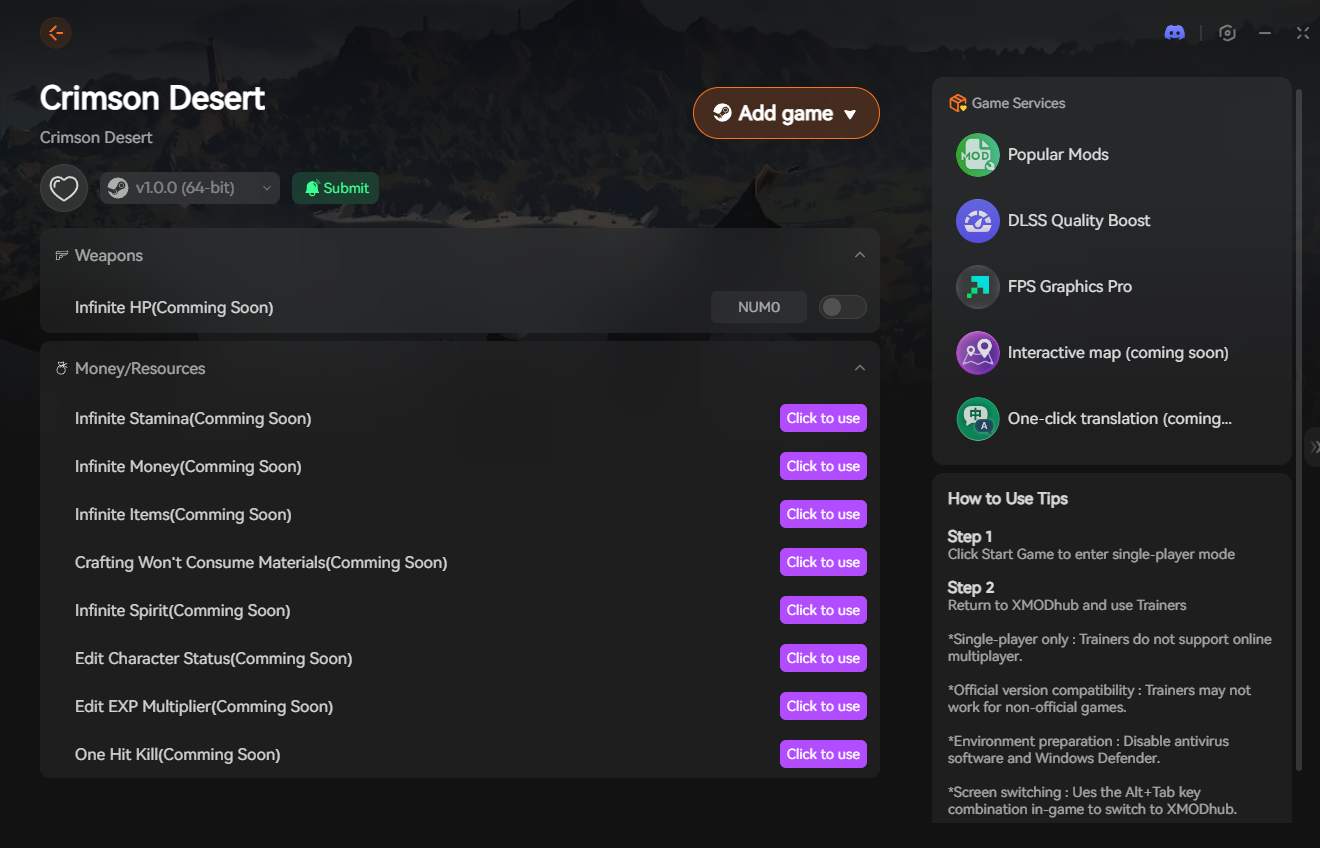
- Download the Client: Grab the verified, digitally signed XMODhub desktop software from our official website. It is lightweight and operates silently in the background.
- Launch & Hook: Boot up Crimson Desert first. Once you are safely loaded into your save file, open the XMODhub client and click “Play” on the game’s module.
- Inject the Overlay: Press your designated hotkey to bring up the XMODhub in-game menu. It hooks seamlessly into the BlackSpace Engine without causing frame drops.
- Tweak with Confidence: Toggle your safety nets, adjust your language and subtitle settings freely, and play the game exactly how you want.
PC Save File & Config Location
Always back up your configuration files before deleting or modifying them, just in case you accidentally delete your primary save data.
- •User Config & UI Settings (For Language Resets):
%USERPROFILE%\Documents\Crimson Desert\UserCache\ - •Local Game Saves:
%USERPROFILE%\Documents\Crimson Desert\SaveGames\
Frequently Asked Questions (FAQ)
Q: Does Crimson Desert feature dynamic lip-syncing for different languages?
A: Yes. The BlackSpace Engine uses procedural facial animation technology. Whether you set the voiceover to Korean, English, or Japanese, the NPCs’ mouth movements will dynamically adjust to match the audio track, keeping you fully immersed in the story.
Q: Can I have Korean voice acting but English subtitles?
A: Absolutely. Crimson Desert fully supports mixing and matching your localization settings. You can set the Voiceover Language to Korean while keeping the Display Language and Subtitles entirely in English.
Q: Why are my subtitles out of sync with the audio in Crimson Desert?
A: Audio desync is usually caused by installing the game on a slow HDD instead of an SSD, which delays the engine’s ability to trigger the text prompt alongside the heavy audio file. Move your game installation to an NVMe SSD to fix this issue immediately.
Conclusion: Experience the Story Your Way
Crimson Desert delivers a massive, cinematic narrative that deserves to be experienced exactly the way you prefer. Whether that means reading large subtitles or listening to the pristine original voice cast, navigating the settings should be a one-and-done task.
You shouldn’t have to risk a game crash or lose your unsaved progress just because you wanted to adjust the audio mix. By equipping the XMODhub PC Trainer, you can bypass the BlackSpace Engine’s restrictive quirks, protect your save file from UI glitches, and dive back into the beautiful, brutal world of Pywel.

Я страстный геймер и писатель XMODhub, который стремится предоставить вам самые свежие игровые новости, советы и мнения.
Свяжитесь со мной:
Профиль LinkedIn