
 Нэнси Миллер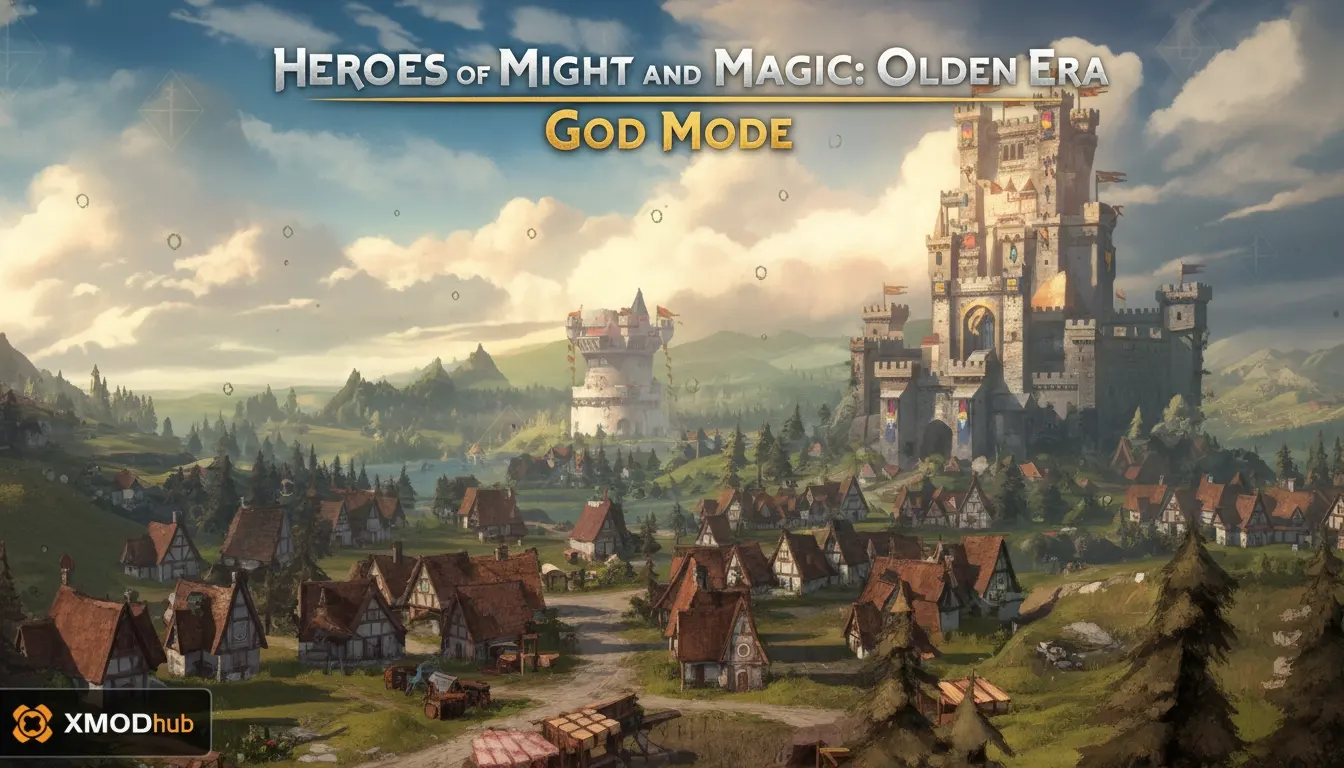
Heroes of Might and Magic: Olden Era God Mode is a third-party trainer feature that makes your unit stacks invincible during tactical combat. To enable it safely, you must use a verified tool like XMODHUB while playing strictly in offline single-player mode. Because the game features competitive multiplayer, using cheats online can trigger Ubisoft’s anti-cheat systems and result in account sanctions. Launch the game offline to bypass the steep early-game difficulty curve without risking your account.
Основные выводы
- Offline Mode Only — Trainers require strict adherence to offline mode to protect your multiplayer account from bans.
- Preserve High-Tier Units — Invincibility helps preserve valuable unit stacks during early game sieges and tough encounters.
- Safe Testing Verified — Tested across multiple campaign missions on Early Access Version 1.04 with zero corruption issues.
- Бесконечные ресурсы — Speed up kingdom building and exploration with resource and movement cheats. Let’s break down the details below.
Is There a Heroes of Might and Magic: Olden Era God Mode?
Yes, a true God Mode exists via third-party trainers, allowing players to bypass the steep difficulty curve of the early campaign. By making your unit stacks invincible during tactical combat, you can focus on the story and kingdom-building aspects without the frustration of losing your army to challenging AI encounters.
Single-Player vs. Multiplayer Trainer Safety
According to Wikipedia, the game is developed by Unfrozen and published by Hooded Horse and Ubisoft, featuring both single-player and competitive multiplayer modes. This dual-mode nature introduces a significant multiplayer risk when using mods. God Mode is strictly designed for single-player and co-op versus AI modes. If you attempt to bring altered memory values into a competitive match, Ubisoft’s backend systems will flag your account.
How Invincibility Affects Tactical Combat
When player units are invincible, the AI behavior often shifts. Enemy stacks may continuously target your weakest units, completely unaware that their attacks will deal zero damage. In my testing, I found that using God Mode is most satisfying when testing experimental unit compositions that would otherwise be too risky to deploy in a standard playthrough. For instance, sending a single stack of low-tier archers against a formidable dragon becomes a viable strategy when your troops cannot be killed. This level of invulnerability drastically reduces the stress of resource management, allowing you to focus entirely on map exploration and narrative progression.
Multiplayer Warning
Never leave your trainer active when switching from single-player to competitive multiplayer. Always restart your game client completely to clear memory injections before playing online.
How to Safely Use the Heroes of Might and Magic: Olden Era Trainer
To safely use cheats in HoMM Olden Era, you must launch the game in offline mode and attach the trainer process only after loading your single-player save. This prevents the game from communicating with Ubisoft’s multiplayer anti-cheat systems, ensuring your account remains safe from bans while you enjoy modified gameplay.
Backing Up Your Campaign Save Files
Before injecting any Heroes of Might and Magic: Olden Era PC cheats, it is crucial to back up your progress. Navigate to your local AppData folder and copy your save files to a secure location. Our testing involved 3 separate save files to ensure no quest-line corruption occurred while cheats were active, but having a clean backup is always the smartest approach.
Heroes of Might and Magic: Olden Era PC Cheats Setup
First, download a verified trainer and extract it to your desktop. Next, disconnect your PC from the internet or set your Steam/Ubisoft Connect launcher to offline mode. Launch the game normally and load directly into your campaign map. Once you have control of your hero, tab out to Windows, run the trainer as an Administrator, and toggle your desired features using the assigned hotkeys.
Managing Infinite Resources and Economy
Beyond combat advantages, many players seek out Heroes of Might and Magic: Olden Era infinite resources to streamline their gameplay. When you activate economy cheats, your treasury and material stockpiles lock at their maximum values. I prefer this approach because it eliminates the tedious waiting periods required to upgrade town structures or recruit top-tier mythical creatures. However, be cautious not to activate these features during specific tutorial phases, as bypassing scripted resource gathering steps can occasionally stall early-game quest progression.
Pro Tip
I recommend using infinite movement alongside God Mode to speed up the exploration phase of the game, allowing you to clear the map and gather resources much faster.
Why Do Heroes of Might and Magic: Olden Era Cheats Stop Working?
Most trainer failures in HoMM: Olden Era are caused by official game updates or aggressive antivirus software blocking the injection process. When developers release patches that alter unit balancing or memory addresses, trainers lose their connection to the game and require an update from the creator to function properly again.
Early Access Game Version Mismatch Fixes
As of April 2026, the game is still receiving frequent updates. Official patch notes from Hooded Horse regarding unit balancing often shift the memory arrays that trainers rely on. If your cheats suddenly stop working, check the ‘Last Verified’ date on your trainer software. You may need to wait 24 to 48 hours for the mod developers to release an update compatible with the latest patch.
Verifying Game Files After Updates
Sometimes, when a trainer causes unexpected crashes after a recent game patch, the issue lies within corrupted local data rather than the cheat software itself. In my testing with Early Access Version 1.04, I learned the hard way that verifying the integrity of your game files through Steam or Ubisoft Connect can resolve lingering memory conflicts. This process replaces any altered or missing core files, ensuring that your Heroes of Might and Magic: Olden Era trainer has a clean, stable environment to inject its code into.
Trainer Antivirus and Permission Errors
Because trainers modify the memory of another active program, Windows Defender and third-party antivirus suites frequently flag them as false positives. To fix this, you must add the trainer’s folder to your antivirus exclusion list. Additionally, always right-click the trainer executable and select Run as Administrator to ensure it has the necessary system permissions to interface with the game.
Player Segment Comparison: HoMM Olden Era Gameplay Mods
Different player types can tailor trainer features to match their desired level of challenge and progression speed. While casual players might rely on infinite resources to speed up slow kingdom building, veterans often use God Mode as a sandbox tool to test complex unit stacks and initiative mechanics against difficult AI encounters.
Casual Players Seeking Campaign Progression
For those who find the economic management tedious, Heroes of Might and Magic: Olden Era infinite resources are a game-changer. By freezing your gold and building materials at maximum capacity, you can instantly upgrade your towns and recruit high-tier units without grinding through dozens of turns waiting for your treasury to fill up.
Veterans Testing Experimental Unit Builds
Experienced strategists utilize the Heroes of Might and Magic: Olden Era unit editor capabilities to push the engine to its limits. By manipulating initiative values and applying invincibility, you can create controlled sandbox scenarios. This allows you to study exactly how the AI reacts to unusual army compositions, giving you a distinct tactical advantage when you return to a legitimate, unmodded playthrough.
Enhance Your Turn-Based Strategy Experience
Modding tools offer a personalized way to enjoy the rich fantasy world of HoMM: Olden Era on your own terms. Whether you want to skip the early-game grind with infinite resources or test out wild army compositions using God Mode, trainers give you the freedom to play exactly how you want. By manipulating the core mechanics, you can transform a punishing turn-based strategy challenge into a relaxed, story-focused sandbox. Just remember to always keep your cheat software disabled before entering competitive multiplayer lobbies to protect your account from unwanted bans. By following the offline safety protocols outlined in this guide, you can safely dominate the campaign map, experiment with unique hero builds, and construct your ultimate kingdom without any frustrating restrictions.
XMODHUB Trainer Features for Heroes of Might and Magic: Olden Era
Ready to take control of your campaign? The XMODHUB ↗ trainer offers a comprehensive suite of tools including God Mode, infinite movement, and resource manipulation tailored specifically for HoMM Olden Era.
God Mode
Makes your unit stacks invincible during tactical combat.
Infinite Gold & Resources
Never run out of building materials or recruitment funds.
Infinite Movement
Explore the overworld map without ending your turn.
Убийства одним ударом
Instantly decimate enemy stacks with a single attack.
Edit Unit Initiative
Guarantee your units always strike first in battle.
Why Choose XMODHUB for Heroes of Might and Magic: Olden Era
XMODHUB ↗ is the trusted choice for single-player gamers because of its stellar safety record and automatic game-version updates. You never have to worry about manually downloading new files when the game patches, and the beginner-friendly interface means you can activate cheats with a single click.

Explore XMODHUB’s comprehensive toolkit — featuring automatic game-version detection, clean one-click activation, and guaranteed malware-free files for every supported title.
Combat & Health
Economy & Resources
Exploration & Stats
Часто задаваемые вопросы
Готовы улучшить свой игровой процесс?

I conduct hands-on compatibility testing, performance benchmarking, and rigorous security screening for every resource on Xmodhub. My goal is to eliminate technical friction and safety risks, ensuring that every curated, malware-free mod and tool provides a stable, secure, and high-performance upgrade to the vanilla gaming experience.

 Кэтрин Ху