
 Catherine Hu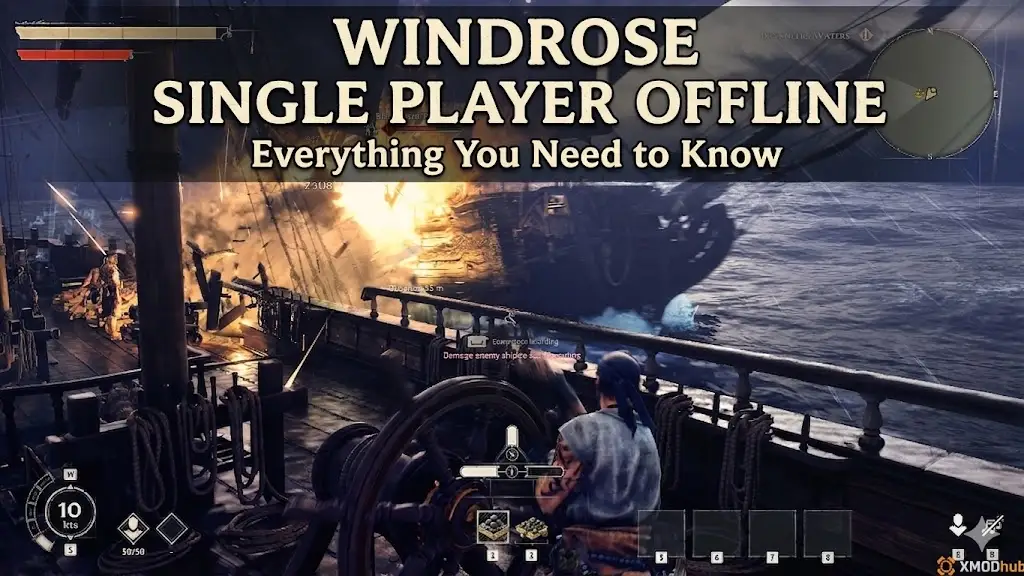
One of the biggest questions surrounding any modern survival game launch is whether you are forced to share a server with other players. Sometimes you don’t want to coordinate with a crew of eight; you just want to build your pirate ship, fight some soulslite bosses, and explore the procedurally generated islands at your own pace.
If you are wondering about the Windrose solo experience, here is everything you need to know about the offline mechanics, how the game scales, and how to survive the grind alone.
✦You may also like:
The Ultimate Windrose Cheat Engine Guide (And A Much Easier Alternative)
If you have ever lost a hundred hours of base building to overnight griefers in games like Rust or Ark, you know the anxiety of forced PvP servers. When Pocketpair and Windrose Crew announced that Windrose was pivoting to a PvE-focused model, the community sighed in relief. As a veteran with over a thousand hours in survival base-builders, I have been testing the Early Access launch extensively. Here is the definitive breakdown of the offline solo experience, how it performs without an internet connection, and how you can tailor the brutal grind to your real-life schedule.
–Catherine Hu, Content Lead at XMODhub
1. Can You Play Windrose Offline?
Can you play Windrose offline? Yes, Windrose fully supports a true single-player offline mode. When you create a local world, the game does not require an active internet connection. You can play entirely solo, successfully pause the game by opening the menu, and safely use PC mods or memory trainers without any risk of anti-cheat bans.
2. Does Windrose Require an Internet Connection? (Steam Deck)
A massive concern for offline players is whether a game has “Always-Online DRM” disguised as a solo mode.
Fortunately, Windrose does not require an internet connection once the game is downloaded and updated. This is absolutely massive for handheld PC gamers.
If you are traveling or commuting, you can launch Windrose on your Steam Deck completely offline. Your local save files will sync to the Steam Cloud the next time you connect to Wi-Fi, allowing seamless transition between your desktop PC and your handheld device.
3. Single-Player vs. Multiplayer: Key Differences
Playing Windrose completely offline fundamentally changes how you interact with the game world. Here are the mechanical benefits of staying off the multiplayer servers:
Benefit
The Ability to Pause
This is a massive quality-of-life feature. In co-op, opening your inventory leaves you vulnerable to enemy attacks. In Windrose offline mode, hitting the escape key actually pauses the world, letting you step away from your PC without starving to death or being ambushed by a pirate patrol.
Benefit
No Server Wipes
Official servers in early access survival games often face periodic wipes to balance the economy. In a local offline save, your massive brick fortress and fully upgraded fleet will stay there forever.
Benefit
Zero Griefing
No one can steal your hard-earned sulfur, sink your ship while you are offline, or camp the instanced caves to steal your boss loot.
4. Local Save vs. Dedicated Server: Which is Best?
If you eventually want to play with friends, you need to understand the difference between hosting locally and renting a server.
🏠 Local Host (Offline/Peer-to-Peer)
You host the world on your PC. It’s free, you control the save file, and you can use trainers like XMODhub. The downside? Your friends can only play when you are online and actively hosting the game.
🌐 Dedicated Server
You rent a server that runs 24/7. Friends can log in anytime to gather clay or build ships, even if you are offline. However, applying mods or trainers to a dedicated server is much more complicated and often restricted. For a pure, moddable solo experience, Local Save is the undisputed winner.
5. Is the Solo Experience Too Grindy?
⚠
While the offline mode is fantastic for peace of mind, it comes with a major drawback: the game’s economy is balanced with 1-8 player co-op in mind.
When you play solo, you are the only one chopping wood, mining clay, and farming gunpowder. Furthermore, the soulslite boss encounters in the instanced caves are incredibly punishing without a friend to draw aggro or revive you. The sheer amount of materials required to build a mid-tier Galleon can take a solo player dozens of hours of tedious, repetitive labor.
6. Skip the Solo Grind: Use XMODhub in Offline Mode
Because Windrose single player offline stores everything locally on your PC, it creates the perfect, 100% safe environment for modding. You do not have to worry about anti-cheat software scanning your memory, because you are not connecting to a competitive public server.
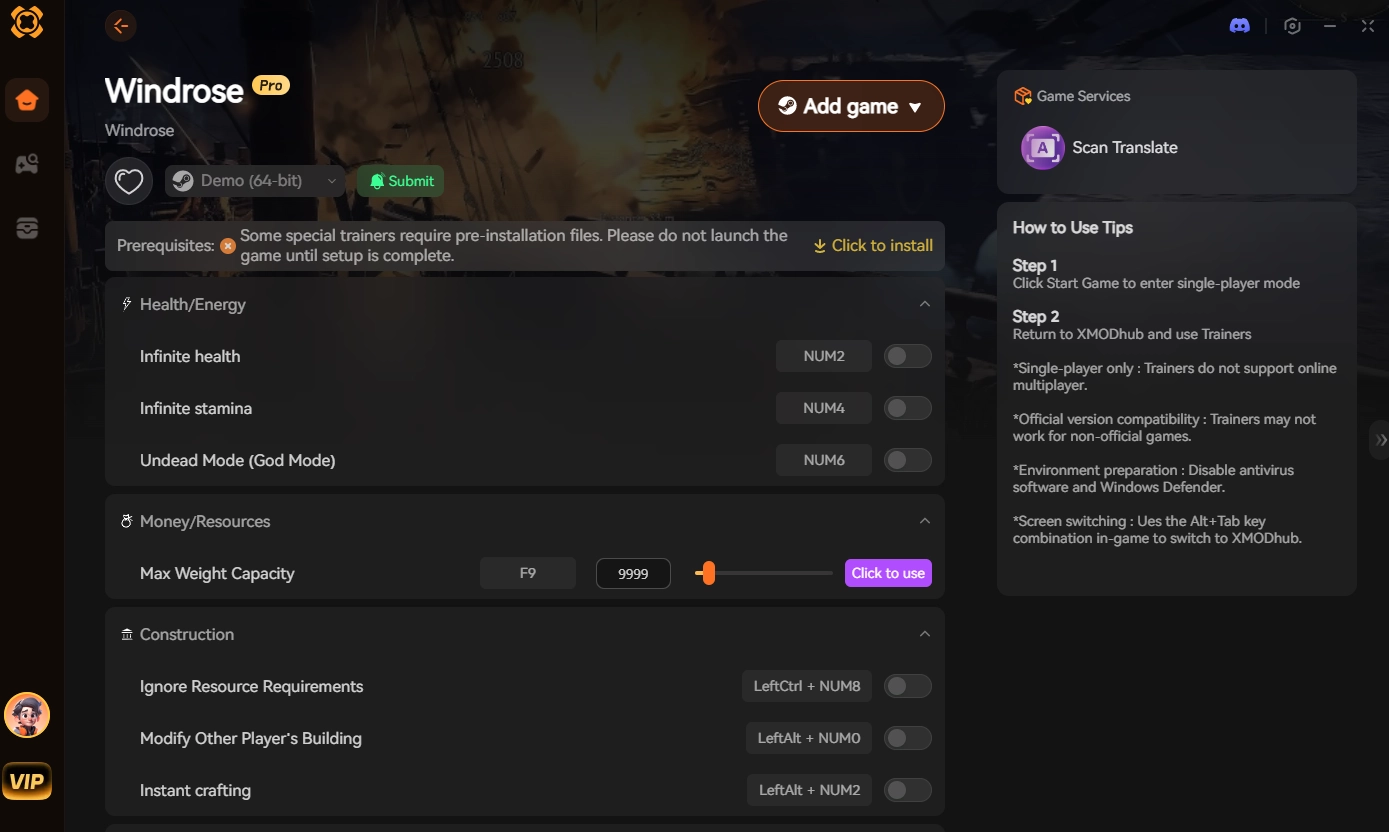
Instead of spending your entire weekend doing chores for virtual wood, use XMODhub, the ultimate PC trainer designed for solo players who want to skip the boring stuff. Here is how you can customize your local world:
✨
Download the Client: Install the secure, free XMODhub desktop app dal sito ufficiale.

✨
Select Your Offline Save: Aperto Windrose through the XMODhub library and load your single-player world.

✨
Activate Quality-of-Life Cheats: Toggle on “Ignore Crafting Requirements” to instantly build ships and bases without farming.
✨
Enable Combat Assists: Turn on “God Mode” or “Infinite Stamina” to easily clear those brutal soulslite bosses without needing a co-op partner.
✦ Windrose Solo & Offline FAQ ✦
Q: Can I transfer my single-player offline save to a co-op server later?
A: Yes, because Windrose allows player-hosted dedicated servers, you can upload your local world save file to a server host later if you decide you want to invite friends to the empire you built solo.
Q: Does Windrose have forced PvP?
A: No. The developers designed the game around PvE survival. Unless you specifically join a dedicated server with custom PvP rules enabled, you will not have to fight other players.
Q: Will using trainers in offline mode get my Steam account banned?
A: Absolutely not. Steam and developers do not issue VAC or game bans for modifying memory in local, offline single-player sessions. Using XMODhub in your solo world is completely safe and private.
8. Conclusion: Sail at Your Own Pace
Windrose offers one of the best offline survival experiences in recent years. By removing the threat of server wipes and toxic griefers, the game allows you to build, explore, and conquer at a pace that suits your real-life schedule.
However, your limited free time shouldn’t be spent endlessly hitting rocks just because you don’t have a clan to help you farm. Stop working a second job in a video game. Download XMODhub today, enable infinite resources, and get back to the fun part of the game—conquering the map and sinking sea monsters solo. And the best part? The anti-grind doesn’t stop here. XMODhub supports over 5,000+ PC games, meaning you can bring the same 1-click freedom to other heavy survival, crafting, and sailing titles like Valheim, Palworld, Enshrouded, and Raft. Reclaim your gaming time today.

Sono un giocatore appassionato e uno scrittore di XMODhub, che si dedica a fornire le ultime notizie, consigli e approfondimenti sui giochi.
Collegatevi con me:
Profilo LinkedIn