Nancy Miller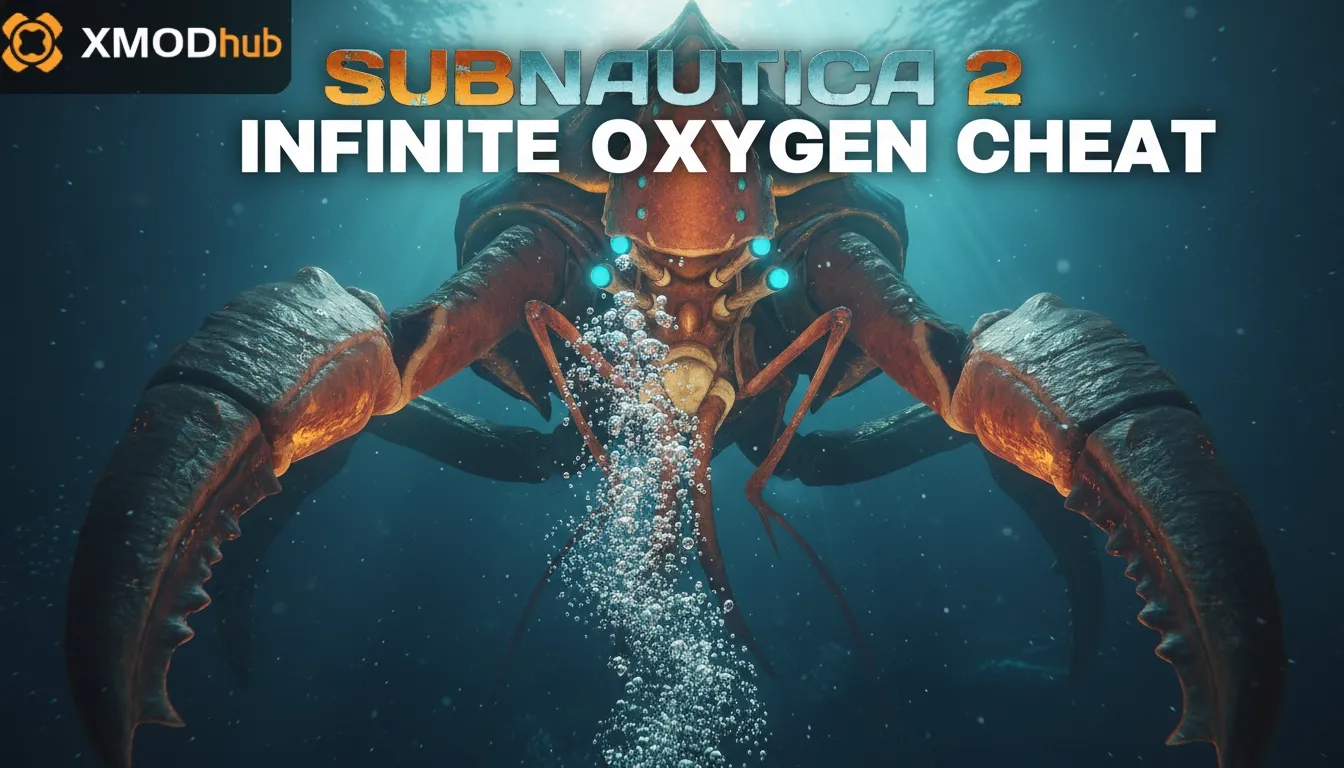
To get infinite oxygen in Subnautica 2, you can use the official developer console by pressing F3, unchecking Disable Console, and pressing Enter. Type the word oxygen into the command box to instantly toggle unlimited air. This official command is used by over 20,000 Early Access players to explore deep biomes safely. Alternatively, PC players can download the XMODHUB trainer for a simple one-click toggle that bypasses the console entirely.
Punti di forza
- Official Support — Built-in console commands allow you to modify survival mechanics directly.
- Instant Air — The oxygen command provides unlimited breath instantly without mods.
- Trainer Option — XMODHUB offers a verified one-click solution for PC users.
- Achievement Warning — Enabling cheats disables Steam achievements for that specific save file. Let’s break down the details below.
How to Use the Subnautica 2 infinite oxygen cheat?
To use the Subnautica 2 infinite oxygen cheat, you must first unlock the developer console by pressing F3 and unchecking the “Disable Console” option. Once enabled, press Enter to open the text box and type the command oxygen to activate unlimited air. This built-in feature allows you to explore deep underwater trenches without worrying about your O2 meter depleting.
Unlocking the Subnautica 2 Developer Console
Before you can enter any Subnautica 2 console commands, you need to expose the hidden developer menu. While in-game, press the F3 key on your keyboard to bring up a debug overlay in the upper-left corner of your screen. By default, the game checks a box labeled “Disable Console.” To uncheck it, you will need your mouse cursor. Press F8 to free your mouse, move it up to the F3 menu, and click the checkbox to enable console access. In testing during the May 2026 Accesso anticipato build, this UI quirk remains identical to the original game.
Entering the Subnautica 2 Unlimited Air Command
With the console enabled, press F8 and F3 again to close the overlays. Now, simply press the Entrare key (or the tilde ~ key depending on your regional keyboard layout) to open a small text input box at the bottom left of your screen. Type the word oxygen and press Enter. You will immediately see a visual confirmation message stating that the Subnautica 2 unlimited air cheat is active. Your O2 meter will freeze, allowing you to dive indefinitely. To turn it off and return to normal survival mechanics, just type the command again.
Pro Tip
If you are playing on a laptop and F3 adjusts your volume or screen brightness instead of opening the menu, hold the ‘Fn’ key while pressing F3.
Do Subnautica 2 Cheats Disable Steam Achievements?
Yes, activating any console command or trainer in Subnautica 2 will permanently disable Steam achievements for that specific save slot. According to Unknown Worlds Entertainment‘s official documentation, the game flags your save file the moment the developer console is opened or a cheat is injected, ensuring that competitive or milestone achievements are earned legitimately.
Subnautica 2 Save File Warnings
Once a save file is flagged as “cheated,” you cannot reverse the process just by turning the console commands off. The flag is baked into the salvare i dati. Steam statistics show that many players accidentally lock themselves out of late-game achievements because they used the infinite oxygen cheat early on to survive a tricky cave dive. If you care about your completionist profile, you must keep your cheating and legitimate playthroughs strictly separated.
Using Cheats Safely in Early Access
Modding and cheating are generally safe for single-player offline use, but Early Access games are prone to save corruption if you abuse commands that spawn thousands of items. To protect your progress, always create a manual backup of your save folder located in your PC’s AppData directory before experimenting with Subnautica 2 god mode or heavy resource commands.
Warning
Never use trainers or console commands while connected to official multiplayer servers, as this can result in an account ban. Keep all modifications strictly to offline or private co-op sessions.
Why Do Subnautica 2 Console Commands Stop Working?
Console commands in Subnautica 2 often stop working due to frequent Early Access version updates that alter the game’s code structure or disable developer menus. Additionally, if you are playing in a multiplayer co-op session, client-side players cannot use console commands; only the host has the authority to execute survival cheats like infinite oxygen.
Fixing Subnautica 2 Version Differences
Because the game launched into Early Access in January 2026, the developers push patches almost weekly. These patches frequently break trainer compatibility and occasionally reset the F3 debug menu configurations. If your commands suddenly fail, verify your game files via Steam. According to PCGamingWiki, deleting the game’s cache folder forces the console UI to reset, which usually resolves input bugs.
Multiplayer and Co-Op Limitations
Subnautica 2 introduces native co-op, which changes how cheats interact with the game world. Community guides confirm that only the session host can reliably trigger global commands. If you are a guest in a friend’s server, typing the oxygen command will likely yield an “Access Denied” error. Using a client-side trainer might bypass this temporarily, but it often causes severe desync issues where the host sees you drowning while your screen shows full health.
Subnautica 2 Survival Tips with Infinite Oxygen
Playing with infinite oxygen transforms Subnautica 2 from a high-stress survival experience into a relaxed underwater sandbox. With unlimited air, you can safely explore the deepest Void biomes, gather late-game resources without rushing, and focus entirely on constructing massive, intricate seabases without constantly surfacing or managing multiple O2 tanks.
Deep-Trench Exploration Without Drowning
When I played the latest Early Access build, I found that navigating the new abyssal trenches is incredibly punishing due to the rapid oxygen consumption at extreme depths. Enabling the Subnautica 2 infinite oxygen cheat allows you to scan rare leviathans and mine crystalline sulfur at your own pace. It entirely removes the anxiety of getting lost inside complex cave networks where finding the exit before your screen fades to black is normally a matter of seconds.
Relaxed Base Building in the Void Biomes
Constructing a sprawling underwater habitat requires dozens of trips outside your vehicle to weld titanium corridors and glass domes. With unlimited air, base building becomes a zen experience. However, my recommendation is to play the first 5 hours normally. Experiencing the intended tension of early-game resource gathering makes the transition to a god-mode sandbox much more rewarding later on.
Final Verdict
Securing infinite oxygen in Subnautica 2 is a straightforward process whether you choose to use the official in-game developer console or opt for a dedicated third-party trainer. For players who want a quick, vanilla solution without downloading external software, the F3 menu and the oxygen command are perfect. However, if you find the manual entry tedious or want to combine unlimited air with other survival enhancements like god mode and fast swimming, a verified trainer offers unmatched convenience. Just remember to back up your save files and keep cheats disabled if you are hunting for Steam achievements during your Early Access playthrough.
Best Subnautica 2 Trainer Download for PC
If you want to bypass the clunky developer console entirely, the XMODHUB ↗ trainer provides the most reliable way to manage your survival stats.
Infinite Oxygen
Never run out of breath while exploring deep underwater biomes.
Modalità Dio
Become immune to all damage from hostile leviathans and environmental hazards.
Unlimited Power
Keep your seabases and vehicles fully energized at all times.
Fast Swim Speed
Increase your underwater movement speed to traverse the ocean instantly.
Why Choose XMODHUB for Subnautica 2
XMODHUB ↗ is the trusted choice for PC gamers because of its flawless safety record and intuitive interface. Unlike traditional cheat engines that require complex memory editing, this trainer automatically updates alongside Subnautica 2’s frequent Early Access patches. It offers a seamless, one-click experience that lets you focus entirely on building and exploration.
Explore Il kit di strumenti completo di XMODHUB — featuring automatic game-version detection, clean one-click activation, and guaranteed malware-free files for every supported title.
Survival & Health
Resources & Crafting
Movement & Speed
Domande frequenti
Siete pronti a migliorare il vostro gioco?

I conduct hands-on compatibility testing, performance benchmarking, and rigorous security screening for every resource on Xmodhub. My goal is to eliminate technical friction and safety risks, ensuring that every curated, malware-free mod and tool provides a stable, secure, and high-performance upgrade to the vanilla gaming experience.


 Catherine Hu