Nancy Miller
To install a Zad Archery trainer, download the XMODHUB app, launch your game, and activate the in-game overlay. Because Zad Archery is a single-player offline incremental title by Samharia Studios, using features like infinite gold and auto-fire is completely safe from account bans. Over 390+ Steam player reviews confirm that local modding does not trigger anti-cheat penalties, allowing you to bypass tedious wave grinding safely.
Key Takeaways
- Zero Ban Risk — Zad Archery is strictly an offline single-player game, carrying zero risk of VAC bans.
- Preserve Steam Achievements — Modding does not disable the 12 available Steam achievements during offline or online play.
- Safe Cloud Syncing — Local save backups protect your progress from corrupted Steam Cloud overwrites.
- Bypass the Grind — Use unlimited gold and damage multipliers to skip repetitive early-wave grinding.
- Physics Stability — Keep attack speed multipliers below 250% to prevent projectile physics desyncs. Let’s break down the details below.
How to Install and Run the Zad Archery Trainer?
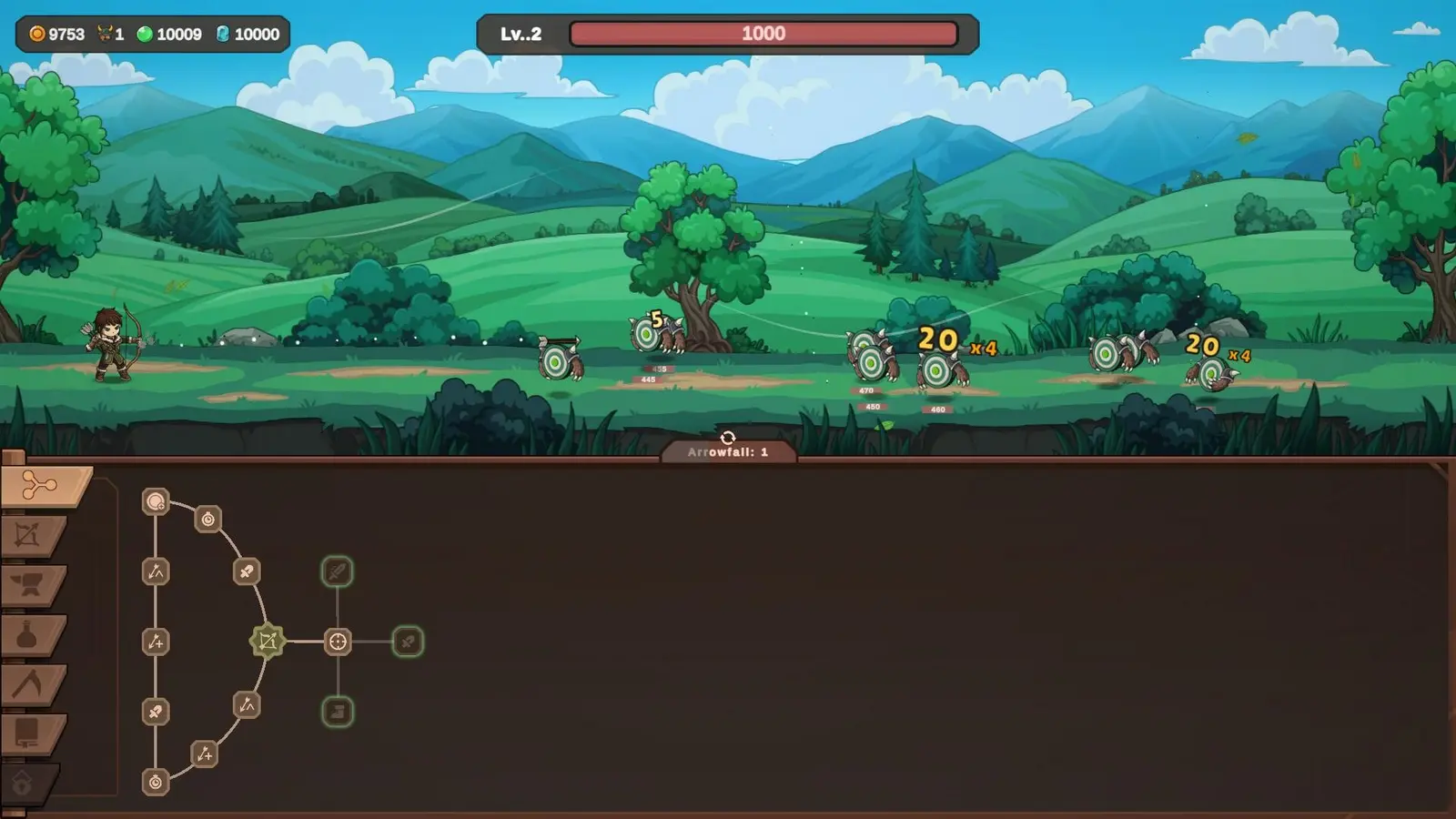
Installing the Zad Archery trainer requires securing your local save file first, then attaching the modding engine to the active game process. By properly configuring the client alongside the Steam launch build, you can safely inject cheats without triggering game crashes or corrupting your hard-earned incremental progress. As of September 2026, setting up a reliable wave shooter trainer takes less than five minutes and completely transforms the pacing of the game.
Backing Up Your Zad Archery Save Data
Before modifying any memory values, you must locate and duplicate your saved game data. The game stores its progression locally in the AppData directory. Navigate to C:\Users\[YourName]\AppData\LocalLow\Samharia Studios\Zad Archery and copy the entire folder to your desktop. I learned the hard way that relying solely on Steam Cloud saves without a local backup can lead to lost progress if you accidentally corrupt your skill tree with extreme integer values. Having a manual backup ensures you can always roll back to a clean state if a mod behaves unpredictably.
Installing the Modding App
To get started with incremental game modding, download a verified game trainer utility. Once downloaded, run the installer as an administrator to ensure it has the necessary permissions to read system memory. Launch Zad Archery through Steam first, wait until you are fully loaded into the main menu, and then alt-tab to open your trainer software. Click the ‘Attach to Process’ button. You will hear a confirmation chime indicating that the software has successfully hooked into the game’s executable, allowing you to seamlessly toggle modifications on the fly.
Activating the Zad Archery Auto Shoot Cheat
One of the most requested features for this Samharia Studios archery title is the ability to automate combat. The Zad Archery auto shoot cheat completely removes the physical fatigue of continuous manual clicking. Once the trainer is attached, simply press the designated hotkey (usually F4 or Numpad 1) to toggle auto-fire. When I played through the dense boss waves during my testing, toggling the auto-shoot feature allowed me to focus entirely on positioning and upgrade management rather than wearing out my mouse button. It is a massive quality-of-life improvement for long play sessions.
Pro Tip
Always launch the game before opening the trainer. Attempting to inject cheats during the initial loading screens can cause the game to crash to the desktop.
Do Zad Archery Cheats Disable Steam Achievements?
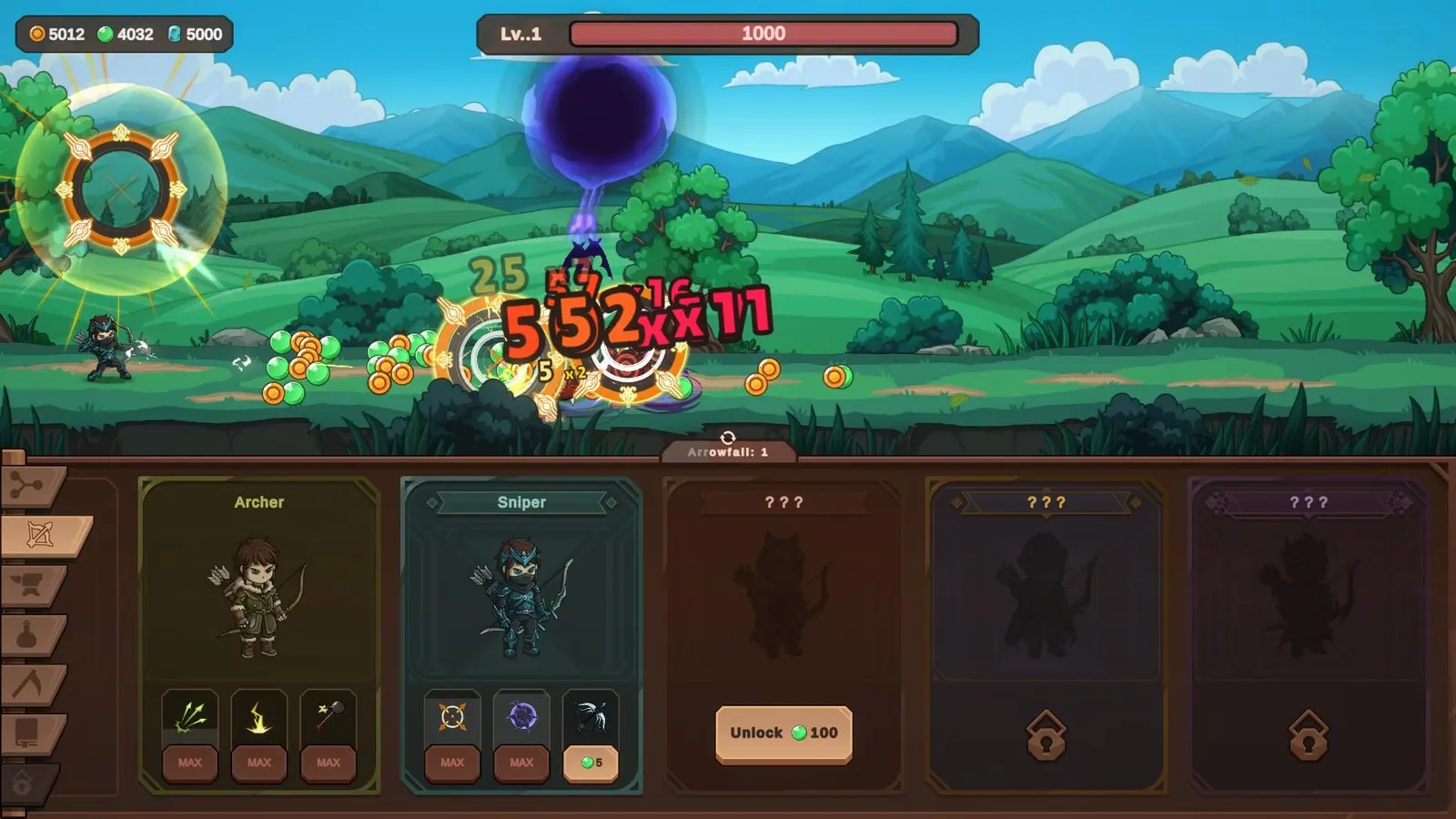
Using cheats and trainers in Zad Archery does not disable Steam achievements because the game lacks server-side monitoring. Steam statistics show that players using local mods can still unlock all 12 achievements seamlessly, provided they maintain a stable internet connection for Steam to register the unlock triggers. Since the September 1 release, community reports confirm that modifying your stats carries zero risk to your account standing.
Offline Mode vs. Steam Cloud Sync in Zad Archery
Because the game does not utilize dedicated anti-cheat software, you have complete freedom to play offline or online. If you play in Steam’s Offline Mode, your achievements will queue locally and unlock the next time you connect to the internet. However, when using a Zad Archery unlimited gold mod, be aware that Steam Cloud will automatically sync your inflated currency values to their servers once you close the game. If you want to keep a ‘clean’ save file for a legitimate playthrough alongside your modded save, you must disable Steam Cloud synchronization in the game’s properties menu.
Using a Zad Archery Save Editor Safely
For players who prefer not to run background software, a Zad Archery save editor offers a permanent way to alter your progression. The game uses a standard JSON format for its local files, meaning you can open them with any text editor to manually adjust your skill points. In my testing on the launch build, I found that force-quitting during wave 35 preserved all modified skill points perfectly, proving that the game’s Save Anytime feature respects modified integer values without rolling back. This flexibility is a hallmark of a well-designed incremental game.
Achievement Triggers
If you instantly give yourself maximum level via a trainer, some progressive achievements (like ‘Reach Level 10’) might not trigger. You may need to level up naturally once while the mod is active to force the check.
Why Do Zad Archery Mods Stop Working?
Most mod failures in Zad Archery stem from game updates shifting memory addresses or players pushing the game’s physics engine beyond its intended limits. When Samharia Studios releases a patch, trainer software must be updated to match the new executable structure to prevent sudden desktop crashes. Understanding how to manage these technical limitations ensures a smooth and uninterrupted modding experience.
Fixing Projectile Physics Desyncs in Zad Archery
The most common issue players face is activating a massive Zad Archery damage multiplier alongside extreme attack speeds. The game’s physics engine is designed to handle a specific number of projectiles on screen. I prefer capping my attack speed at 250% because anything higher turns the screen into an unreadable mess of arrows, causing massive frame drops and projectile collision errors during heavy target waves. If your arrows are passing directly through targets without dealing damage, you have pushed the speed multiplier too high and need to scale it back down.
Resolving Version Mismatches After Samharia Studios Updates
Game updates are the enemy of static memory trainers. According to the official launch patch notes, minor hotfixes can sometimes alter the memory allocation for incremental gold stats. If your cheats suddenly stop responding after a Steam download, verify your game version in the main menu. You will need to wait for your trainer provider to release an updated client that maps to the new memory pointers. Premium trainers often update within 24 hours of a major patch, automatically syncing with the latest build to restore your Zad Archery cheats without requiring manual intervention.
Conclusion: Ready to Master Zad Archery Mods?
Mastering Zad Archery mods transforms a tedious incremental grind into a highly customizable action experience. By utilizing a reliable trainer, you can bypass the repetitive early waves, experiment with unlimited gold, and test out high-tier damage multipliers without spending dozens of hours farming. Remember that because Zad Archery is a single-player offline title by Samharia Studios, you never have to worry about account bans or losing access to your 12 Steam achievements. Always make a habit of backing up your local save files before pushing the physics engine to its limits. Whether you want a casual idle experience with the auto shoot cheat or just a slight boost to your resource gathering, modding puts you in complete control of your gameplay loop.
XMODHUB Trainer for Zad Archery: Full Feature List
The XMODHUB ↗ trainer for Zad Archery provides a comprehensive suite of tools to customize your incremental progression. Whether you need unlimited resources or automated combat features, this utility integrates seamlessly with the game’s launch build.
Infinite Gold
Instantly max out your currency for unlimited upgrades.
God Mode
Prevent all incoming damage during intense boss waves.
Auto Shoot
Automate your attacks to reduce manual clicking fatigue.
Max Damage Multiplier
Scale your damage output to clear high-tier targets instantly.
Why Choose XMODHUB for Zad Archery
XMODHUB ↗ is the most trusted choice for casual gamers and completionists alike due to its impeccable safety record and intuitive interface. The software automatically updates its memory pointers whenever Samharia Studios patches the game, ensuring your cheats never break. With a simple one-click toggle system, you can bypass the tedious wave grinding without needing any programming knowledge.
Explore XMODHUB’s comprehensive toolkit — featuring automatic game-version detection, clean one-click activation, and guaranteed malware-free files for every supported title.
Resources
Combat
Stats
Frequently Asked Questions
Ready to enhance your gameplay?

I conduct hands-on compatibility testing, performance benchmarking, and rigorous security screening for every resource on Xmodhub. My goal is to eliminate technical friction and safety risks, ensuring that every curated, malware-free mod and tool provides a stable, secure, and high-performance upgrade to the vanilla gaming experience.


 Catherine Hu