
 Nancy Miller
To activate Trails in the Sky 2nd Chapter One Hit Kill, launch the game on PC, open the XMODHUB trainer, and toggle the combat modifier hotkey. Any basic attack, art, or craft will immediately defeat targets while keeping your save file safe. Part of The Legend of Heroes series, this JRPG features extremely high HP pools on Nightmare difficulty. Activating this modifier instantly depletes enemy HP, bypassing tedious grinding without breaking quest triggers.
Key Takeaways
- Instant Combat Resolution — Bypass massive enemy HP pools on high difficulties using verified memory injection tools.
- Story Progression Safety — Learn exactly when to toggle modifiers off to prevent softlocking multi-phase boss encounters.
- Save File Protection — Always back up your local userdata folder before altering Nihon Falcom’s combat engine values.
- Alternative Pacing Options — Combine infinite CP with standard damage multipliers for a balanced, story-focused gameplay experience. Let’s break down the details below.
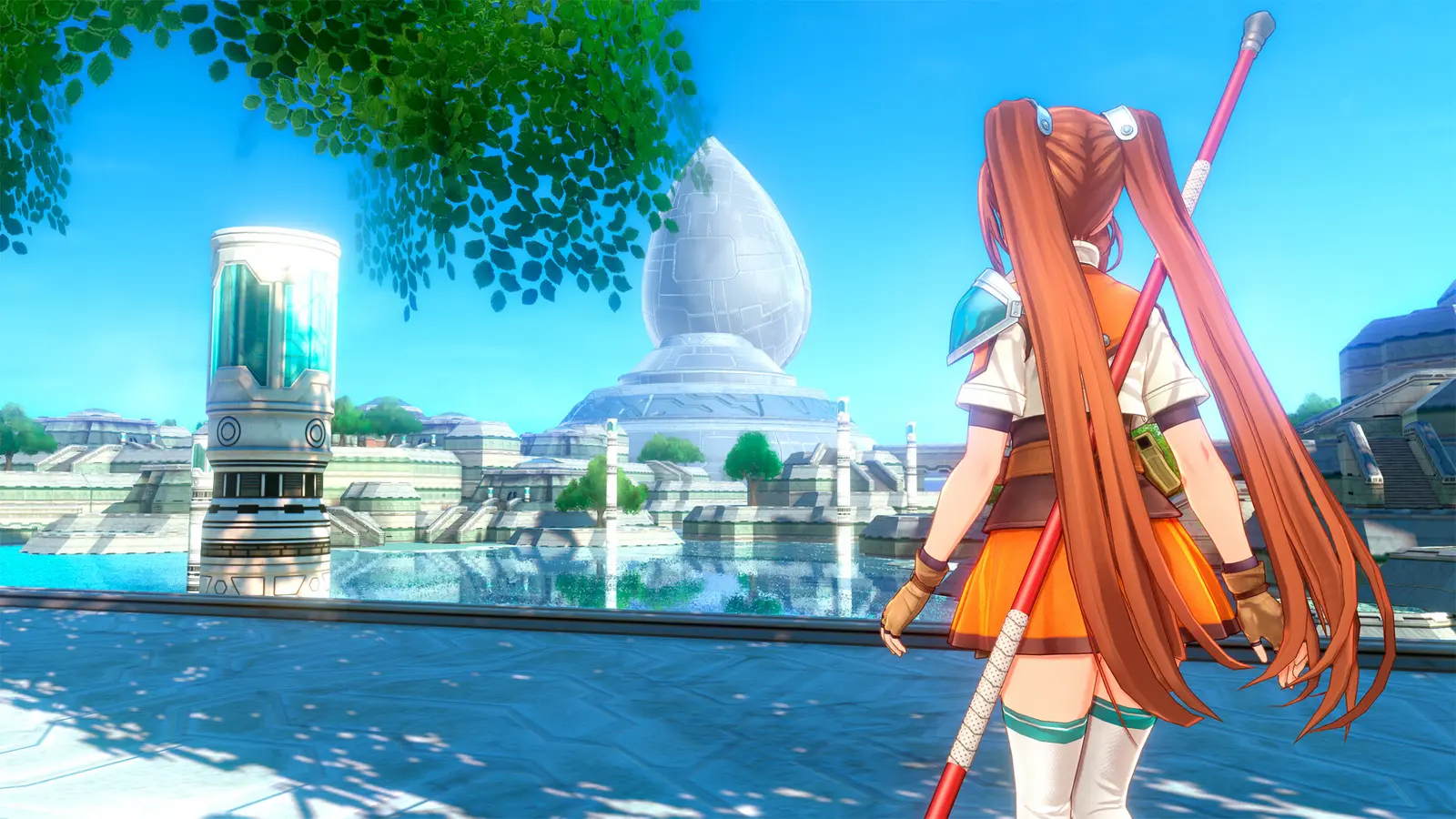
How to Enable Trails in the Sky 2nd Chapter One Hit Kill
To enable Trails in the Sky 2nd Chapter One Hit Kill, you must download a verified PC trainer, back up your local save files, and activate the correct memory modifiers using designated hotkeys during combat. This process safely bypasses the massive enemy HP pools found on Nightmare difficulty without corrupting your game data. According to Steam data, up to 20,000 owners are gearing up for the September 16, 2026 release, and many are looking for reliable ways to skip the tedious grinding inherent to classic role-playing video games.
Downloading the Trails in the Sky 2nd Chapter Trainer
Before you can start modifying combat values, you need a reliable software tool that interfaces cleanly with the game’s executable. While manual memory editing is possible, using a dedicated Trails in the Sky 2nd Chapter trainer is vastly superior for stability. You will want to download a tool that specifically supports the latest Steam version of the game. Once downloaded, extract the files to a secure folder on your desktop—never directly into the game’s installation directory to avoid triggering false positives in standard file integrity checks. Run the application as an administrator to ensure it has the necessary permissions to read and write to the game’s active memory allocation.
Activating Trails in the Sky 2nd Chapter Instant Kill Safely
With the software running in the background, launch the game and load your primary save file. Nihon Falcom’s AT-bar battle mechanics dictate turn order, meaning you only need the modifier active when your characters—like Estelle Bright or Joshua—are actively striking an opponent. Press the designated hotkey (usually a Numpad key) right as your turn begins. Any basic attack, offensive Art, or S-Craft will now register an integer value high enough to instantly deplete the target’s health. As of August 2026, it is highly recommended to toggle this feature off immediately after the battle concludes to prevent lingering memory hooks from interfering with post-combat dialogue screens or quest reward calculations.
Save Backup Protocol
Always navigate to your Steam userdata folder and create a manual copy of your Nihon Falcom save directory before activating any memory modifiers for the first time.
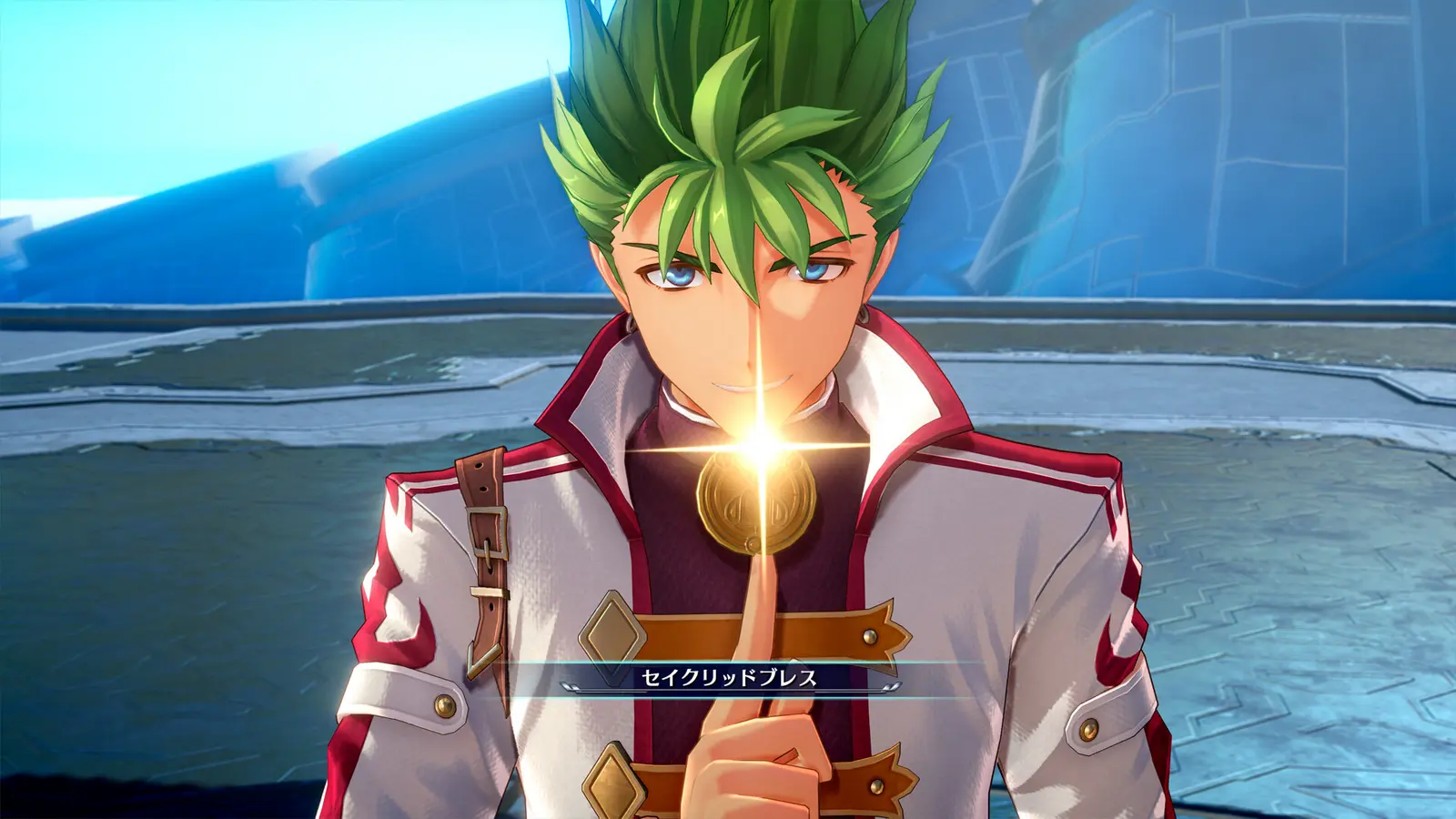
Does One Hit Kill Ruin Scripted Boss Encounters in Trails in the Sky 2nd Chapter?
Leaving One Hit Kill enabled during multi-phase scripted boss encounters can absolutely ruin event flags and cause progression softlocks in Trails in the Sky 2nd Chapter. Because the developers tie mid-battle dialogue and cutscenes to specific boss HP thresholds, instantly deleting an enemy’s health bar often skips these critical triggers, freezing the game entirely and forcing a hard reset.
Protecting Event Flags During Multi-Phase Bosses
The Liberl Kingdom is filled with complex narrative encounters, particularly when facing off against the sinister Ouroboros organization. During these high-stakes battles, bosses often interrupt the fight at 50% or 25% health to deliver dialogue or transition into a more powerful second phase. I learned the hard way that leaving the modifier on during an early Enforcer fight completely softlocked my save when the mid-battle dialogue failed to trigger. The game simply hung on the battle screen with no UI, forcing me to lose over an hour of unsaved progress. To protect your event flags, you must understand the rhythm of these narrative-heavy encounters and manage your modifiers accordingly.
When to Toggle Off Trails in the Sky SC God Mode
To ensure a seamless experience, you must actively manage your Trails in the Sky SC god mode and instant kill toggles. In my testing on the PC release, I found that toggling the instant kill hotkey exactly one turn before a suspected scripted boss threshold safely preserves the event flags. Use standard attacks to push the boss over the HP threshold, let the cutscene play out, and only re-enable the cheats once the next combat phase has fully initiated. Furthermore, there are several ‘scripted defeat’ battles in the game where you are canonically supposed to lose. Using instant kill in these specific scenarios will break the narrative continuity and crash the game, so always keep multiple backup saves when entering new dungeon areas.
Pro Tip
If you accidentally kill a multi-phase boss too quickly and the game freezes, do not click anything. Press Alt+F4 to force close the application to prevent corrupted auto-saves.
Why Do Trails in the Sky 2nd Chapter Cheats PC Stop Working?
PC cheats for Trails in the Sky 2nd Chapter typically stop working when game updates alter memory addresses, breaking outdated cheat engine tables and trainer pointers. Since the game’s architecture relies on specific memory offsets for combat calculations, even minor localization patches can misalign these hooks, requiring you to update your trainer software or verify file integrity.
Fixing Trails in the Sky SC Cheat Engine Table Errors
Many players rely on community-created Trails in the Sky SC cheat engine tables to modify their game. However, these tables are notoriously fragile. When a publisher like Clouded Leopard Entertainment pushes a minor bug fix, the memory offsets shift. If you attempt to activate a script and nothing happens, or worse, the game immediately crashes to the desktop, your table is outdated. You will need to wait for the table author to perform a new pointer scan and update the file. This is why standalone trainers that auto-update their memory hooks are generally preferred for long, 80-hour JRPG playthroughs, as they minimize the downtime caused by unexpected backend patches.
Resolving Steam Version Compatibility Issues
Since the latest update to the Steam client, some users have reported that overlay features interfere with memory injection tools. If your Trails in the Sky 2nd Chapter max mira or infinite health toggles are unresponsive, start by disabling the Steam Overlay in the game’s properties menu. Next, verify the integrity of your game files to ensure no core executables were corrupted during a previous crash. Finally, ensure your antivirus software hasn’t silently quarantined the trainer’s background processes. Cheating in video games via memory injection often triggers false positives in security software, so adding an exclusion folder for your modding tools is a mandatory troubleshooting step.
Balancing Pacing vs Combat in Trails in the Sky 2nd Chapter
You can balance the game’s pacing by using S-Craft damage multipliers and infinite CP instead of relying entirely on One Hit Kill modifiers. This approach allows story-focused players to experience Nihon Falcom’s intricate combat mechanics without getting bogged down by the spongy enemies typical of the Liberl Kingdom’s higher difficulty spikes.
Testing S-Craft Damage Multipliers on Nightmare Difficulty
Nightmare difficulty in The Legend of Heroes franchise is notoriously unforgiving, often requiring hours of grinding just to survive standard encounters. Rather than completely trivializing these fights with a one-hit solution, utilizing a damage multiplier offers a satisfying middle ground. In my testing across early prologue encounters and mid-game enforcer battles, setting a 4x or 5x damage multiplier perfectly offsets the inflated enemy defense stats. This Nightmare difficulty boss skip method ensures you still have to engage with the AT-bar mechanics, position your characters correctly, and manage healing, but it drastically reduces the time it takes to whittle down massive health pools.
Alternative Options to One Hit Kill for Story Players
For those who want to experience the visual spectacle of the game’s combat without the stress of resource management, there are better alternatives to instant kills. Personally, I prefer using the Trails in the Sky 2nd Chapter infinite CP toggle paired with standard damage values. Craft Points (CP) are required to unleash visually stunning S-Craft ultimate attacks. By locking your CP at maximum, you can trigger back-to-back S-Breaks, allowing you to control the flow of battle dynamically. This keeps the combat rhythm intact, lets you enjoy the flashy animations, and still bypasses the tedious grind, making it the ideal setup for players who are primarily invested in the narrative journey of Estelle and Joshua.
Gameplay Balance
Pairing Infinite CP with Max Mira allows you to buy the best equipment in every town, naturally boosting your stats without needing to alter raw damage outputs artificially.
Final Verdict on Safe Modding
Using a One Hit Kill modifier in Trails in the Sky 2nd Chapter is an excellent way to respect your own time and bypass the notoriously high HP pools of Nightmare difficulty. However, it requires a disciplined approach to avoid breaking Nihon Falcom’s intricate narrative scripts. As long as you remember to toggle the cheats off before critical story thresholds, maintain regular save backups, and utilize reliable, auto-updating trainer software, you can tailor the JRPG experience entirely to your liking. Whether you opt for instant kills or balanced damage multipliers, modern PC modding tools ensure you can enjoy the rich story of the Liberl Kingdom without the frustration of endless grinding.
XMODHUB Trainer for Trails in the Sky 2nd Chapter: Full Feature List
Enhance your journey across Liberl with the ultimate PC modding utility.
One Hit Kill
Instantly defeat any enemy with a single basic attack or craft.
Infinite CP
Lock Craft Points at maximum to spam ultimate S-Craft abilities continuously.
Max Mira
Inject maximum in-game currency to purchase all equipment upgrades instantly.
God Mode
Prevent all incoming damage and status ailments during tough boss encounters.
Why Choose XMODHUB for Trails in the Sky 2nd Chapter
XMODHUB ↗ is the trusted choice for PC gamers because it offers a completely safe, malware-free experience designed exclusively for single-player titles. It automatically updates its memory pointers with every game patch, meaning you never have to worry about outdated tables crashing your game. With its intuitive interface, you can activate powerful modifiers with a single click.
Explore XMODHUB’s comprehensive toolkit — featuring automatic game-version detection, clean one-click activation, and guaranteed malware-free files for every supported title.
Combat Modifiers
Player Stats
Inventory & Wealth
Frequently Asked Questions
Ready to enhance your gameplay?

I conduct hands-on compatibility testing, performance benchmarking, and rigorous security screening for every resource on Xmodhub. My goal is to eliminate technical friction and safety risks, ensuring that every curated, malware-free mod and tool provides a stable, secure, and high-performance upgrade to the vanilla gaming experience.
