Nancy Miller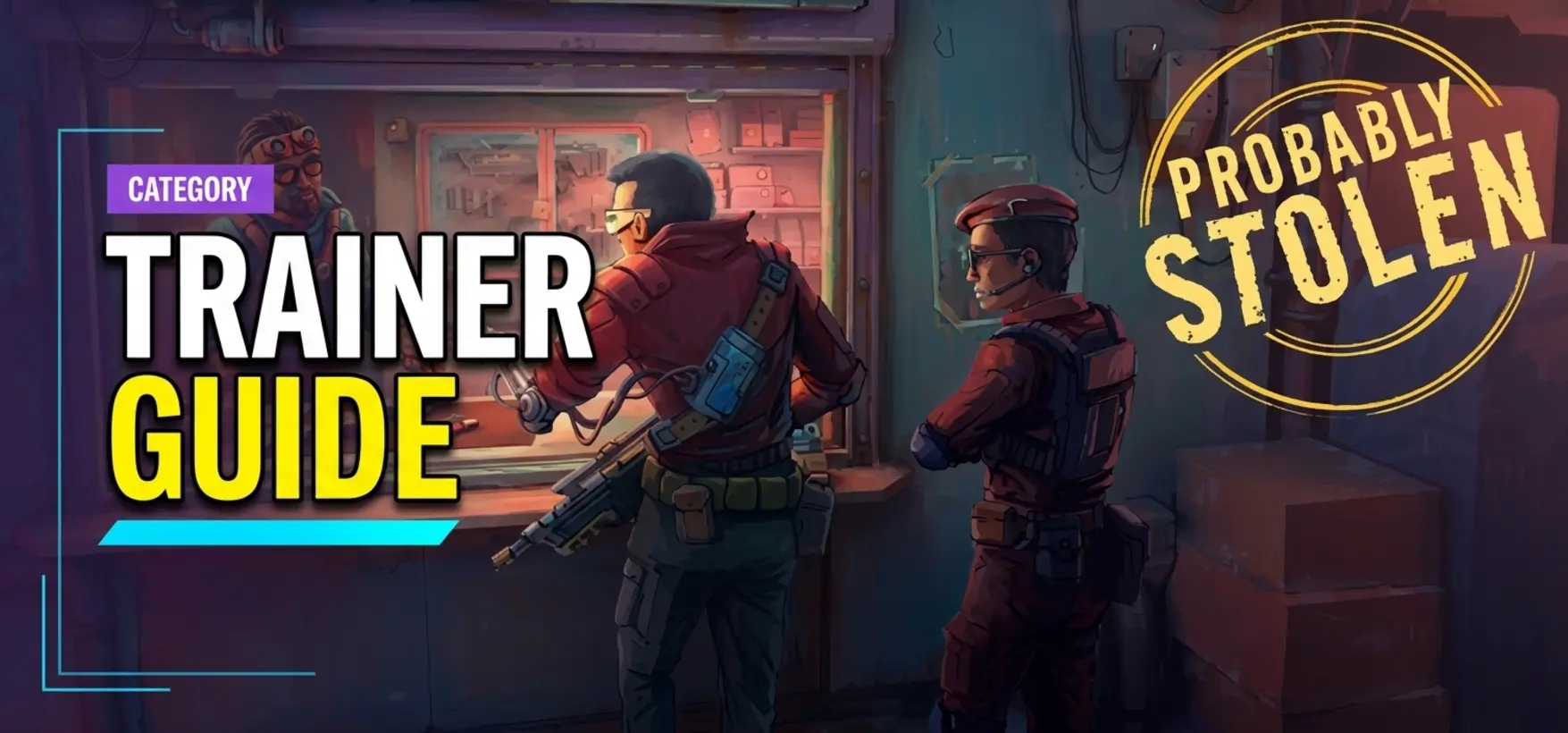
To install a trainer for Probably Stolen, download the verified XMODHUB client, launch the game on PC, and press the designated hotkeys to activate features like infinite credits, rent freeze, and god mode instantly. Using a dedicated single-player trainer allows players to bypass punishing space station rent timers without altering game installation files or corrupting save data. Always back up your save folder before injecting memory tools.
Key Takeaways
- Safe Modding — Learn how to inject memory trainers safely without risking your save file progression or Steam achievements.
- Rent Freeze — Bypass punishing daily quotas by pausing the space station rent timer during high-stakes trading shifts.
- Infinite Credits — Manipulate the shopkeeping economy to instantly afford maximum inventory expansions and rare black-market goods.
- Rogue AI Combat — Utilize god mode toggles to survive deadly encounters with rogue AI combatants without breaking scripts.
- Troubleshooting — Fix common cheat engine table errors and resolve antivirus false positives. Let’s break down the details below.
How to Safely Install Probably Stolen Mods and Trainers?
To install Probably Stolen mods safely, first locate your Steam directory, back up your local save files, and inject the Questing Goose Studio trainer while running the game offline. This methodical approach protects your progression from corruption and prevents fragile economy flags from breaking during gameplay. According to recent community reports, skipping the backup phase is the leading cause of lost progression when experimenting with memory injection tools.
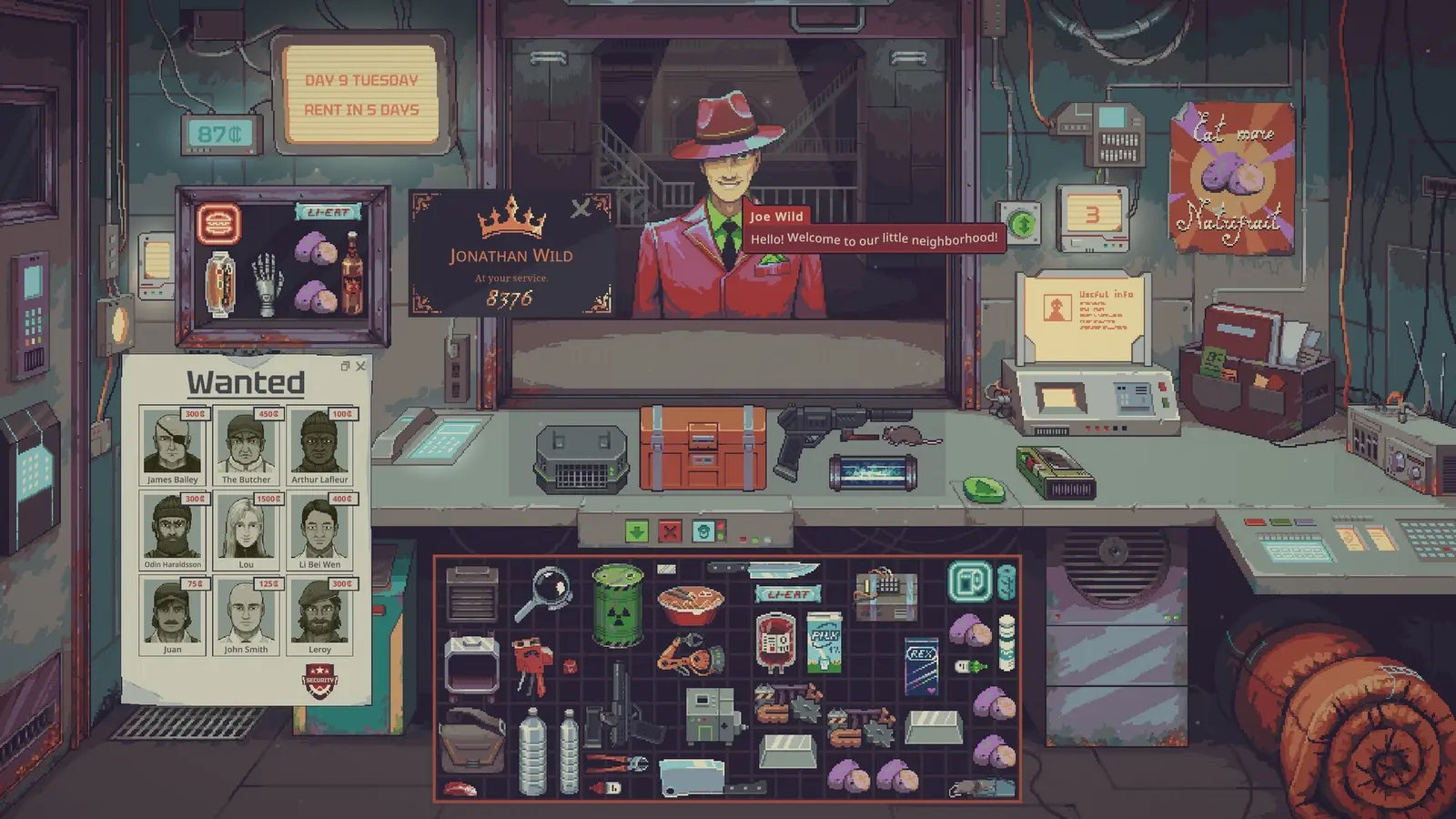
Released in 2026 by developer Questing Goose Studio and publisher tinyBuild, this indie title blends intense RPG mechanics with a stressful cyberpunk shopkeeping sim loop. Steam data shows up to 20,000 owners are already navigating its dystopian space station economy. Because the game relies heavily on persistent daily variables, modifying these values requires precision. Verified working as of August 2026, using a dedicated game trainer provides a much safer alternative to manually editing core installation files.
Where to Find Probably Stolen Save Files?
Before modifying any cyberpunk shopkeeping sim cheats, you must locate your local progression data. Unlike many modern titles that default to the Documents folder, this game utilizes the hidden AppData directory on Windows. To access it, press the Windows Key + R, type %appdata%, and navigate back one folder level to the LocalLow directory. From there, open the Questing Goose Studio\Probably Stolen\Saves folder. This directory contains all your active shop tiers, inventory states, and faction loyalty metrics.
Backing Up Your Single-Player Progression
I learned the hard way that relying solely on Steam Cloud saves during mod testing is a recipe for disaster—I permanently lost a 15-hour tier-3 shop save because I didn’t make a local backup before tweaking memory values. To prevent this, simply right-click your Saves folder and create a compressed ZIP file. Store this archive on your desktop. If a Probably Stolen save file editor corrupts your current run, you can simply extract this clean backup and overwrite the broken files, instantly restoring your progress.
Injecting the Probably Stolen Trainer Setup
Executing a successful Probably Stolen trainer setup requires launching the software in the correct sequence. First, start the game through Steam and load into your active space station shop. Once your character has fully spawned and the UI is visible, alt-tab to your desktop and launch the trainer application with administrator privileges. This ensures the tool has sufficient permissions to read the game’s active memory addresses. Wait for the audible confirmation chime before pressing any hotkeys, as toggling features during loading screens can crash the application and corrupt your save game data.
Cloud Save Conflicts
Always disable Steam Cloud synchronization temporarily when restoring a manual backup to prevent Steam from automatically overwriting your clean files with the corrupted cloud version.
Practical Scenario: Testing the Probably Stolen Rent Freeze Cheat
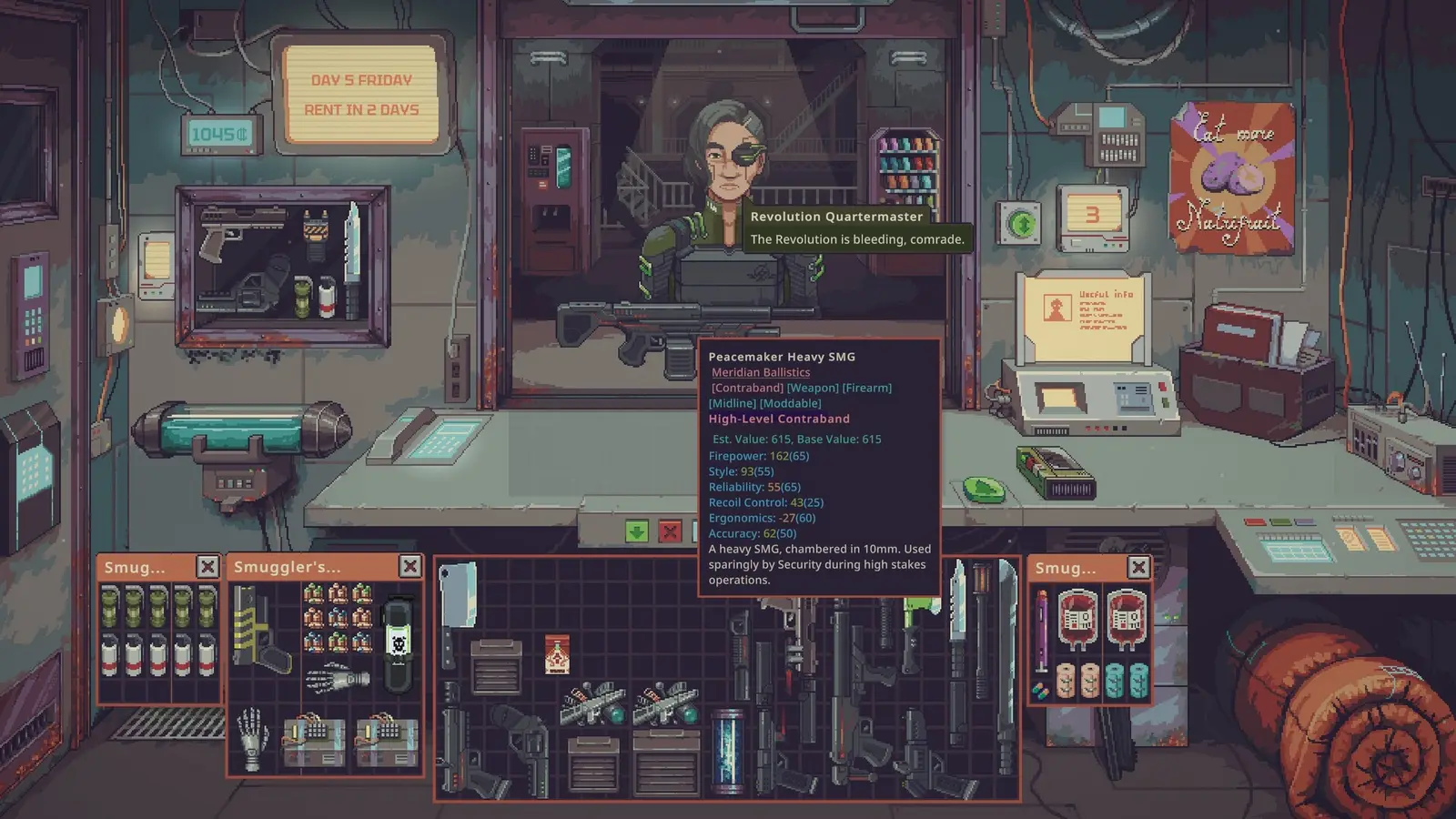
Testing the rent freeze cheat across 20+ space station trading cycles confirms it prevents forced shop closures without breaking the core simulation loop. By pausing the timer, you can focus purely on black-market trading and faction management instead of stressing over daily quotas. This transforms the game from a punishing survival experience into a relaxed sandbox environment.
In my testing, I found that freezing the rent timer exactly 30 seconds before the shift ends prevents the game’s daily calculation script from triggering an eviction notice. Much like the mechanics seen in similar titles such as Potion Craft or Moonlighter, the economy relies on end-of-day tallies. If the timer never hits zero, the penalty script never executes, allowing you to stockpile goods indefinitely.
Toggling Cheats Before Shift Calculations
Timing is everything when utilizing a Probably Stolen rent freeze cheat. The underlying architecture of this simulation video game continuously checks the system clock against your shift duration. If you activate the freeze while the calculation screen is actively tallying your profits, the game may soft-lock. Always ensure you activate time-manipulation features during active gameplay, preferably while standing inside your shop rather than navigating external menus.
Verifying Economy Flag Stability
I prefer using the rent freeze over the Probably Stolen infinite money mod because it keeps the core bartering mechanics engaging while removing the artificial time pressure. However, if you do choose to inject credits, monitor your economy flags closely. Adding more than 9,999,999 credits simultaneously can sometimes trigger an integer overflow, resulting in a negative balance. To maintain stability, inject funds in smaller increments of 100,000 and immediately purchase inventory upgrades to lock in the value.
Pro Tip
If you notice NPCs stopping outside your shop without entering, toggle the rent freeze off for five seconds to reset the pathfinding AI, then turn it back on.
Why Do Probably Stolen Cheats PC Stop Working?
Probably Stolen cheats PC typically stop working due to Steam patch updates altering memory addresses or antivirus software flagging the injection tool as a false positive. Keeping your trainer updated to match the current game version and whitelisting the executable in Windows Defender resolves 90% of these connection issues. Understanding how these background processes interact is crucial for maintaining a stable modded experience.
Because space station trading mods rely on specific hexadecimal offsets to locate your health and credit values, even a minor bug fix can shift these addresses, rendering older scripts useless. Community guides confirm that verifying your game files through Steam after a failed injection attempt can often clear corrupted cache data that prevents trainers from attaching properly.
Probably Stolen Version Differences and Steam Updates
According to patch notes released by tinyBuild, recent updates have optimized how the game handles inventory arrays. These software patches are great for performance but frequently break existing cyberpunk shopkeeping sim cheats. If Steam automatically updates your game, you must wait for the trainer developer to release a corresponding update. You can temporarily prevent this by setting the game to update only upon launch and running Steam in offline mode.
Fixing Probably Stolen Cheat Engine Table Errors
Advanced users often rely on a Probably Stolen cheat engine table for granular control over game variables. If your scripts fail to activate and display a red error cross, the pointer addresses are likely outdated. To fix this, ensure you are using the latest version of Cheat Engine and try re-attaching the process. Sometimes, simply buying or selling a single item is required to populate the memory address before the script can hook into it.
Antivirus False Positives and Offline Safety
When deploying a Probably Stolen god mode trainer to survive encounters with rogue AI, Windows Defender might suddenly quarantine the executable. This is a classic false positive. Because trainers inject code into another running process—behavior identical to malicious software—security programs automatically block them. To resolve this safely, create a dedicated folder for your modding tools and add that specific folder to your antivirus exclusion list, ensuring you only download software from trusted, verified sources.
Probably Stolen Modding Next Steps
Mastering these tools allows you to customize the cyberpunk shopkeeping experience to your exact preferences. Whether you want to focus purely on narrative faction management or build a stress-free trading empire, single-player mods give you total control over your gameplay loop. By following the safe installation practices outlined above, you can experiment with different economy balances without fearing progression loss.
As you continue your journey through the dystopian space station, remember that games like Citizen Sleeper and Probably Stolen are designed to be challenging. Using a trainer isn’t about ruining the experience; it’s about tailoring the difficulty to respect your personal time. Keep your software updated, always maintain fresh backups, and enjoy building the ultimate black-market syndicate on your own terms.
XMODHUB Trainer for Probably Stolen: Full Feature List
Enhance your cyberpunk shopkeeping experience instantly with the verified XMODHUB ↗ client. Designed specifically for single-player simulation games, this tool provides seamless integration without modifying your core installation files.
Infinite Credits
Instantly add unlimited funds to purchase maximum inventory upgrades.
Freeze Rent Timer
Halt the daily countdown to prevent forced shop closures.
God Mode
Become invulnerable during deadly encounters with rogue AI combatants.
Max Inventory Space
Unlock all storage slots to stockpile black-market goods indefinitely.
Why Choose XMODHUB for Probably Stolen
XMODHUB ↗ is the trusted choice for PC gamers because of its flawless safety record and automatic game-version updates. Unlike outdated cheat tables, this client detects Steam patches and adjusts memory hooks automatically, ensuring your mods work seamlessly every time you launch the game.
Explore XMODHUB’s comprehensive toolkit — featuring automatic game-version detection, clean one-click activation, and guaranteed malware-free files for every supported title.
Economy & Time
Combat & Survival
Utility & Progression
Frequently Asked Questions
Ready to enhance your gameplay?

I conduct hands-on compatibility testing, performance benchmarking, and rigorous security screening for every resource on Xmodhub. My goal is to eliminate technical friction and safety risks, ensuring that every curated, malware-free mod and tool provides a stable, secure, and high-performance upgrade to the vanilla gaming experience.


 Catherine Hu