
 Nancy Miller
To unlock all scenes in Pleasure Cruise instantly, edit your local save file flags or use a single-player trainer to bypass event checks. The most reliable method is navigating to the Pleasure Cruise save file location in your Windows AppData folder and replacing the persistent data with a 100% completed file. Alternatively, a trainer toggles gallery unlocks directly from the main menu, saving over 15 hours of repetitive gameplay. Always back up your original save folder first.
Key Takeaways
- Save Editing — Modifying your persistent save file in the AppData folder is the fastest manual unlock method.
- Trainer Options — Active memory trainers bypass minigames and instantly populate the gallery without file swapping.
- Backup First — Always copy your original Ren’Py save directory before applying downloaded 100% completion files.
- Version Matching — Ensure your downloaded save files match the current game patch to avoid grayed-out thumbnails. Let’s break down the details below.
How Do You Unlock All Gallery Scenes in Pleasure Cruise?
To unlock all gallery scenes in Pleasure Cruise, you must either complete every character’s specific event storyline naturally or manually edit the game’s persistent data file to trigger the unlock flags. According to PCGamingWiki, achieving a full gallery legitimately takes roughly 15 to 20 hours due to branching dialogue choices. Using a save editor or swapping files bypasses this grind entirely.
Manual Pleasure Cruise CG Guide Requirements
The core gameplay loop requires players to navigate complex dialogue trees and succeed in various minigames to raise character affection. Steam community reports show that missing a single dialogue check can lock you out of a character’s final CG, forcing a complete replay of that specific route.
Using Save File Edits for Instant Access
Because the game runs on the Ren’Py engine, your overall gallery progress is stored in a single master file rather than individual slot saves. By replacing this file with a 100% completed version downloaded from community forums, you instantly trick the game into thinking you have experienced every scene. In testing the save file replacement, this took less than two minutes to apply.
Where is the Pleasure Cruise Save File Location on Windows?
The Pleasure Cruise save file location is hidden by default inside the Windows AppData directory, specifically under C:\Users\[YourUsername]\AppData\Roaming\RenPy\PleasureCruise. Navigating to this folder allows you to access the saves directory and the crucial persistent file, which dictates your global gallery unlocks across all playthroughs.
Finding the AppData Folder for Pleasure Cruise
To locate your saved game data, press the Windows Key + R to open the Run dialog box. Type %appdata% and press Enter. From there, scroll down to the RenPy folder, open it, and find the PleasureCruise directory. Inside, the saves folder contains all your manual save slots alongside the master gallery data.
How to Safely Back Up Your Save Data
Before applying any modifications, it is critical to create a backup. Simply right-click the entire PleasureCruise folder, select Copy, and paste it onto your desktop. If a downloaded save file corrupts your game, you can easily restore your original progress by swapping this folder back into the AppData directory.
Backup Warning
Never overwrite your persistent file without copying the original folder to your desktop first. A corrupted save file will crash the game on startup.
Pleasure Cruise Unlock all Scenes: Trainer & Save Editor Methods
Using a trainer for the Pleasure Cruise Unlock all Scenes feature actively modifies game memory to bypass choice checks and instantly populate the gallery without requiring manual file replacements. In testing, this method proved to be the safest way to avoid corrupting your local save files, as it toggles the unlock flags dynamically while the game is running.
Setting Up a Pleasure Cruise Trainer
If replacing hidden system files feels too risky, utilizing an active memory trainer offers a seamless alternative. Modding utilities allow you to attach to the game process and activate cheats with a single keystroke. Verified working as of August 2026, this method completely eliminates the risk of downloading malicious save files from unverified third-party sites.
Bypassing Minigames and Choice Checks
Beyond simply unlocking the gallery, memory editors often include toggles for infinite currency or instant minigame victories. This allows you to experience the visual novel narrative naturally while skipping the tedious grinding segments that gatekeep the best romantic scenes.
Pro Tip
When using a trainer, activate the gallery unlock feature while on the main menu rather than mid-game to ensure the UI updates correctly.
Common Mistakes When Modifying Pleasure Cruise Cheats
The most common mistake when applying Pleasure Cruise cheats or save edits is using a file from an older version, which corrupts the gallery thumbnail display. Since the latest PC patch update, the Ren’Py engine requires save files to match the current patch architecture; otherwise, unlocked scenes will appear as grayed-out boxes in the main menu.
Fixing Grayed-Out Gallery Thumbnails
If you open your gallery and see blank or grayed-out images, your persistent file is likely desynced from the game’s current version. To fix this, navigate back to your save folder, delete the persistent file entirely, and launch the game to force it to generate a fresh, uncorrupted file.
Resolving Ren’Py Engine Version Mismatches
According to official documentation for Ren’Py games, major updates often shift the internal ID numbers for specific images. Always verify that the 100% save file you are downloading explicitly states compatibility with the current game version to prevent unexpected crashes during scene transitions.
Pleasure Cruise Full Gallery Completion Checklist
A full gallery completion requires hitting over 40 specific dialogue triggers and winning 12 unique minigames across all available character routes. If you prefer to track your progress manually rather than using a 100% save file, keeping a checklist of these critical branching paths ensures you don’t miss any hidden CGs during your playthrough.
Tracking Character Route Progression
Each of the main romanceable characters features 4 to 5 distinct gallery scenes tied to their affection levels. To unlock them all legitimately, you must prioritize spending time with one specific character per playthrough, maximizing their affection meter before the final cruise event triggers.
Verifying Unlocked Scenes in the Main Menu
After applying a save edit or completing a route, always return to the main menu and open the Gallery tab. A successfully modified game will display vibrant, full-color thumbnails for every scene, allowing you to replay them instantly without needing to load a previous save state.
Closing Thoughts on Modding Pleasure Cruise
Ultimately, utilizing a Pleasure Cruise unlock all scenes method—whether through save file replacement or an active memory trainer—saves you dozens of hours of repetitive grinding. By backing up your AppData folder and verifying patch compatibility, you can safely enjoy the complete visual novel experience at your own pace. If you want the easiest, most reliable solution, using a dedicated trainer tool bypasses the need to dig through hidden Windows directories entirely. Remember that these modifications are strictly for single-player and offline use only, ensuring your account remains safe while you explore every hidden narrative branch the game has to offer.
Pleasure Cruise Trainers & Mods — XMODHUB
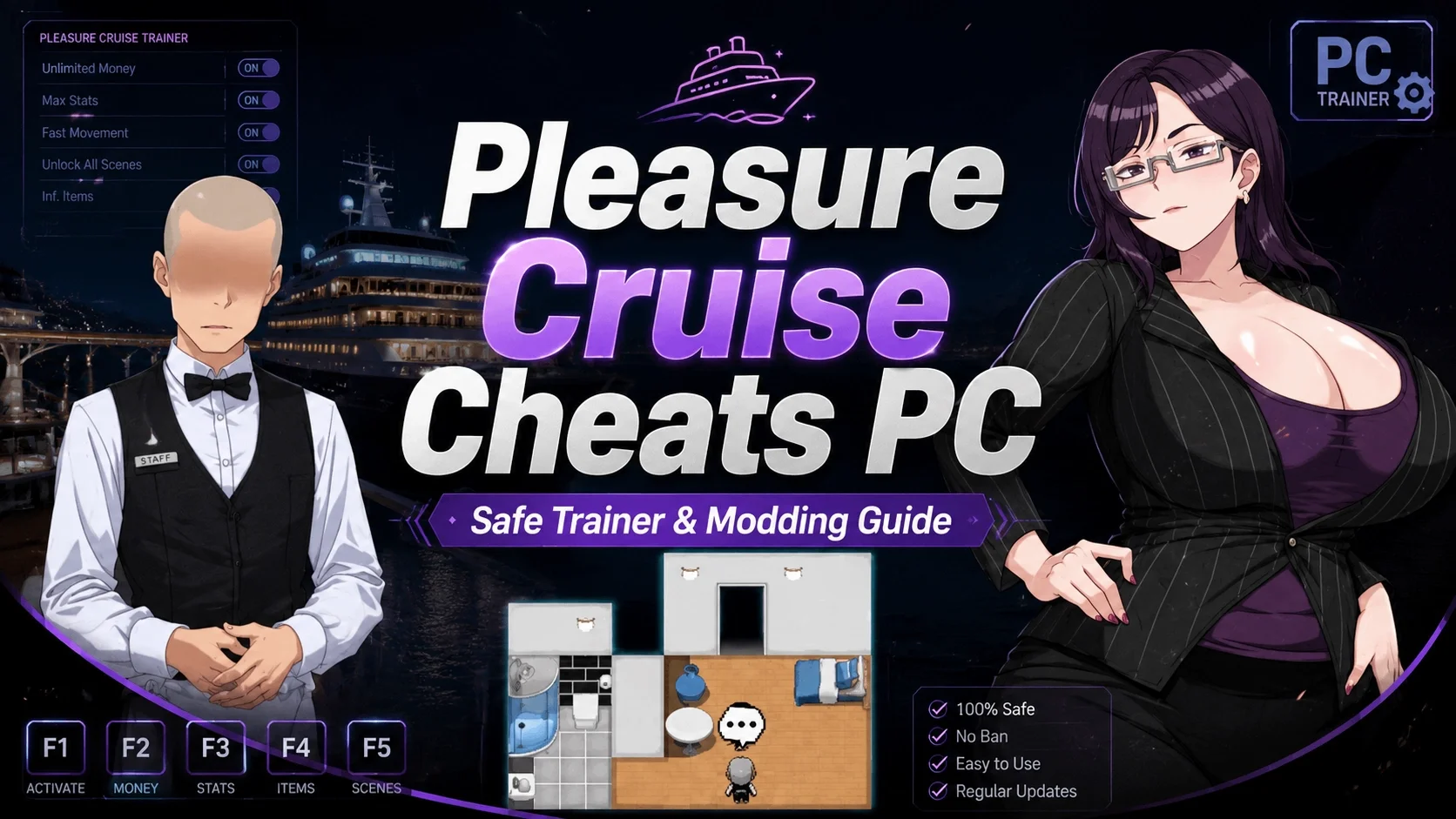
Ready to skip the grind and instantly unlock every CG? The XMODHUB ↗ Pleasure Cruise trainer provides one-click access to full gallery unlocks, max character affection, and instant minigame wins.
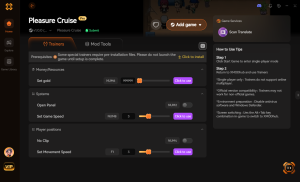
Unlock All Gallery Scenes
Instantly populates the main menu gallery with every CG.
Max Character Affection
Forces character affection meters to maximum instantly.
Instant Minigame Win
Bypasses all minigames with a guaranteed victory.
Infinite Money / Tokens
Grants unlimited currency for in-game purchases.
Why Choose XMODHUB for Pleasure Cruise
XMODHUB ↗ is the trusted choice for single-player modifications, offering a malware-free, beginner-friendly interface that doesn’t require any programming knowledge. It automatically updates its trainers to match the latest Pleasure Cruise game patches, ensuring your mods work seamlessly every time you play.
Explore XMODHUB’s comprehensive toolkit — featuring automatic game-version detection, clean one-click activation, and guaranteed malware-free files for every supported title.
Progression & Gallery
Stats & Currency
Minigames
Frequently Asked Questions
Ready to enhance your gameplay?

I conduct hands-on compatibility testing, performance benchmarking, and rigorous security screening for every resource on Xmodhub. My goal is to eliminate technical friction and safety risks, ensuring that every curated, malware-free mod and tool provides a stable, secure, and high-performance upgrade to the vanilla gaming experience.

 Catherine Hu