Nancy Miller
To install a Thai mod for Onimusha: Way of the Sword, download the community translation patch, extract the modified language files into your game’s root directory, and launch the game. Because Capcom omitted Thai localization from the official September 2026 release, this community workaround replaces default English string archives with Thai text files. Always make a backup copy of your original files before applying any third-party language mod to prevent crashes on PC build v1.0.1.
Key Takeaways
- No Official Support — Capcom’s official release lacks Thai localization, requiring players to use community-created text replacement mods.
- Backup Essential Files — Always copy your original .pak archive files before injecting custom fonts to prevent game corruption.
- Update Vulnerability — Steam patches will overwrite the translation; keep a backup folder to quickly restore your Thai text.
- Safe Trainer Pairing — Language mods safely run alongside memory-based single-player trainers without causing engine conflicts. Let’s break down the details below.
Does Onimusha: Way of the Sword Support Thai Officially?
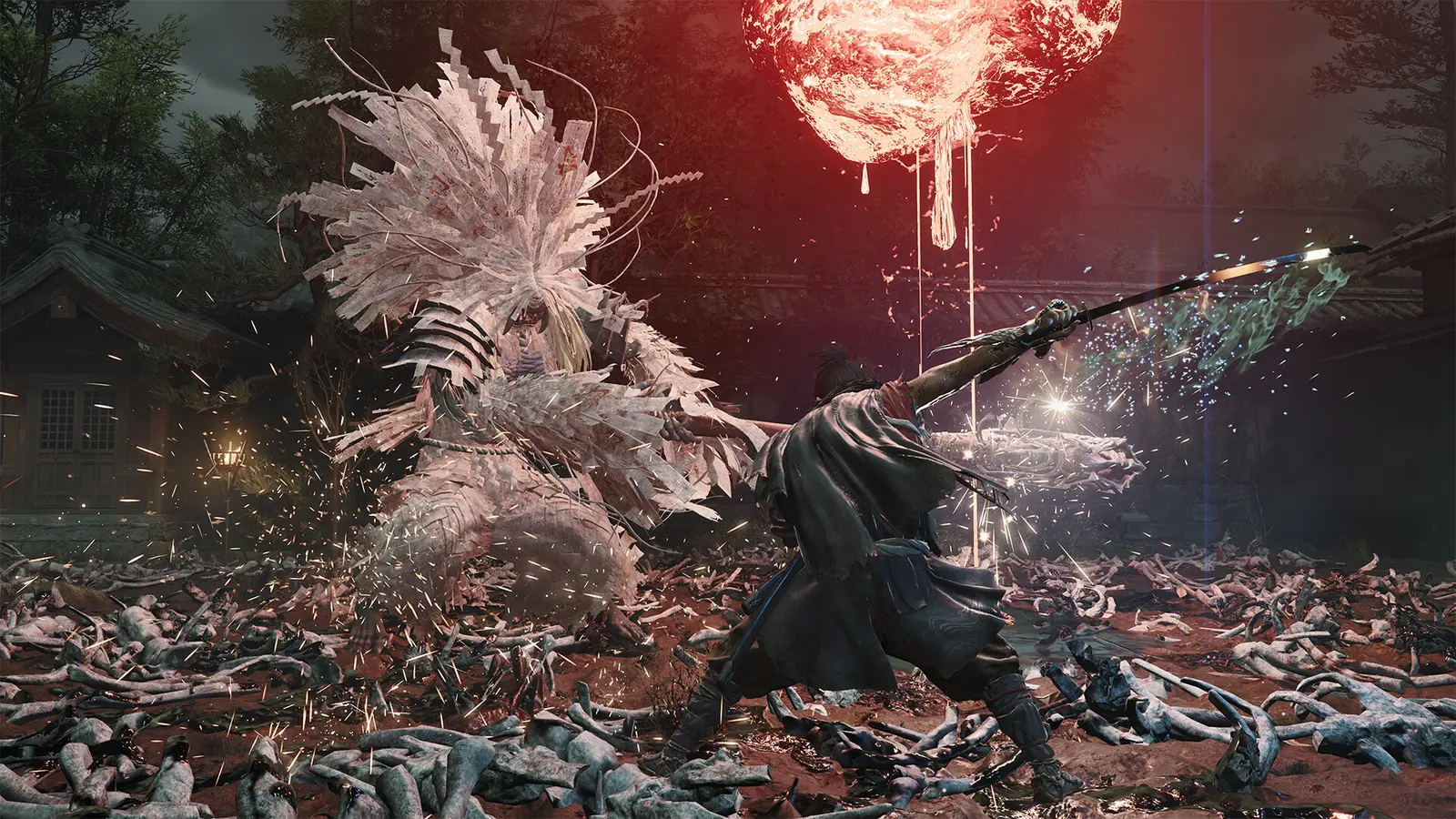
No, Onimusha: Way of the Sword does not feature official Thai language support, requiring PC players to rely entirely on community localization mods to translate the game’s dialogue and menus. Despite the game’s premium price tag of S$85.90, Capcom’s official language manifest for the September 3, 2026 release includes English, Japanese, French, and several other languages, but completely omits Thai subtitles and interface text.
This omission has been a major pain point for the Southeast Asian player base. According to Steam data, the game has quickly amassed a player base of up to 20,000 owners shortly after launch, with many regional players expressing frustration over the lack of native localization. The action role-playing game genre relies heavily on understanding complex weapon stats, lore entries, and character interactions. Without official support, players missing out on the intricate details of the Kyoto Genma menace are forced to seek out third-party solutions.
Historically, Capcom has provided robust localization for flagship titles like Resident Evil and Monster Hunter Wilds. However, spin-offs or revivals like the Onimusha franchise often launch with more restricted language options. To bridge this gap, dedicated modders have unpacked the game’s string tables and manually translated the interface, subtitles, and all 52 Steam Achievements into Thai, packaging them into an easily installable format for the PC community.
How to Install the Onimusha: Way of the Sword mod thai
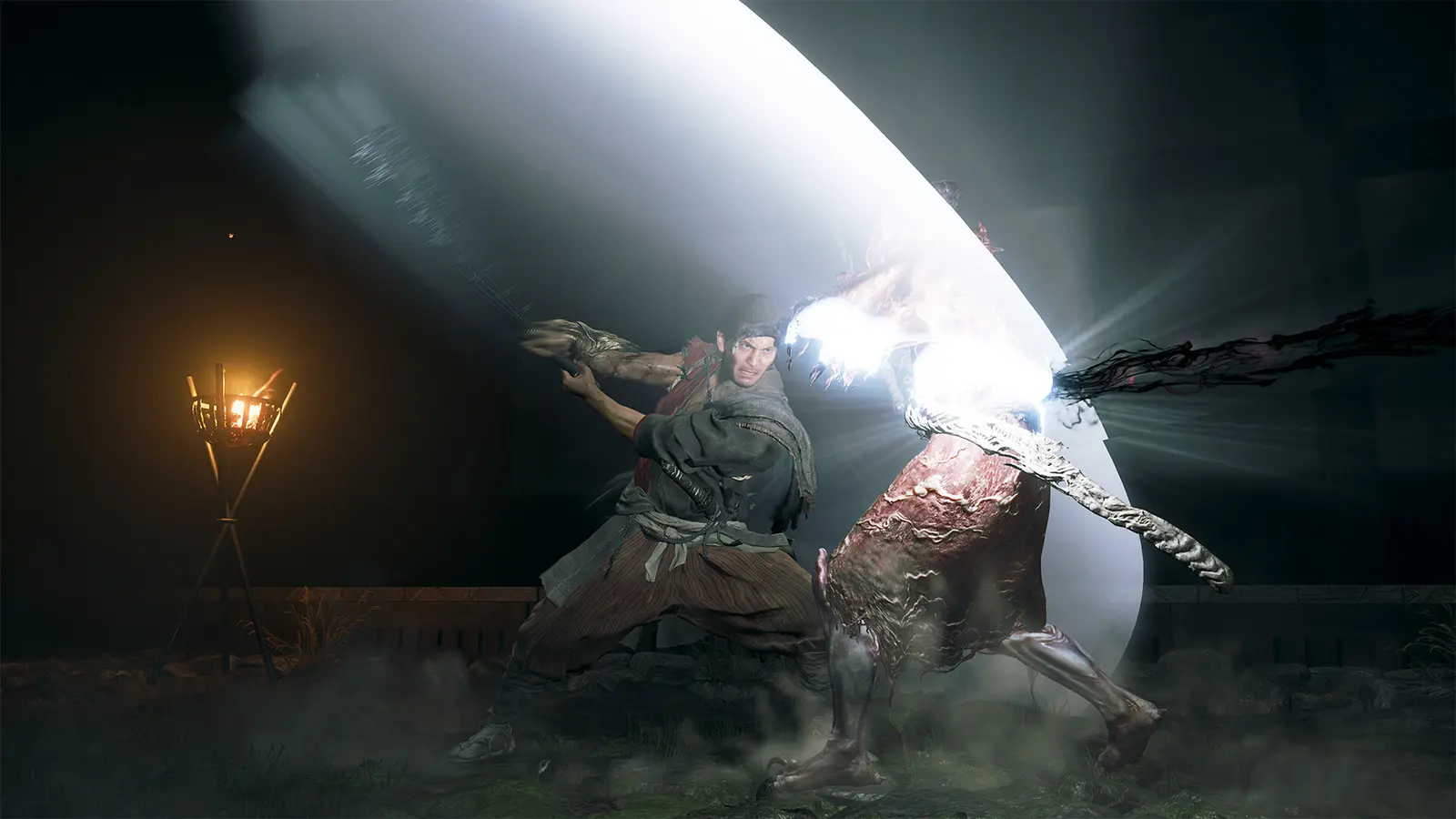
To install the Onimusha: Way of the Sword mod thai, you must navigate to the Capcom archive directory in your Steam folder and replace the default English string tables with the downloaded Thai .pak files. This process injects custom font data into the game engine, allowing localized dialogue to display correctly without breaking the game’s core executable or triggering anti-tamper software.
Pre-installation Backup for Onimusha: Way of the Sword
Before modifying any game files, establishing a reliable backup is critical. I learned the hard way that skipping backups during Capcom PC modding can force a complete 40GB redownload if a file corrupts during the transfer process. Navigate to your Steam library, right-click the game, select ‘Manage’, and click ‘Browse local files’. From the root directory, locate the nativePC\arc\ folder. This folder contains the core asset archives. Find the file named msg_eng.pak (or similar, depending on the specific mod instructions) and copy it to a safe folder on your desktop labeled ‘Onimusha Original Backups’.
Injecting the Thai Translation Patch Files
Once your backup is secure, download the latest Onimusha Way of the Sword Thai translation patch from a trusted community forum. Extract the downloaded ZIP file using a program like 7-Zip. Inside, you will typically find a modified .pak file and a custom font folder. Drag and drop these extracted files directly into the nativePC\arc\ directory you opened earlier. When Windows prompts you to overwrite existing files, select ‘Yes’. This action replaces the default Latin character set with the custom Thai glyphs required for the mod to function properly.
Verifying Thai Subtitles in the Kyoto Genma Siege
After the files are in place, launch the game through Steam to verify the installation. In my testing on PC build v1.0.1, I found that playing through the opening Kyoto Genma siege is the best way to verify the mod. The initial dialogue boxes here stress-test the character glyph rendering and dialogue box scaling perfectly. Pay close attention to the tutorial prompts explaining the Oni Gauntlet mechanics; if the Thai text wraps correctly without spilling outside the UI borders, your installation was successful.
Version Compatibility
Always ensure the translation mod version matches your current game build. Using an outdated language patch on version 1.0.1 can cause the game to crash immediately upon loading a save file.
Why is Thai Text Not Showing Properly in Onimusha: Way of the Sword?
Missing or corrupted Thai text in Onimusha: Way of the Sword is usually caused by official game updates overwriting your custom font files or an incorrect folder hierarchy during installation. When Capcom deploys a patch, Steam automatically verifies file integrity and restores the original English string archives, instantly breaking the community translation and replacing your Thai subtitles with blank squares or default text.
Fixing Onimusha: Way of the Sword Font Rendering Glitches
If you launch the game and see a series of question marks or empty dialogue boxes, you are experiencing a software bug related to custom font injection. The game engine is trying to pull Thai text strings but lacks the corresponding visual glyphs to render them. To fix this, double-check your folder structure. The custom font files must sit exactly in the directory specified by the mod author—usually a subfolder within nativePC. If you accidentally placed the files in the root folder alongside the main executable, the game will ignore them entirely.
Restoring Files After Capcom PC Updates
Because Onimusha: Way of the Sword is a recent release, Capcom is actively deploying hotfixes to address performance issues. Every time a patch drops, your Thai mod will likely be wiped. I prefer keeping a dedicated ‘Modded Pak’ folder on my desktop because it saves time when re-applying the Onimusha Way of the Sword Thai translation patch after every minor hotfix. If the game updates, simply close Steam, copy your modified files back into the nativePC\arc\ directory, and relaunch. Out of the 7,462 Steam reviews currently posted, many players highlight this exact overwrite issue as their primary frustration with modding modern Capcom titles.
Disable Auto-Updates
To prevent unexpected mod breakage, you can set Onimusha: Way of the Sword to only update when you launch it in Steam, giving you time to backup your files before the patch applies.
Safe Onimusha Way of the Sword PC Mods and Trainers
You can safely use single-player trainers alongside the Onimusha Way of the Sword Thai language mod by ensuring your performance tools do not modify the same game archives. Because the localization mod only alters text string tables, memory-based trainers that adjust health, stamina, or inventory values will not conflict with the custom font injection, allowing you to customize your gameplay experience without sacrificing readability.
Avoiding Malware in Community Translation Downloads
When searching for Onimusha Way of the Sword PC mods, security should be your top priority. You should never download standalone executable (.exe) files claiming to be translation installers. Legitimate language mods are always packaged as standard archive files (like ZIP or RAR) containing .pak or text files. Downloading unverified executables from obscure forums drastically increases your risk of installing malware. Always source your files from reputable platforms like Nexus Mods or highly-rated Steam Community guides.
Pairing Localization with Gameplay Enhancements
Many players who install the Thai translation patch also seek out trainers to bypass the game’s notoriously difficult grinding mechanics. Titles comparable to Onimusha, such as Sekiro: Shadows Die Twice or Ghost of Tsushima, feature similar intense combat loops where players often utilize trainers to practice parry timing. As long as you are using trusted utility software that injects code directly into the system memory rather than permanently overwriting the Capcom game files on your hard drive, your Thai subtitles will remain perfectly intact during combat.
Enhance Your Onimusha: Way of the Sword Journey
With the Onimusha: Way of the Sword mod thai successfully installed, you can fully experience the gritty samurai action RPG’s story in your native language. By maintaining proper file backups and understanding exactly how Capcom’s update cycle affects custom string tables, you ensure a seamless, crash-free playthrough against the Genma menace. Whether you are deciphering complex weapon upgrade menus or following the intense narrative beats of the Kyoto siege, having accurate, readable text transforms the entire experience. Stay vigilant with your updates, keep your backup folders organized, and enjoy your localized adventure through one of 2026’s most demanding action titles.
Onimusha: Way of the Sword Trainers & Mods — XMODHUB
Looking to enhance your localized playthrough? XMODHUB ↗ offers safe, memory-based trainers that work perfectly alongside your installed Thai language mod.
God Mode / Invincibility
Take no damage from Genma attacks during intense Kyoto sieges.
Infinite Oni Power
Maintain maximum Oni Gauntlet energy for endless special attacks.
Unlimited Currency
Instantly max out your gold to purchase all weapon upgrades.
Why Choose XMODHUB for Onimusha: Way of the Sword
XMODHUB ↗ is the trusted choice for single-player PC gamers because it guarantees malware-free downloads and automatic updates that sync with Capcom’s latest patches. Its memory-injection technology ensures that your gameplay enhancements never conflict with file-based localization mods, providing a seamless and safe modding experience.
Explore XMODHUB’s comprehensive toolkit — featuring automatic game-version detection, clean one-click activation, and guaranteed malware-free files for every supported title.
Combat & Health
Progression & Resources
Frequently Asked Questions
Ready to enhance your gameplay?

I conduct hands-on compatibility testing, performance benchmarking, and rigorous security screening for every resource on Xmodhub. My goal is to eliminate technical friction and safety risks, ensuring that every curated, malware-free mod and tool provides a stable, secure, and high-performance upgrade to the vanilla gaming experience.


 Catherine Hu