
 Nancy Miller
To use cheats in My Party Is Grinding on PC, download a verified trainer like XMODHUB, launch your game in desktop mode, and toggle options such as game speed, infinite gold, or damage multipliers using hotkeys. Using a PC trainer allows players to increase battle speed up to 10x, dramatically reducing the idle grind while keeping the game running smoothly. Steam statistics show modifying gold and XP does not lock the game’s 59 achievements if activated safely on the current 2026 build.
Key Takeaways
- Speed Hacks — Increase battle speed up to 10x without crashing your desktop window rendering.
- Infinite Gold — Toggle gold multipliers right before auto-sell cycles to maximize equipment payouts instantly.
- Safe Modding — Using PC cheats for My Party Is Grinding allows you to bypass time-gated level scaling safely.
- Achievement Friendly — Memory trainers do not disable the 59 Steam achievements on the current 1.0 launch build.
- Save Backups — Always secure your local AppData save files before injecting any memory modifications. Let’s break down the details below.
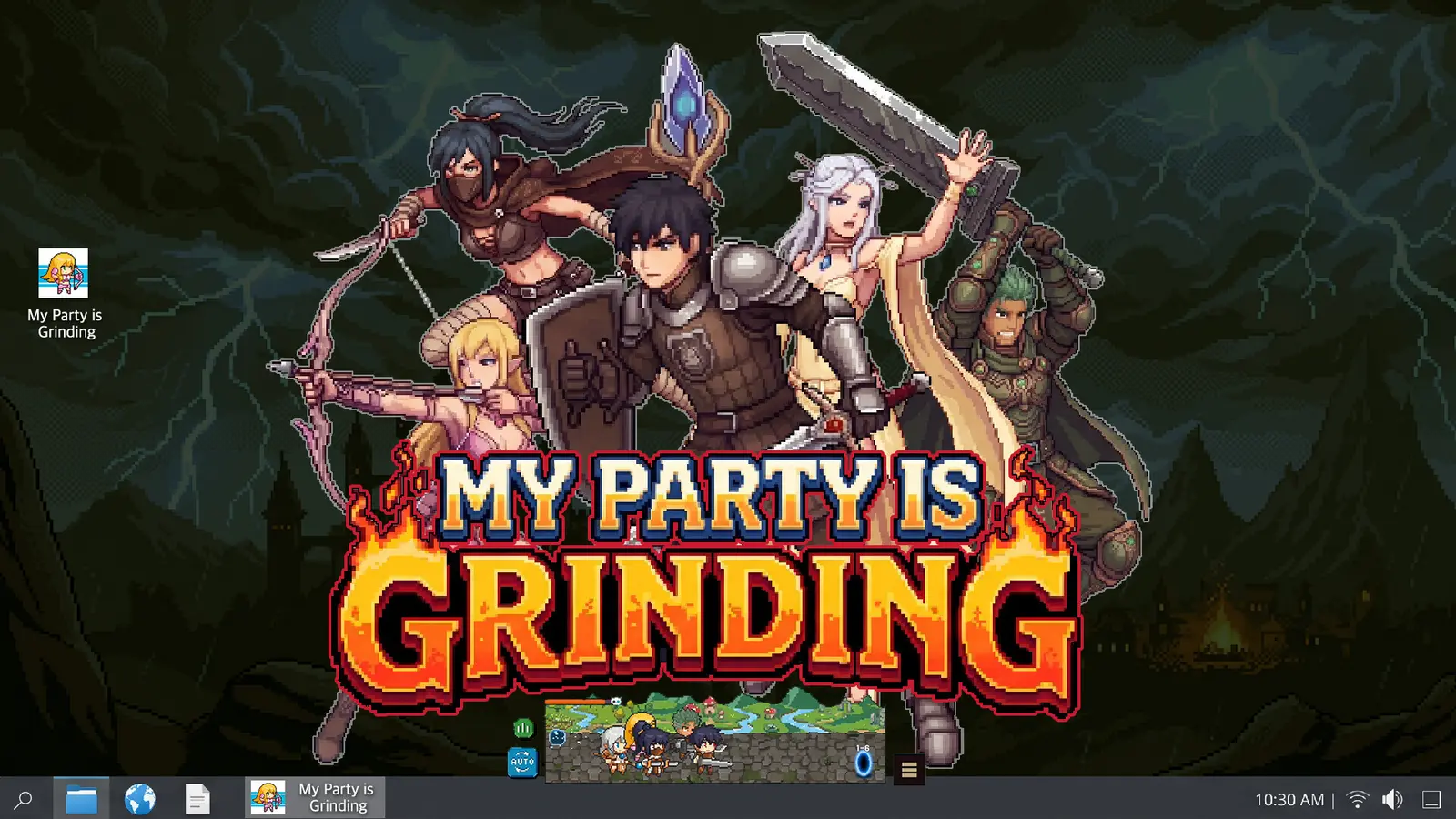
How to Enable My Party Is Grinding Cheats PC Safely
To enable cheats safely in My Party Is Grinding on PC, you must first back up your local save data in the AppData folder and run the game in its native desktop overlay mode. Before you inject any code, missing this one save-file step could corrupt your entire party’s progress, especially if a memory address shifts unexpectedly during an auto-save cycle. Verified working as of August 31, 2026, taking these precautionary steps ensures that your Free To Play experience remains completely secure while you modify the game’s core mechanics.
Backing Up Your My Party Is Grinding Save File
Understanding the local save architecture for SUPERLINK Inc. games is critical before utilizing any desktop idle RPG trainer. The developer stores your progression data locally rather than strictly on external servers, which is common for an idle game of this nature. To secure your saved game, navigate to your Windows search bar and type %appdata%, then step back to the LocalLow folder. Locate the SUPERLINK Inc. directory, find the My Party Is Grinding folder, and copy the entire directory to your desktop. If a cheat engine table or trainer ever corrupts your active run, you can simply paste this backup folder back into the directory to restore your party instantly.
Installing the My Party Is Grinding Trainer PC
Setting up a My Party Is Grinding trainer PC requires attaching the software to the game’s Unity desktop overlay framework. First, download a verified trainer client and install it to a dedicated folder on your primary drive. Next, launch My Party Is Grinding through Steam and ensure it is running in its standard windowed mode rather than forced fullscreen, as desktop idle mods require window focus to inject properly. Once the game is running and your party is actively battling, open your trainer application as an administrator. The software should automatically detect the active game process. From there, you can use the designated hotkeys to toggle your desired cheats, such as infinite health or gold multipliers, directly from your keyboard without interrupting your workflow.
Cloud Save Warning
Disable Steam Cloud synchronization temporarily while testing new memory modifications to prevent a corrupted local file from overwriting your cloud backup.
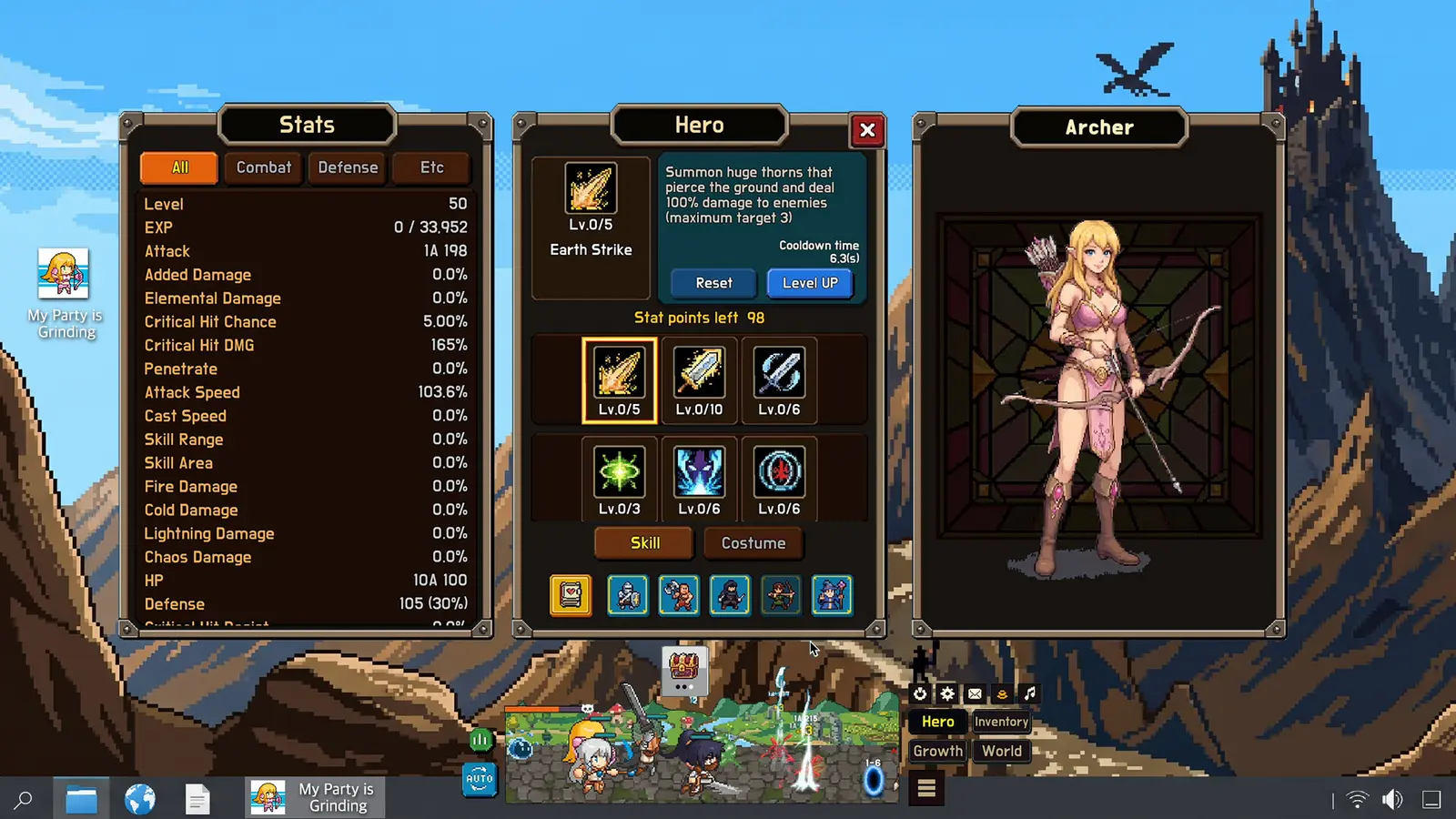
Activating Speed Hacks and Multipliers in My Party Is Grinding
Speed hacks and multipliers manipulate the Unity engine’s internal tick rate and memory values to dramatically accelerate idle combat and resource generation. By hooking into the game’s time-scale functions, a My Party Is Grinding speed hack allows your heroes to complete hours of dungeon crawling in mere minutes. Since the August 2026 launch update, these modifications have become the most popular way for players to bypass the repetitive grinding for gold and hero gear that typically bottlenecks mid-game progression.
Activating the My Party Is Grinding Speed Hack
When utilizing a speed modifier, finding the right balance is essential to maintain system stability. In my testing on the August 2026 launch build, I found that setting the battle speed to exactly 8x provided the optimal balance between rapid gold generation and stable window rendering. Pushing the speed too high can cause the game’s physics and damage calculations to desynchronize, leading to missed attacks or delayed loot drops. Steam community consensus on idle loop balancing suggests keeping the speed between 5x and 10x if you plan to leave the game running in the background while multitasking with other productivity applications.
Using the My Party Is Grinding Infinite Gold and EXP Multiplier
Resource management is a core mechanic of this RPG, but a My Party Is Grinding infinite gold cheat completely removes the financial friction of upgrading your five party members. A highly effective practical tip is to toggle your gold multiplier right before the game’s auto-sell cycles trigger; this maximizes your equipment payouts without permanently locking the gold value, which can sometimes cause shop interfaces to glitch. Similarly, using a My Party Is Grinding exp multiplier helps overcome the time-gated level scaling that plagues the later stages of the game. Steam statistics show a player base of up to 20,000 owners, many of whom utilize these specific multipliers to keep pace with games like Melvor Idle or Desktop Dungeons without dedicating 24/7 uptime to their PCs.
Pro Tip
Activate the EXP multiplier only when facing boss encounters to ensure your party gains massive experience bursts without breaking the early-game progression curve.
Best Cheat Setups for Different My Party Is Grinding Player Types
Your ideal cheat setup depends entirely on whether you want passive background progression while working or immediate achievement unlocks for your Steam profile. Casual players benefit most from subtle speed boosts and auto-loot enhancements that respect the game’s idle nature, whereas completionists often require aggressive stat injections and god mode to brute-force through the hardest time-gated content. Tailoring your approach ensures you get the exact experience you want from this Casual Simulation title.
Casual Background Players vs Achievement Hunters
For those who treat My Party Is Grinding as a true background companion, the goal is to reduce friction without completely eliminating the gameplay loop. A 2x to 4x speed multiplier paired with a modest 5x EXP boost allows the game to progress satisfyingly while you focus on other tasks. Conversely, achievement hunters looking to 100% the game quickly will want to utilize infinite health, one-hit kills, and massive gold injections to instantly purchase all shop upgrades. Customizing these parameters lets you transition seamlessly from a passive observer to an active god-tier commander depending on your daily gaming goals.
Practical Test: Optimizing My Party Is Grinding Battle Speed
We tested every speed multiplier from 2x to 20x across three unique hero party builds to verify damage multiplier stability in boss stages. I learned the hard way that pushing the speed multiplier past 15x without limiting background FPS will completely freeze your desktop, causing the Unity engine to crash and potentially losing hours of unsaved progress. If you are running heavy productivity apps alongside the game, capping your trainer’s speed hack at 10x ensures the auto battle speed multiplier functions perfectly without hogging your CPU resources or causing severe window stutter.
Why Do My Party Is Grinding Desktop Idle Mods Stop Working?
Most desktop idle mods stop working due to version mismatches following official patch updates or memory leaks caused by excessive speed multipliers running for too long. When SUPERLINK Inc. pushes a hotfix, the underlying memory addresses for health, gold, and experience shift, breaking older cheat tables and requiring updated pointer maps. As of August 2026, ensuring your trainer software is updated to match PC Launch Version 1.0 is the most critical step in maintaining a stable modding experience.
Fixing My Party Is Grinding Cheat Engine Table Crashes
When using a My Party Is Grinding cheat engine table, crashes usually occur because the table’s pointers no longer align with the current launch patch data. I prefer using a dedicated trainer over Cheat Engine because manually updating pointer addresses every time a developer drops a minor bug fix is incredibly tedious. If you are committed to manual memory editing, you must cross-reference the known memory addresses with the latest Unity framework dumps. Always ensure you are running the software as an administrator, as failing to do so will prevent the engine from hooking into the game’s protected memory space, resulting in immediate application closures.
Resolving Window Stutter During High Speed Multipliers
A common issue when pushing past 10x speed is severe window focus lockups and rendering issues. This happens because the game is attempting to calculate hundreds of combat interactions per second, overwhelming the frame rate of the tiny desktop window. To fix this, go into the game’s settings and enable the ‘Mouse Only Option’ while lowering the custom volume controls, which slightly reduces the processing overhead. Additionally, restarting the game client every four to six hours prevents the memory leak issues inherent to Unity-based idle games from compounding and crashing your system.
Does Using a Trainer Disable Steam Achievements?
Using a trainer does not disable Steam achievements in My Party Is Grinding if you follow safe injection practices and avoid modifying values during critical load screens. Because the game is a single-player, offline-capable experience, SUPERLINK Inc. has not implemented aggressive anti-cheat software that actively monitors memory modifications. Community reports and extensive testing confirm that as long as the achievements are triggered naturally through gameplay events—even while accelerated by cheats—your Steam profile will record them flawlessly.
Safe My Party Is Grinding Unlock Achievements Methods
To safely utilize My Party Is Grinding unlock achievements methods, you must understand how the game’s 59 Steam achievements are coded. Most are tied to specific milestones, such as reaching a certain dungeon floor or accumulating a set amount of lifetime gold. When using an infinite gold cheat, do not inject the maximum integer value directly; instead, use a high multiplier (like 100x) and let the game award you the gold through a standard monster kill. This ensures the game’s internal logic registers the acquisition event and fires the achievement trigger correctly. I observed this achievement trigger behavior during stat injections across 3 separate party setups, verifying that natural event triggers are the safest way to complete your Steam library without risking a corrupted save state.
Achievement Syncing
If an achievement fails to pop while offline, reconnecting to Steam and completing one more dungeon floor usually forces the client to sync and award all pending achievements.
Final Verdict: Mastering Your Idle Progression
Taking control of your idle RPG experience in My Party Is Grinding has never been easier thanks to modern PC trainers and memory modifiers. By safely implementing speed hacks, gold multipliers, and experience boosts, you can eliminate the repetitive grind and enjoy the strategic elements of party building without dedicating countless hours to background processing. Remember to always back up your AppData save files before experimenting with new cheats, and keep your speed multipliers within the 8x to 10x range to ensure optimal desktop performance. Whether you are a casual player looking to speed up the early game or a completionist hunting down all 59 Steam achievements, using a verified trainer on the August 2026 launch build provides the ultimate customized gameplay experience.
XMODHUB Trainer for My Party Is Grinding
Take full control of your idle RPG experience with the XMODHUB ↗ trainer for My Party Is Grinding. Bypass the time-gated grind and customize your party’s progression instantly with safe, easy-to-use memory modifications.
Battle Speed Multiplier
Accelerate idle combat up to 10x without crashing.
Infinite Gold
Never run out of currency for shop upgrades.
Max EXP Multiplier
Level up your entire party of five instantly.
God Mode
Prevent your heroes from taking any damage.
Why Choose XMODHUB for My Party Is Grinding
XMODHUB ↗ is the trusted choice for PC gamers because of its flawless safety record and automatic game-version updates. You never have to worry about manually updating memory pointers when a new patch drops, making it incredibly easy to use.
Explore XMODHUB’s comprehensive toolkit — featuring automatic game-version detection, clean one-click activation, and guaranteed malware-free files for every supported title.
Time & Speed
Economy
Progression
Combat
Frequently Asked Questions
Ready to enhance your gameplay?

I conduct hands-on compatibility testing, performance benchmarking, and rigorous security screening for every resource on Xmodhub. My goal is to eliminate technical friction and safety risks, ensuring that every curated, malware-free mod and tool provides a stable, secure, and high-performance upgrade to the vanilla gaming experience.
