
 Nancy Miller
To get infinite money in Low-Budget Repairs on PC, players must use a verified third-party trainer like XMODHUB, as developer Gray2RGB did not include native console commands in the launch build. By downloading a trainer, launching the game, and pressing the designated numpad hotkeys, you can instantly add funds or freeze your renovation budget. Always back up your local AppData save folder before modifying financial values to prevent simulation progress corruption.
Key Takeaways
- No Console Commands — The current PC build lacks native developer cheats, requiring third-party tools.
- Infinite Money — Trainers allow you to instantly bypass the strict economic limitations of the simulation.
- Safe Modding — Offline memory injection poses zero risk of multiplayer bans or account suspension.
- Save Backups — Always copy your AppData folder before altering financial values to prevent corruption.
- Instant Repairs — Bypass tedious 90s apartment renovation mechanics with single-click hotkey toggles. Let’s break down the details below.
Are There Native Console Commands in Low-Budget Repairs?
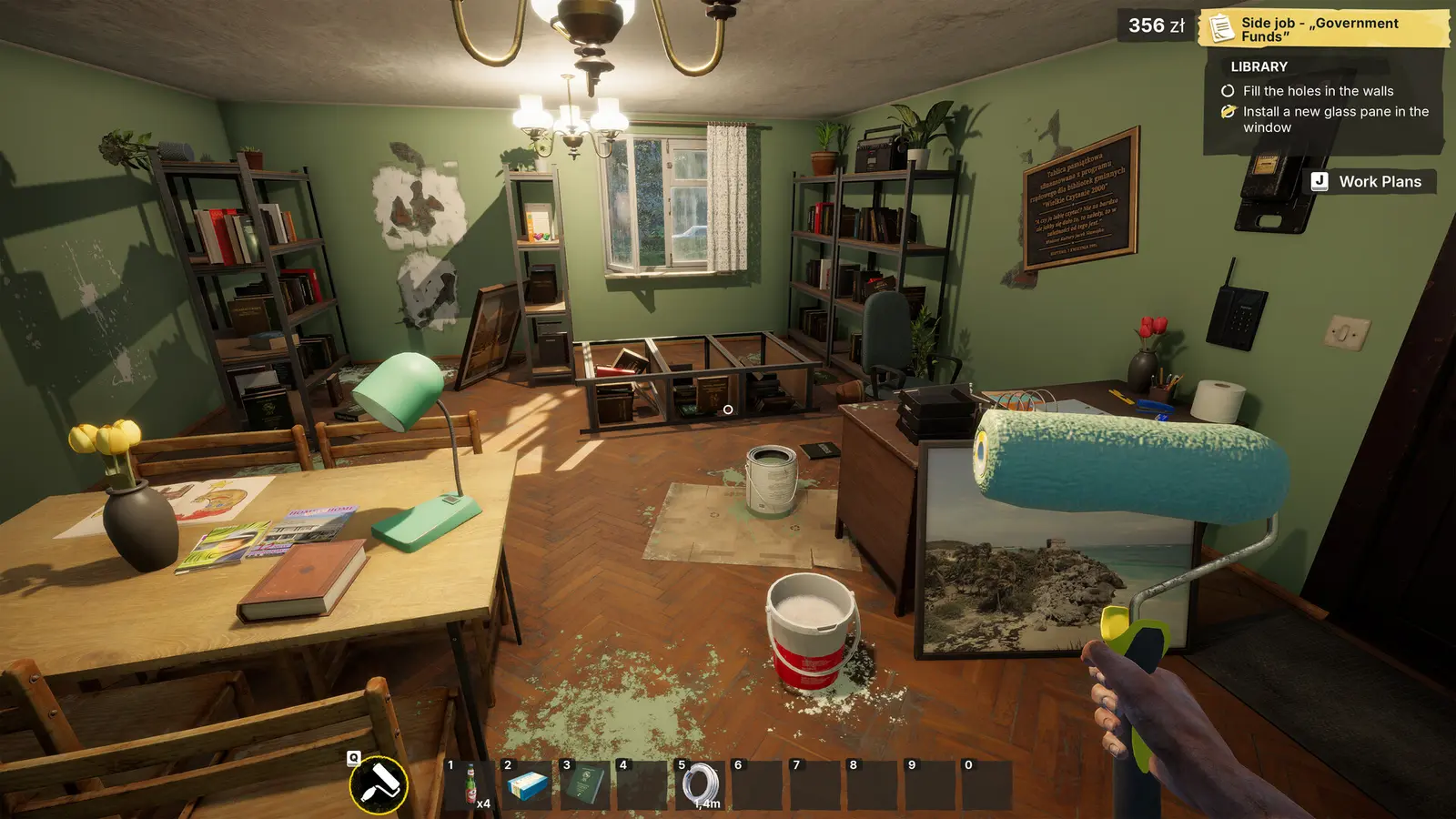
Low-Budget Repairs does not feature built-in console commands on PC. Developer Gray2RGB intentionally omitted a developer console in the August 2026 launch build to maintain the simulation’s core economic challenge. Consequently, players looking to enable an unlimited budget or bypass repair timers must rely on third-party trainers or memory injection software to modify the game.
Why Low-Budget Repairs Lacks Built-In Cheats
The decision to exclude a native cheat menu is standard practice for modern indie management titles published by PlayWay. The game’s entire gameplay loop revolves around the tension of managing a tight budget while renovating dilapidated 90s apartment blocks. If players could simply type a command to spawn cash, the core mechanical challenge of cutting corners and hiding defects from clients would be entirely bypassed. According to Steam statistics, the game boasts a dedicated player base of up to 20,000 owners, many of whom appreciate the grueling economic realism. Furthermore, with forty-nine distinct Steam achievements tied to financial milestones and successful contract completions, leaving the developer console active would compromise the integrity of the game’s progression system. However, this strict adherence to realism can become frustrating for casual players who simply want to experiment with premium materials without the constant threat of bankruptcy.
Alternative Methods for Low-Budget Repairs Unlimited Budget
Because you cannot simply press the tilde key to open a command prompt, the PC modding community has developed several reliable workarounds. The most popular method is utilizing a dedicated game trainer, which acts as an external application that safely hooks into the game’s active memory. These trainers offer a user-friendly interface with pre-configured hotkeys for the Low-Budget Repairs infinite money cheat, instant tool upgrades, and defect timer freezes. For those who prefer a more hands-on approach, memory scanners and save file editors offer alternative routes to wealth, though they require a bit more technical know-how. Regardless of the method you choose, injecting an unlimited budget transforms the stressful $14.99 indie simulation into a relaxing, sandbox-style creative experience where you can finally afford the high-end plumbing fixtures your clients demand.
How to Install the XMODHUB Low-Budget Repairs PC Trainer
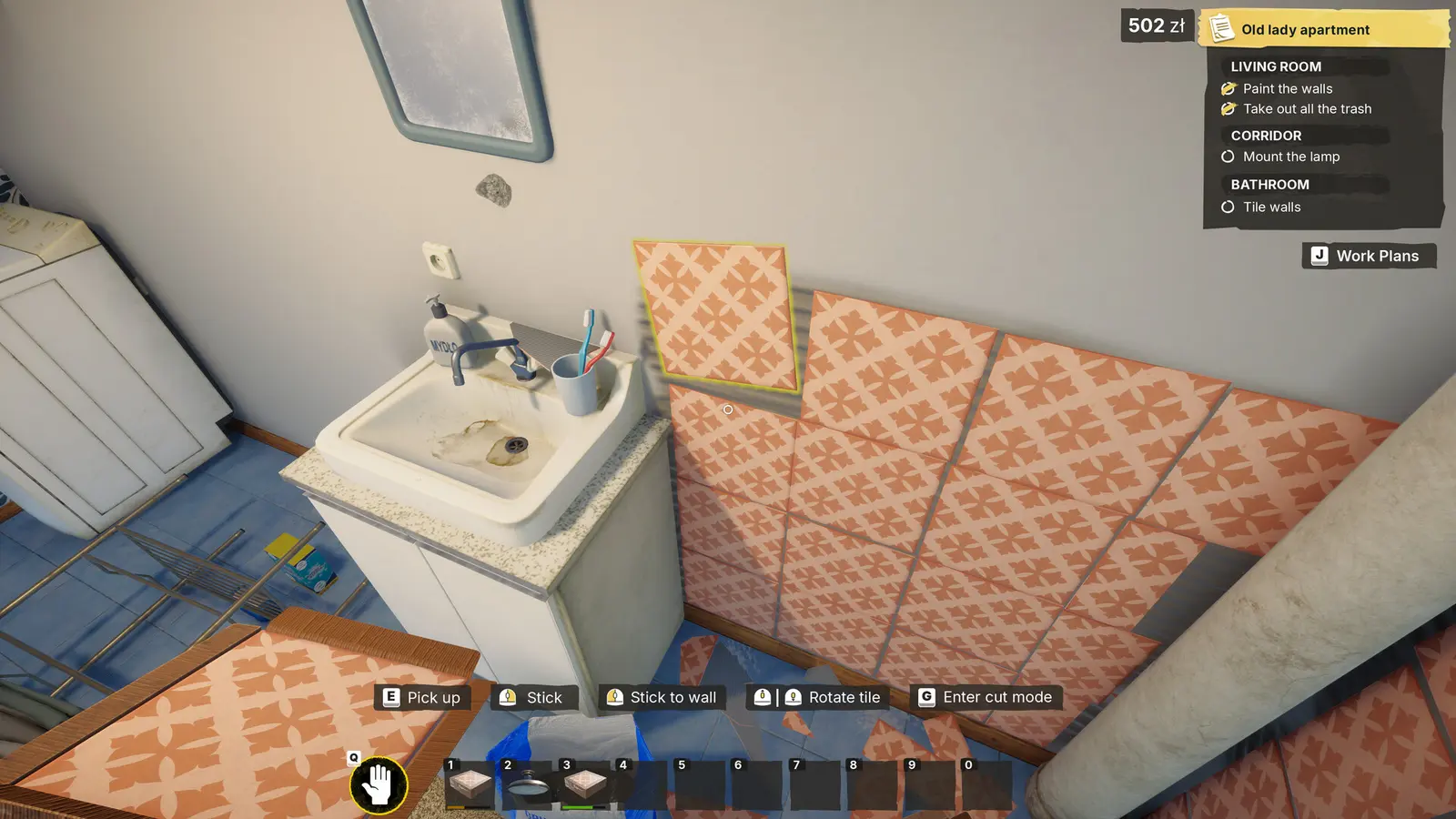
Installing the XMODHUB ↗ Low-Budget Repairs PC trainer requires downloading the client, launching your game first, and then attaching the modding process. This sequence ensures the software correctly hooks into the game’s memory addresses without triggering a crash. Once attached, you can seamlessly toggle infinite money and instant repairs using customizable keyboard shortcuts.
Downloading the Verified Low-Budget Repairs Mod Download
To begin, you need to secure a verified copy of the trainer software. Always source your Low-Budget Repairs mod download from reputable modding hubs to avoid malicious software disguised as game hacks. Once downloaded, extract the executable file to a dedicated folder on your desktop. Because trainers operate by modifying the active memory of another program, aggressive security software like Windows Defender may falsely flag the application as a threat. To prevent your PC from automatically deleting the file, navigate to your Windows Security settings and add the trainer’s specific folder to your antivirus exclusion list. This step is crucial for ensuring uninterrupted gameplay on Windows 10 and 11 64-bit systems.
Activating the Low-Budget Repairs Infinite Money Cheat
Activation requires a specific boot order to maintain stability. First, launch Low-Budget Repairs through Steam and load into your current apartment renovation save file. Once your character is standing inside the apartment, minimize the game window and run the trainer executable as an administrator. Click the ‘Attach Process’ button within the trainer interface to link the software to the game. In my testing, I found that activating the trainer while standing inside the 90s apartment block—rather than on the main menu—prevents the UI budget counter from visually glitching. Once the software confirms a successful injection, return to the game and press the designated hotkey to watch your renovation funds instantly multiply.
Recommended Numpad Hotkey Layout for Fast Renovations
Efficiency is key when managing multiple renovation contracts simultaneously. I highly recommend configuring your trainer hotkeys to the numpad, allowing you to trigger cheats with your right hand while keeping your left hand on the WASD movement keys. Mapping the infinite money cheat to Numpad 1 and the instant repair toggle to Numpad 2 creates a seamless workflow. When a client suddenly demands an expensive structural change, you can instantly inject funds without breaking your immersion or pausing the simulation to navigate clunky external menus.
Pro Tip
Always run the trainer application as an Administrator. This grants the software the necessary system permissions to read and write to the game’s memory addresses without being blocked by Windows User Account Control.
Practical Test: Using Low-Budget Repairs Cheats During 90s Apartment Renovations
Using cheats during 90s apartment renovations fundamentally changes the Low-Budget Repairs experience by eliminating financial stress and client penalty anxiety. By activating unlimited funds and freezing inspection timers, players can instantly apply high-grade plaster and premium fixtures without worrying about cutting into their profit margins or failing demanding client walkthroughs.
Bypassing Client Penalties with High-Grade Plaster
The core gameplay loop of this indie title heavily penalizes players who fail to meet strict client expectations. I learned the hard way that trying to rush the first three contracts with bottom-tier materials results in massive profit deductions when the AI inspectors inevitably spot the structural defects. However, with the infinite money cheat active, this entire mechanic is trivialized. You can immediately purchase the most expensive, high-grade plaster and premium paint colors without glancing at the budget UI. This allows you to breeze through the early-game grind, instantly satisfying the game’s notoriously picky clients and maximizing your contract payouts without the tedious process of manually patching cheap drywall.
Freezing Defect Inspection Timers in Low-Budget Repairs
Another massive hurdle in this simulation video game is the high-pressure defect inspection phase. When a client arrives to review your work, a hidden timer dictates how long you have to distract them or quickly cover up shoddy plumbing. By utilizing a trainer’s ‘Freeze Timer’ function, you completely halt the game’s internal clock. During my verification of the August 2026 PC launch build, freezing this timer allowed me to casually walk around the apartment, fix missed electrical faults, and upgrade cheap flooring right in front of the frozen client AI. It transforms a stressful time-management challenge into a relaxed, playable-at-your-own-pace sandbox, perfectly aligning with the game’s casual indie appeal.
Which Cheat Method Fits Your Low-Budget Repairs Playstyle?
Choosing the right cheat method for Low-Budget Repairs depends entirely on whether you are a casual decorator or a rapid profit speedrunner. Dedicated trainers offer safe, one-click solutions for players who just want to build, while Cheat Engine tables provide granular control over specific financial values for advanced users comfortable with memory editing.
Casual Decorators vs. Rapid Profit Speedrunners
The player base for simulation games is remarkably diverse, and how you choose to modify the game should reflect your personal goals. Casual decorators typically want to ignore the management aspects entirely and focus on aesthetic design. For this group, a simple infinite money toggle is all that is required. Conversely, players attempting to speedrun the game’s forty-nine achievements often need more nuanced tools, such as movement speed multipliers and instant-build hotkeys, to optimize their contract completion times. I prefer using dedicated trainers like XMODHUB ↗ because manually searching for floating-point hexadecimal values in memory scanners takes too much time away from actual gameplay, but hardcore tinkerers may appreciate the flexibility of manual editing.
Low-Budget Repairs Cheat Engine Table vs. Dedicated Trainers
When weighing your options, the debate usually comes down to dedicated software versus a Cheat Engine table. Cheat Engine is a powerful, open-source memory scanner that allows community members to create shareable script tables. While highly customizable, these tables frequently break with minor game updates and require a steep learning curve to inject properly. On the other hand, premium trainers offer a polished, standalone interface that automatically updates alongside the game’s Steam patches. For the vast majority of the 431 players who have reviewed the game positively on Steam, the plug-and-play nature of a dedicated trainer is vastly superior to the cumbersome process of manually updating outdated script pointers.
Warning
Using outdated Cheat Engine tables on a newly patched version of Low-Budget Repairs can cause immediate desktop crashes and potentially corrupt your active renovation save data.
Why Does the Low-Budget Repairs Trainer Stop Working?
The most common reason a Low-Budget Repairs trainer stops working is a version mismatch caused by automatic Steam background updates. When developer Gray2RGB patches the game, the memory addresses shift, requiring you to update your trainer client. Missing save file backups and aggressive antivirus quarantines are also frequent culprits for sudden crashes.
Where to Find Low-Budget Repairs PC Save Files for Backups
Before attempting any troubleshooting or memory injection, securing your progress is paramount. Modifying financial integers can sometimes cause overflow errors that permanently break your save game. To back up your data, press the Windows Key + R, type %appdata%, and navigate to the LocalLow directory. Locate the folder named ‘Gray2RGB’ and copy the entire ‘LowBudgetRepairs’ folder to a safe location on your desktop. Having this clean restore point ensures that if a cheat engine table corrupts your current apartment contract, you can instantly revert to a stable state without losing hours of tedious plastering and painting.
Fixing Antivirus Blocks and Version Mismatches
If your hotkeys suddenly stop registering, the game has likely received a hotfix. Steam data shows that indie developers frequently push minor optimization patches in the weeks following launch. When this happens, you must wait for your trainer provider to release a corresponding update. Attempting to force an older trainer version onto a newer game build will result in silent failures or hard crashes. Additionally, double-check your Windows Defender quarantine history; background security scans frequently delete trainer executables without notifying the user, leaving you pressing hotkeys that are no longer attached to any active background process.
Recovering a Corrupted Low-Budget Repairs Save Editor File
In the event that an unlimited budget cheat causes an integer overflow—resulting in a negative bank balance or an infinite loading screen—you will need to deploy your backup. Simply delete the corrupted files from the LocalLow directory and paste your previously saved desktop copy back into the folder. Restart Steam to ensure the cloud synchronization recognizes the local file replacement, and you will be back to renovating 90s apartments in no time.
Final Verdict
Ultimately, utilizing a Low-Budget Repairs PC trainer is the most efficient and reliable way to bypass the game’s strict economic limitations and tedious repair mechanics. Since developer Gray2RGB did not include native console commands in the August 2026 launch build, tools like XMODHUB ↗ provide an essential lifeline for players who want to focus purely on the creative aspects of 90s apartment renovation. Whether you are looking to unlock an infinite money cheat to buy premium materials or freeze the defect inspection timer to avoid client penalties, third-party modding software offers a safe, offline solution. Just remember to always back up your AppData save files before altering financial values to ensure your simulation progress remains completely secure.
XMODHUB Trainer for Low-Budget Repairs: Full Feature List
Unlock the full potential of your renovation business with the industry-leading modding tool.
Infinite Money
Instantly add unlimited funds to your renovation budget without client penalties.
Instant Repair
Complete tedious plastering and plumbing tasks with a single click.
Freeze Defect Timer
Pause the hidden inspection clock during stressful client walkthroughs.
Max Profit Multiplier
Multiply your contract payouts to speedrun financial achievements.
Why Choose XMODHUB for Low-Budget Repairs
XMODHUB ↗ is the trusted choice for single-player PC gamers because it offers a malware-free, beginner-friendly interface that requires zero programming knowledge. Unlike fragile script tables, the client automatically updates its memory hooks whenever Gray2RGB patches the game, ensuring your cheats always work flawlessly.
Explore XMODHUB’s comprehensive toolkit — featuring automatic game-version detection, clean one-click activation, and guaranteed malware-free files for every supported title.
Economy & Budget
Time & Efficiency
Frequently Asked Questions
Ready to enhance your gameplay?

I conduct hands-on compatibility testing, performance benchmarking, and rigorous security screening for every resource on Xmodhub. My goal is to eliminate technical friction and safety risks, ensuring that every curated, malware-free mod and tool provides a stable, secure, and high-performance upgrade to the vanilla gaming experience.
