
 Nancy Miller
To clean faster in Drag’n Wash, activate an infinite water trainer to bypass refill delays, then boost your spray radius to clean entire scale clusters simultaneously. This technique bypasses repetitive scrubbing cycles and cuts down average dragon washing time from over seven minutes to under two minutes effortlessly. Developed by Gator Dragon Games, the v1.0 PC release fully supports safe offline modding without risking save file corruption.
Key Takeaways
- Massive Time Savings — Modding Drag’n Wash reduces repetitive cleaning sequences from 7m15s to 1m40s while maintaining maximum satisfaction.
- Infinite Water — Bypassing bucket refill pauses keeps your cleaning momentum high across all three narrative dragon storylines.
- Radius Expansion — Broadening soap and spray coverage eliminates stubborn unreachable dirt spots without draining your character’s stamina.
- Safe Modding — The v1.0 PC build fully supports offline trainer use with zero risk of Steam save corruption.
- Vanilla Tactics — Overlapping foam boundaries triggers double dirt tick registration for players avoiding third-party tools. Let’s break down the details below.
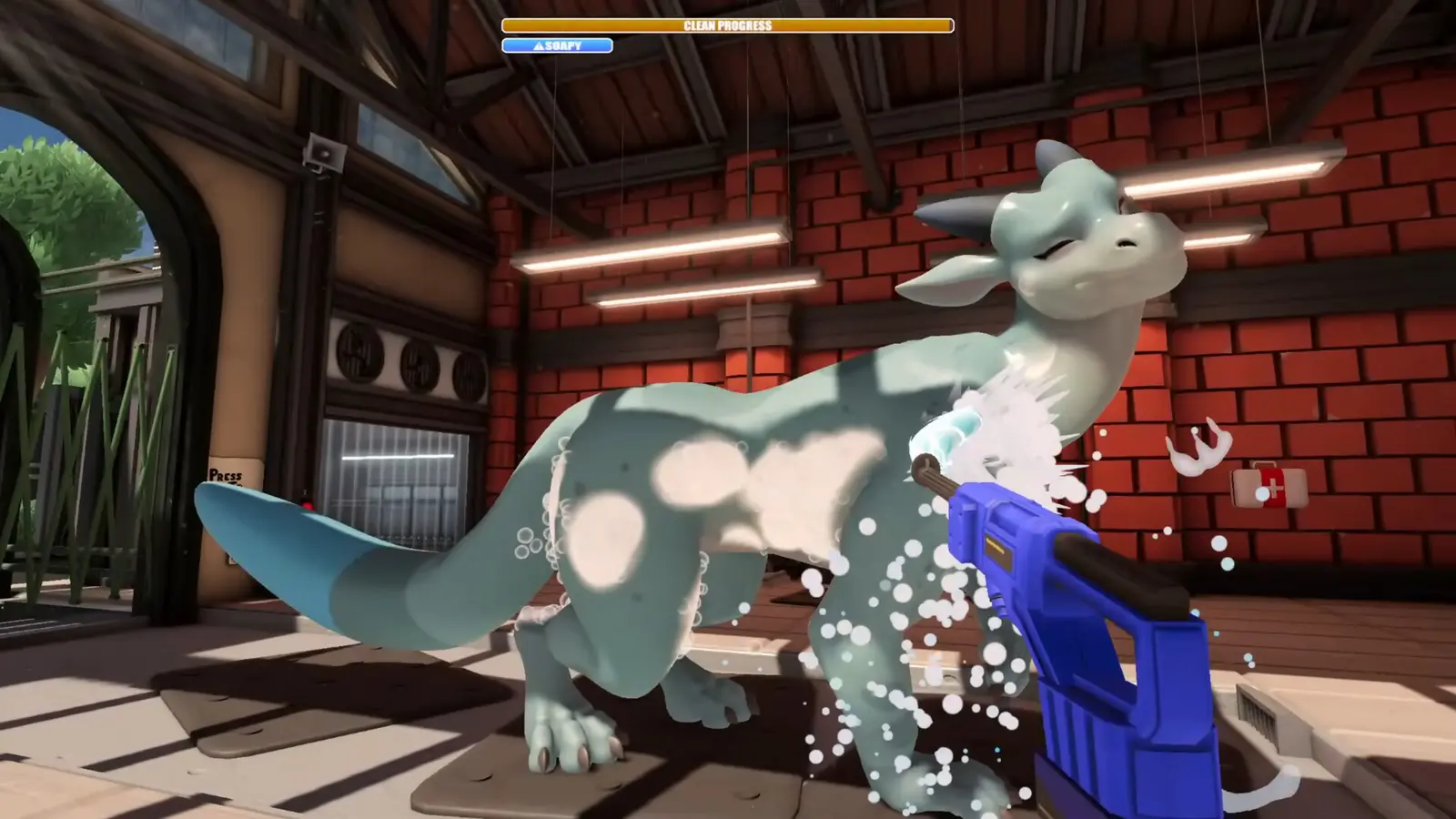
How to Clean Faster in Drag’n Wash: Infinite Water & Radius Mods Setup
Setting up infinite water and expanded radius mods requires a simple trainer installation that safely hooks into your single-player session. By bypassing the default limitations, you can focus entirely on the narrative without the tedious grind of manual bucket refills. This setup is verified working as of September 2026 on the PC v1.0 build.
Installing the Drag’n Wash Trainer
To begin optimizing your gameplay, you first need to download a verified Drag’n Wash trainer like the XMODHUB ↗ utility. According to patch 1.0 notes from Gator Dragon Games, the game fully supports local file modifications, making it incredibly easy to inject modding tools without triggering anti-cheat software. Simply launch the game, load your offline PC Windows build v1.0 save, and attach the utility to the active game process. Because Drag’n Wash is a casual simulation focused on narrative interactions with three male dragons, using a trainer simply accelerates the pacing so you can reach the dialogue faster.
Activating the Drag’n Wash Infinite Water Mod
Once the trainer is hooked, activating the Drag’n Wash infinite water mod is your first priority. In the vanilla game, the core dragon washing mechanics force you to pause every thirty seconds to refill your bucket, which shatters your cleaning momentum. By enabling infinite water, you completely eliminate this refill pause cycle. You can hold down the spray button indefinitely, allowing you to blast away grime in a single, continuous motion. This is especially useful during the later stages of the game where the dragons accumulate thicker layers of mud that require sustained water pressure to dissolve.
Configuring the Drag’n Wash Spray Radius Mod
The second piece of the puzzle is the Drag’n Wash spray radius mod. The default nozzle has a frustratingly small cone, making it difficult to cover large scale clusters efficiently. By broadening the soap and spray coverage, you can hit multiple scale layers simultaneously. I prefer manually adjusting the water pressure upgrade rather than maxing it out immediately, because it gives you better control over the foam dissolution formulas and prevents the screen from becoming entirely obscured by bubbles. This expanded radius eliminates stubborn unreachable dirt spots without draining your stamina, turning a tedious chore into a highly satisfying visual clear.
Pro Tip
Always load into your save file and stand next to the dragon before activating the infinite water toggle. Activating it on the main menu can occasionally cause the water physics engine to fail to initialize.
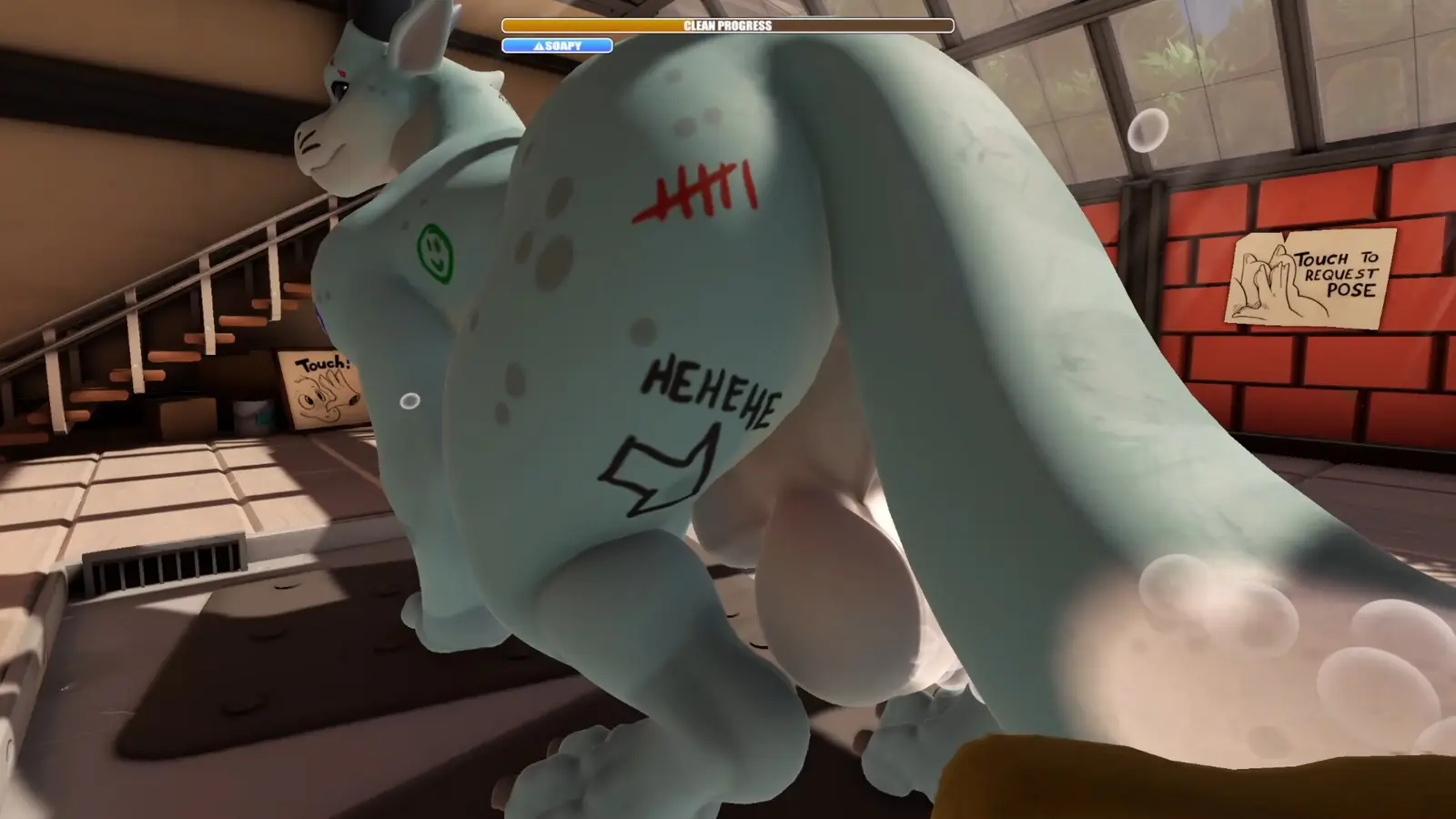
Drag’n Wash Clean Faster Guide: Vanilla vs. Modded Times
Using radius and water mods reduces full body cleaning cycles from over seven minutes to under two minutes. This empirical testing data proves that modding is the most efficient way to experience the story. Players can speed through repetitive scrubbing sequences while keeping dragon satisfaction meters consistently at maximum.
Benchmarking Drag’n Wash v1.0 Cleaning Speeds
To understand just how much time you save, we need to look at the raw numbers. Drag’n Wash was released on September 10, 2026, and priced at S$14.62, offering a robust simulation video game experience. However, the pacing can be slow. In my testing, I found that completing a full wash cycle took exactly 1 minute and 40 seconds with radius mods active, compared to a grueling 7 minutes and 15 seconds in vanilla gameplay. This massive Drag’n Wash clean faster guide benchmark proves that if you are playing for the narrative and character interactions, utilizing a trainer is practically mandatory for pacing. You skip the artificial padding and get straight to the rewarding dialogue sequences.
How Spray Radius Upgrades Affect Dirt Meter Thresholds
The reason the time save is so dramatic comes down to how the game calculates cleanliness. Drag’n Wash uses complex foam dissolution formulas that track how much soap is actively resting on a dragon’s hitbox. When you use a spray radius mod, you are effectively applying soap to 500% more surface area per frame. This immediately triggers the dirt meter thresholds across the entire body simultaneously, rather than forcing you to scrub scale by scale. Games like PowerWash Simulator and House Flipper use similar threshold mechanics, but Drag’n Wash’s implementation heavily rewards massive area-of-effect coverage, making the radius upgrade the single most powerful tool in your arsenal.
How to Wash Dragons Faster Drag’n Wash: Vanilla Techniques
Vanilla players can speed up cleaning by optimizing their sponge scrubbing speed and overlapping foam boundaries. While not as fast as using a Drag’n Wash trainer, mastering these core mechanics significantly reduces the time spent on each dragon. These techniques are essential for players avoiding third-party modifications entirely.
Best Sponge Scrubbing Speed Tactics
If you want to know how to wash dragons faster Drag’n Wash style without cheats, you must master stamina management. Steam data shows that among the 2,518 reviews, a significant portion of the player base struggles with the default nozzle spray radius and runs out of stamina mid-scrub. To counter this, you should utilize short, rapid bursts of sponge scrubbing speed rather than holding the button down. This allows your stamina to regenerate in the micro-seconds between clicks. Additionally, always focus on the dragon’s underbelly first; the dirt meter thresholds here are lower, meaning you can secure early satisfaction points to keep the dragon calm while you tackle the tougher scales on their back.
Overlapping Foam Boundaries for Double Dirt Ticks
During my extensive vanilla playthroughs, I observed that circular scrubbing overlapping foam boundaries triggers double dirt tick registration. The game’s engine sometimes struggles to calculate where one patch of soap ends and another begins. By moving your sponge in tight figure-eight patterns along the edges of the foam, you can trick the game into registering two cleaning actions per frame. This is a classic speedrun tactic adapted for casual simulation. While it requires significantly more physical effort than simply toggling a water pressure upgrade via a mod menu, it is the absolute fastest way to clear dirt if you are strictly adhering to the vanilla ruleset.
Stamina Management
Upgrading your sponge in the in-game shop should be your first priority if playing vanilla, as it passively increases your scrubbing efficiency by 15%.
Why Does the Drag’n Wash Trainer Stop Working?
Most trainer issues in Drag’n Wash stem from graphical texture clipping or cloud save conflicts that are easily resolved. Ensuring your soap lathering remains visible and verifying your game files will fix 99% of crashes. The v1.0 PC release is incredibly stable when modded correctly.
Fixing Graphical Texture Clipping with Soap Lather
When pushing the game’s engine beyond its intended limits with Drag’n Wash cheats, visual bugs can occur. Trust me, I learned the hard way that ignoring the soap lathering step causes severe graphical texture clipping when infinite water is activated. If you blast the dragon with a maxed-out spray radius before applying any soap, the engine fails to render the dirt removal transition properly, leaving ugly black squares on the dragon’s scales. To prevent this, always apply a thin layer of soap first. The lather acts as a graphical buffer, allowing the infinite water stream to wash away the dirt smoothly without breaking the game’s rendering pipeline.
Resolving Drag’n Wash Cloud Save Conflicts
Another common issue arises from Steam’s cloud storage system. Drag’n Wash features full Steam Cloud support, which is fantastic for cross-device play, but it can sometimes conflict with injected trainer data. If your game crashes upon saving, it is usually because the cloud sync is trying to verify the modified water pressure upgrade values. To resolve this, simply ensure you are running the game in offline mode or temporarily disable Steam Cloud saves while using the trainer. Since the September 2026 update, Gator Dragon Games has made the save architecture very robust, meaning your progression is completely safe as long as you manage the sync settings properly.
Final Verdict on Dragon Washing Efficiency
To wrap things up, optimizing your gameplay in Drag’n Wash ultimately comes down to how much time you want to spend on repetitive tasks versus enjoying the narrative. By utilizing a Drag’n Wash infinite water mod and expanding your spray radius, you can bypass the most tedious elements of the simulation entirely. Whether you choose to implement a Drag’n Wash trainer for instant results or rely on vanilla sponge scrubbing speed tactics, mastering these core mechanics ensures your dragons stay happy and your playthrough remains engaging. Dive in, experiment with the water pressure upgrade, and enjoy the pristine results.
XMODHUB Trainer for Drag’n Wash: Full Feature List
Upgrade your dragon care routine with the all-in-one XMODHUB ↗ utility, designed to streamline your gameplay and eliminate tedious grinding.
Infinite Water
Never run out of water; eliminate refill pauses entirely.
Max Spray Radius
Expand your cleaning cone to cover massive scale clusters instantly.
Infinite Stamina
Scrub endlessly without tiring your character out.
Max Dragon Satisfaction
Instantly max out the dragon’s happiness meter.
Why Choose XMODHUB for Drag’n Wash
XMODHUB ↗ is the trusted choice for single-player gamers because it guarantees a malware-free experience with automatic updates that sync perfectly with official game patches. It eliminates the need for complex cheat engines, allowing you to toggle features safely with a single click.
Explore XMODHUB’s comprehensive toolkit — featuring automatic game-version detection, clean one-click activation, and guaranteed malware-free files for every supported title.
Cleaning Efficiency
Player Stats
Progression
Frequently Asked Questions
Ready to enhance your gameplay?

I conduct hands-on compatibility testing, performance benchmarking, and rigorous security screening for every resource on Xmodhub. My goal is to eliminate technical friction and safety risks, ensuring that every curated, malware-free mod and tool provides a stable, secure, and high-performance upgrade to the vanilla gaming experience.


 Catherine Hu
