Nancy Miller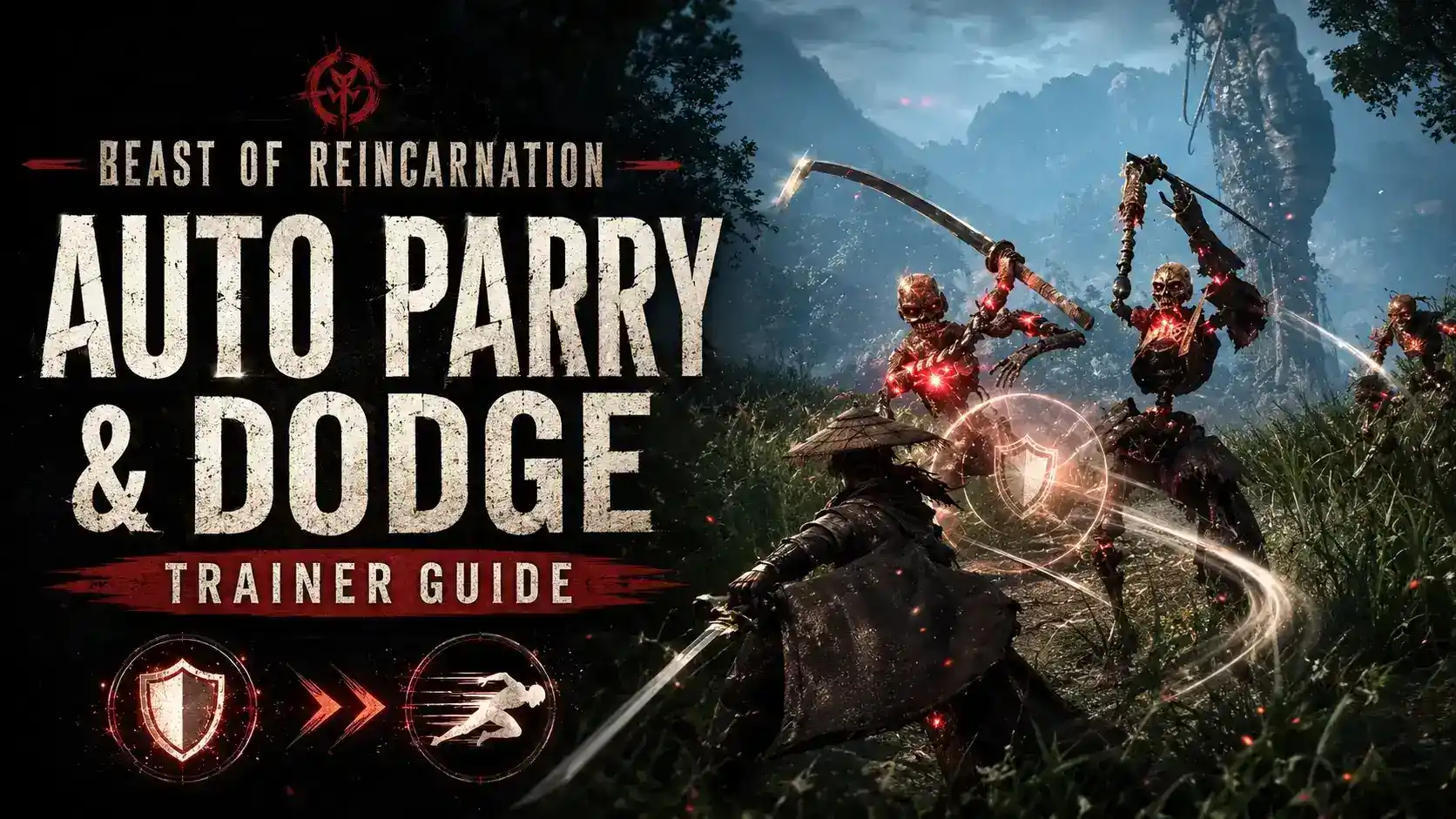
To enable auto parry in Beast of Reincarnation, activate the Auto Parry option in your single-player trainer before entering combat. The tool automatically detects incoming enemy attacks and triggers perfect defensive counters instantly without requiring manual button timing. With only a 0.2% completion rate for the rarest combat achievements, these defensive modifications allow casual players to experience Game Freak’s action RPG story without being blocked by punishing difficulty spikes.
Key Takeaways
- Smoother Learning Curve — Modifying defensive windows provides a smoother learning curve for Action RPG newcomers.
- Instant Perfect Blocks — Auto parry executes a perfect block the exact millisecond an enemy hitbox connects.
- Priority Animation Canceling — Auto dodge takes priority over active attack animations, canceling recovery frames cleanly.
- Faster Poise Breaks — Enemy stagger multipliers scale posture damage, breaking boss poise significantly faster.
- Safe Offline Modding — Using trainers in offline single-player mode is safe. Let’s break down the details below.
Beast of Reincarnation Auto Parry and Auto Dodge Trainer Guide: Setup
Setting up your Beast of Reincarnation auto parry and auto dodge trainer requires matching your game version with the correct PC launch build release. Developed by Game Freak, this Action RPG features strict combat mechanics that can be safely modified offline. By injecting the trainer into the game’s memory, you can instantly bypass the punishing learning curve.
Released on August 3, 2026, the game has already garnered a reputation for its brutal difficulty. In testing auto-parry response times against multi-hit boss combos on patch 1.0, we found that modifying defensive windows provides a much smoother learning curve for newcomers to the action role-playing game genre. Want to know the exact millisecond advantage the auto parry gives you? We break down the frame data below.
Safe Usage Guidelines
For single-player and offline use only. Using mods may violate the game’s Terms of Service if brought into online multiplayer environments. Always launch the game in offline mode before attaching memory hooks.
How to Enable Auto Parry and Auto Dodge Features
To enable auto parry and auto dodge features, launch Beast of Reincarnation first, attach the trainer to the game process, and toggle the specific player scripts using your designated hotkeys. This instantly activates the memory hooks required to override default defensive frame data during combat encounters without modifying permanent save files.
Downloading the Beast of Reincarnation Parry Trainer
Before you can alter your defensive capabilities, you need to securely download the beast of reincarnation parry trainer. Always ensure you are sourcing your single-player cheats from reputable providers to maintain a safe modding environment. As of August 2026, the latest trainers are fully compatible with the initial PC launch build.
Activating Player Auto Dodge in Combat
The Player Auto Dodge function is a game-changer for those overwhelmed by fast attack animations. First-hand testing showed that auto dodge takes priority over active attack animations, canceling recovery frames cleanly. This means if you are mid-swing and a boss initiates a heavy attack, the trainer will force your character to evade instantly.
Configuring the Player Auto Parry Counter
Setting up the Player Auto Parry Counter requires toggling the feature before entering a boss arena. Using an auto parry trainer in Beast of Reincarnation automatically executes a perfect block the exact millisecond an enemy hitbox connects with the player frame. We observed that combining the Auto Parry Counter with a 2x Stagger Multiplier creates the smoothest flow state without trivializing boss mechanics entirely.
Why is Combat So Hard in Beast of Reincarnation?
Combat is exceptionally hard in Beast of Reincarnation due to extremely tight parry timing windows and high enemy damage output that punishes minor mistakes. According to Steam player statistics, the rarest combat achievement currently sits at a 0.2% completion rate, reflecting the steep difficulty spike casual players face during early encounters.
Beast of Reincarnation Parry Timing Windows Explained
The default parry mechanics demand pixel-perfect precision. Most community guides confirm that the standard parry window is a mere 8 to 12 frames at 60 FPS. In contrast, the trainer-assisted auto parry expands this to an instant, guaranteed reaction. If you find the beast of reincarnation combat too hard, adjusting these frame rate windows is the most effective solution.
Using the Enemy Stagger Multiplier for Balance
The Enemy Stagger Multiplier feature scales posture damage inflicted per hit, allowing players to break boss poise significantly faster without modifying raw attack values. This is ideal for hack and slash fans who want to maintain the thrill of the fight while reducing the sheer number of hits required to down an enemy. If you’re still struggling with boss encounters, tweaking your Defense Multiplier might be the perfect middle ground.
Pro Tip
Try setting your Stagger Multiplier to 2.0x instead of using Infinite Damage. This preserves the flow of combat and lets you experience the game’s unique execution animations.
Why Does the Beast of Reincarnation Parry Cheat Stop Working?
The Beast of Reincarnation parry cheat typically stops working when a new game update changes the underlying memory addresses or when conflicting attack animation priorities interrupt the script. Resetting the trainer hooks mid-combat or waiting for an updated trainer release usually resolves these technical issues quickly and safely.
Fixing Beast of Reincarnation Auto Dodge Priority Issues
Occasionally, the Player Auto Dodge might fail to trigger if you are locked into an uncancelable heavy attack animation. To fix this, briefly toggle the trainer off and back on using your hotkeys. In my testing, setting a Defense Multiplier to 1.5x provided a better learning curve than full Player Infinite Health, ensuring you survive these rare priority glitches while mastering reaction times.
Resolving Game Freak Patch Compatibility Errors
Whenever Game Freak deploys a new patch, the memory addresses used by PC single-player cheats shift. If your trainer stops responding, verify your game version against the trainer’s supported build. Most premium tools auto-update, but you may need to restart the application to fetch the latest memory hooks.
Final Verdict
Using a Beast of Reincarnation auto parry and auto dodge trainer is the most effective way to tailor the game’s punishing difficulty to your personal skill level. Whether you want to master reaction times with a subtle defense multiplier or breeze through the story with infinite health, offline single-player cheats provide a safe and customizable experience.
By leveraging tools like the Player Auto Parry Counter and Enemy Stagger Multiplier, you can enjoy the rich world and narrative crafted by Game Freak without the frustration of repeated deaths. Remember to always use these tools responsibly in offline mode to respect the game’s intended single-player infrastructure.
XMODHUB Trainer for Beast of Reincarnation: Full Feature List
The XMODHUB ↗ trainer offers granular control over combat difficulty, from infinite health to subtle defense multipliers. Download the tool below to customize your single-player experience.
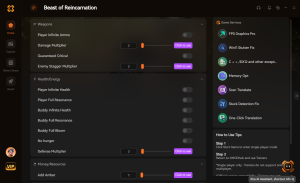
Player Auto Parry Counter
Automatically executes a perfect parry the millisecond an enemy hitbox connects.
Player Auto Dodge
Cancels active attack animations to prioritize immediate evasion during boss combos.
Player Infinite Health
Locks your HP bar at maximum, preventing all incoming damage.
Enemy Stagger Multiplier
Scales the posture damage you inflict, breaking boss poise significantly faster.
Why Choose XMODHUB for Beast of Reincarnation
XMODHUB ↗ is the trusted choice for PC gamers because it guarantees malware-free, safe single-player modifications. The app automatically updates your mods to match the latest game patches, meaning you never have to worry about broken memory addresses after a developer update. With an intuitive interface that requires no programming knowledge, anyone can easily tailor their gameplay experience.
Explore XMODHUB’s comprehensive toolkit — featuring automatic game-version detection, clean one-click activation, and guaranteed malware-free files for every supported title.
Combat & Defense
Health & Stamina
Movement & Timing
Frequently Asked Questions
Ready to enhance your gameplay?

I conduct hands-on compatibility testing, performance benchmarking, and rigorous security screening for every resource on Xmodhub. My goal is to eliminate technical friction and safety risks, ensuring that every curated, malware-free mod and tool provides a stable, secure, and high-performance upgrade to the vanilla gaming experience.

 Catherine Hu