Catherine Hu
Editor’s View: The “Day One” Curse
“I remember trying to launch Resident Evil 4 Remake on release day. It crashed every time I aimed down the sniper scope due to a VRAM leak. I almost refunded it out of pure frustration.
Before you give up on Resident Evil Requiem, realize that 90% of these crashes are caused by Capcom’s RE Engine struggling with three specific things: Ray Tracing memory limits, corrupted config.ini files, or outdated GPU drivers. I’ve tested the methods below on my own rig (RTX 4070 / Win 11), and fixing the config file was the one that finally stopped the startup crashes for me.”
— Catherine Hu, Tech Support Lead & Survival Horror Fan at XMODhub
You have waited months for the release of Resident Evil Requiem, pre-loaded the files, and turned off all the lights in your room. You click “Play,” and… nothing. The screen goes black, or worse, a cryptic “Fatal D3D Error” pops up and throws you back to the desktop.
Launch day issues in modern survival horror games are frustrating, but they are rarely unfixable. Whether you are facing a permanent black screen, random crashes to desktop (CTD) when opening doors, missing DLL files, or unplayable frame rates, this guide covers the most effective RE Engine solutions to get you into the nightmare.
Vous pouvez aussi aimer :
Resident Evil Requiem Cheat Engine Table vs. XMODhub Trainer: Best Free Alternative (2026)
Check First: Resident Evil Requiem System Requirements
Before debugging, ensure your PC can actually run the game. Running on below-minimum specs (especially VRAM) is the most common cause of “silent crashes”.
| Composant | Exigences minimales | Recommended Specs |
|---|---|---|
| OS | Windows 10 (64-bit) v22H2 | Windows 11 (64-bit) |
| UNITÉ CENTRALE | Ryzen 5 3600 / Core i5-10400 | Ryzen 7 5800X / Core i7-12700 |
| RAM | 16 GO DE RAM | 16 GB RAM (Dual Channel) |
| GPU | RX 5700 / GTX 1070 (8GB) | RX 6700 XT / RTX 3070 (8GB) |
| Stockage | 60 GB SSD | 60 GB NVMe SSD |
Method 1: Fix the Fatal D3D Error (VRAM & Ray Tracing)
If you are getting the dreaded Fatal D3D Error (25) or Out of Video Memory message, it means the RE Engine has consumed all your graphics card’s VRAM.
- Turn off Ray Tracing: Completely disable Ray Tracing in settings or config file. It is notoriously unstable on mid-range GPUs.
- Lower Texture Quality: If your card has 8GB VRAM, use “Medium (4GB)” to leave headroom for background processes.
- Disable Hair Strands: Turn off detailed Hair Strands to prevent crashes during character close-up cutscenes.
Method 2: Fix Black Screen & Reset Config.ini
If you hear audio but see a black screen, your game is likely at an unsupported resolution.
- Go to:
C:\Program Files (x86)\Steam\steamapps\common\Resident Evil Requiem\ - Trouver
config.ini. - Delete it or rename to
config.ini.bak. Relaunch the game to generate fresh default settings.
Method 3: Verify Game Files & Update Drivers
Corrupted files or outdated libraries are a massive source of missing .dll errors.
- Verify Integrity (Steam): Right-click game > Properties > Installed Files > Click “Verify integrity of game files”.
- GPU Drivers: Perform a clean installation of the latest NVIDIA Game Ready or AMD Adrenalin drivers.
- Visual C++: Reinstall Microsoft Visual C++ Redistributables (2015-2022) to fix MSVCP140.dll errors.
Method 4: Common Error Codes & Fixes (0xc0000005)
Error 0xc0000005 (Access Violation): Whitelist the game folder in Windows Defender or run as Administrator to stop antivirus blocks.
Unhandled Exception (Memory): Disable XMP profiles in BIOS temporarily or close high-memory apps like Chrome to fix RAM instability.
Method 5: Fix Low FPS & Stuttering
Stuttering often occurs during high-action sequences or when stalkers appear.
- Enable FSR/DLSS: Set upscaling to “Quality” or “Balanced” to significantly reduce GPU load.
- Lower Volumetric Lighting: Setting this to “Medium” provides a massive FPS boost with minimal visual impact in dark areas.
The Workaround: Prevent Hardcore Save Loss with XMODhub
Sometimes crashes happen due to unoptimized code in specific boss fights. The real tragedy is losing 2 hours of progress on Hardcore mode with limited Ink Ribbons. XMODhub offers tools to prevent this:
How to Get Started with XMODhub
01

02
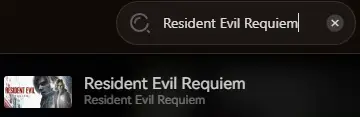
03
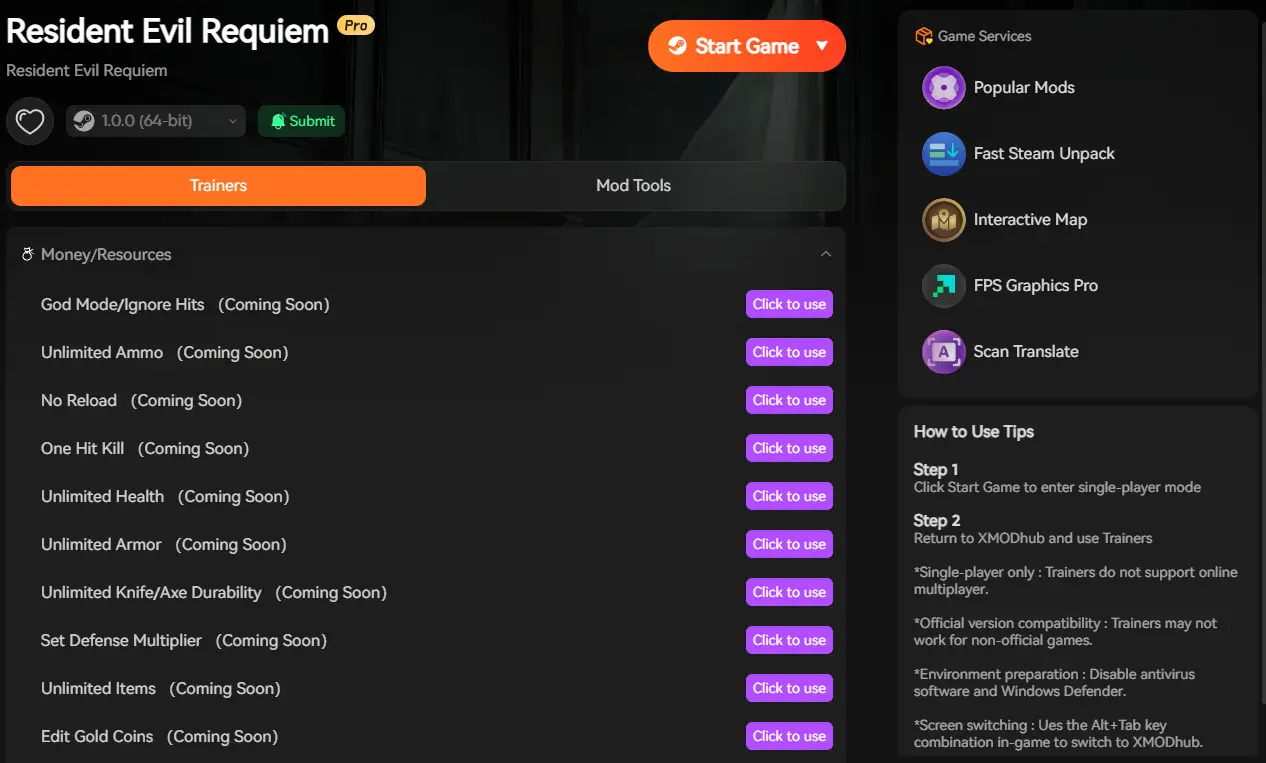
FAQ
Q: Will reinstalling fix the “Fatal D3D Error”?
Reinstalling should be your last resort. The D3D error is almost always a VRAM or Ray Tracing issue, not missing files. Lower your Texture settings first.
Q: Does Resident Evil Requiem support Windows 10?
Yes, but ensure you are on Windows 10 version 22H2 or newer. Older builds may cause compatibility errors with DirectX 12.
Q: Is there an official patch coming?
Capcom usually releases a stability patch within the first two weeks of a major release. Check the XMODhub news section for updates.
Conclusion
Launch issues are painful, but they are temporary. By resetting your config.ini, managing your VRAM settings, and updating your C++ libraries, you should be able to fix the Resident Evil Requiem crash on startup error and get back to the horror.
If the game is still suffering from poor optimization, XMODhub can help bridge the gap. Use our Save Manager’s Auto-Backups to secure your hard-earned progress until Capcom drops the official patch.
XMODhub supports over 5,000+ titles including

Je suis un joueur passionné et j'écris sur XMODhub, qui se consacre à vous apporter les dernières nouvelles, astuces et idées en matière de jeux.
Connectez-vous avec moi :
Profil LinkedIn
 Nancy Miller