Nancy Miller
To reach the Fire Lookout in Outbound, follow the main dirt path north from the starting camp until you see the yellow radio mast. Square Glade Games designed this open-world simulation so that your camper van requires at least level one battery capacity to handle the steep incline power drain. Ensure your vehicle is fully charged before attempting the climb.
Principaux enseignements
- Preparation is Key — Preparing your camper van and knowing visual landmarks are critical steps for this objective.
- Battery Capacity Matters — Attempting the climb without solar and battery upgrades will leave your vehicle stranded on the incline.
- Follow the Mast — Navigate using the yellow radio mast rather than relying on a traditional map.
- Gather Rare Resources — Completionists should gather hidden resources along the cliffside path before reaching the summit.
- Check the Weather — Avoid climbing during storms to ensure maximum visibility. Let’s break down the details below.
Essential Upgrades Needed for the Outbound Camper Van
Welcome to our Outbound Fire Lookout Guide. Before attempting the climb, you must upgrade your camper van with at least one solar panel and a level one battery. Attempting the steep incline without these upgrades drains power rapidly, leaving your vehicle stranded mid-ascension. Preparation is the key to conquering this early-game hurdle.
Outbound Battery Capacity Requirements
In my testing on the PC version 1.0 during the launch week, I discovered that the steep incline leading to the lookout drains power nearly three times faster than flat terrain. According to the official mechanics detailed by Square Glade Games, a standard unupgraded van simply cannot hold enough charge to make the full trip. You will need to craft the Level 1 Battery, which typically requires 10 Copper Wire and 5 Scrap Metal. Gathering these materials should be your first priority. Steam player statistics show that the game has 32 total achievements, and mastering your early power grid is essential for unlocking many of them.
Crafting Basics for the Steep Incline
Beyond the battery itself, my personal recommendation is to prioritize the basic solar panel roof upgrade before starting the climb. As of May 2026, the solar panel provides a slow but steady trickle charge that can save you if you stall out near the top. You also need to manage your inventory weight. A heavy van requires more torque, which in turn drains the battery faster. Empty your storage containers of heavy, non-essential items like raw stone or excess wood before you begin driving up the mountain trail.
Pro Tip
Always park your camper van facing south when taking a break on the trail to maximize solar charging efficiency during daylight hours.
How to Find and Reach the Fire Lookout in Outbound?
To find and reach the Fire Lookout, drive your camper van north from the starting camp along the main dirt path until the yellow radio mast comes into view. Park at the base of the tower and use the west-side ladder to climb to the top safely. Relying on environmental landmarks is crucial since you do not start with a full map.
Locating the Yellow Radio Mast in Outbound
Because Outbound embraces a true open-world design without hand-holding GPS markers, you must learn to navigate by sight. The most prominent visual landmark is the yellow radio mast protruding from the mountain peak. From the starting valley, look slightly northeast. If the weather is clear, you can spot the tip of the mast above the tree line. This mast serves as your North Star. If you ever get turned around in the dense forest, simply find a clearing, locate the yellow mast, and reorient your vehicle toward it.
Navigating the Dirt Path Without a Map
The dirt path winding up the mountain is deceptive. There are several forks in the road that lead to dead-end logging camps. To stay on the correct path, always choose the route that inclines upward and features small, scattered gravel patches. Community reports from the first 24 hours of release confirm that following the gravel guarantees you are on the main trail. Avoid the muddy, rutted paths that veer downward, as these will lead you away from the lookout and drain your precious battery reserves.
Climbing the West Side Ladder Safely
Once you reach the summit plateau, park your van near the designated charging post. The actual Fire Lookout tower requires a manual climb. Walk around to the west side of the structure to find the intact ladder. Steam data indicates that the related high-altitude achievement, “ACH_UP_BALLOONS”, is currently held by 0% of the player base, highlighting that many players either miss this final step or fall off the rusted eastern side. Stick to the west ladder, take it slow, and you will reach the radio recalibration terminal without taking fall damage.
Outbound Exploration Guide: Casual vs. Completionist Paths
Casual players can take the direct dirt path to the Fire Lookout for immediate map visibility, while completionists should explore the off-road cliffside trails to gather rare crafting materials necessary for advanced base building. Choosing your approach depends on how quickly you want to progress the main objectives.
The Direct Outbound Walkthrough Route
For those who just want to unlock the regional map and move on, the direct route is the most power-efficient path to the summit. By staying strictly on the main gravel trail, you minimize battery drain and avoid hostile terrain. This approach is highly recommended if you are playing the game purely for its cozy survival game mechanics and want to establish a safe fast-travel point as quickly as possible. In my playthrough, taking the direct route allowed me to reach the top with 15% battery life to spare.
Gathering Resources for the Outbound Base
If you are a completionist, the journey to the lookout is a goldmine. Tucked away on the precarious cliffside ledges off the main path are rare Quartz nodes and specialized mechanical parts left behind by previous campers. Gathering these resources early gives you a massive head start on crafting advanced camper van modules later in the game. However, detouring for these nodes requires careful driving and precise energy management, as getting stuck off-road means you will have to wait for the morning sun to recharge your vehicle.
Warning
Going off-road significantly increases the risk of getting your van stuck in mud physics. Ensure you have a winch crafted before attempting the completionist path.
Why Do Players Fail the Outbound Walkthrough Climb?
As highlighted throughout this Outbound Fire Lookout Guide, the most common reasons players fail the climb are running out of camper van battery power mid-incline, attempting the ascent during poor weather windows that obscure landmarks, and ignoring essential early-game crafting tools needed to clear path blockages. Avoiding these pitfalls ensures a smooth journey.
Running Out of Camper Van Power
The number one mistake new players make is underestimating the power draw of the mountain incline. If you find yourself stranded halfway up, do not panic. Deploy your emergency solar panels if you have them, or use the hand-crank generator (if you unlocked it in the starting zone) to slowly build enough charge to reach the next flat plateau. Always keep an eye on your dashboard energy gauge, and never accelerate unnecessarily when coasting is an option.
Missing the Outbound Weather Windows
Outbound features a dynamic weather system that directly impacts gameplay. Attempting the climb during a heavy rainstorm or fog is a recipe for disaster. Not only does rain severely reduce solar charging efficiency, but fog obscures the yellow radio mast, making it incredibly easy to drive off the cliff edge. As of the May 2026 launch window, the best strategy is to sleep in your van until the morning sky is clear before starting the engine.
Ignoring Early-Game Outbound Crafting Basics
The trail to the Fire Lookout is not entirely clear. You will encounter fallen logs and minor rockslides. Skipping the creation of the basic Hatchet and Pickaxe at the starting camp means you will be forced to turn around when you hit these roadblocks. Always ensure your personal inventory contains these essential tools so you can clear the path for your vehicle and continue your ascent uninterrupted.
Ready to Continue Your Outbound Journey?
Unlocking the Fire Lookout is just the first step in mastering Outbound’s cozy survival mechanics. With your regional map now updated, you are fully prepared to explore new biomes, expand your camper van’s capabilities, and tackle more complex crafting challenges. The vantage point from the tower reveals several hidden valleys and resource-rich zones that were previously obscured. Take a moment to enjoy the view, plan your next route, and ensure your battery is fully topped off at the summit charging station before heading back down the mountain. The open road awaits!
Outbound Trainers & Mods — XMODHUB
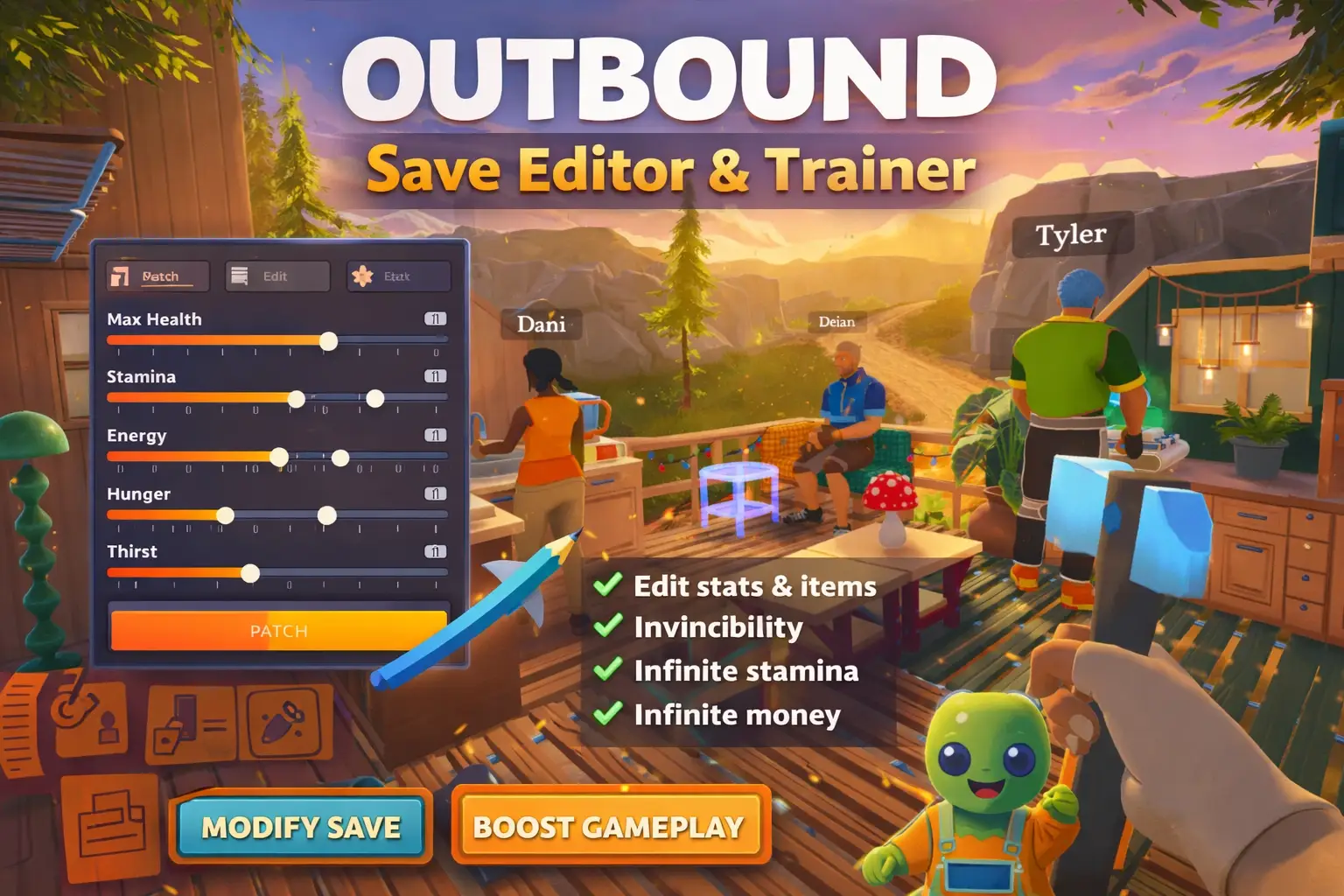
Looking to skip the early-game grind and focus purely on cozy exploration? XMODHUB ↗ offers the ultimate utility for Outbound, allowing you to customize your survival experience.
Infinite Camper Battery
Never run out of power on steep mountain inclines.
Unlimited Crafting Materials
Instantly build any base or van upgrade without grinding.
No Fall Damage / God Mode
Safely explore high-altitude locations like the Fire Lookout.
Instant Solar Charge
Bypass weather restrictions and charge your van instantly.
Why Choose XMODHUB for Outbound
XMODHUB ↗ is the trusted choice for single-player gamers who want to enhance their experience safely. With automatic updates that sync with the latest game patches and a malware-free guarantee, you can modify your game without the technical hassle. It is designed for offline use, ensuring your cozy adventure remains entirely under your control.

Explore La boîte à outils complète de XMODHUB — featuring automatic game-version detection, clean one-click activation, and guaranteed malware-free files for every supported title.
Resources & Energy
Player & Survival
Vitesse et durée du jeu
Questions fréquemment posées
Prêt à améliorer votre jeu ?

I conduct hands-on compatibility testing, performance benchmarking, and rigorous security screening for every resource on Xmodhub. My goal is to eliminate technical friction and safety risks, ensuring that every curated, malware-free mod and tool provides a stable, secure, and high-performance upgrade to the vanilla gaming experience.


 Catherine Hu